
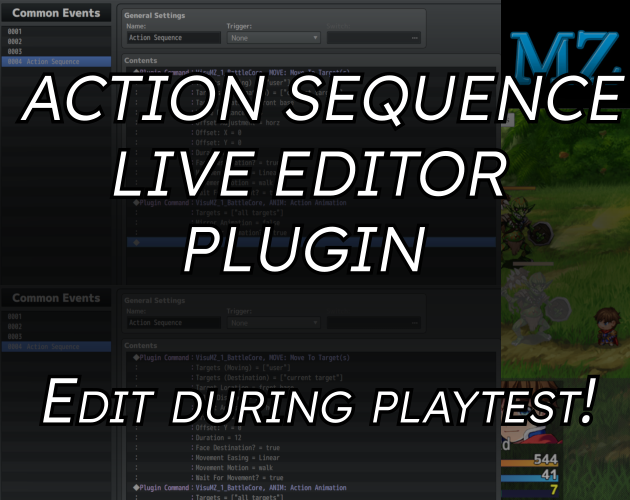
MZ Plugin - Live Action Sequence Editor!
Improves drastically your action sequences workflow INSTALLATION 1) Add the plugin, activate it.2) Now when you launch your game, a button should appear in the top left corner of your screen! HOW TO USE 1) Launch Test Battle, or real game with Play Test Button.2) Keep your project opened in background, and modify your Common Events.3) 'Apply' -> 'Ok' -> Save Project4) Go back in game, click on 'Reload Action Sequences'5) Test! It should be applied immediately. LICENCE CC BY 4.0 https://creativecommons.org/licenses/by/4.0/ You must give appropriate credit, provide a link to the license, and indicate if changes were made. You may do so in any reasonable manner, but not in any way that suggests the licensor endorses you or your use. <div class="open_grepper_editor" title="Edit & Save To Grepper"></div><div class="open_grepper_editor" title="Edit & Save To Grepper"></div><div class="open_grepper_editor" title="Edit & Save To Grepper"></div><div class="open_grepper_editor" title="Edit & Save To Grepper"></div> KNOWN BUGS *Using the button on map could cause a crash. PAID VERSION <a href="https://manugamingcreations.itch.io/action-sequence-node-editor-rpg-maker-mz"><span></span>Action Sequence Node Editor - RPG Maker MZ by ManuGamingCreations</a>
 ManuGamingCreations 8 games· 896 followers· 46 ratings· portfolio 68 View creator →