CopperCube Plugin svcConnect /align scenenodes v1.2
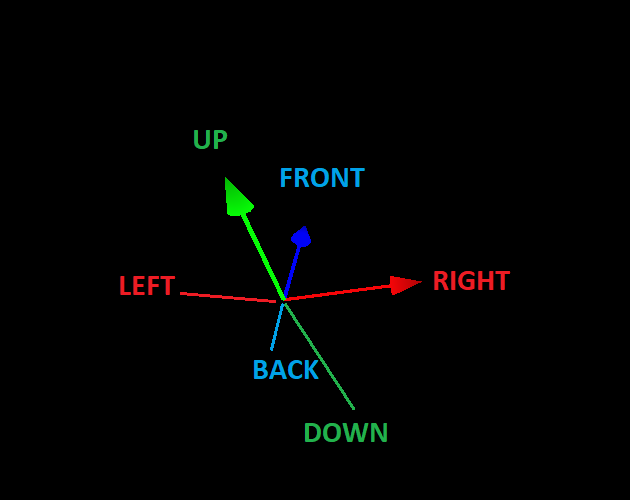
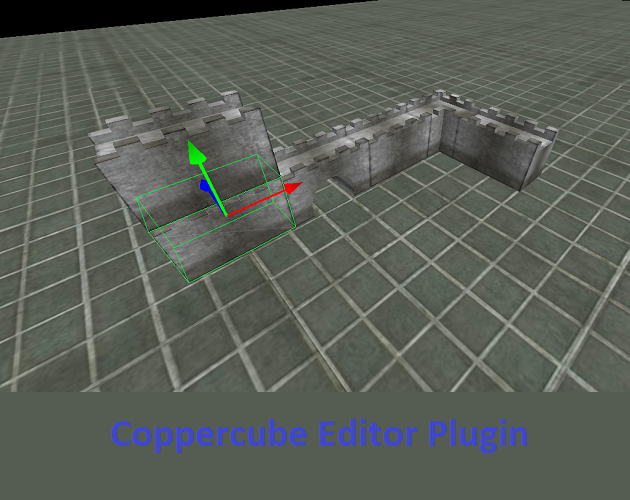
Removed some bugs (probably added some more)Now it works better.Now you can use Y rotated and off centre objects also.How to use:First put this script into your Coppercube Plugins folder..Then start Copperube..In editor now select object you want to move/align with another object..[if selected press CTRL+Q]Now select another object the object you want first object placed next to..[if selected press CTRL+A]And object A should be now next to object B on direction you set..To set direction press CTRL+X[you see direction will be printed on debug window..]directions are up/down/left/right/front/back..keep press CTRL+X until you have desired direction.If you want object A to move by its lenght into direction then just select object A and object A again and it moves "next to itself" and by that way it moves by its lenght.
5v3n 3 games· 130 followers· 11 ratings· portfolio 49 View creator →Ratings over time
Cumulative · 30dComments over time
Cumulative · 30dScreenshots
1 / 2