Ultimate Shader Playground v0.55 (Demo)
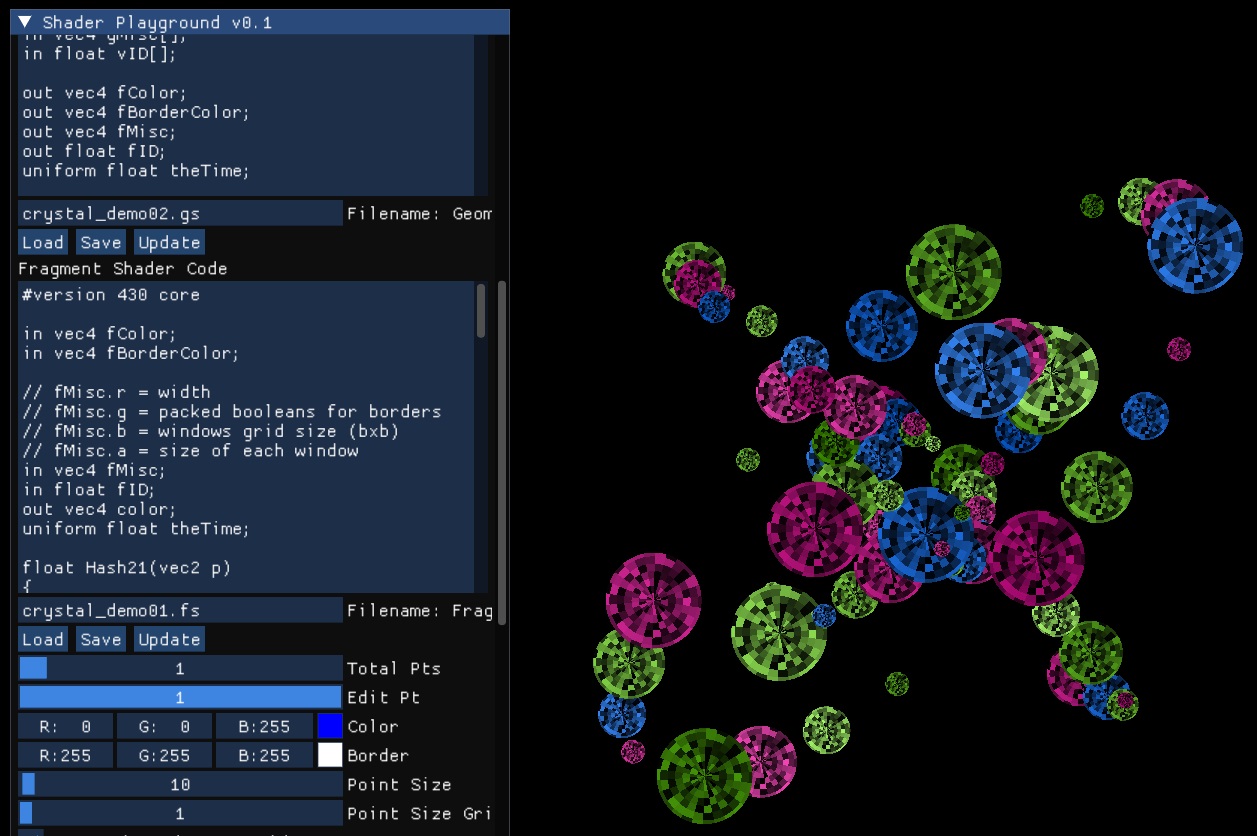
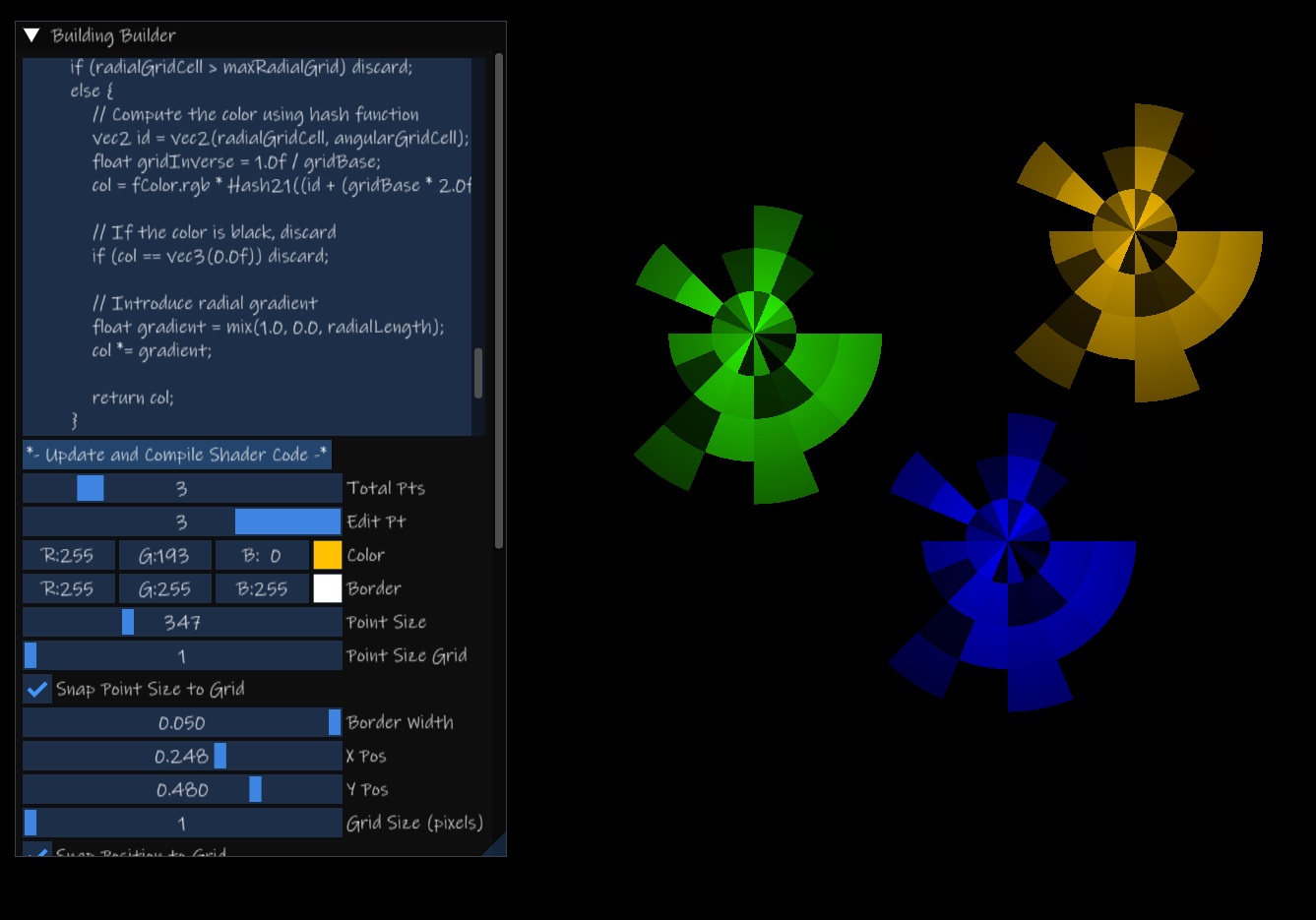
Real-Time GLSL Shader Editor! Discord Experiment and create with Vertex, Tessellation Control, Tessellation Evaluation, Geometry, and Fragment Shaders with 4 modes of operation (Geometry Shader and Tesselation Shaders are optional). Watch the Journey: Follow the development of this project on my YouTube channel here. Latest Update - Version 0.55: New Popup for Shader Compilation or Linking Errors!Checkboxes for Triangle or Quad rendering.Built-In Variables: Next to each shader stage is a checkbox to show the built-in variables for each shader stage, accessible with copy/paste.GUI Polished a bit: I made it so less scrolling is required, you have more control over the GUI window (see dev log for this version for more details).New Feature: Vertex Shader Parsing directly translates into OpenGL Vertex Attribute initialization C++ Code. Explore this new addition with the convenient button located at the bottom of the editor. Enhanced Functionality: Version 0.4 brings you the flexibility to edit, load, and save individual shaders or groups of shaders (configs) in real-time. Drawing inspiration from ShaderToy and glslsandbox, our editor offers a more direct and hands-on experience with OpenGL. Noise Texture Sampler2D now included! (theTime access TIME, and theNoise accesses the Noise texture, with the texture() sampler function in all stages of the pipeline) Learn and Experiment: Dive into GLSL (Shader Code) and learn in real time. Our Shader Pipeline interface is designed for both beginners and experienced coders to experiment and see immediate results. Your Feedback Shapes the Future: We welcome your thoughts and suggestions! Your input is invaluable in making this tool even better. What’s Next? Stay tuned for exciting updates, including: Modular Functions: Taking all your shader functions from every stage of the pipeline and making them modular and easily accessible for copy/paste via popups and buttons.Enhanced Data Flexibility: More options for initial data from the Vertex Array Object and Vertex Buffer Object. Look forward to advanced OpenGL settings configurations, along with the ability to load and save diverse OpenGL settings. Your Ideas, Our Features: We're open to your suggestions! Tell us what you'd like to see, and we’ll explore the possibilities. For detailed information on each version update, please refer to the corresponding development log. Thank you for your interest and support!
 programmer_jeff 72 followers· portfolio 16 View creator →
Ratings over time
Cumulative · 30dScreenshots
1 / 4