
No image available
Project 2
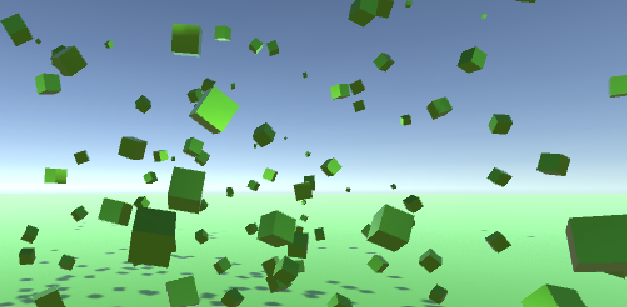
Use left click to place single cubes, or right click to place many. Use the bounciness slider to change how much the cubes bounce, or the gravity toggle to turn gravity on or off. Use the RGB sliders to change the color of the cubes or the random color button to set random RGB values. The cube counter counts the number of cubes placed, while the clear button will clear the cubes randomly over the next 1.5 seconds.
pw42 View creator →Ratings over time
Cumulative · 30dCumulative ratings