Aseprite SpriteSheet Preview Script (Like PyxelEdit)
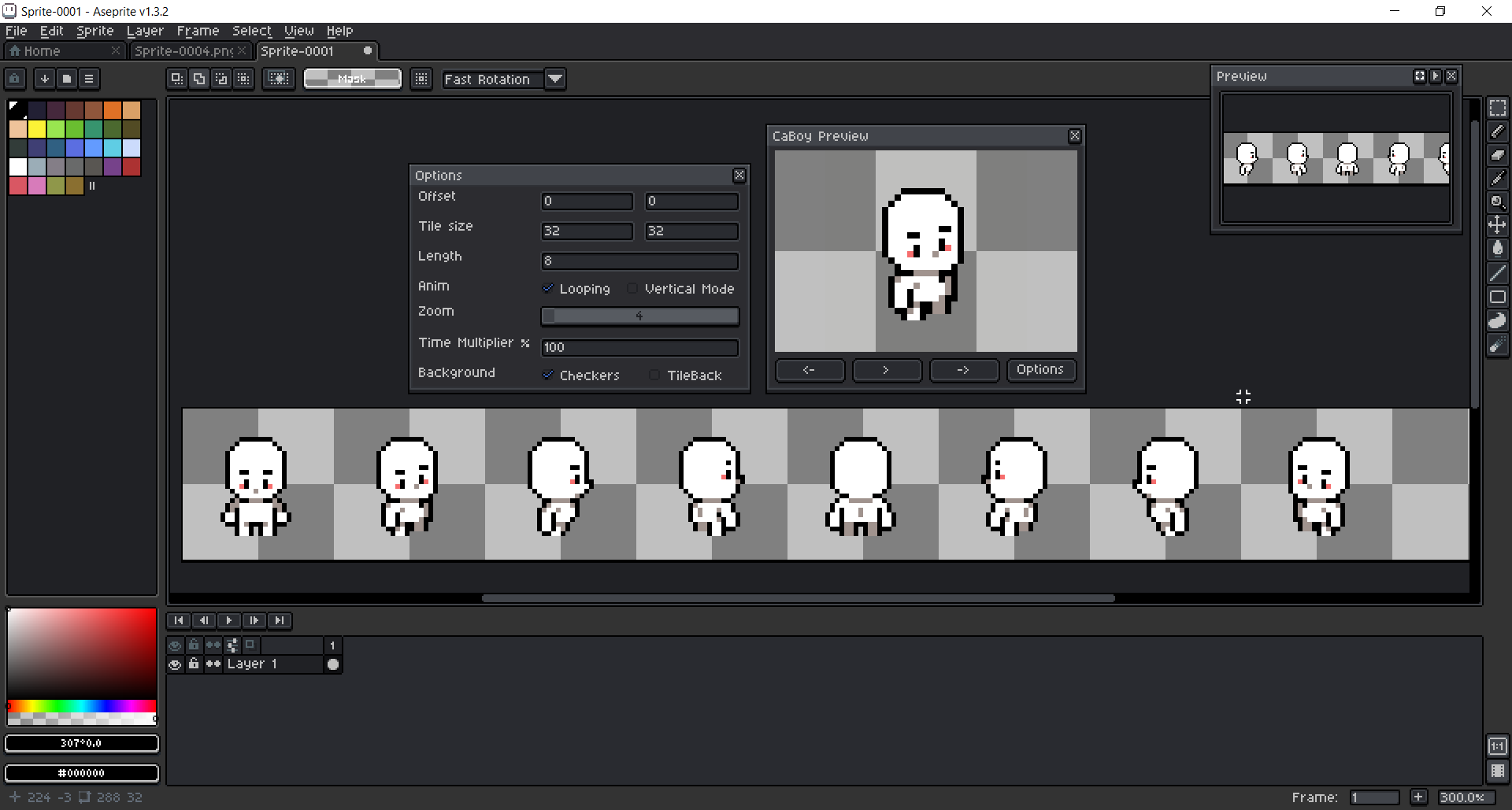
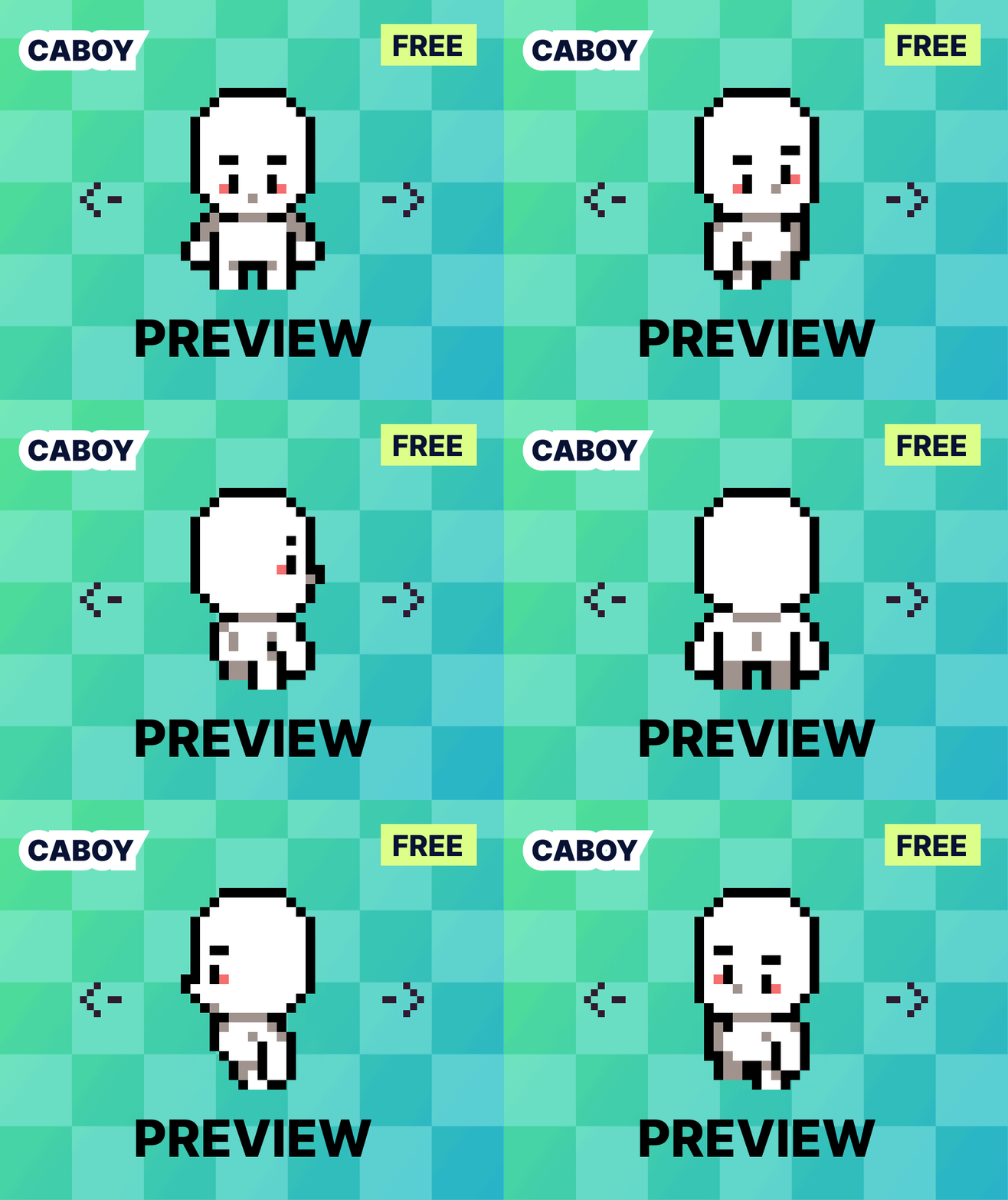
Aseprite SpriteSheet Preview (CaBoy Preview V2.0) Hi, I'm CanadianBoy. Aseprite's animation tools rely on onion skinning and frames, lacking the ability to preview spritesheets like PyxelEdit. I've long contemplated adding this feature and have created a script to do just that. You can now enjoy the results of my hard work for free, but your donations would greatly support me. Thank you for your attention. Special thanks to my good friend Mr. Mort (or MortMort on YouTube) for providing the cute RPG character sprite used in this script's preview. Instructions: Place this file in your Aseprite scripts folder (go to File -> Scripts -> Open Scripts Folder). Run the script by going to File -> Scripts -> Color Shading V2.0 update: I'm added the set button! If you select an area in the sprite, it will be displayed automatically and there is no need to set the offset and tile size values in the option. Options: Offset: set X and Y offset if your frames don't start from the top-left corner of the sprite. Tile Size: define the width and height of each frame. Length: specify the number of frames in your animation. Anim: Looping: if you want show your animation in a loop check this option.Vertical Mode: choose this if you draw your frames from top to bottom instead of left to right.Zoom: adjust the zoom of the preview window; you can also use the mouse wheel for this. Time Multiplier %: change the speed of displaying each frame.Background: Checkers: toggle the checkers pattern on/off.TileBack: add a white background layer to tiles and fix the transparent colors display bug. Bugs! Transparent colors may not display correctly if your sprite lacks a background with a solid color. This is an Aseprite blending mode bug, not an issue with my script. To fix this, turn on "TileBack" in the Options window or add a background layer to your sprite with a 100 percent opacity color. (They fix this bug in new version. I tested in v1.3.9.2)When not in play mode, changing the visibility of a layer will not be reflected in the preview window until you click next/prev buttons. Unfortunately, this is an issue with Aseprite itself, as the developer did not provide an API for this event. There is no known solution to this problem. My other assets and scripts <span></span><a href="<a href="https://canadianboy.itch.io/aseprite-color-shading-script">Aseprite" class="redactor-linkify-object">https://canadianboy.itch.io/aseprite-color-shading-script">Aseprite</a> Color Shading Script (Like PyxelEdit) by CanadianBoy</a>
 CanadianBoy 3 games· 134 followers· 20 ratings· portfolio 53 View creator →
Ratings over time
Cumulative · 30dComments over time
Cumulative · 30dScreenshots
1 / 2