Lone Fighter
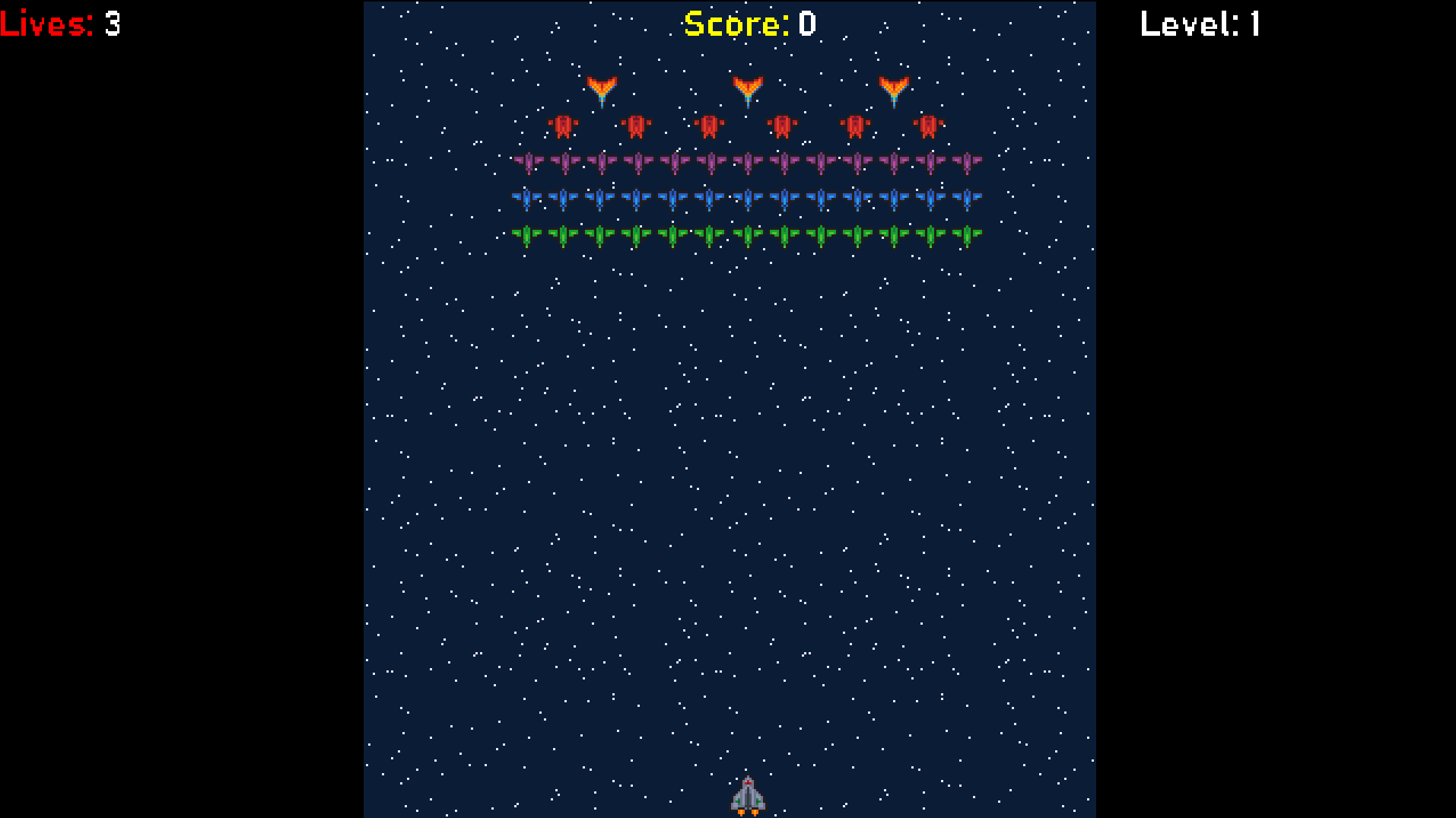
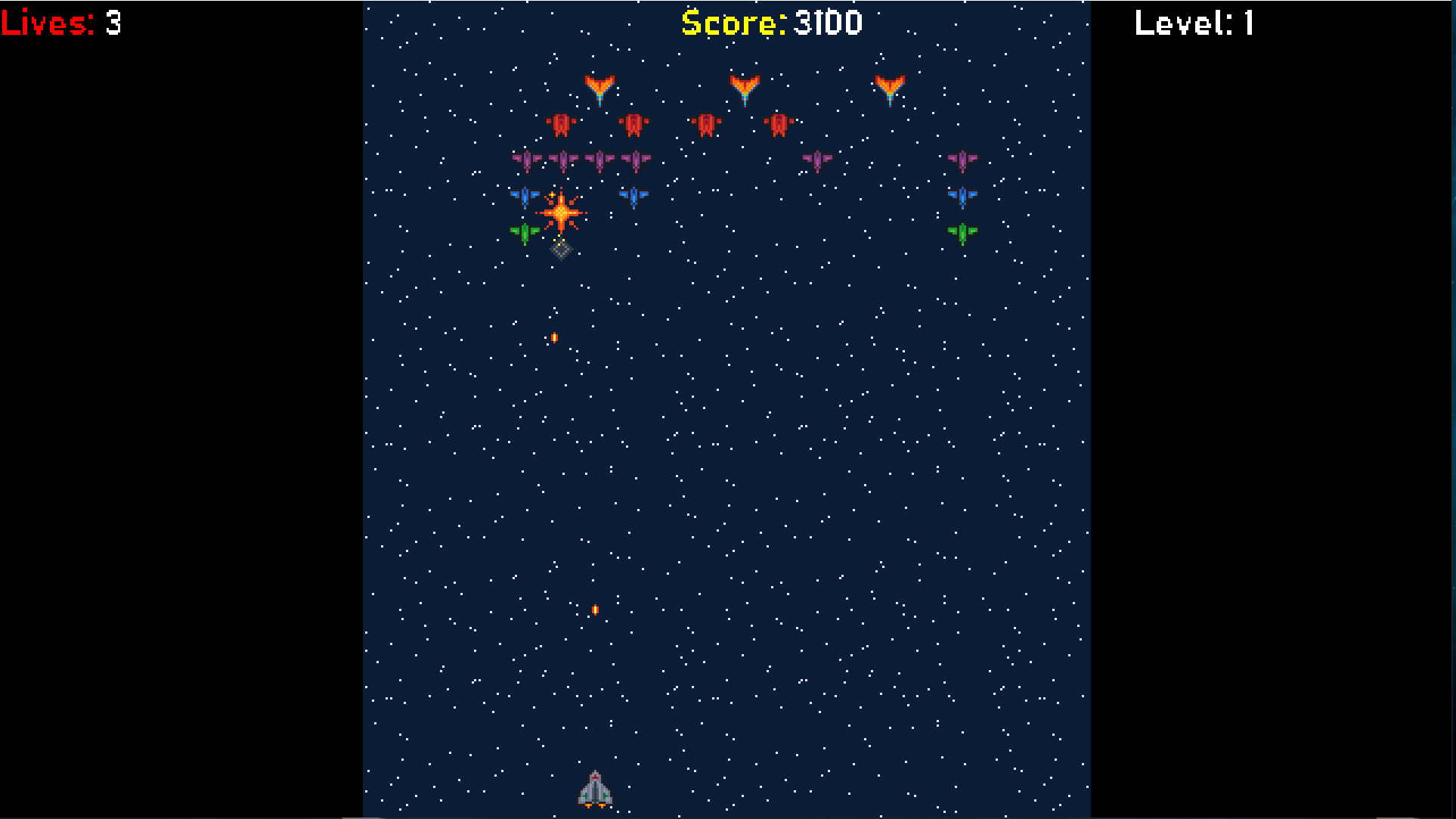
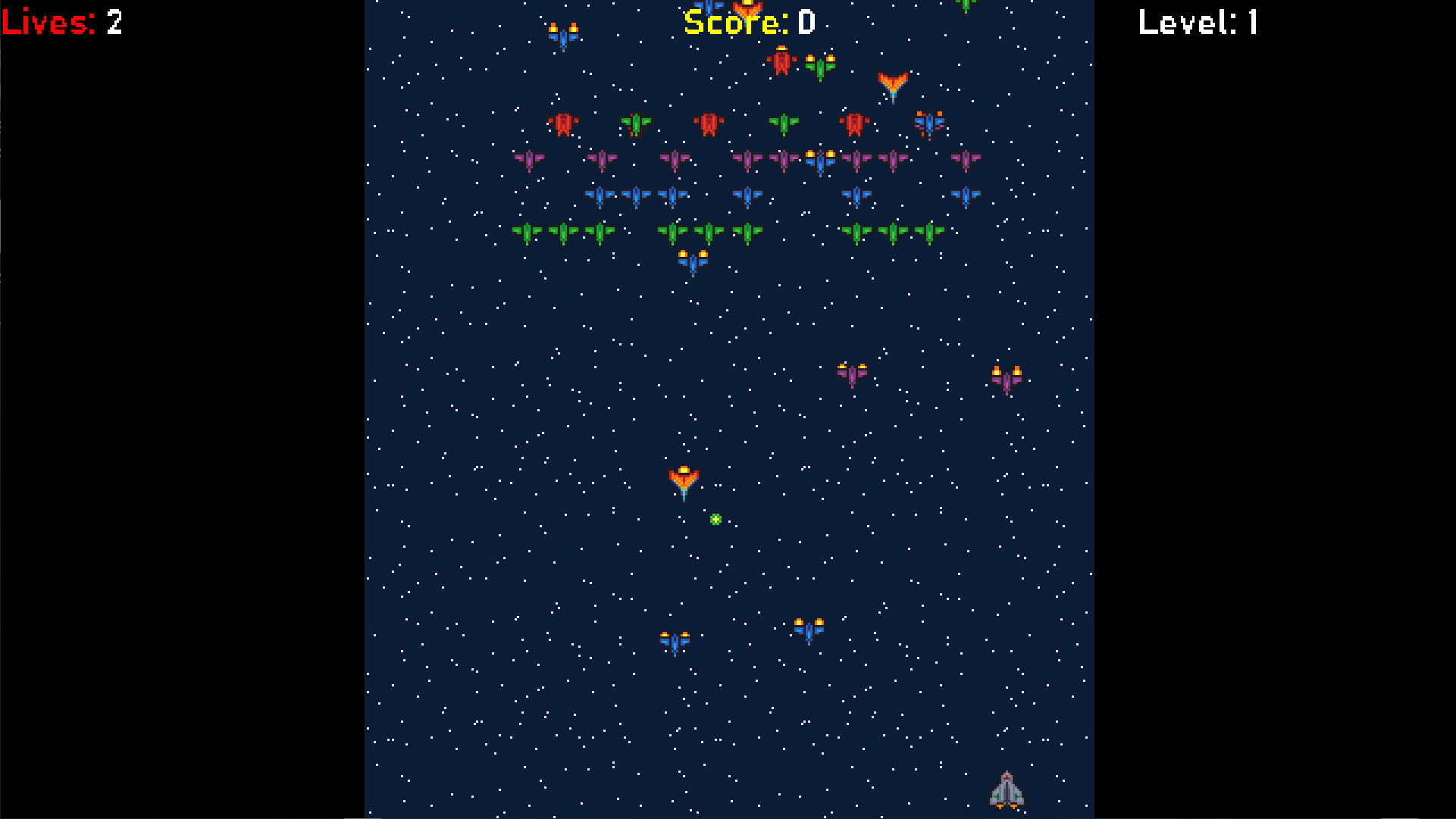
Game Controls: Keyboard: - Left: A or Left Arrow key - Right: D or Right Arrow key - Restart: R - Shoot: Spacebar - Pause: ESC or P Gamepad: - Turn gamepad rumble on/off: Y on the keyboard - Move left/right: D-pad or analog stick - Shoot: A, X, Y, or B - Pause: Start Additional Notes: - For the browser version, click the Fullscreen button on/off at the bottom right if you encounter viewing issues. - To adjust display size, press CTRL + Mouse Wheel to zoom in/out. - If the browser display is too small, consider downloading the game for a visually enhanced experience. - The downloadable version allows for resizable display windows and improved sprite quality. - This game is inspired by Galaxian, a classic NES game, created for the GMC Slow Jam 01. -This is my entry for the GMC slow jam ( https://forum.gamemaker.io/index.php?threads/gmc-slow-jam-01.110906/). - Enjoy playing the game and relive the nostalgia of the original Galaxian experience. - leave your scores at the comment section. Any feedback is greatly appreciated. version 1.1: - Made the game a little bit difficult, for every 5 levels the enemy gain more health points. version 1.2: -Added High score tab next to the current score tab. -High Score can now be saved between sessions. (Only works for the Downloadable version. as for the browser version, it resets when you run out of lives or restart the game). -Added a new background. version 1.3: -fixed the screen issue in the browser version.
Khalifa_M 8 followers· portfolio 8 View creator →Ratings over time
Cumulative · 30dScreenshots
1 / 4