
Avatar animation and ragdoll demonstration in Unity
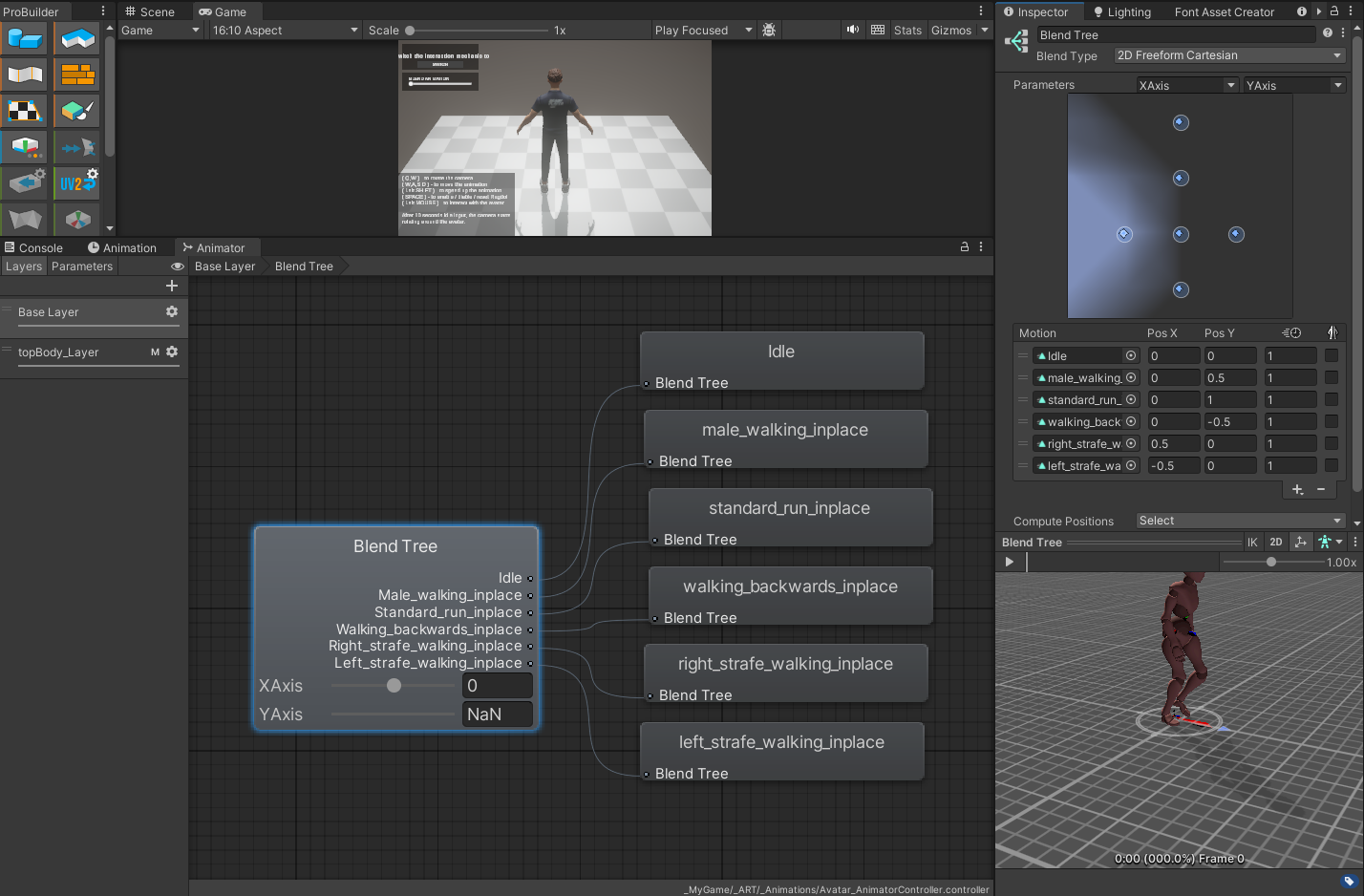
Skill Demonstration project. The project includes the following work and features. Completed Work: Avatar taken from the ReadyPlayerMe websiteI optimized the avatar texture in Blender by adjusting the UV layout while maintaining texture quality.Animations taken from the Mixamo website The project was created using Unity 2022 with the URP rendering systemProgrammed all interaction and physics mechanicsSet up and configured the ragdoll systemCreated a simple user interface Implemented features in the project: Ability to switch the avatar's skeleton between Animator-controlled bone structure and Ragdoll mode. Gradual animation blending can be controlled with the on-screen slider button. Ability to switch between interaction modes in the left top part screen. By clicking on the avatar, you can either grab or hit a specific body part, which will switch the skeleton from Animator control to Ragdoll modeUsing keyboard keys, you can control the avatar model's animation changes and see the BlendTree in action. If something goes wrong and you can't recenter the avatar with the "SPACE" key, please refresh the page by reloading it. This demonstration took approximately 16 hours and 30 minutes to create. Completed in under 3 days. My LinkedIn: linkedin.com/in/arvismagone
 AMINT Studio 17 followers· portfolio 11 View creator →