Pseuthe
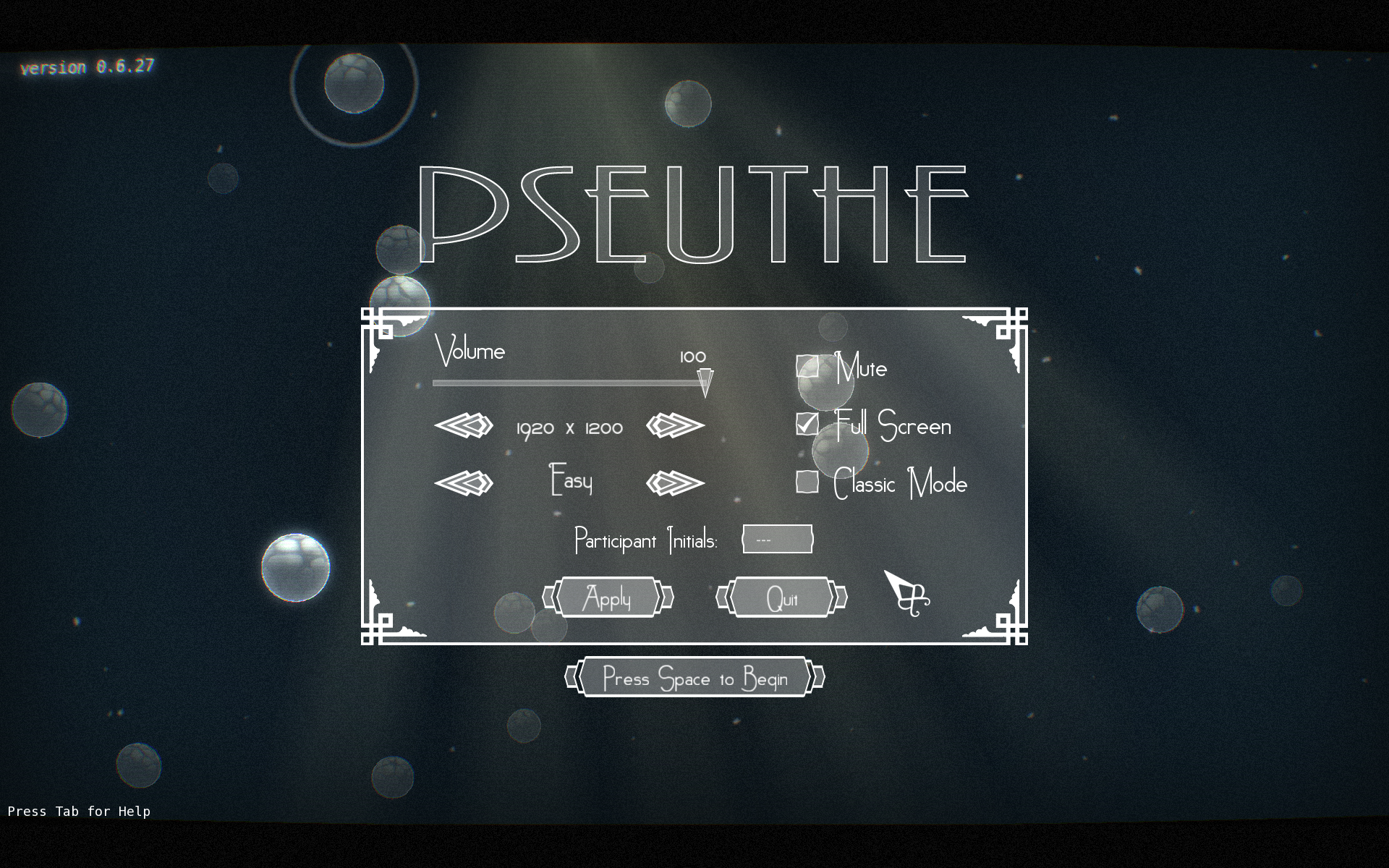
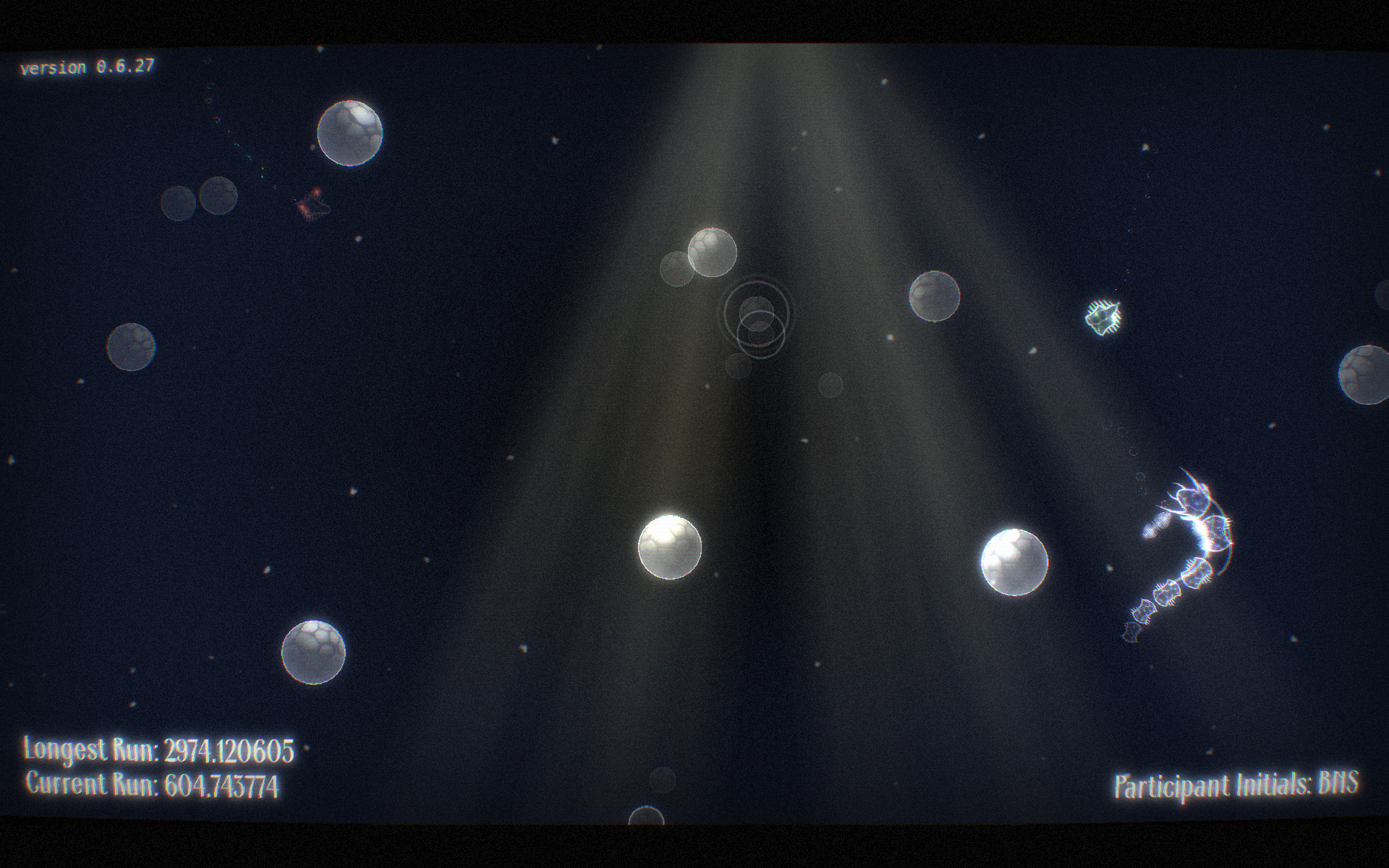
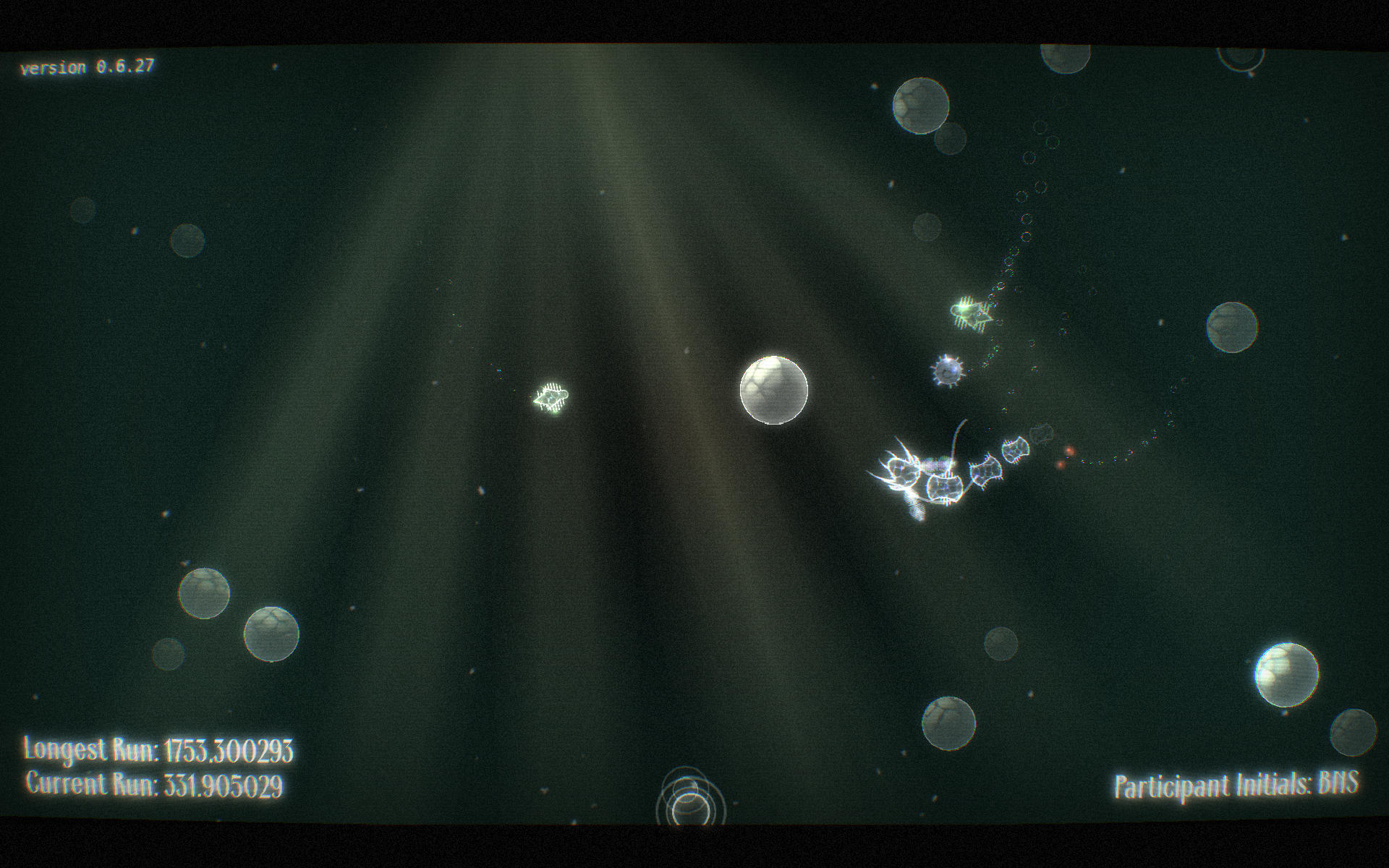
Pseuthe (pronounced 'soothe') is an abstract audio / visual experience, with casual game play elements.Take on the role of a proterozoic plankton with the sole aim of survival - absorb and consume the healthy microbes whilst avoiding those detrimental to your health. If you don't eat you will slowly starve to death, and colliding with obstacles will also reduce your health. The game ends once you fade out of existence. There are four kinds of microbes to look out for. The most common are either green or red. Green microbes give you health when eaten, red will take some away. Red microbes are sick and dying, and will fade away slowly. There are also blue 'viral' microbes which are less common, but will give you a significant health boost. Very rarely you will also see something akin to a jelly fish. These fade rapidly, but eating one gives you full health, so eat it quick! Microbes don't like to group. Striking red plankton to help them die sooner will promote the arrival of new microbes - but don't accidentally swallow anything nasty...ControlsThe player can be controlled with either the keyboard or a controller.Pseuthe is tested mainly with an xbox 360 controller, but others shouldwork fine too. There are two sets of controls available; Arcade - whichis enabled by default, and Classic - which can be enabled via the checkbox on the main menu.In Arcade mode left and right rotates the player's head, while forward and backward accelerate and decelerate in the direction the player is facing. This is similar to many top down racing games - the main difference being that there is no friction applied to the player. Onceyou accelerate up to speed you no longer need to keep accelerating. Light adjustments using the accelerate and decelerate keys is the recommended approach. In Arcade mode the controls are mapped like so:Accelerate:W or Up Arrow on the keyboard, or Button 0 or z-axis negative on acontroller. This is the equivalent to the A button and right trigger on anxbox 360 controller.Decelerate:S or Down Arrow on the keyboard, or Button 1 or z-axis positive on acontroller. This is equivalent to the B button or left trigger on an xbox360 controller.Turning:Steering is mapped to the A and D keys or Left Arrow and Right Arrow on thekeyboard. On a controller you can use the analogue stick or the D-Pad tosteer.Classic mode allows you to control the player in a more realistic, physically based sense, but can be much harder to grasp. Using the WASD orArrow keys on the keyboard or the analogue stick on the controller, you apply a literal force in the direction of the control. Pressing up willpush the player toward the top of the screen, down moves towards the bottom,and so on. If you have used RCS systems in games such as Kerbal Space Program then the concept should be familiar. Unfortunately keyboard controls in this mode are limited to eight degrees of movement and so classic mode works much better with an analogue controller. The Classic control scheme has been included for those who are looking for an increased challenge from the game.Changelog 1.0.3Made help menu more informative (hopefully!)Updated CreditsAdded Colourblind modeFixed score continuing to increase when window lost focusThanks to Jonny P for the mac port!System RequirementsAt the very least pseuthe requires:2.4GHz Dual core processor or higher2GB RAMATI Radeon 3000 series or higher, or nVidia equivalentWindows Vista or newerOR64 bit distro of linux (ubuntu, arch etc)ORMac OS X 10.10.4 or higherNOTE FOR WINDOWS USERSSome users may recieve an error 'missing msvcr120.dll'. To fix this installthe redistributable runtimes by running vcredist_x86.exe included in the thegame download. Users with 64 bit versions of Windows may also need to runvcredist_x64.exe. The latest versions of these can be obtained from the Microsoft website.
fallahn 3 games· 26 ratings· portfolio 36 View creator →Ratings over time
Cumulative · 30dScreenshots
1 / 5