
No image available
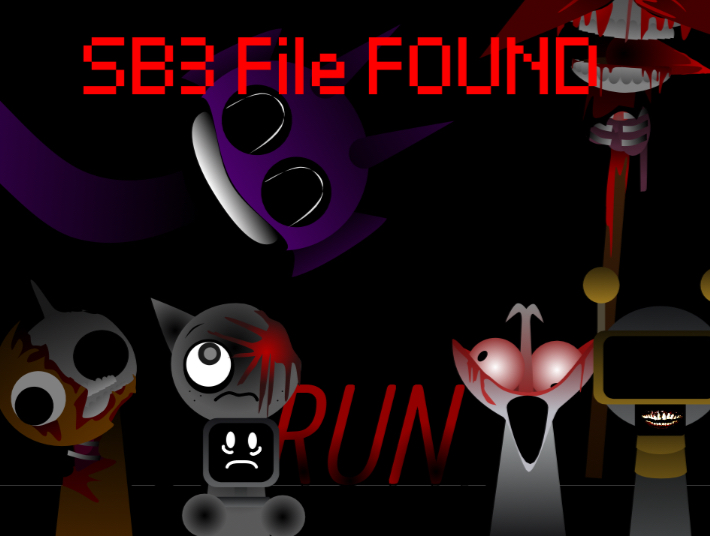
Sprunki Phase 3 - SB3 FILE FOUND
if you don’t know how to import sb3 files into scratch, I’ll teach you 1. Go in scratch and click "Create" 2. Click "File" 3. Click "Load from your computer" 4. Import the sb3 file into scratch And there! And if there’s no audio, just refresh the page And also if you wanna make a mod of it, make sure you remove "FOUND" in the title
LoganADOfficial 1 games· 91 followers· 3 ratings· portfolio 39 View creator →Ratings over time
Cumulative · 30dCumulative ratings