Going Bonkers!
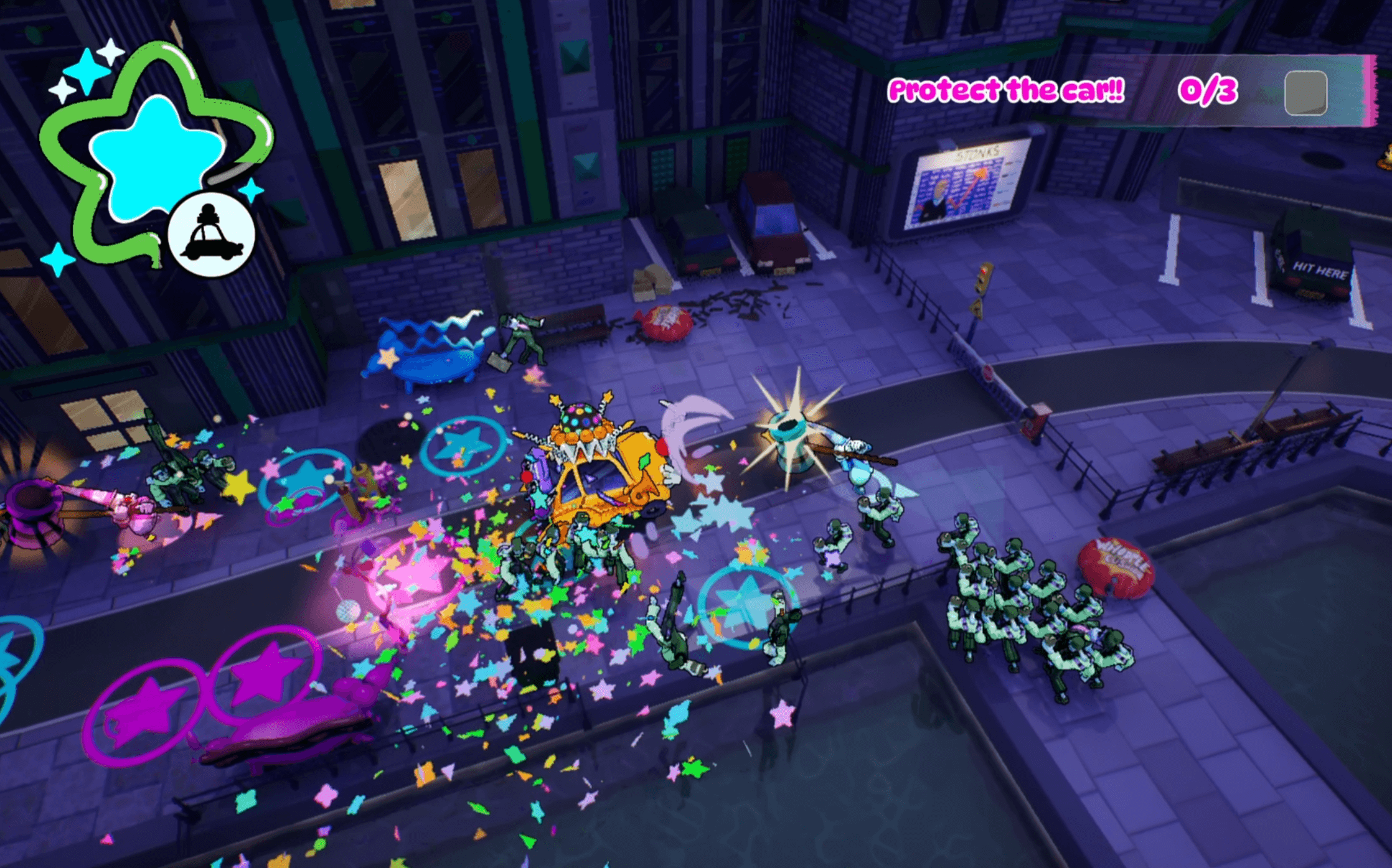
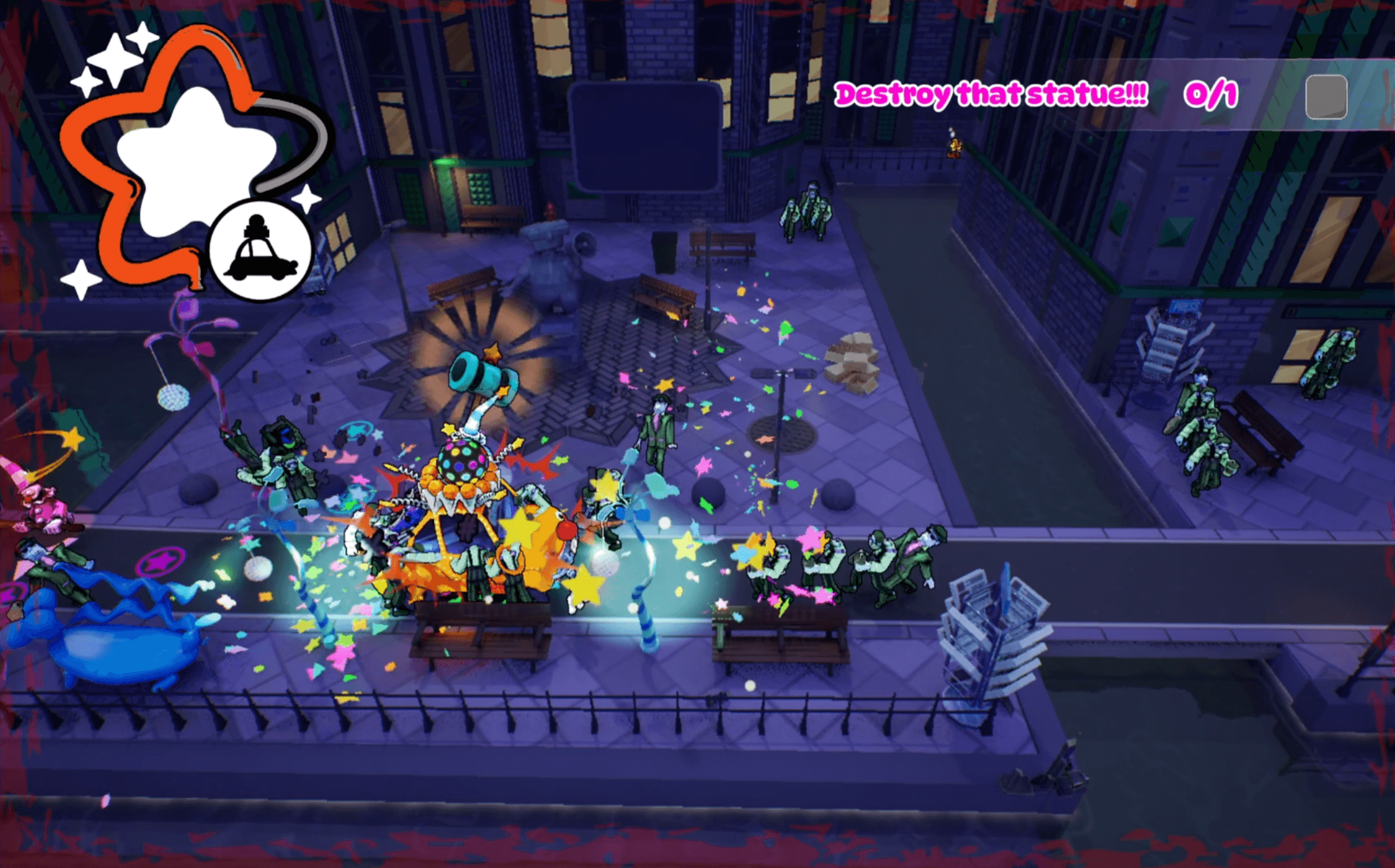
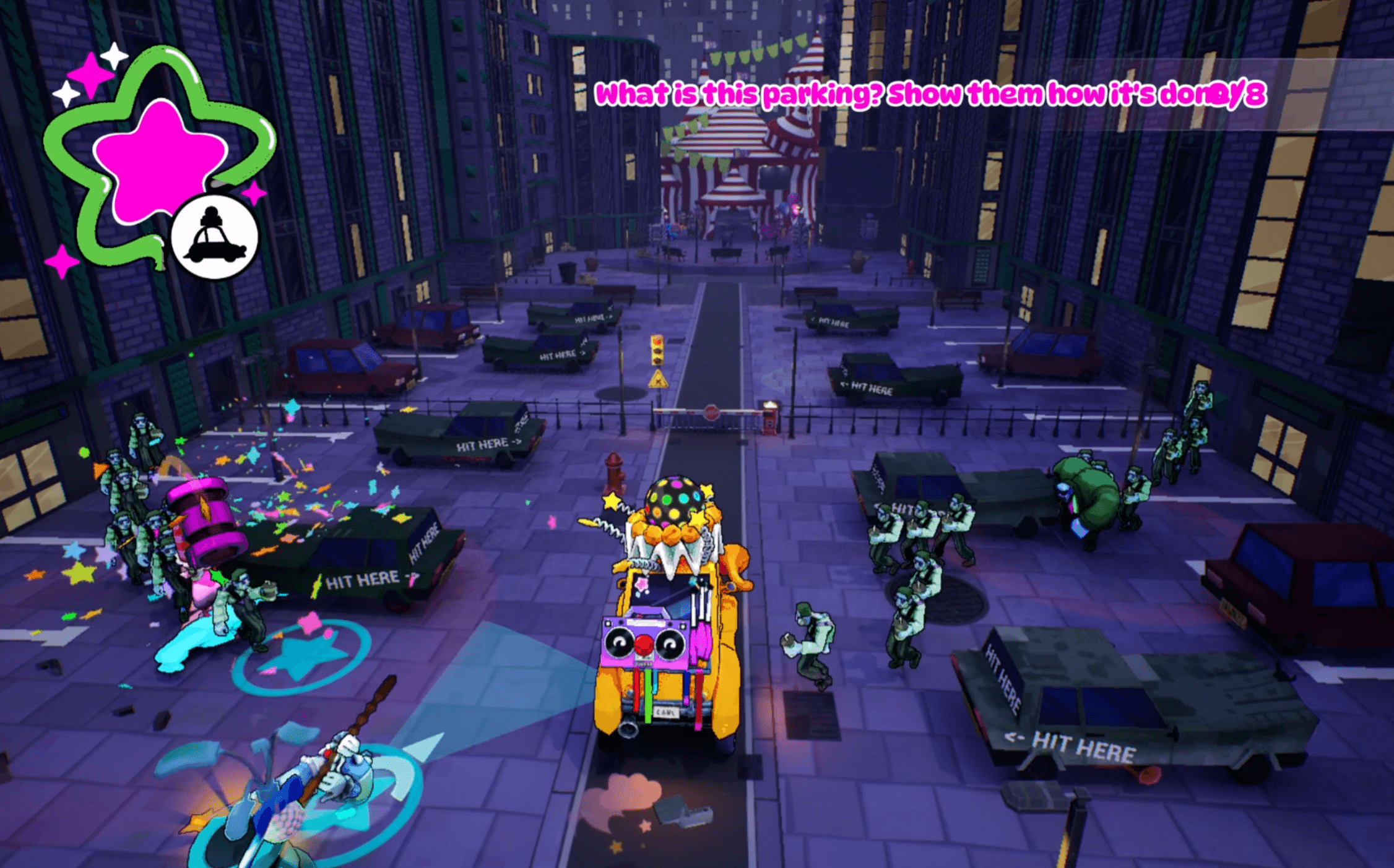
Going Bonkers! is a local co-op game following two clowns, with a knack for bonking, as they fight their way through hordes of salarymen to brighten a dreary city in this twin stick bonk-em-up! How to Play About Us We are team Tomato Tomato. A group of 21 second year students at Breda University of Applied Sciences. Going Bonkers! was initially created by 6 design and production students and over two months, equipped with a full team of Visual Artists and Programmers, we created the wacky world of Going Bonkers! Install Instructions How to unzip the folder and get the game running. 1. Press the "Download" button at the bottom of the page to download the latest build. After downloading the game visit your Downloads tab on your computer's file explorer. You should see a zipped folder called 'going-bonkers-win-playday.zip'. Right-click it, and then, from the list that appears, select 'Extract all'. 2. Among the files in this folder, there should be one called 'GoingBonkers.exe' with an unreal engine icon. 2a. Before opening the .exe file, make sure both controllers are connected to your computer. 3. Open it! (You may get a prompt saying something about how Windows prevented you from opening it. If this happens, click 'More information' on the prompt window that appears, and then click 'Run anyway'). 7. Optional: If you want to add the game to your desktop, right-click the aforementioned icon, select 'Create shortcut', and then drag the duplicate icon that appears onto your desktop. Minimum System Requirements OS: Windows 10 64-bit (latest revision) Processor: Core i5 4460 Memory: 8 GB RAMGraphics: DirectX 11 or 12 compatible graphics card (GTX 1060 (6 GB))Storage: 1.5 GB available space Recommended System Requirements OS: Windows 10 64-bit (latest revision) Processor: Core i5 9600K Memory: 16 GB RAMGraphics: DirectX 12 compatible graphics card with latest drivers(GTX 1070 (minimum for lumen))Storage: 1.5 GB available space
Ratings over time
Cumulative · 30dComments over time
Cumulative · 30dScreenshots
1 / 5