Fliply
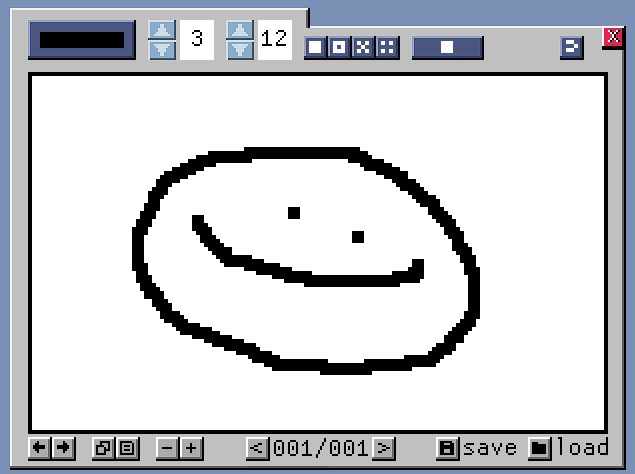
Fliply Animator Essential Controls Animation SPACEBAR - Play/Pause animation LEFT/RIGHT ARROWS - Navigate frames N - Add new frame D - Duplicate current frame Drawing LEFT MOUSE - Draw with selected color RIGHT MOUSE - Erase pixels CTRL + SCROLL - Change brush size (1-15 pixels) Dithering (Shading Effects) 1 - Solid drawing 2 - 50% dither (checkerboard) 3 - 25% dither (light shading) 4 - 75% dither (heavy shading) Onionskin (See Other Frames) NUMPAD 0 - No onionskin NUMPAD 1 - Show 1 frame behind NUMPAD 2 - Show 2 frames behind NUMPAD 3 - Show 1 behind + 1 ahead Project Management CTRL + S - Save project CTRL + O - Load project CTRL + Z - Undo CTRL + Y - Redo Help F1 - Toggle in-app help panel Quick Start Draw with left mouse button Add frames with N key Press SPACEBAR to play your animation Use F1 for complete help anytime Supports up to 999 frames. Projects save as .flip files to Desktop.
 Wonky Productions 1 games· 25 followers· 5 ratings· portfolio 41 View creator →
Ratings over time
Cumulative · 30dComments over time
Cumulative · 30dScreenshots
1 / 3