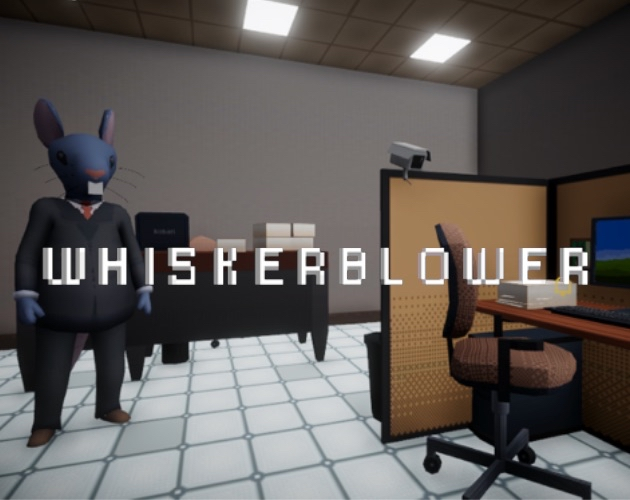
Whiskerblower
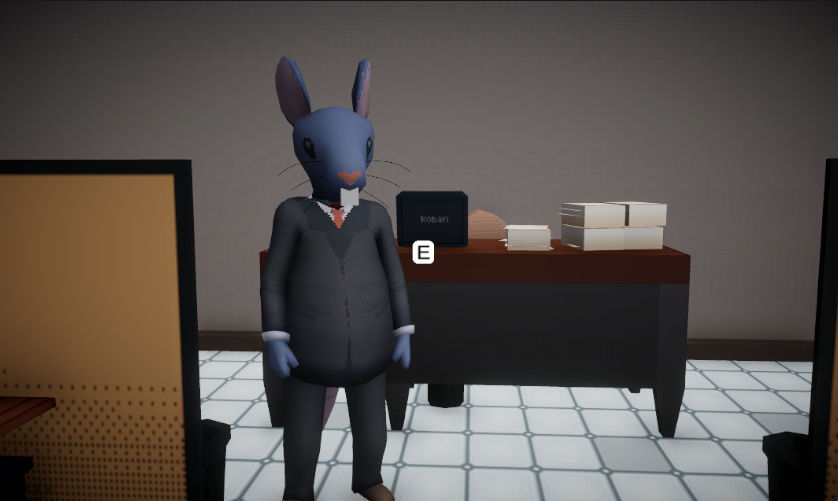
How to Play Goal You’re a new hired analyst for the Anti Corruption Office. Check your emails, open their attachments, and decide whether there are inconsistencies (possible corruption) or everything is legitimate. Your performance across 3 days determines the ending. Controls W / A / S / D – Move Mouse – Look E – Interact (talk to the boss, use PC, open phone, door, etc.) Q – Close apps (PC / Phone / Analysis) and return to character control Left Click – Click UI buttons When you open the PC, Phone, or Analysis, the cursor appears and character movement is locked. Press Q to exit and return to gameplay. Day Flow Talk to your Boss.(Optional) Check your Phone for news/messages. Use the PC (Email app) and review the day’s emails. Open the attachments to analyze each case. Submit your verdict for the case. Talk to the Boss when it’s time to wrap up, then leave through the door to end the day. Emails & Analysis (core gameplay) Each case email includes attachments. Click the Attachments button to open the Analysis app. You’ll see icons/buttons for each piece of evidence (e.g., Check, Photo, Legal Document). When you open an evidence: Checks: click the overlay buttons on zones (banc logo, left edge, number) and mark each as Pass/Fail according to the rules from the tutorial. Photos: move the analysis slider to reveal a “filtered” version and spot anomalies; mark zones Pass/Fail. Legal documents: verify coherence (bank, amount, photo description, etc.) and mark Pass/Fail. After finishing a case’s evidence, a verdict panel opens: You’ll see a short comment and a Send button. Click Send to submit your result and close the Analysis app. Tip: Most cases have 3 pieces of evidence. Review them all before sending. Phone Shows a daily news item and, at certain moments, messages. It’s narrative support and doesn’t always block progress. Progress & Endings There are 8 cases total (Day 1: 2 • Day 2: 3 • Day 3: 3). If your overall accuracy is ≥ 66%, you get the Good Ending; otherwise, the Bad Ending. At the end of Day 3, go to the door to see your ending. Tips Read each email and attachment carefully; small details matter. The first email includes a tutorial explaining check/photo rules. Mistakes are okay—the game records your verdicts and continues. The ending depends on your total accuracy. Troubleshooting No cursor in UI: press Q to exit and re-enter; ensure you’re looking at the correct panel. Can’t leave through the door: check if you’ve talked to the boss when required (or wait for the prompt if the build uses a timer). E doesn’t interact: move closer and center your view on the interactive object. Good luck investigating! 🕵️♀️📑 KOBARI Team Aura Serrano - Producer Alan Giron - 2D Artist and Script Marco Garcia - Programmer Venecia Paz - 3D Artist
kobari 2 followers· portfolio 4 View creator →Ratings over time
Cumulative · 30dScreenshots
1 / 4