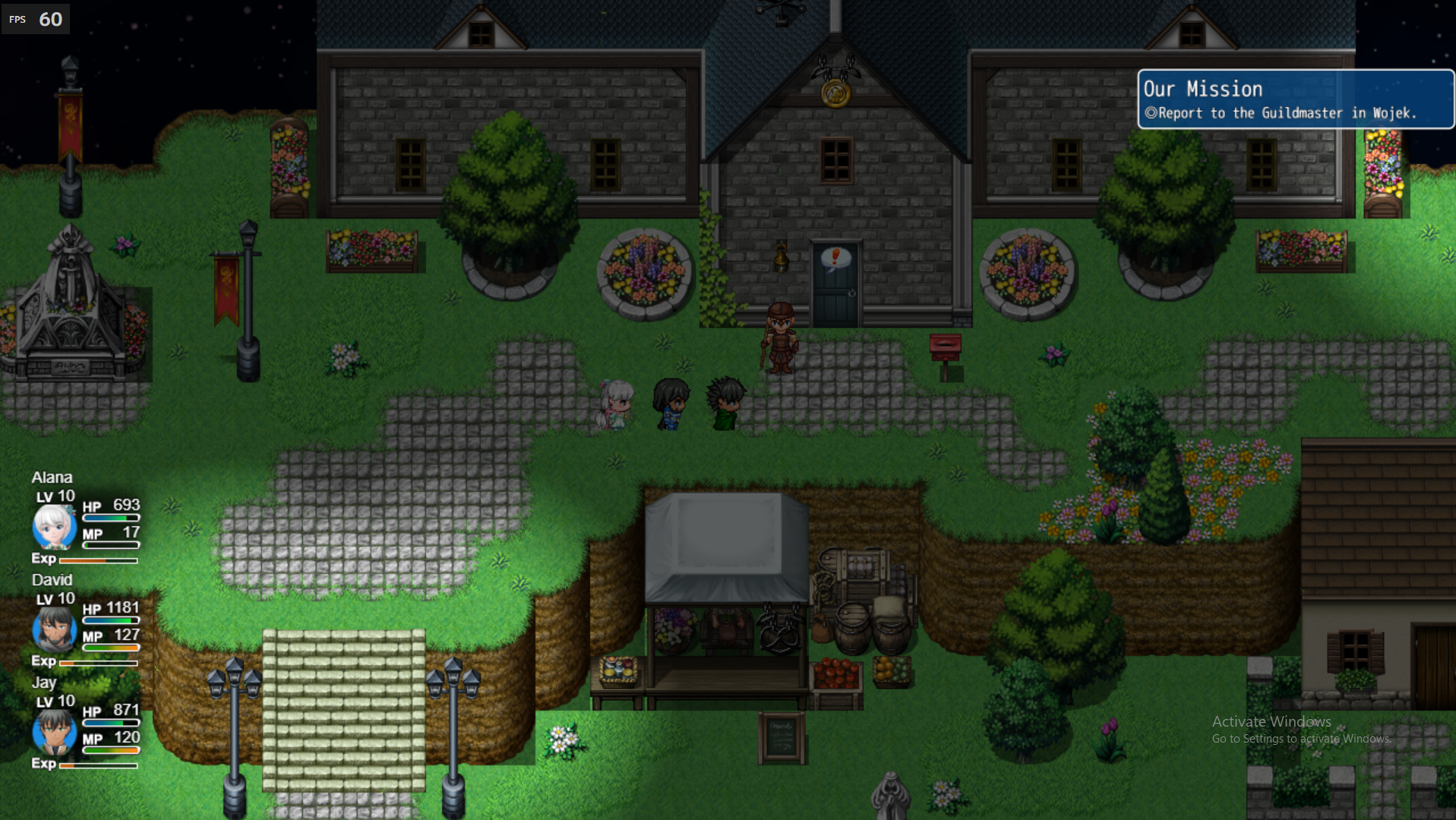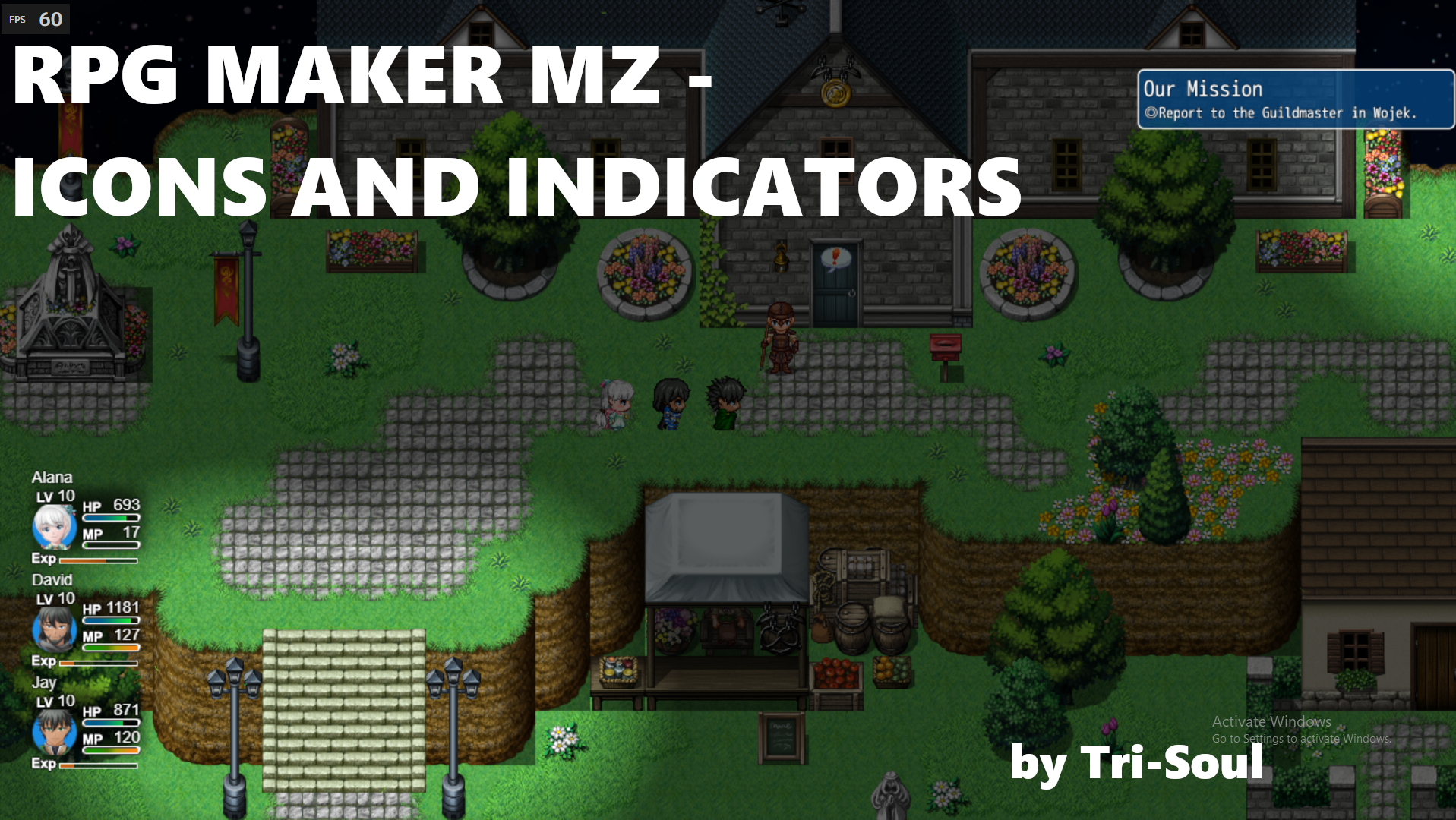
Icons and Indicators for RPG MAKER MZ
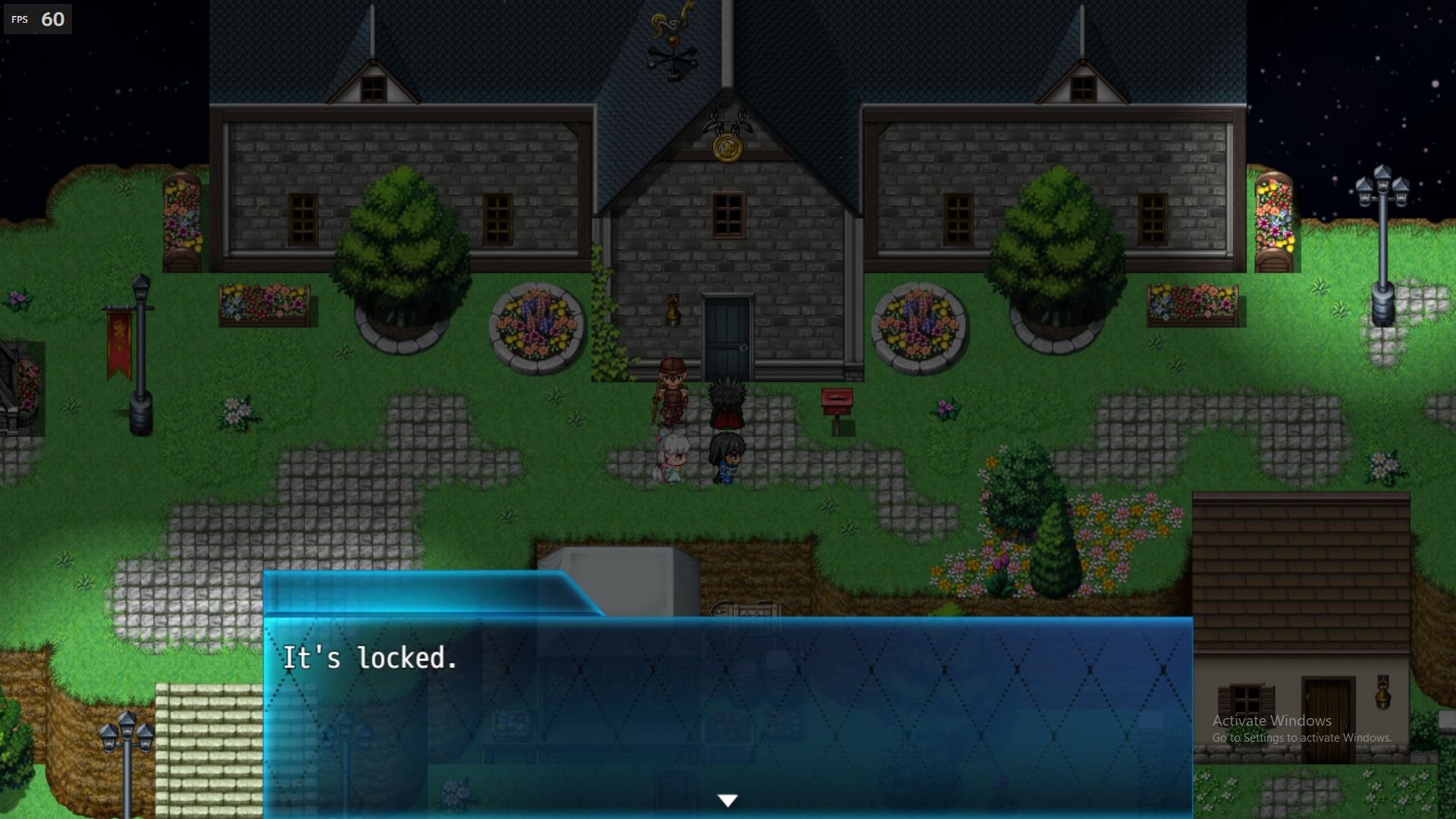
============================================================================ Floating Icons & Indicators - by Tri-Soul ============================================================================ This plugin allows you to display floating icons above events in your RPG Maker project. You can use it to show indicators like "talk prompts" or custom icons to highlight important NPCs, objects, or interactions. ---------------------------------------------------------------------------- HOW TO USE ---------------------------------------------------------------------------- 1. Add this plugin to your project's "js/plugins" folder. 2. Enable it from the Plugin Manager in RPG Maker. 3. Add the following tags to your Event's **Note Box**: <icon: X> → Shows a floating icon with index X (from IconSet.png) above the event. <indicator: X> → Shows a floating icon only when the player is facing and near the event. 4. You can also use **Event Comments** for page-specific dynamic icons: Comment: <icon: X> Comment: <indicator: X> → These will only apply while the event page is active. ---------------------------------------------------------------------------- BEHAVIOR ---------------------------------------------------------------------------- - Icons float gently above events, fading in/out as needed. - "Icon" type: visible when the event is on-screen. - "Indicator" type: only visible when the player is facing the event and close. - Supports both persistent (Note-tagged) and dynamic (Comment-tagged) icons. - Automatically updates when an event page changes. ---------------------------------------------------------------------------- TERMS OF USE ---------------------------------------------------------------------------- - Free for commercial and non-commercial use. - No need for credit. - Editing allowed for personal projects. ===============================================================
 TriSoulKirb 6 followers· portfolio 7 View creator →
Ratings over time
Cumulative · 30dComments over time
Cumulative · 30dScreenshots
1 / 3