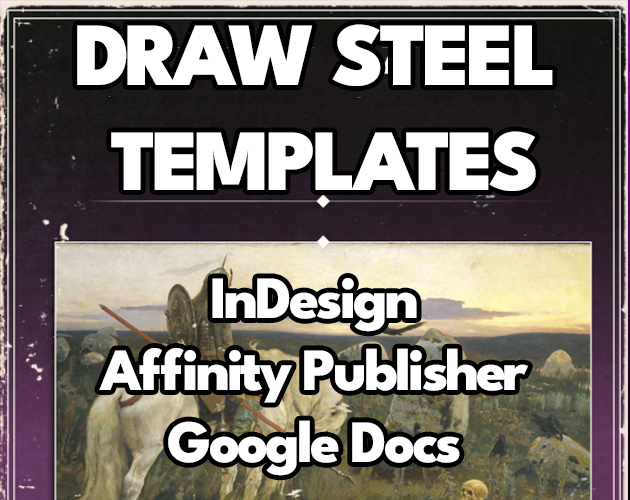
Draw Steel Templates - Affinity 2, InDesign, Google Docs
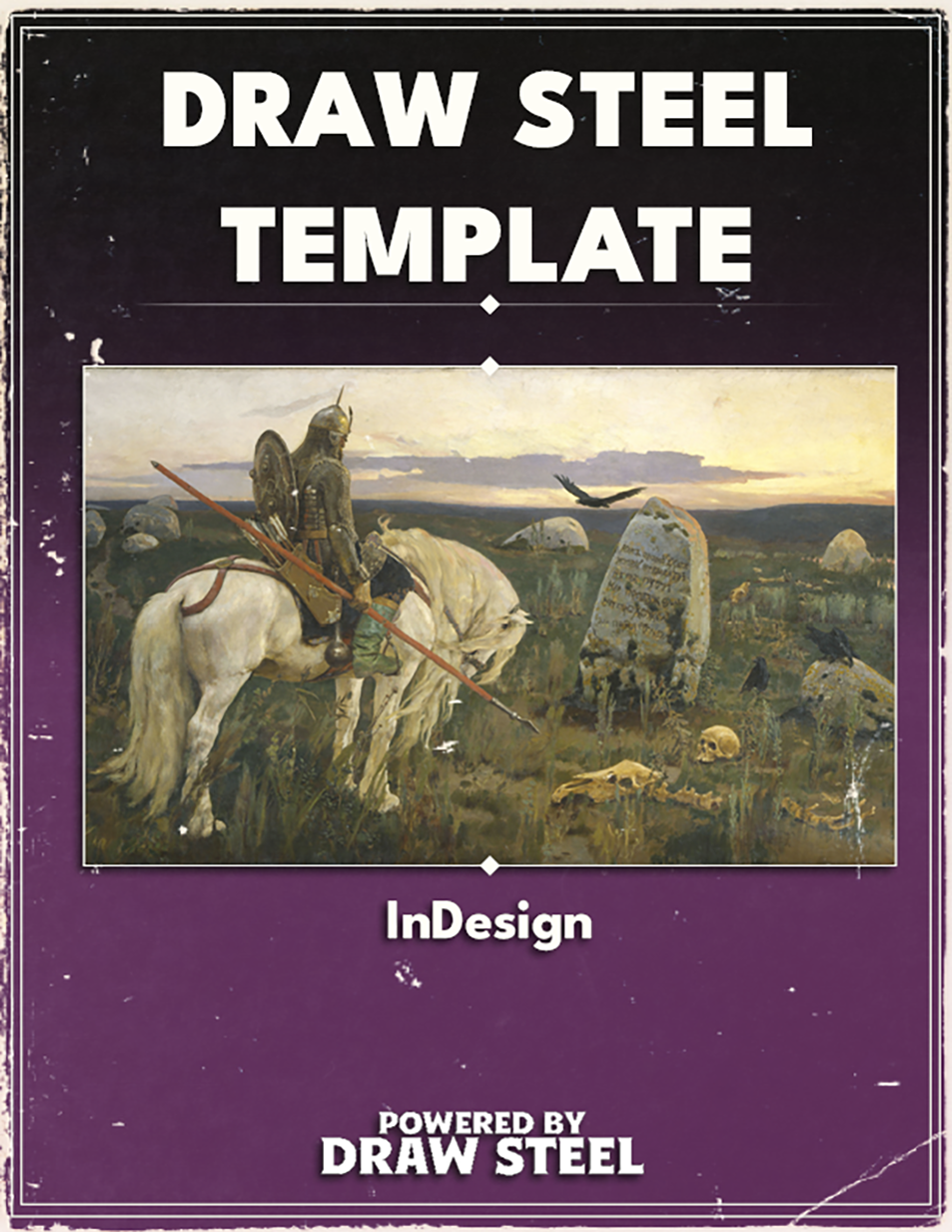
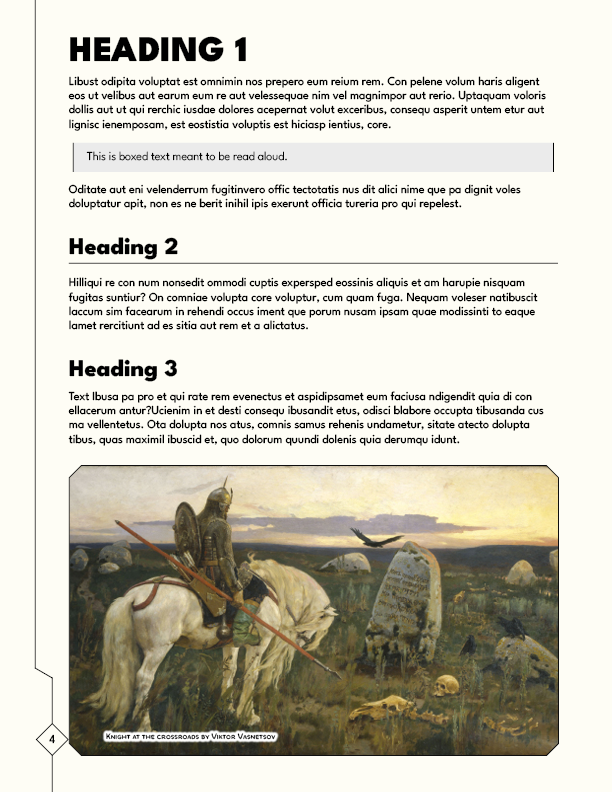
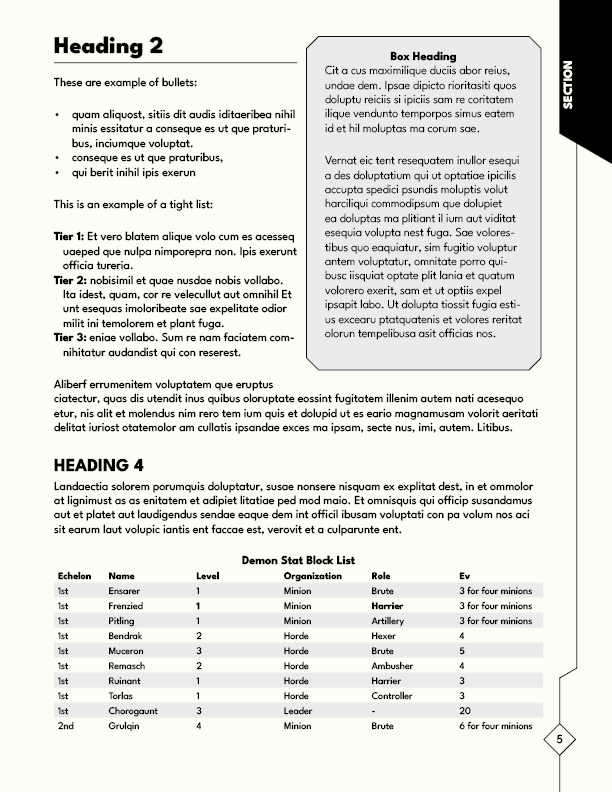
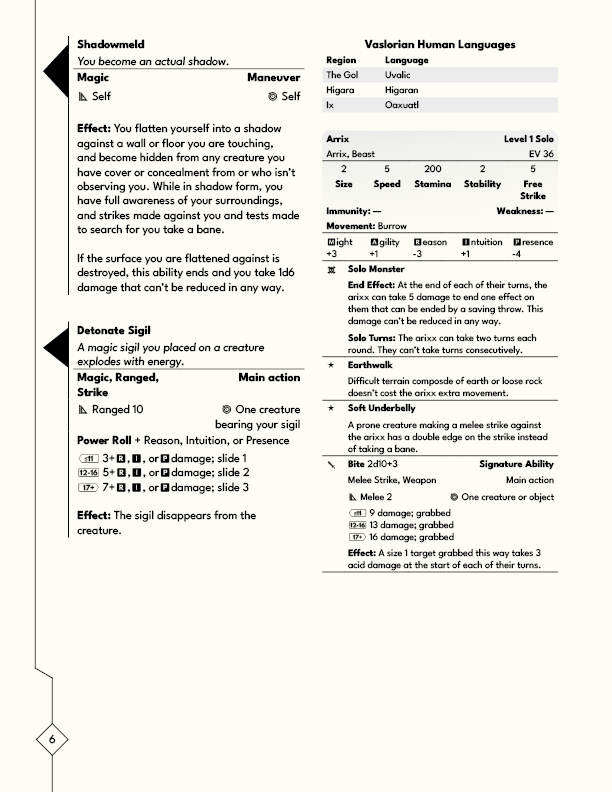
Make your project production-ready with Draw Steel Templates. This file pack includes templates for: Affinity 2InDesignGoogle Docs These files are a professionally built set of layouts, paragraph styles, and shapes that save you hours of setup time. Whether you’re building a zine, a module, or a full core rulebook, these templates let you focus on writing and design instead of wrestling with formatting. What's Inside? Pre-built Page Layouts – Master pages for title spreads, chapters, two-column text, sidebars, and stat blocks. Paragraph & Character Styles – Consistent headings, body text, captions, callouts, and flavor text, ready to use. Vector Shapes & Icons – Simple and adaptable shapes for boxes, highlights, and graphic dividers. Table & List Styles – Clean, legible formats for tables and bullet points designed with RPG readability in mind. Export Ready – Print-safe margins and bleed settings for both PDF and print-on-demand production. File Details Format: Adobe InDesign (.INDD), Affinity Publisher 2 File (.afpub), online Google Doc.Page Size: Standard US Letter (8.5" × 11") with bleed & margin presetsFonts: Quality fonts for a stylish lookLicense: For personal or commercial publishing projects. Draw Steel Template is an independent product published under the DRAW STEEL Creator License and is not affiliated with MCDM Productions, LLC. DRAW STEEL © 2024 MCDM Productions, LLC. The included font DS Open Glyphs 1.5 is distributed under SIL Open Font License. Designed by Matthew Dollar 2025 https://mrmattdollar.itch.io/draw-steel-symbols-font
 Taylor (Signals From Beyond) 132 followers· portfolio 18 View creator →
Ratings over time
Cumulative · 30dComments over time
Cumulative · 30dScreenshots
1 / 5