Rampart - Color ramp generator for Aseprite
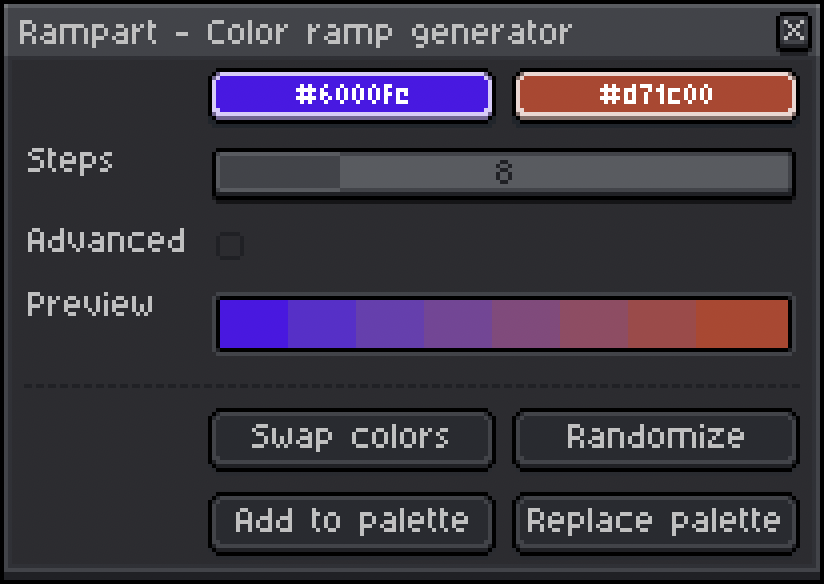
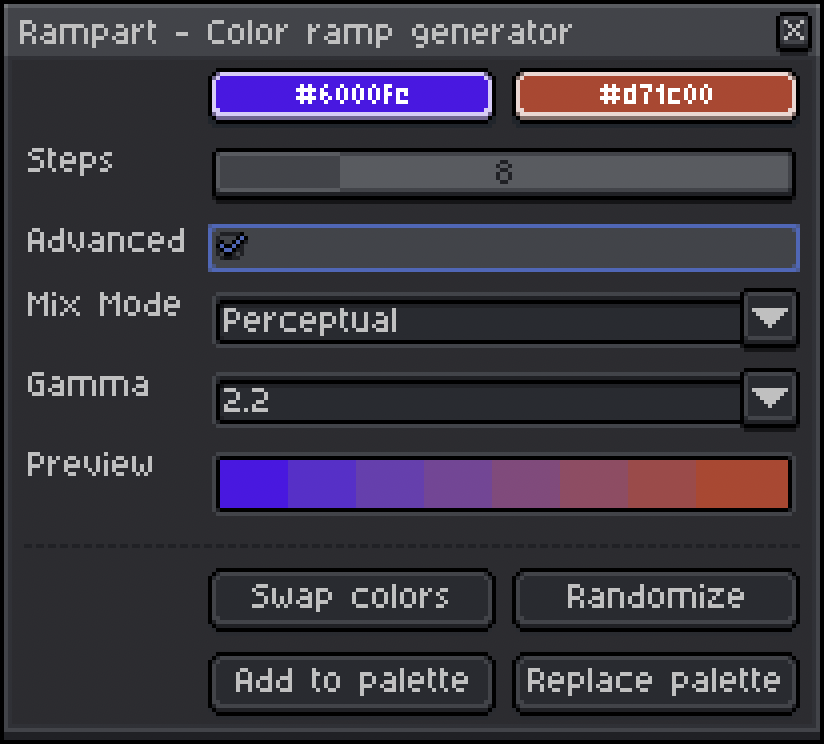
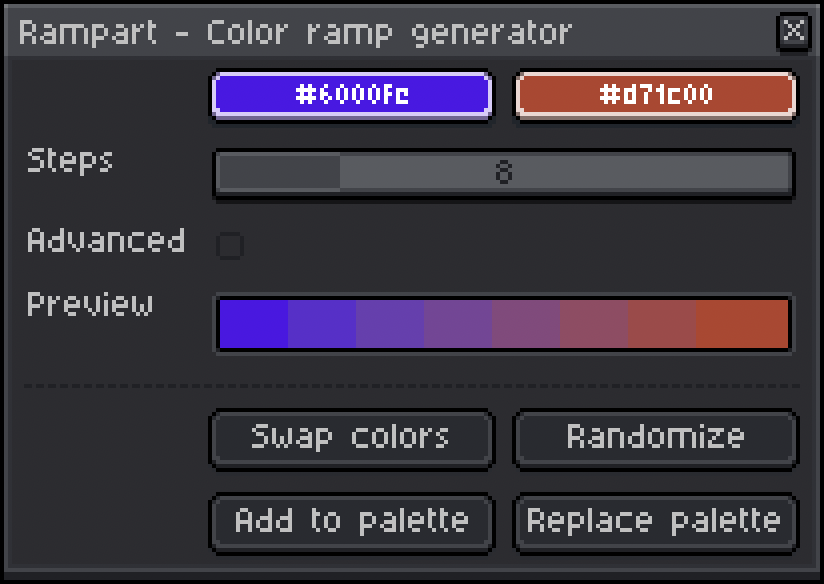
Current Release: v1.1.0 - MIT LICENSE ©2025 John Riggles This Aseprite extension allows you to build color palettes quickly and easily by generating a gradual ramp between two colors of your chosing. Features & Usage To use this plugin, just open the "Options" (≡) menu above the color palette and then select "Generate Color Ramp" Choose any two colors and Rampart will automatically generate a preview of the color ramp with the chosen number of steps - anywhere between 2 and 32; the default is 8 To reverse the ramp, click "Swap Colors" If you're not sure where to start, click "Randomize" for some inspiration! Once you're happy with your color ramp, you can click either "Add to palette" to append its colors to your current palette or click "Replace palette" to start a fresh palette with your ramp Advanced Mode To enable more advanced functionality, check the Advanced box In this mode you'll be able to select between two color mixing modes: "Perceptual", which handles color mixing in the Oklab color space (this is the default mixing algorithm)"Linear", which applies basic linear color mixing If "Perceptual" mixing mode is selected, you can also adjust the gamma correction level between 1.2 and 3.0 to fine-tune the mix Gamma can be adjusted in increments of 0.2; the default is 2.2 This image shows the same color ramp in "Linear" mixing mode (first row) and then in "Perceptual" mixing mode with the gamma correction level increasing from 1.2 to 3.0 in each row: NOTE: You may notice some very slight deviation in the endpoint colors at high or low gamma levels due to how Lua handles rounding; I'll try to fix this if I can! Requirements This extension has been tested on both Windows and Mac OS (specifically, Windows 11 and Mac OS Sequoia 15.6). Linux has not been tested but should also work (it's on my to-do list!). It is intended to run on Aseprite version 1.3.7 (API version 28) or newer. As long as you have the latest stable version of Aseprite, you should be fine! Latest Changes See the devlog here If you find this extension useful, please consider donating to support further development! ♥ You can track development changes here: https://github.com/JRiggles/Rampart
 sudo whoami 1 games· 150 followers· 17 ratings· portfolio 60 View creator →
Ratings over time
Cumulative · 30dScreenshots
1 / 4