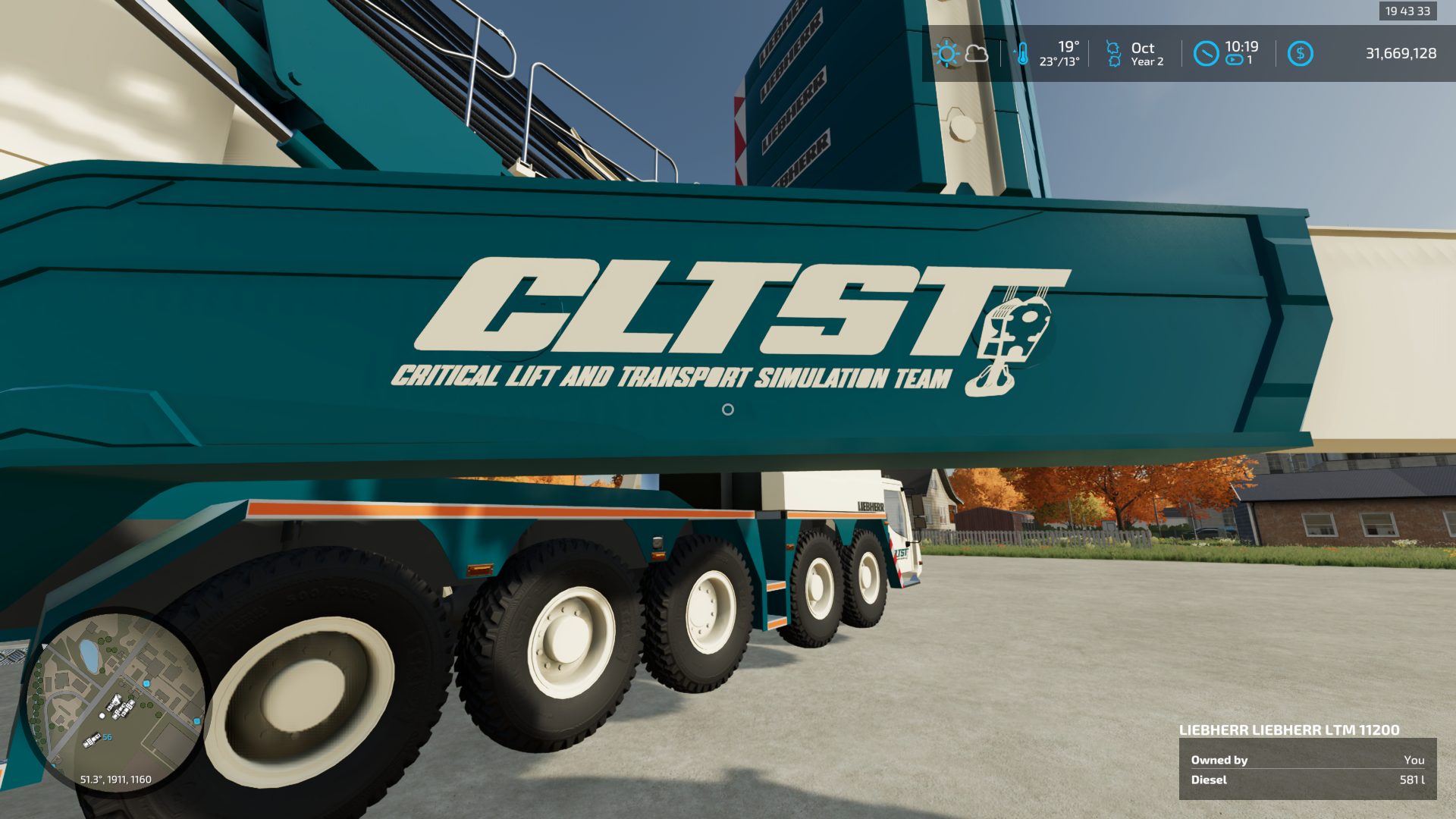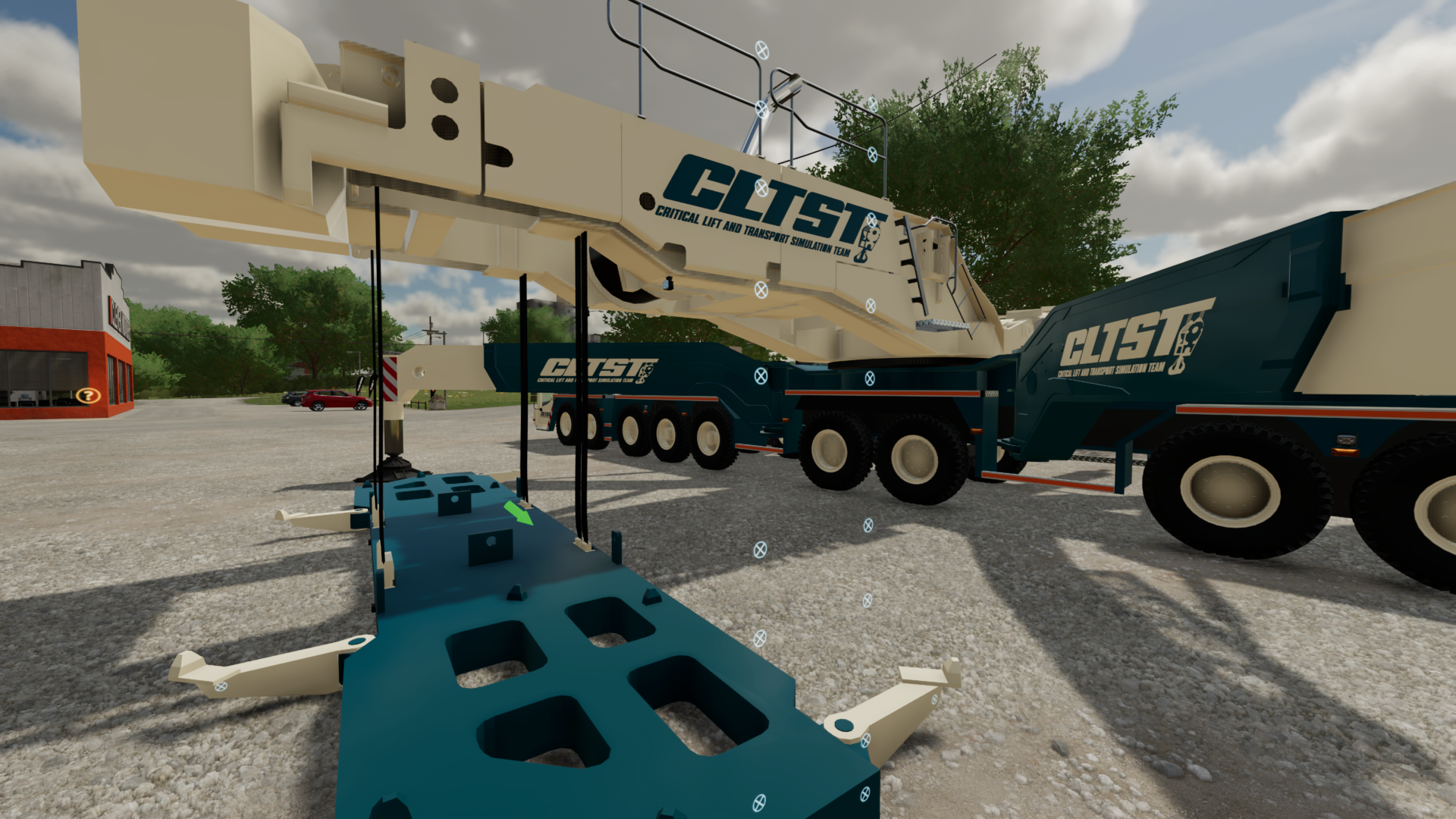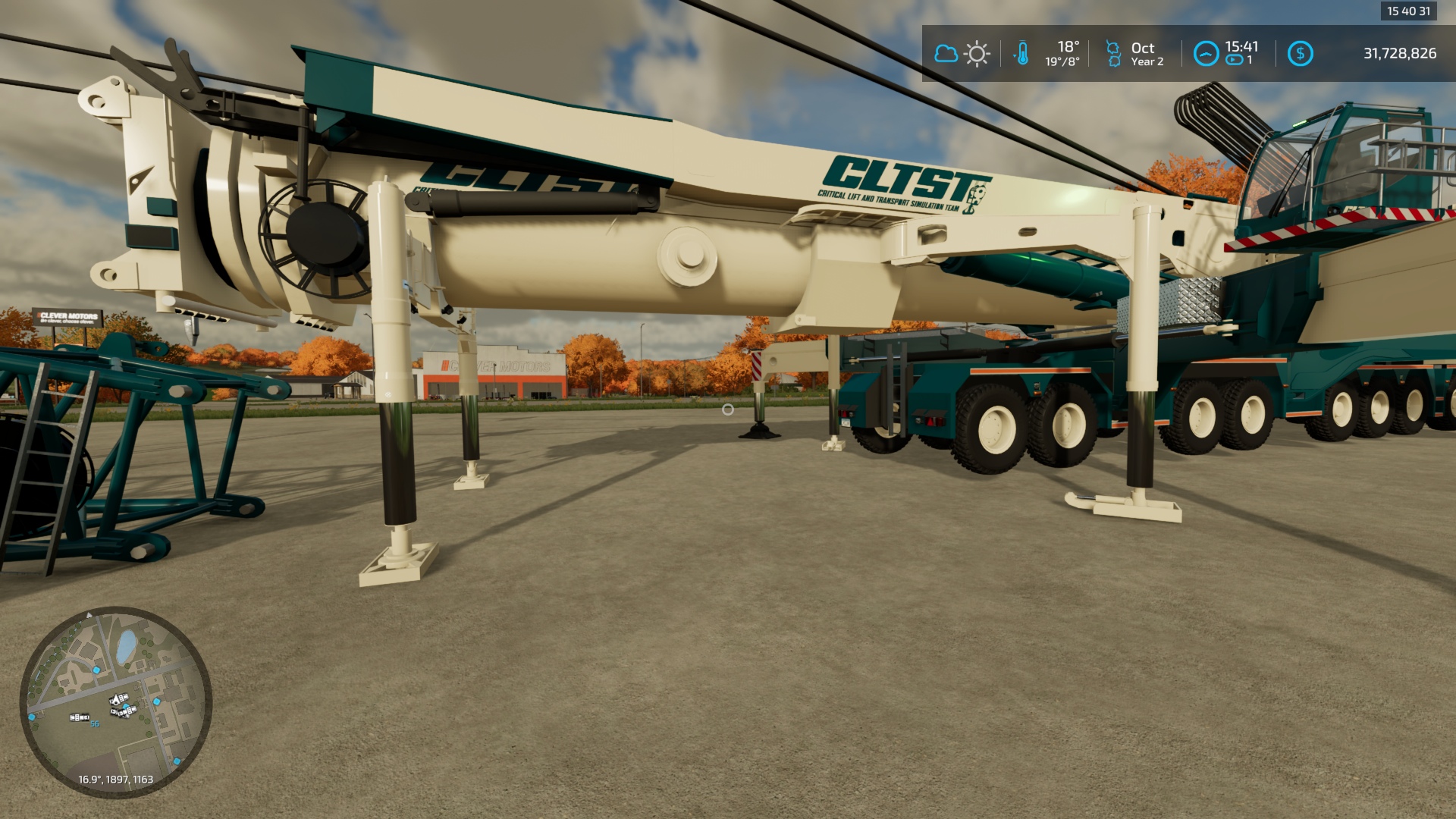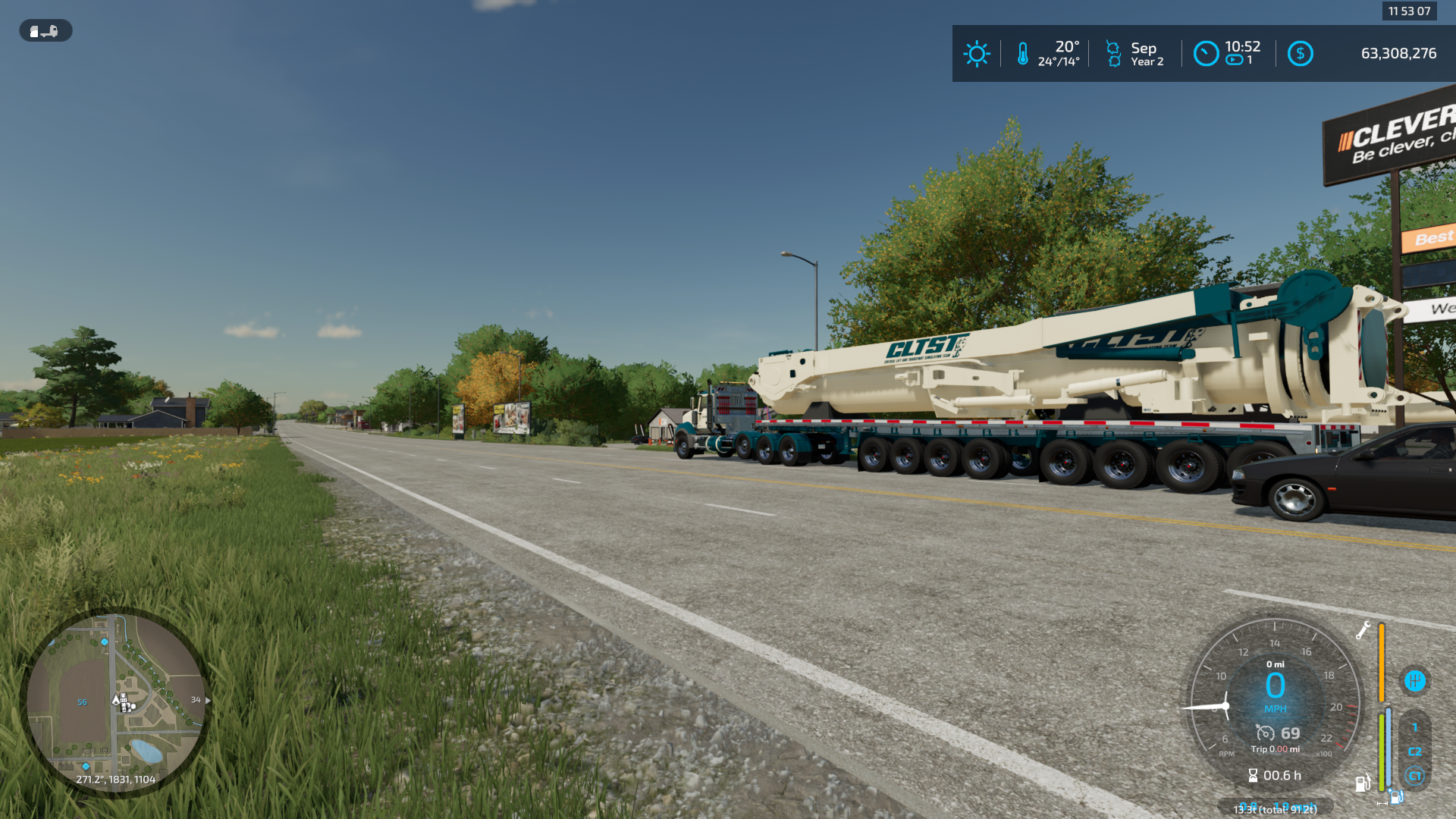
FS22 Liebherr LTM 11200 9.1 v2.0.0.7
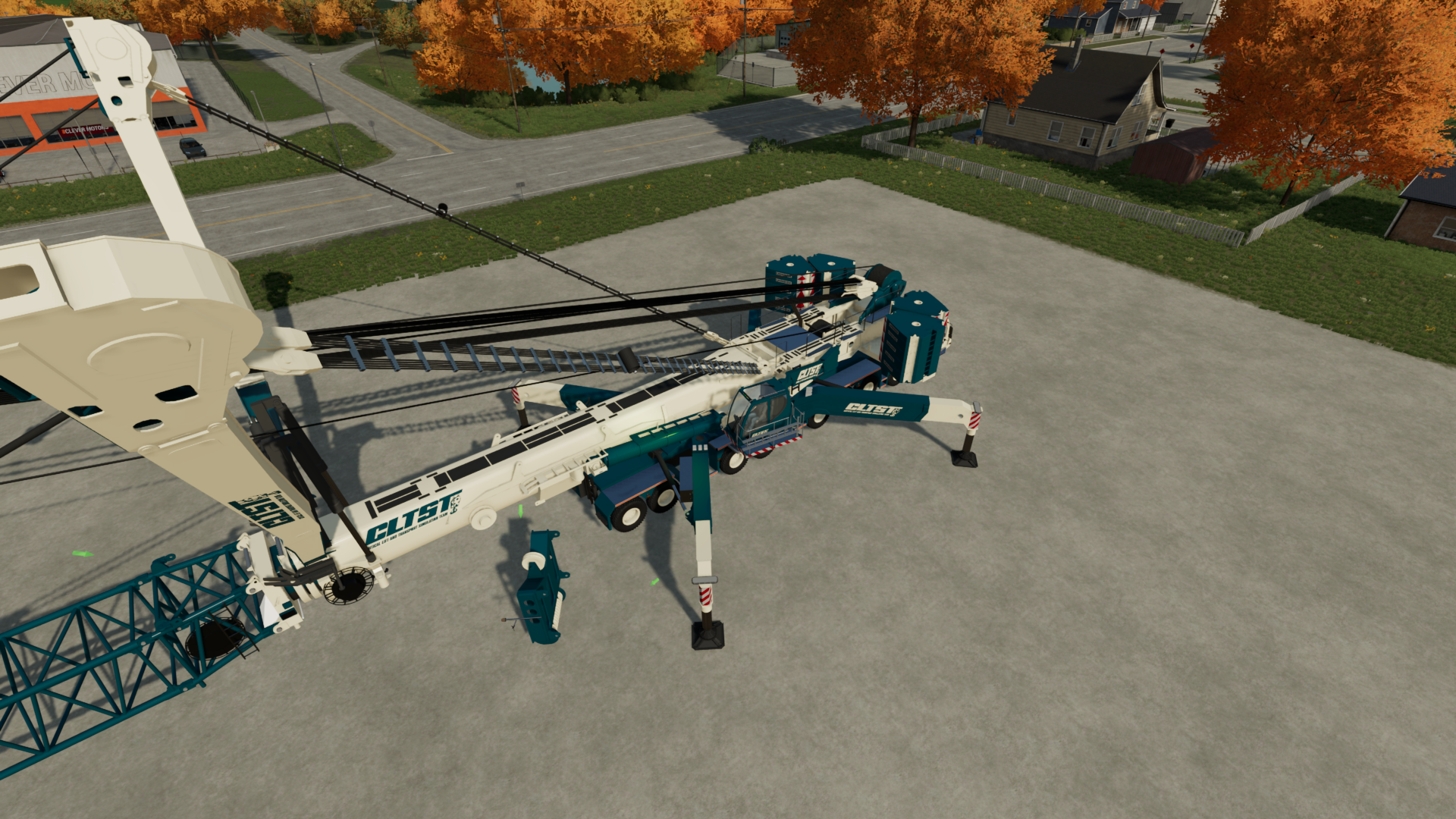
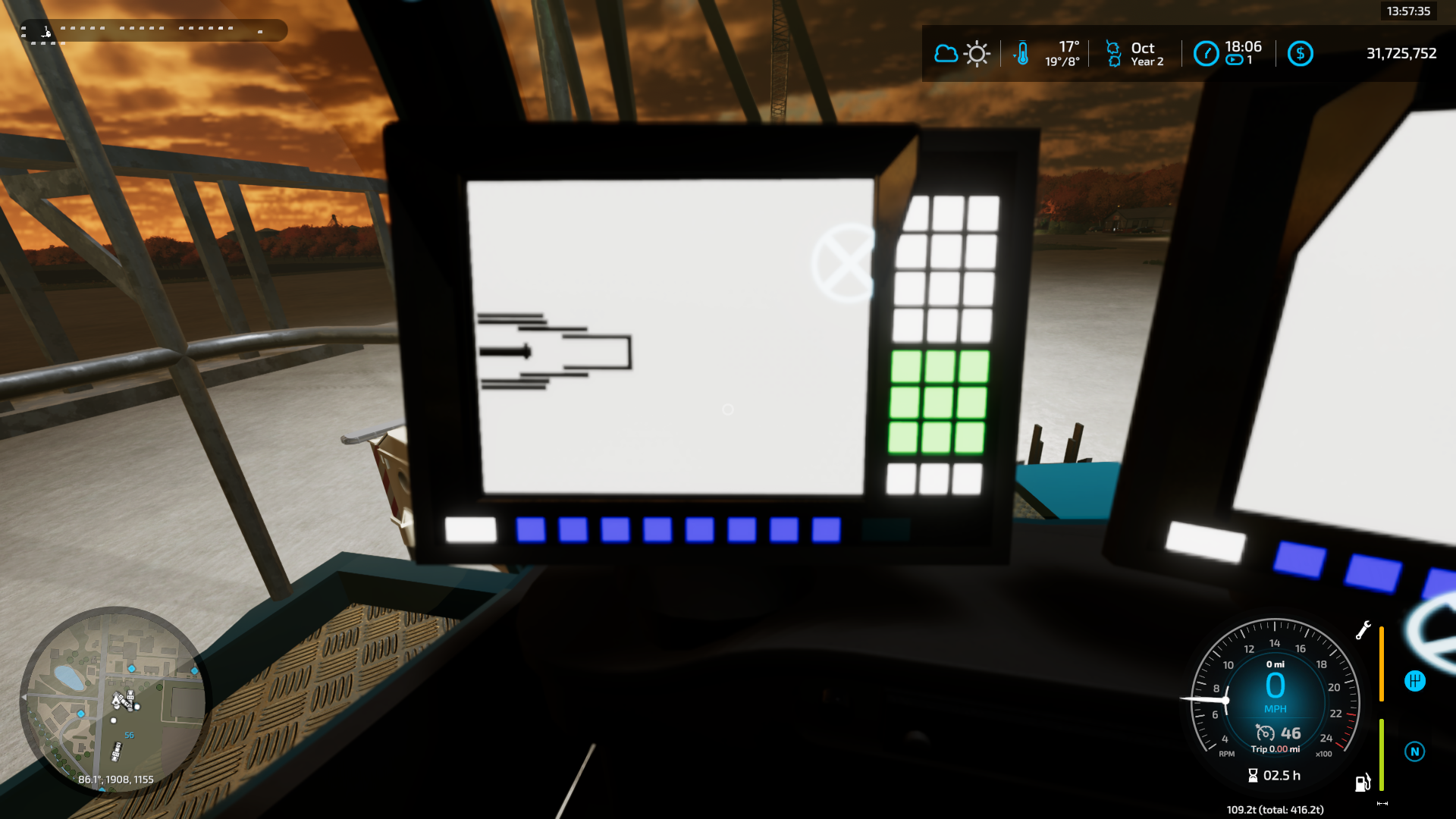
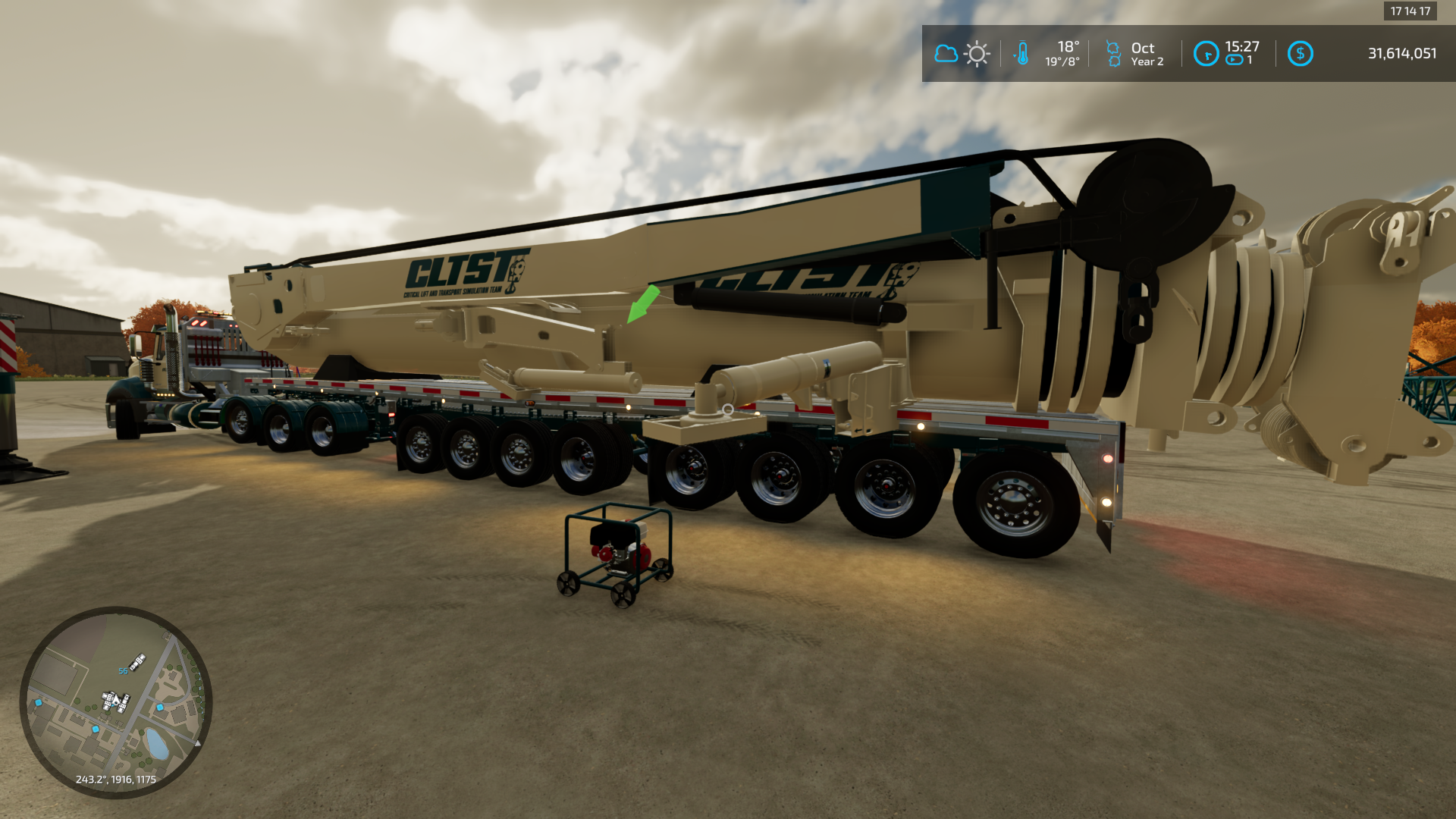
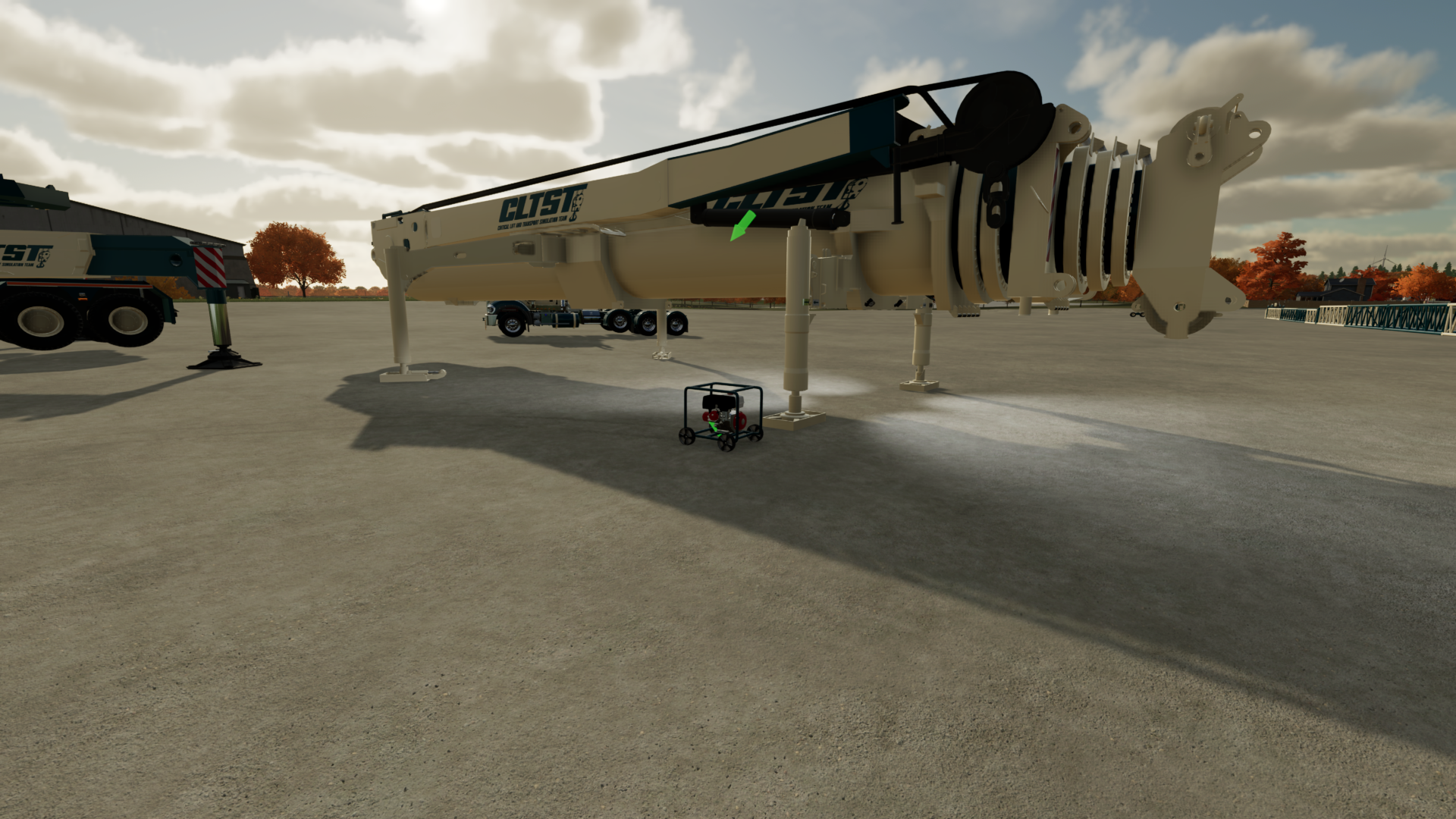
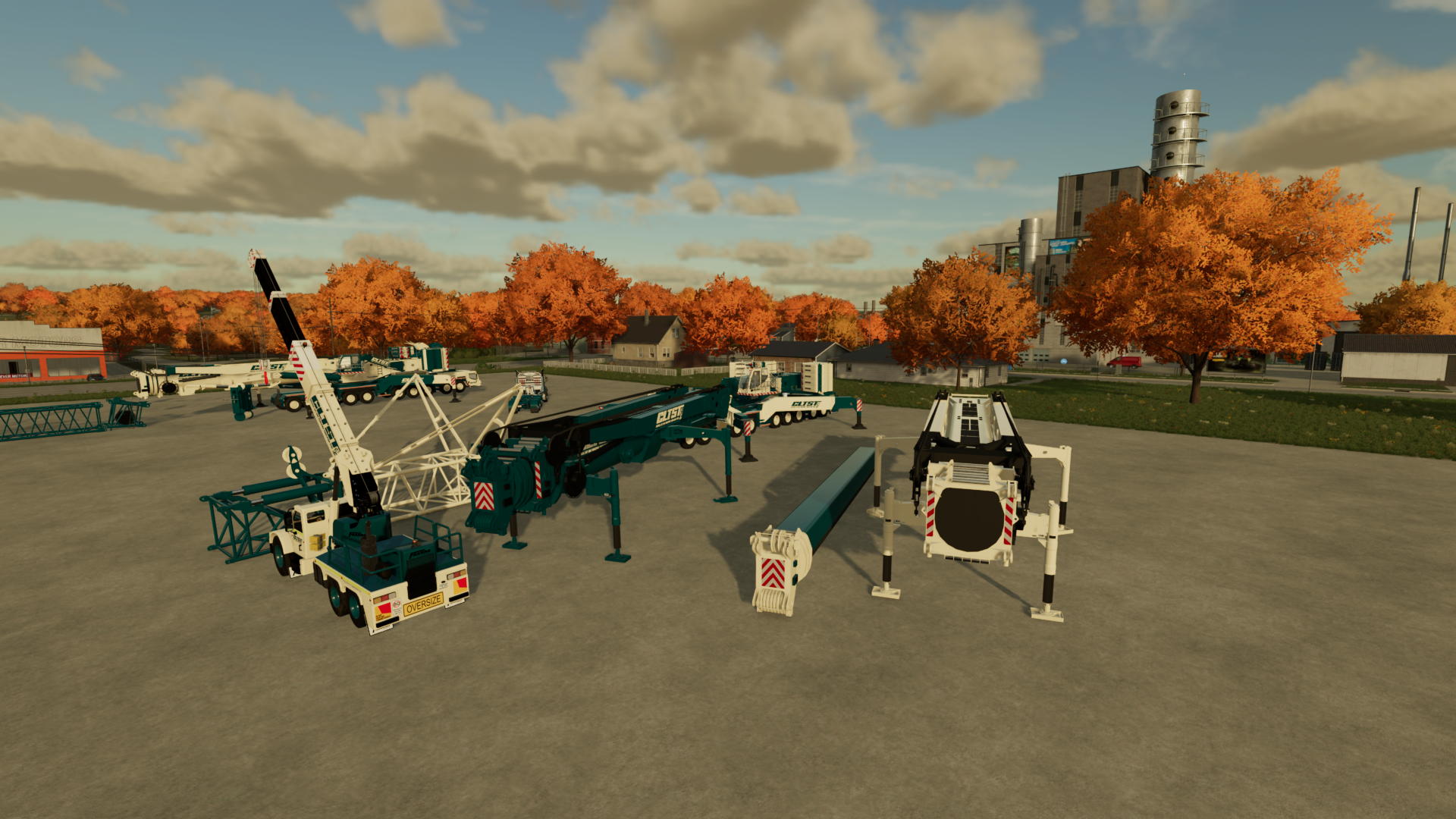
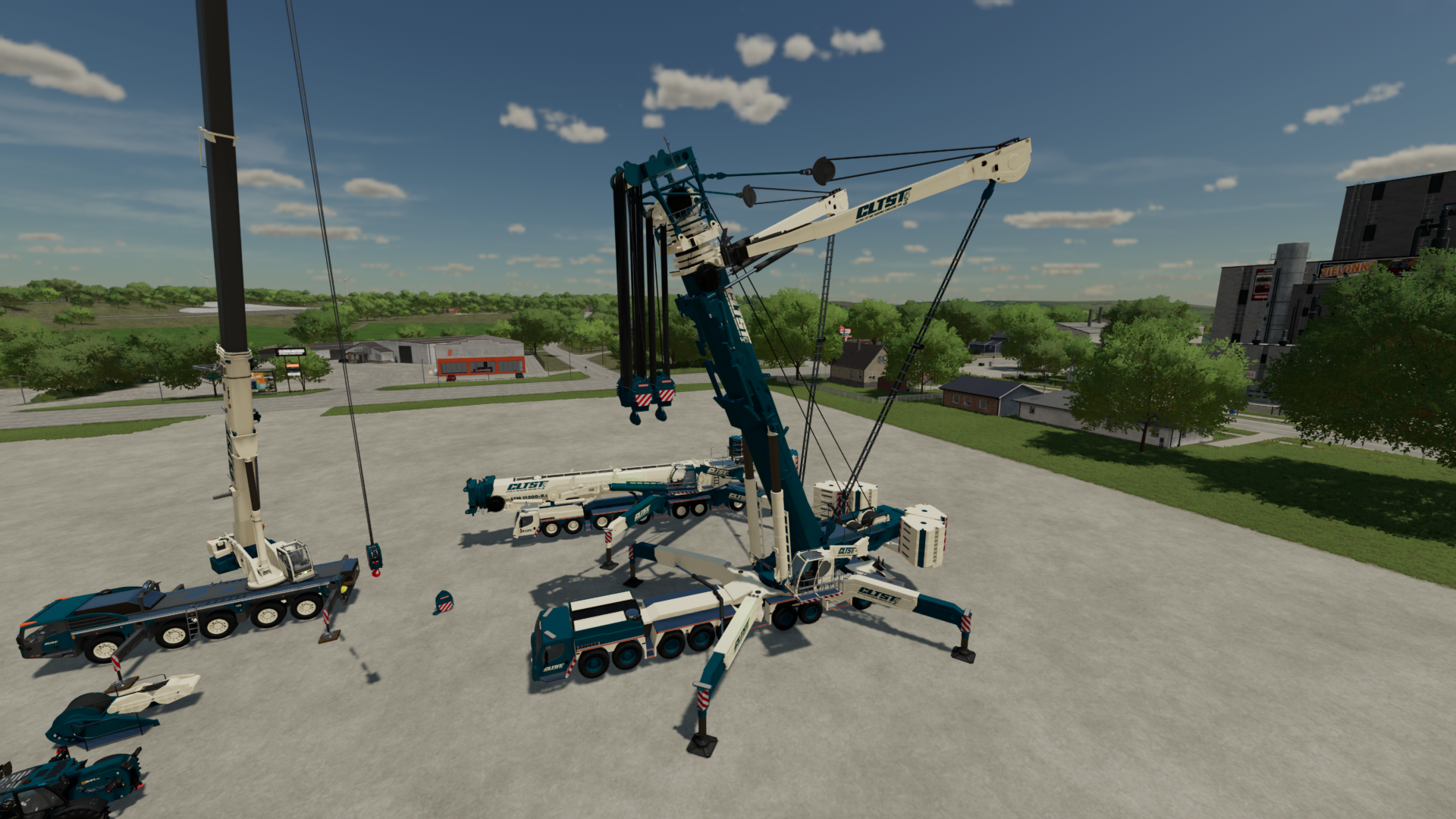
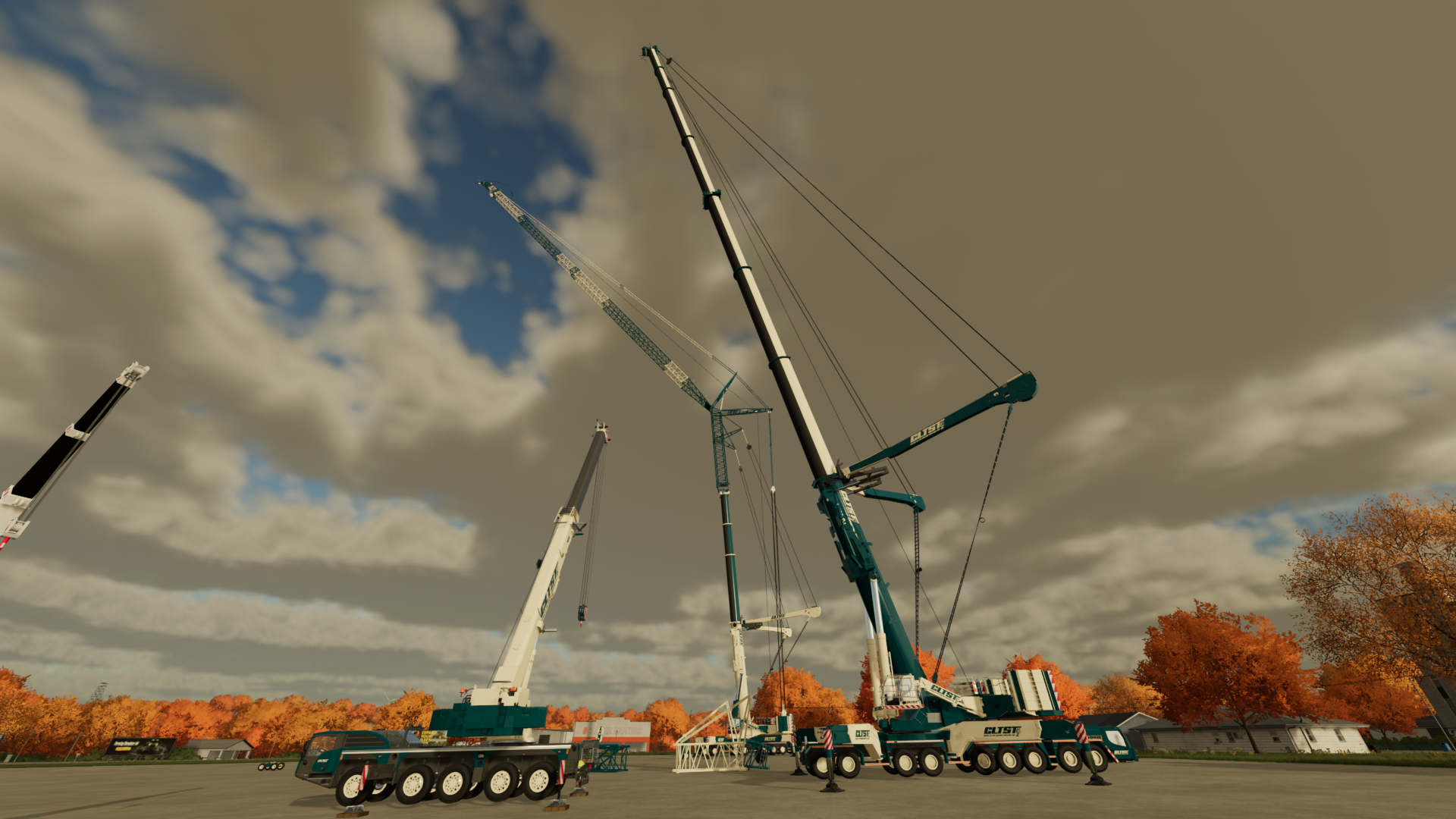
This is version 2.0.0.7 of the Liebherr LTM 11200-9.1.Updates for v2.0.0.7:- Made outrigger pads and matts able to rotate so they conform to the ground- Corrected the slightly short IC trigger when building the 126m luffing jib on T3YV2VEN Updates for v2.0.0.6:- Made T4-T7 Support Stands- Made T3 support stands attachable- Added boom trailer attacher subtypes to support future boom launch trailer- Updated Boom fifth wheel attach point and dolly support- Added lift lugs to T4 boom- Corrected color selection on Boom Dolly Updates for v2.0.0.5:- corrected lifting points not returning to correct lift position Updates for v2.0.0.4:- corrected color selection on Y-guy system center frame (now gets color with boom details)- corrected ballast missing IC nodes to hide them- corrected telescopic sections upper color (gets color with boom details)- fixed double IC nodes for hook reaving on 72m luffing jib. Updates for v2.0.0.3:- fixed auxiliary jib wire rope alignment Updates for v2.0.0.2:- Made lattice lighter when attached on boom (fixes crane sliding/jumping)- Corrected NM Reducer and Pulley Cart Lift points being in the wrong place after last update. Updates for v2.0.0.1:- fixed winch 2 hook attach point going out sideways- Updated liftable components to move lift point when pins are inserted and be visible when you remove the pins. This has received a massive update making it the King of Cranes in Farming Simulator 22. Its functions are as close to the real crane as I can get, you are able to build the various lattice jibs piece by piece. To see the full list of updates look through the Trello card for the update. Use the Liebherr load charts inside the zip file to determine how much weight you can lift at a given radius. If the hook does not want to attach, raise up the winch lines for a minute. The controls do not lock out the winch lines so they may move when assembling. Even when the single line is back at the top, the other lines move slower so continue to raise and you will get an attach prompt There is a tutorial YouTube video series to show you how to operate every function as well as build it. You will need to download both the FS22_LiebherrLTM11200 and the FS22_LiebherrLTMaccessories. The Accessories contain the lattice sections. Required mods: Interactive Control: https://www.farming-simulator.com/mod.php?mod_id=259051 Work Camera: https://www.farming-simulator.com/mod.php?mod_id=276265&title=fs2022
 Critical Lift and Transport Sim Team 1 games· 876 followers· 3 ratings· portfolio 45 View creator →
Ratings over time
Cumulative · 30dComments over time
Cumulative · 30dScreenshots
1 / 12