Micro Gaelic Football
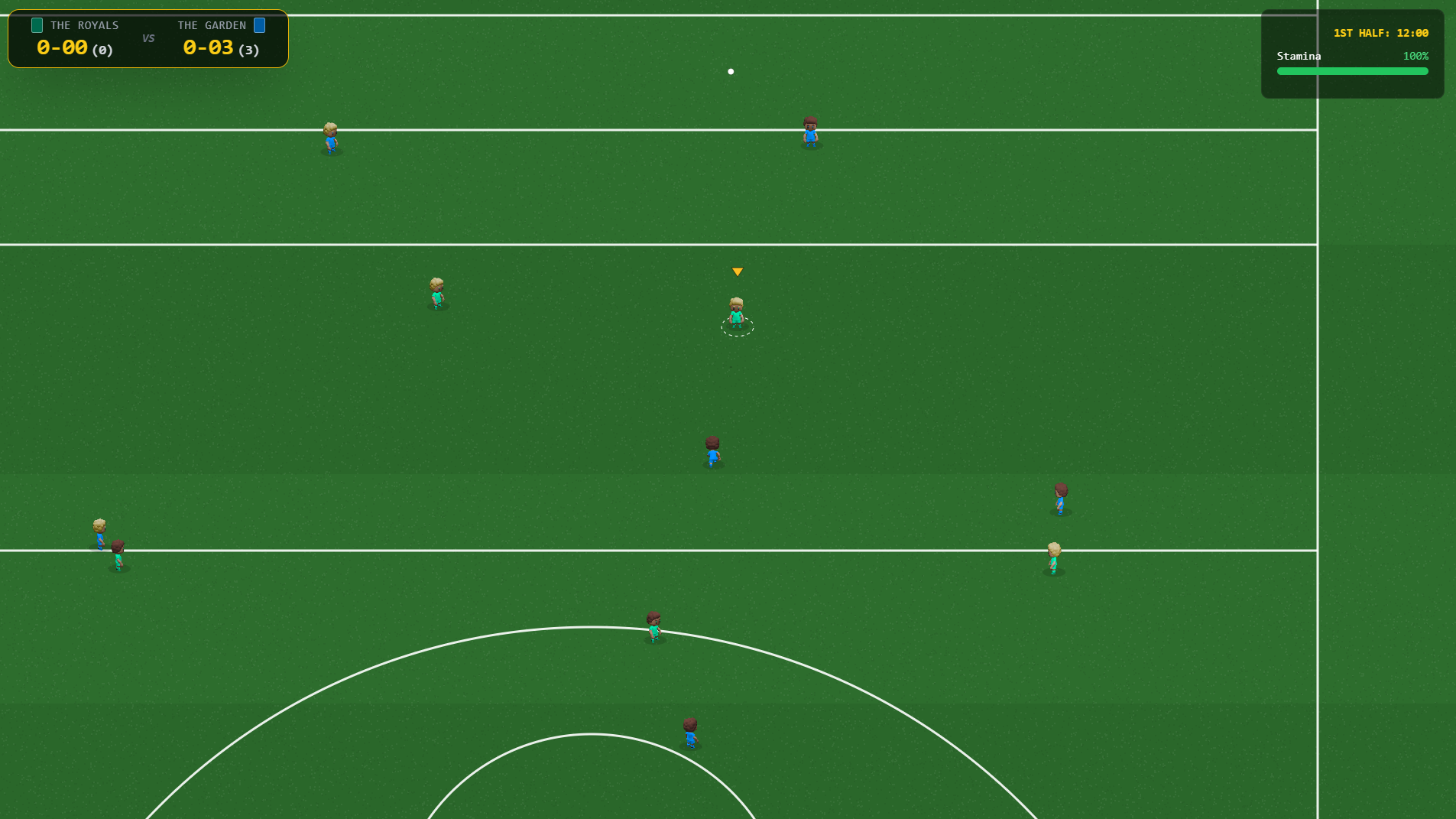
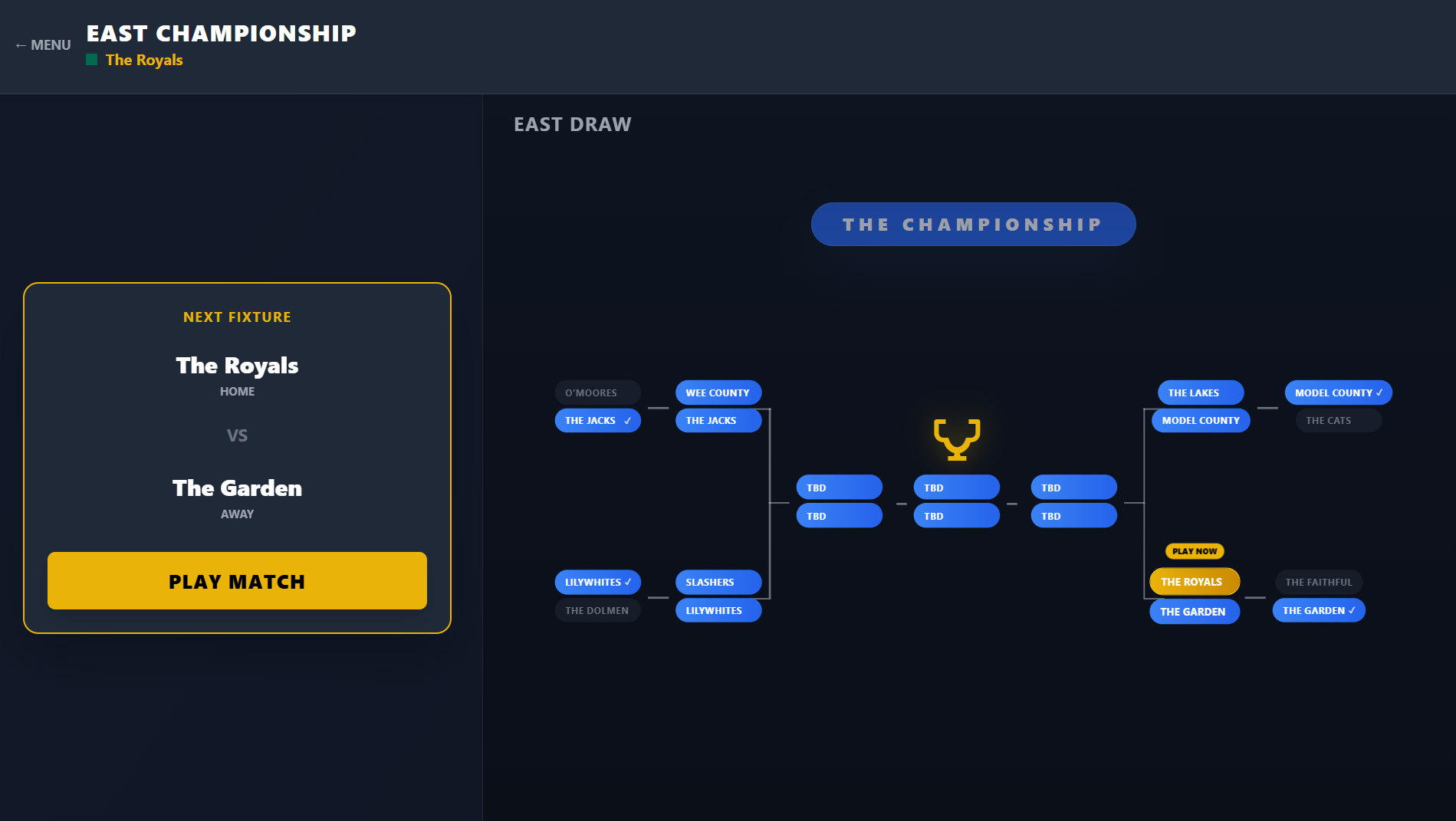
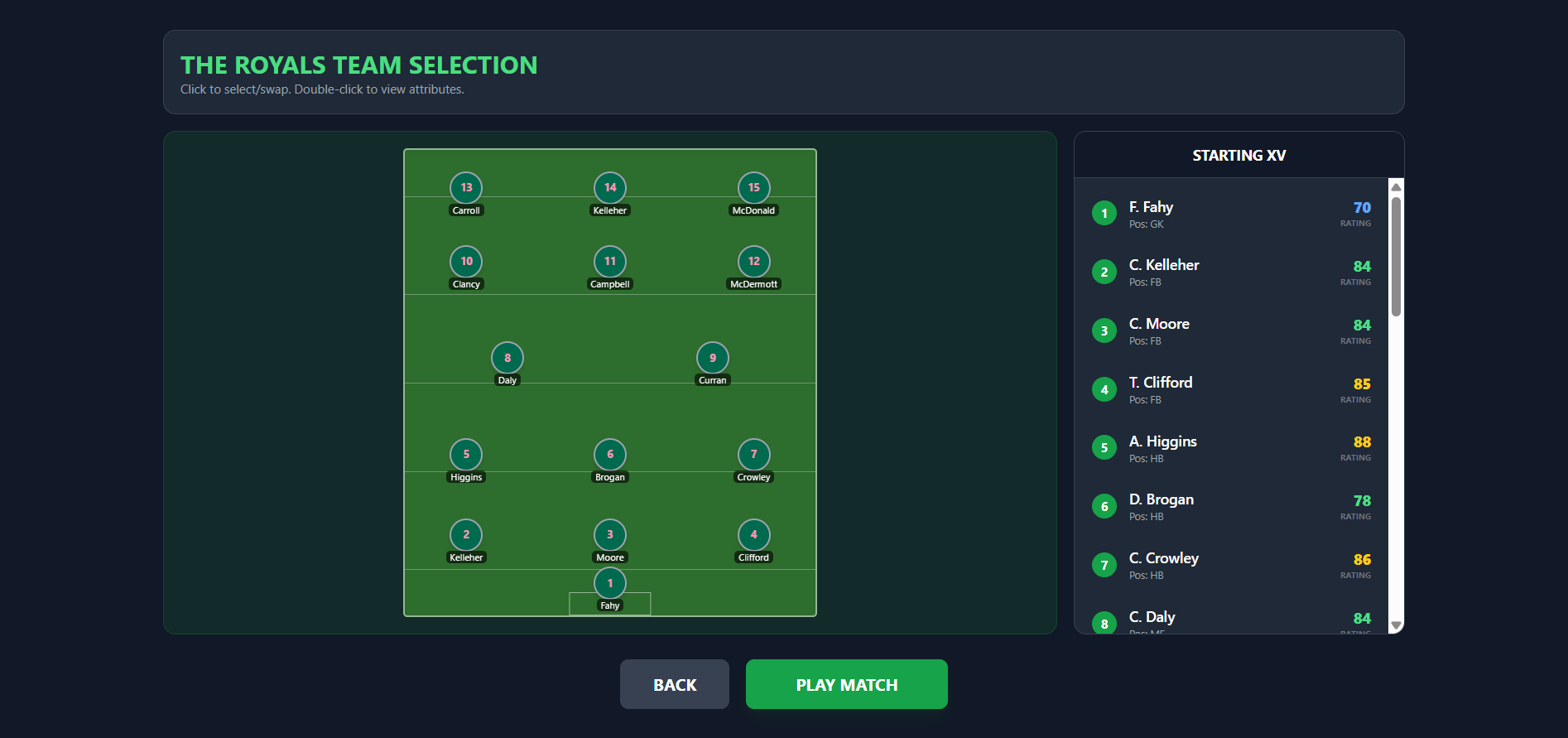
Micro Gaelic Football is an unofficial indie Gaelic football management game where you build your club, develop facilities, and watch or play matches in a retro-style football world. Play in your browser or download the game from itch.io for Windows and from the Google Play Store for android: https://play.google.com/store/apps/details?id=com.microgaelicfootball.game Inspired by the sport loved by GAA fans, but not affiliated with or endorsed by the GAA. Platforms supported The game is playable on both desktop and mobile in a web browser (click Run Game). Careers will be saved in your browser's local storage when you play in the browser but they will be deleted if you clear your browser's cache. On mobile the best experience when actually playing the matches is to download the android app you can download from the Google Play Store: https://play.google.com/store/apps/details?id=com.microgaelicfootball.game I've also made a downloadable version of the game for Windows so you can keep your career saved games safe. Controls Move: Arrow KeysAction: Spacebar or if preferred: Move: WASDAction: Enter key or mouse click Attack The action key is context sensitive based on how long you hold it: Tap: Handpass Short Hold: Low Kick / Pass Long Hold: High Kick / Shot When a player is in shooting range their yellow arrow icon turns green. The "Aftertouch" Feature After a Shot for a point (Long Hold Action key). While the ball is in flight, hold the Movement Keys to steer the ball in the air. Defence You automatically switch to the player nearest the ball. Action button: Tackle opponent or Jump to catch high balls. Career mode You can read more about Career mode here: https://wideball-studios.itch.io/micro-gaelic-football/devlog/1396454/career-mod... Substitutions Subs can be made by clicking the pause icon on the screen (mobile/desktop)On desktop you can press the P button to pause and make a substitution. It will be made at the next stop in play. Watch mode If you so wish you can now watch the computer play the computer in Watch mode. In watch mode you can set Team Instructions before the game and during the game in the pause menu. Note: as the AI is pretty basic in this game it can lead to some low scoring games... Sound Effects There's some basic sound effects that can be turned on in the Settings
 wideball-studios 1 games· 4 followers· 4 ratings· portfolio 32 View creator →
Ratings over time
Cumulative · 30dComments over time
Cumulative · 30dScreenshots
1 / 4