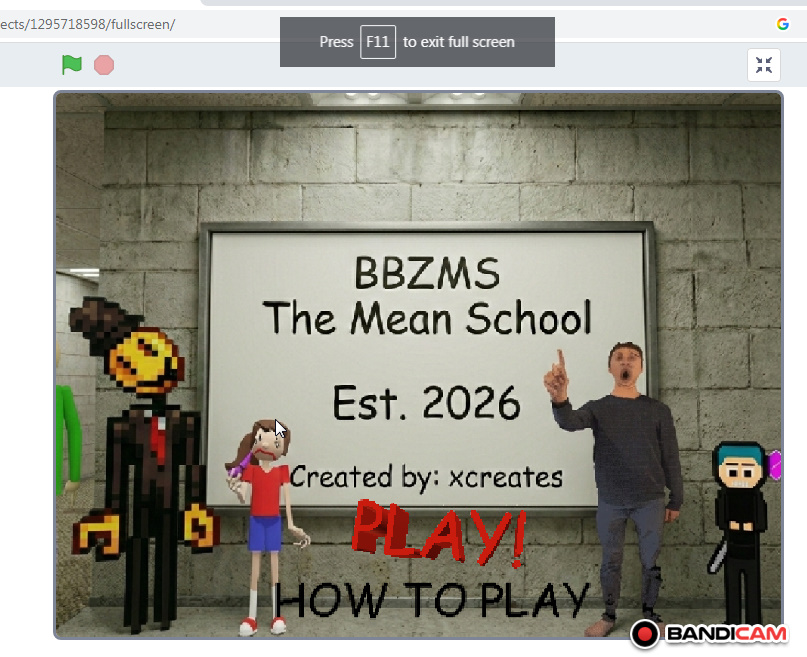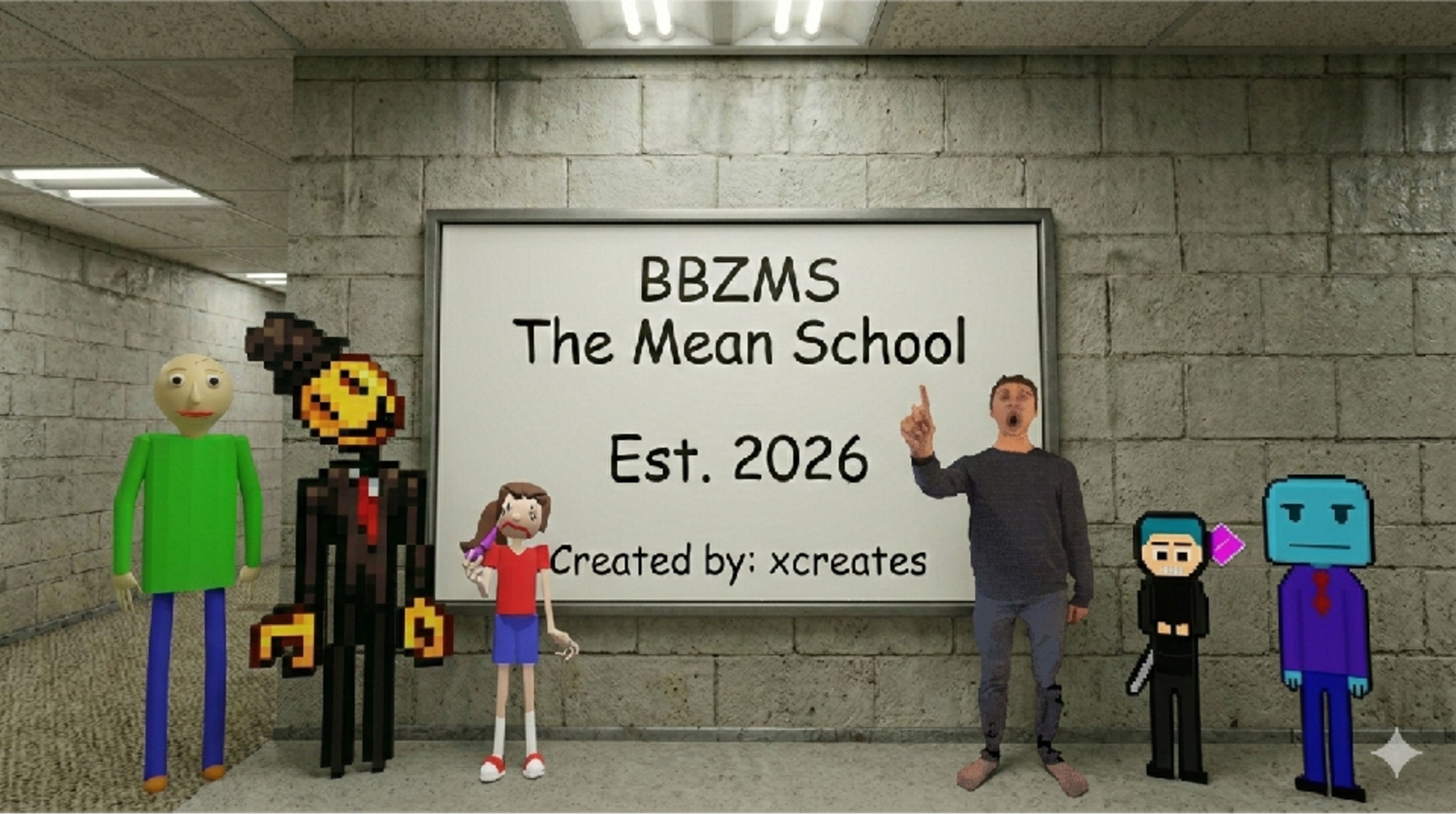
BBZMS The Mean School
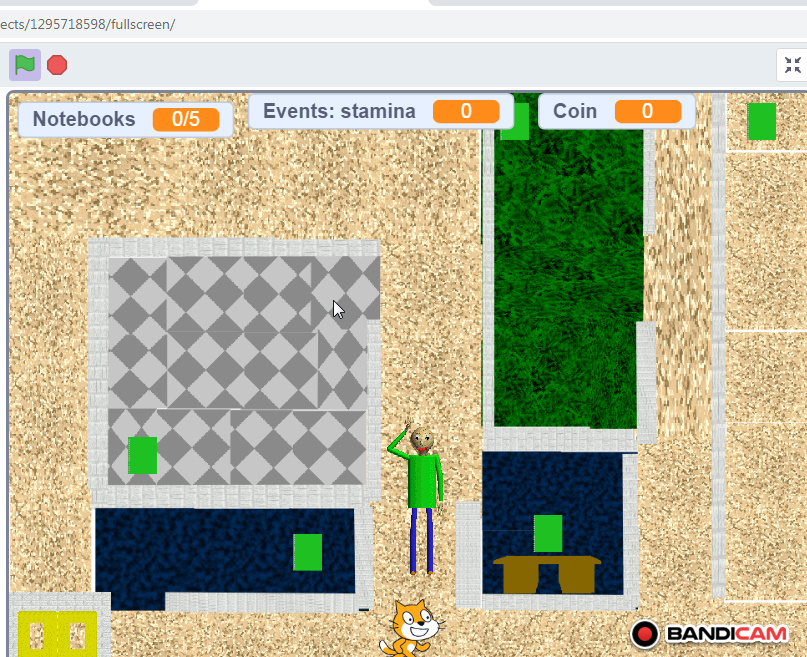
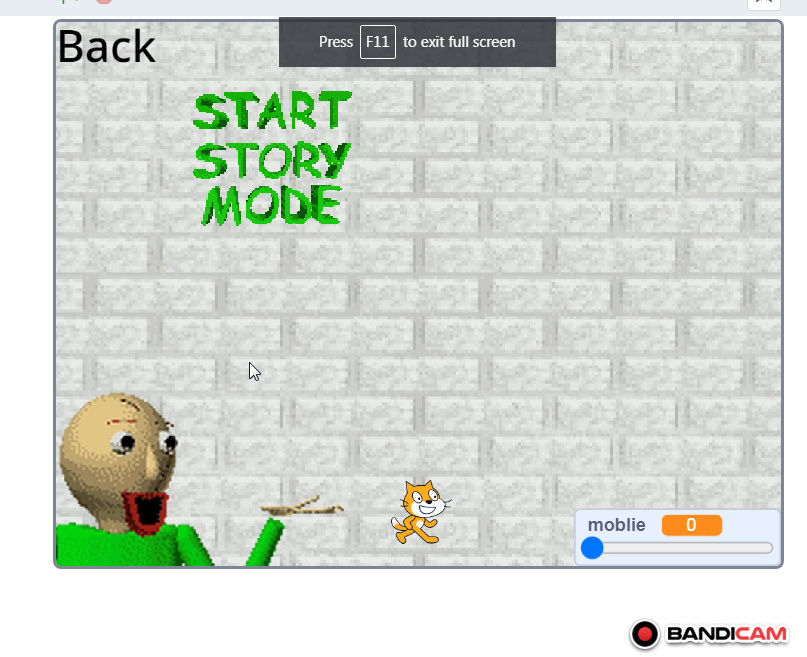
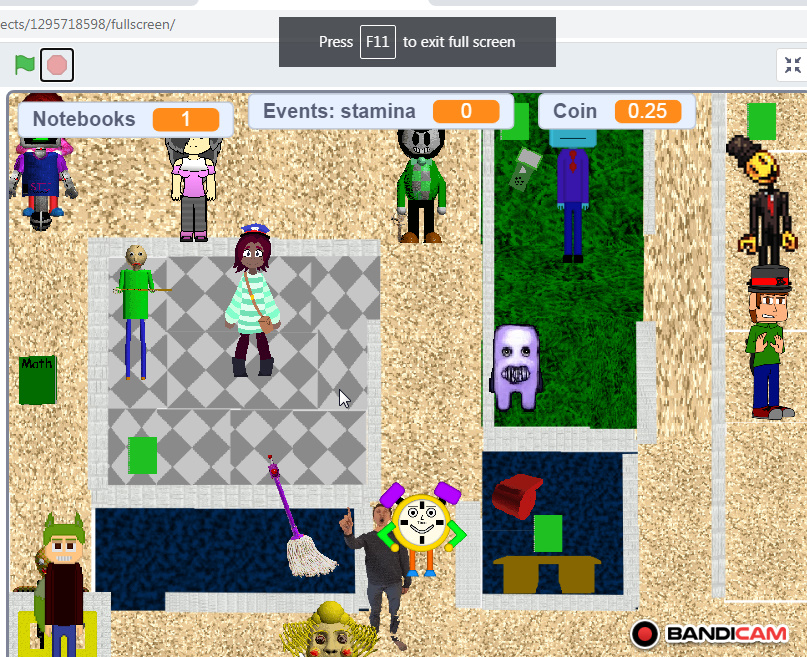
This game is very enjoyable and was made by the developer of Xcreates This is a very easy game.It's not complicated at all; this game is simply a game you play, it has characters, most of whom are harmless, and most of whom are harmful. You collect five notebooks, not seven. Here's a simple explanation of exactly what it contains. notebooks 0/5 coin events Regarding things that have a whistle, meaning you whistle with them, and there's a book in them, specifically the green book that Baldi uses to distract himself. The characters in it are the following Carol_Sad baldi t.exe (It appears when you collect the three notebooks) Stubot mr NiceGuy the test mr freeze Gifttany Clocker Fundi maril Principal ItemMaker SlenderBaldi (It appears when its event occurs, to chase the player; it appears in a specific event.) FancyGraphics (This also happens in a specific event; it appears in a specific event so that you can play with it and receive a reward when you catch it.) Plandy mrs promp Fuwatti Nicole_mako Telemop These are all the official characters you can play as in the game. It's available on both mobile and computer; you can easily play it. How to play it on your mobile: Look, you press the play button and then press the button to change the mobile thing to 100 instead of 0. So you've now activated mobile mode. If you want to switch back to computer mode...Make it zero Its requirements and operating systems mean it can run on Windows, Android, and any other operating system. As for its RAM requirements, it's 1 GB on the computer and 256 MB on the mobile phone. The computer processor is something like an i3, and the mobile phone has a very weak processor. Because this game has a 1080p screen resolution, meaning full HD, and it only runs at 30 frames per second. Look, this game is available. pc 32bit and 64 bit You can play it normally on your browser via the Scratch website, and it's available on Android and iOS. https://scratch.mit.edu/projects/1295718598/ Here's the link, and follow me there if you want to play it online on both computer and mobile at the same time. The same steps apply, but note: if you're using a mobile device, do as I told you above. If you want it on mobile, after pressing the play button, go to the variable menu and change it to 100 instead of 0. Okay? The one labeled "Mobile Device" is the one that says "Mobile Device." That's the variable labeled "mobile," which you'll find at the bottom right, the one marked with a zero.
 Xcreates 44 followers· portfolio 14 View creator →
Ratings over time
Cumulative · 30dComments over time
Cumulative · 30dScreenshots
1 / 5