Ace Your Attire: Final Validation
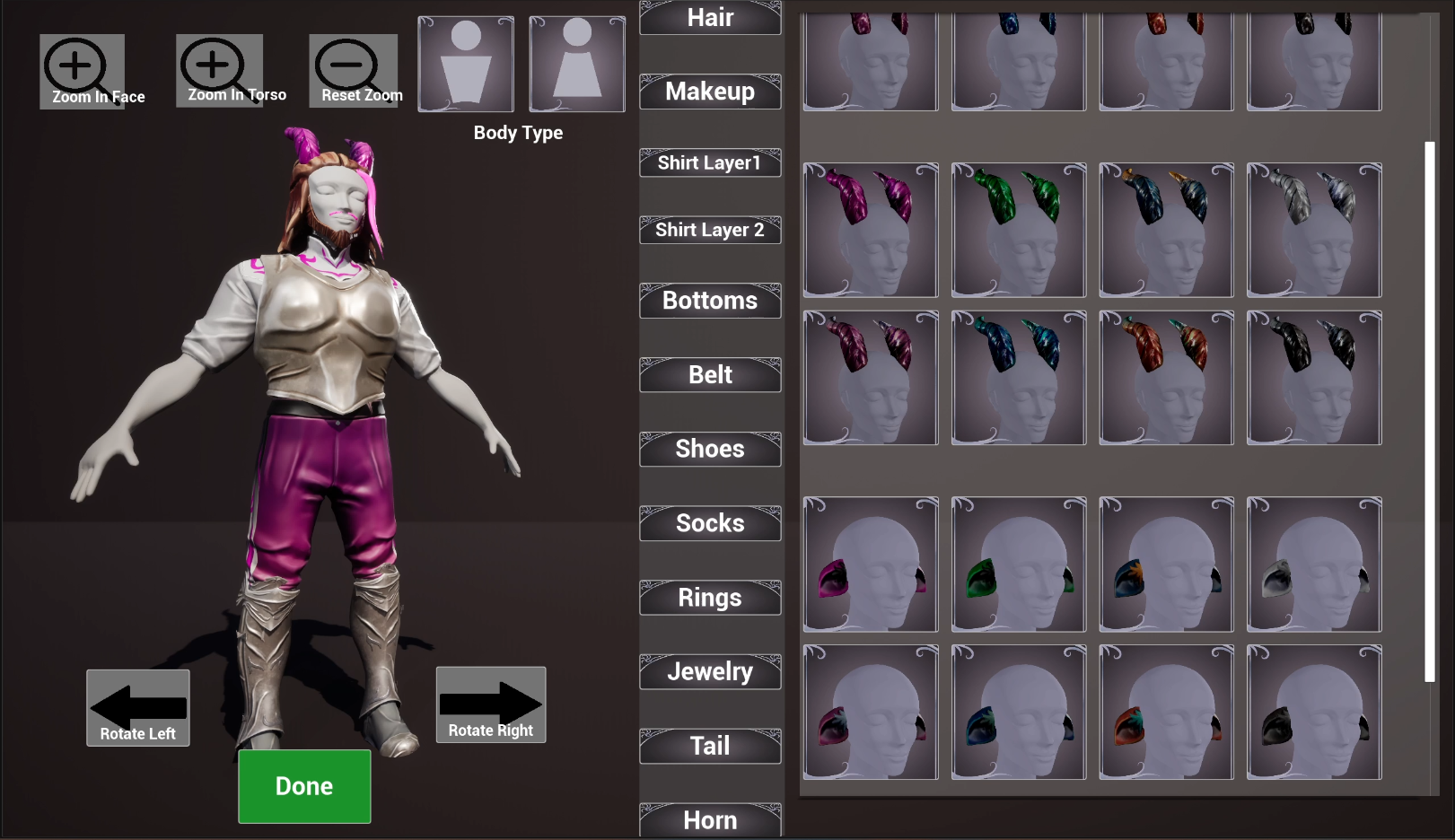
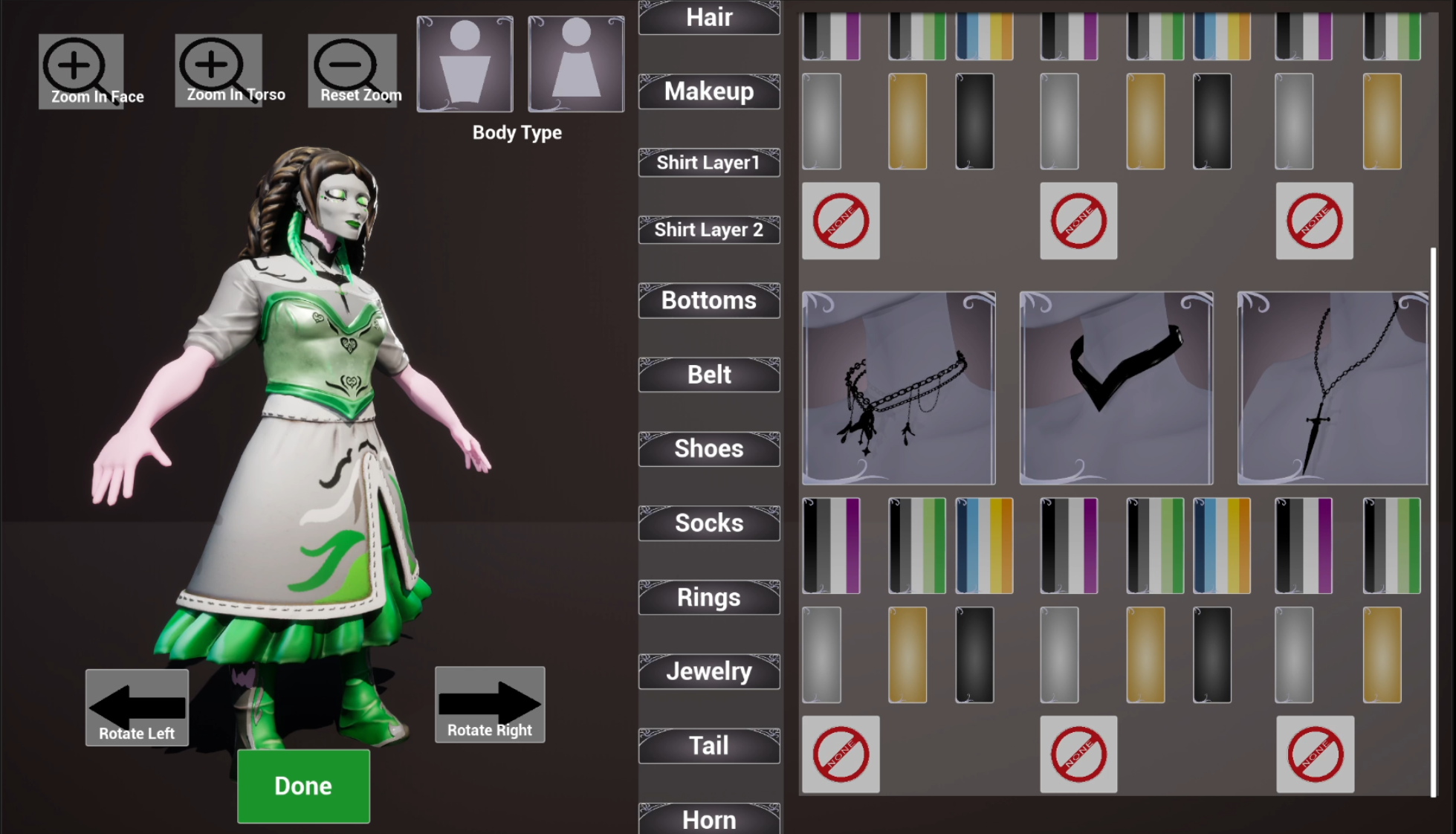
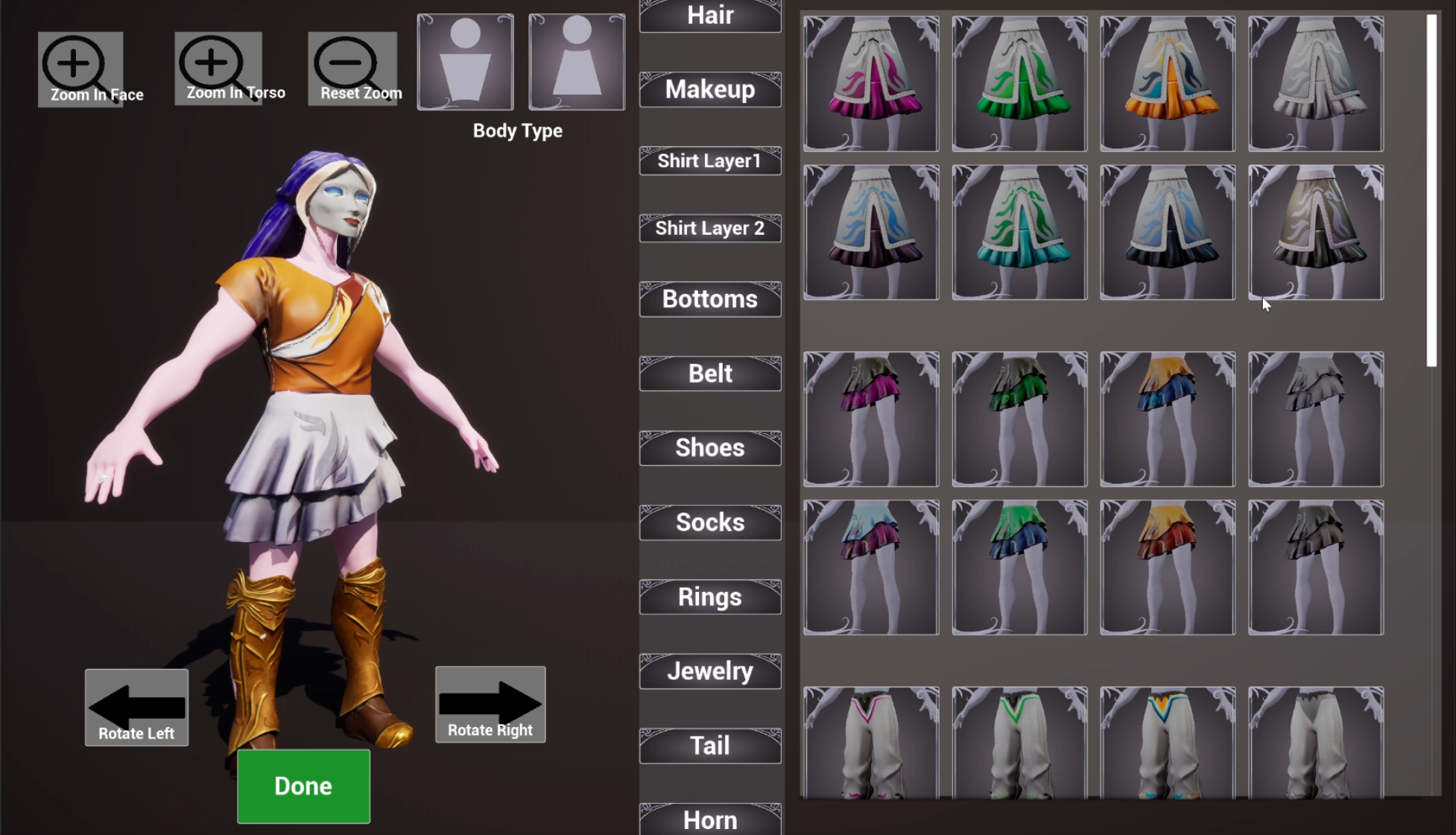
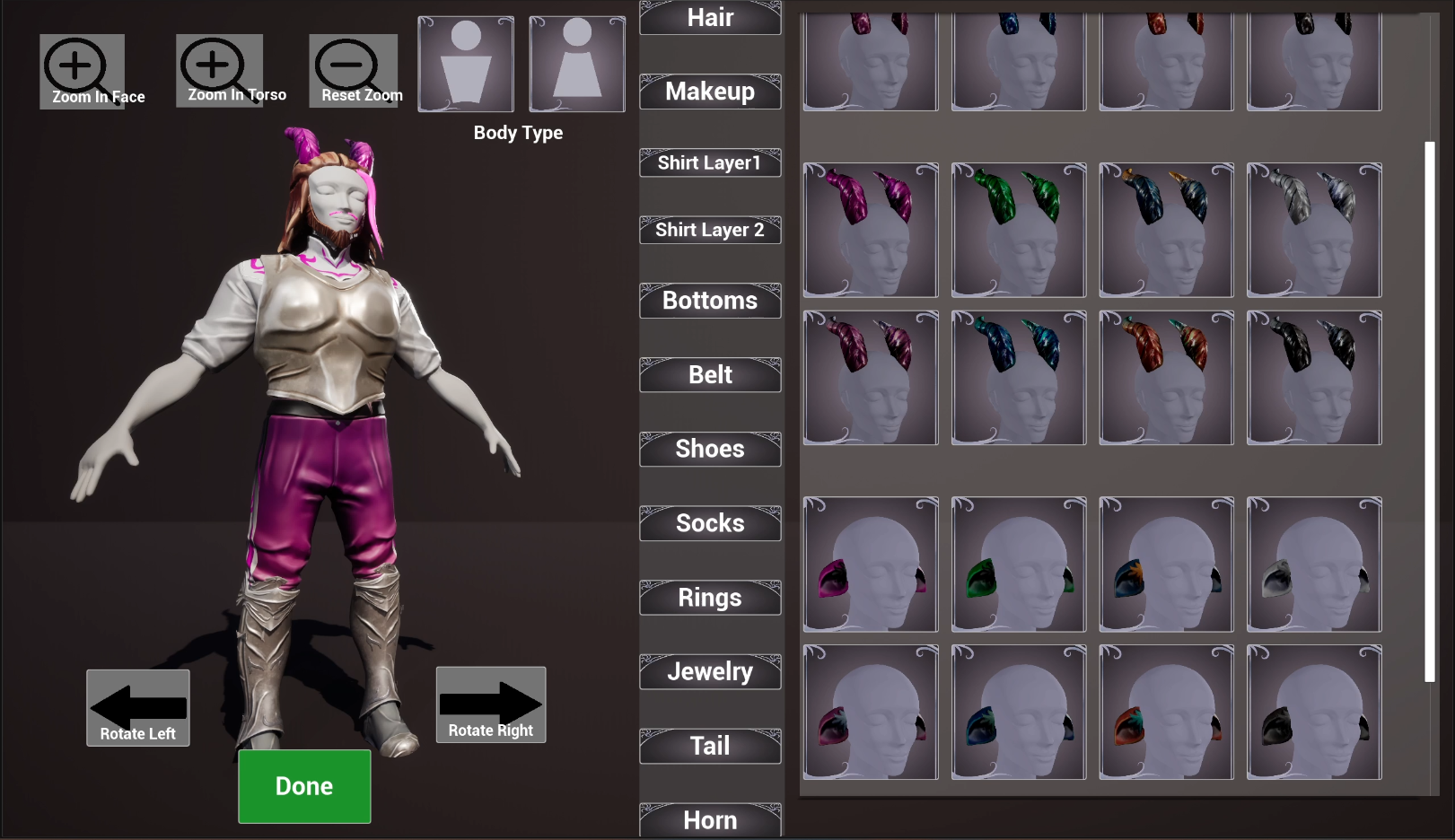
Thanks for helping with my research! This is a research project focusing on adding pride symbols for the asexual and aromantic community as options in a fantasy customization system. Note: A black screen in the beginning is normal, the game is just loading. Instructions: Please download the game files by clicking "Download" at the bottom of this page. Then unzip the file and double click the "CharaCustomiztion.exe". If Windows prompts you with a blue screen, go to "Advanced" or "More Info" and "Run Anyway". Visual instructions for download: After playing the game, fill out the survey and complete these steps: Here is the link from the survey: https://forms.gle/aMdA98eEo5ijdaJY9 Note: The "Saved" folder won't appear if you don't click the "Done" button. Please click this button before uploading screenshots to the survey. After you are satisfied with your character, hit the green button reading "Done" in the game. This will take 3 screenshots of your character that you will upload to the survey. The screenshots will be saved in the folders "AceYourAttire" > CharaCustomization" > "Saved" > "Screenshots" > "Windows" When finished uploading, hitting the Esc key will close the game. Visual Instructions for survey are below:
AceYourAttire View creator →Screenshots
1 / 4