APOLLO-26 — FLIGHT COMPUTER
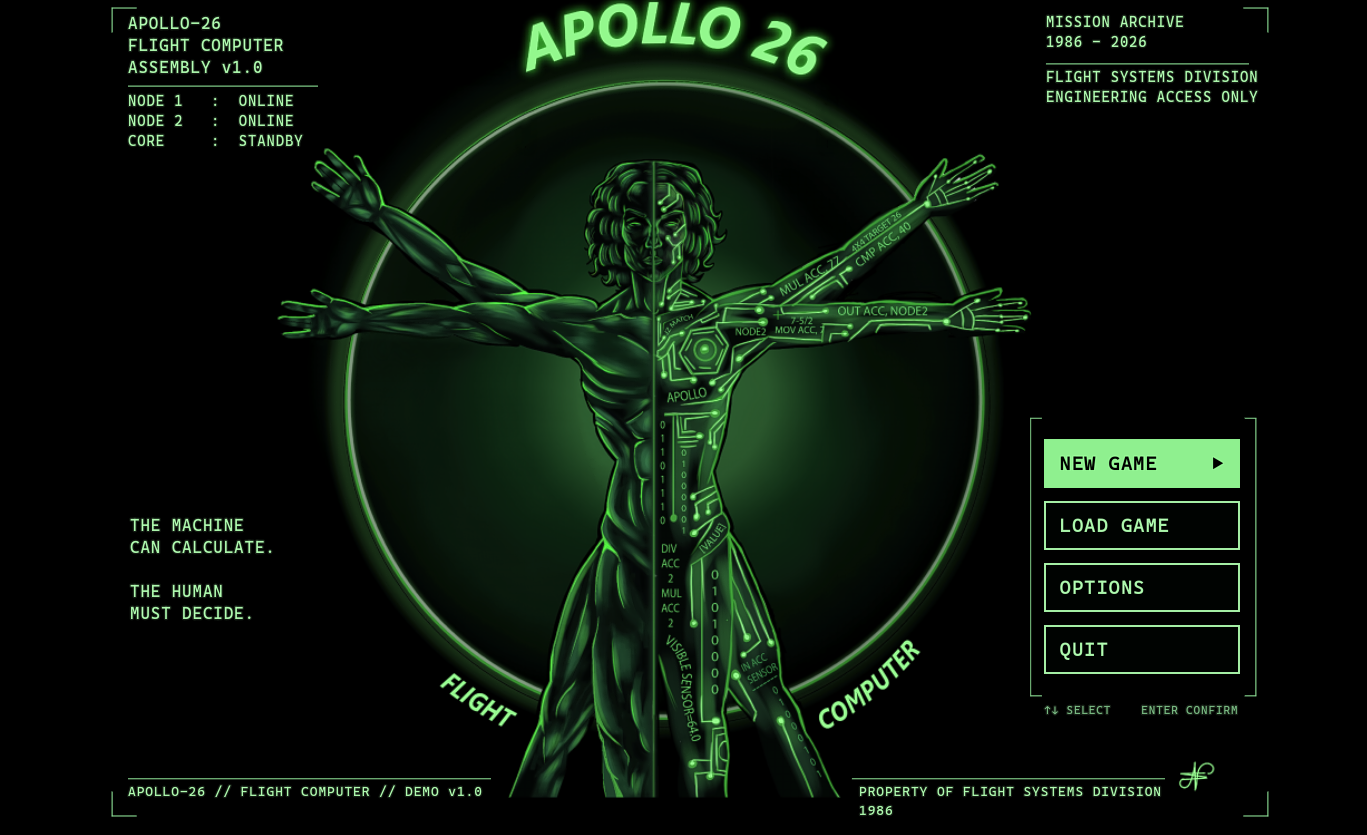
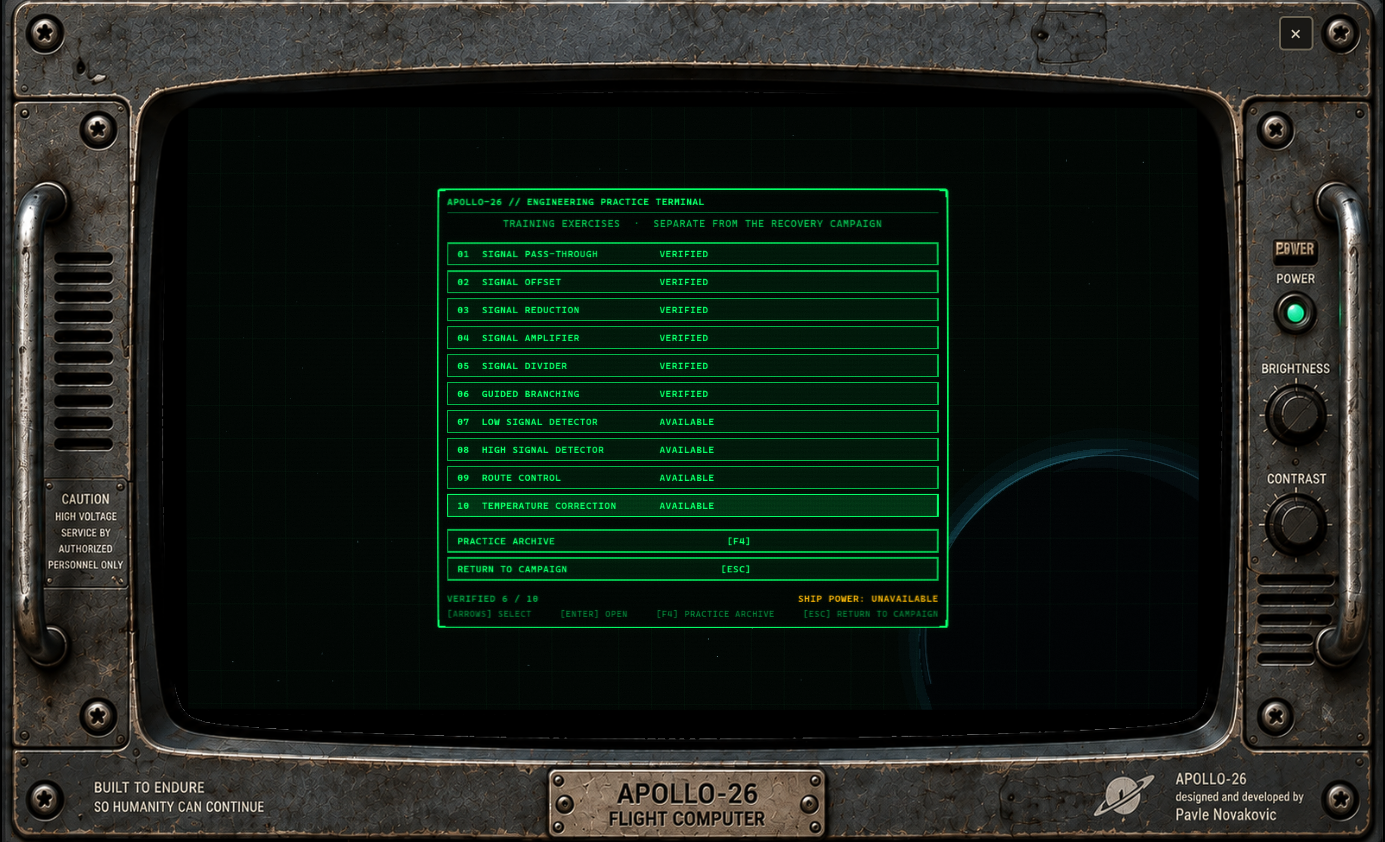
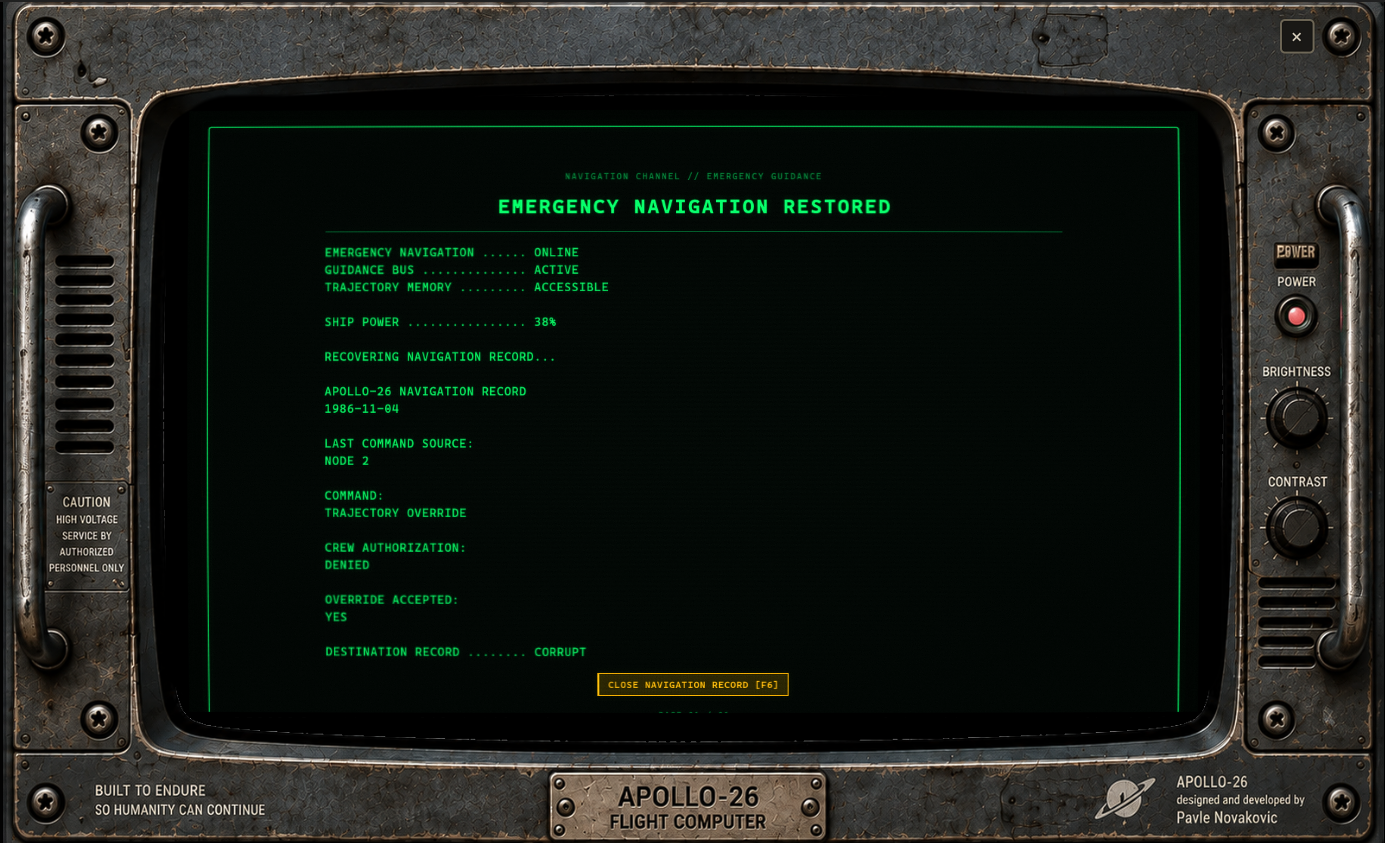
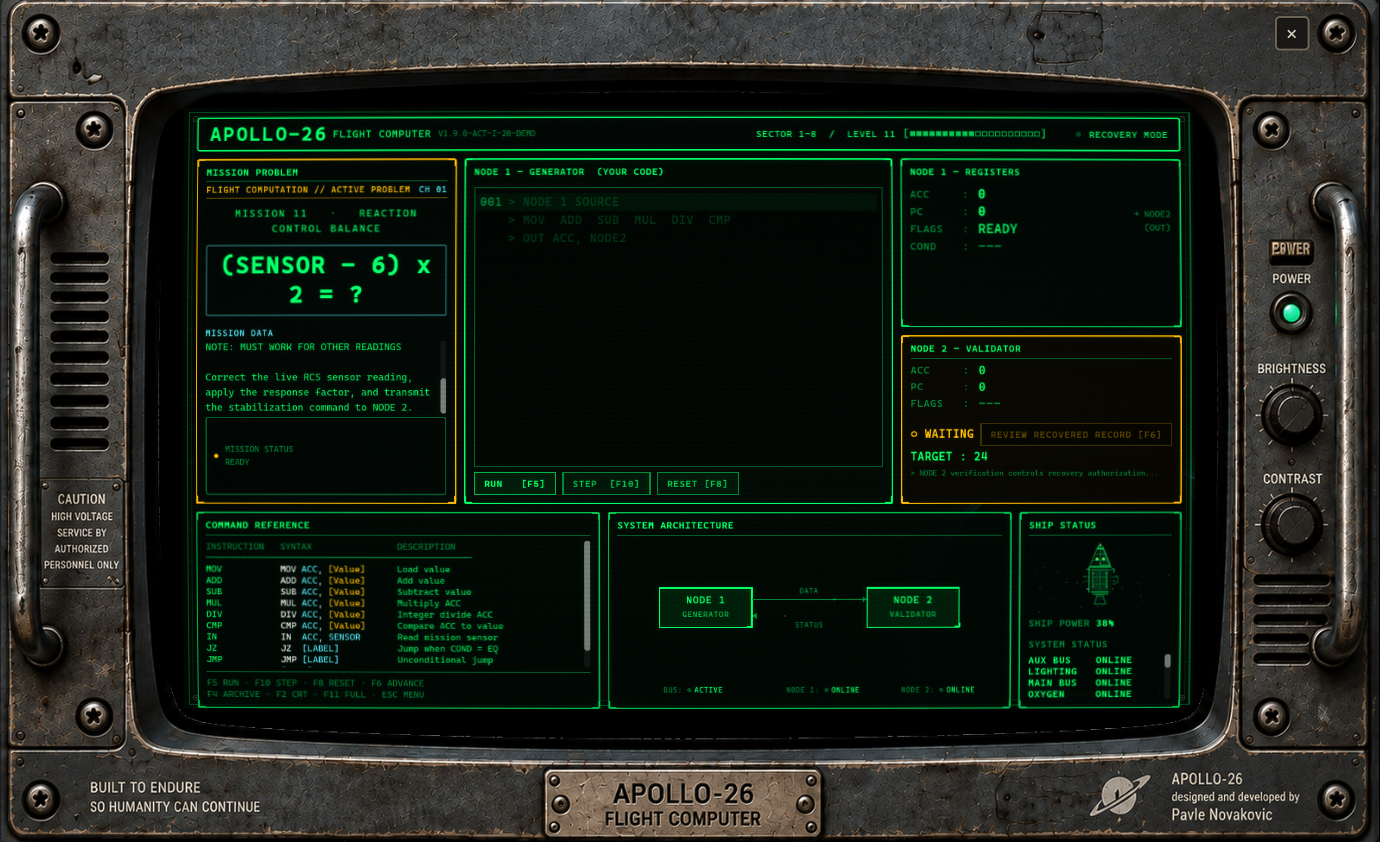
APOLLO-26 — FLIGHT COMPUTER You came aboard to repair a flight computer. Then it started noticing you. APOLLO-26 is a retro science-fiction programming puzzle game inspired by the spirit of classic engineering and Zachtronics-style problem solving. You are the engineer assigned to recover a damaged spacecraft one system at a time. At first, the work seems simple. Load a value. Correct a signal. Restore a circuit. Send the result to Node 2 for verification. But APOLLO-26 is still running. And something inside the machine is paying attention. PROGRAM THE MACHINE Write programs using APOLLO-26 Assembly, a compact assembly-inspired language built specifically for the game. Work with: MOV, ADD, SUB, MUL, DIV Live system inputs with IN Transmissions with OUT Comparisons using CMP Conditional branches with JZ, JL, and JG Unconditional jumps with JMP Your own programmer-defined labels You do not need previous assembly-language experience. The Demo begins with simple operations and gradually introduces branching, live inputs, comparisons, multiple system states, and more complex engineering logic. NODE 1 CALCULATES. NODE 2 VERIFIES. Your program runs inside Node 1. Node 2 independently verifies the result. Getting the correct number is not always enough. Later systems may test your program against readings you have never seen before, forcing you to build logic that actually solves the engineering problem instead of hard-coding the answer. There may be more than one valid way to reach the correct result. THE DEMO The APOLLO-26 Demo contains: • 20 campaign problems • A complete opening chapter of the APOLLO-26 story • 10 optional Engineering Practice Exercises • Arithmetic, live inputs, comparisons, branching and labels • A separate Practice Terminal for learning without affecting campaign progress • Mission Archive and recovered system information • Contextual hints and Label Assist • A printable Engineering Workbook for players who like solving problems with pen and paper • An English Operations & Programming Reference • A Serbian-language manual A thoughtful first playthrough will typically take around 4–7 hours, depending on programming experience and how much you experiment with your solutions. Experienced programming-puzzle players may move considerably faster, while newcomers who take time to learn the system and complete the Practice Exercises may spend much longer. THINK LIKE AN ENGINEER APOLLO-26 is not about typing code as quickly as possible. Read the Mission Data. Understand the system. Plan the logic. Write the program. Run it. Watch the CPU. Find the mistake. Try again. And eventually: MATCH. SOMETHING IS STILL RUNNING The deeper you move into the spacecraft, the less this feels like an ordinary recovery operation. Old systems begin revealing fragments of a larger story. Node 2 behaves in ways it was never supposed to. And the question slowly changes from: Can you repair APOLLO-26? to: Why was it waiting for someone to repair it? DEMO STATUS This Demo contains the first 20 problems of the planned full 101-problem APOLLO-26 campaign. Version 1.0 will continue the story beyond the Demo and expand the engineering systems, puzzles, spacecraft recovery, and the mystery surrounding APOLLO-26. Developed by Pavle Novakovic Published under NOVTech (Pavle Novakovic) Art design, logo and original music by Nina Novakovic. Original spacecraft concept created by Ena Novakovic. :) WINDOWS NOTE Windows may display “Windows protected your PC” the first time you launch the Demo. This can happen because APOLLO-26 is a new, unsigned application that has not yet built Windows SmartScreen reputation. If you downloaded the Demo from the official NOVTech itch.io page, choose “More info” → “Run anyway” to continue.LINUX NOTEThe Linux Demo is a 64-bit x86_64 build. Extract the ZIP, then launch APOLLO-26.x86_64. If needed, run: chmod +x APOLLO-26.x86_64 ./APOLLO-26.x86_64 Optional desktop shortcut: ./install-desktop-shortcut.sh On some Linux desktops, you may need to right-click the shortcut and choose “Allow Launching”. Requires a 64-bit Linux system with OpenGL 3.3 / OpenGL ES 3.0 graphics.
 NOVTech (Pavle Novakovic) 2 followers· portfolio 4 View creator →
Comments over time
Cumulative · 30dScreenshots
1 / 6