Rigsight — See What’s Slowing Your PC, Fix It in One Click
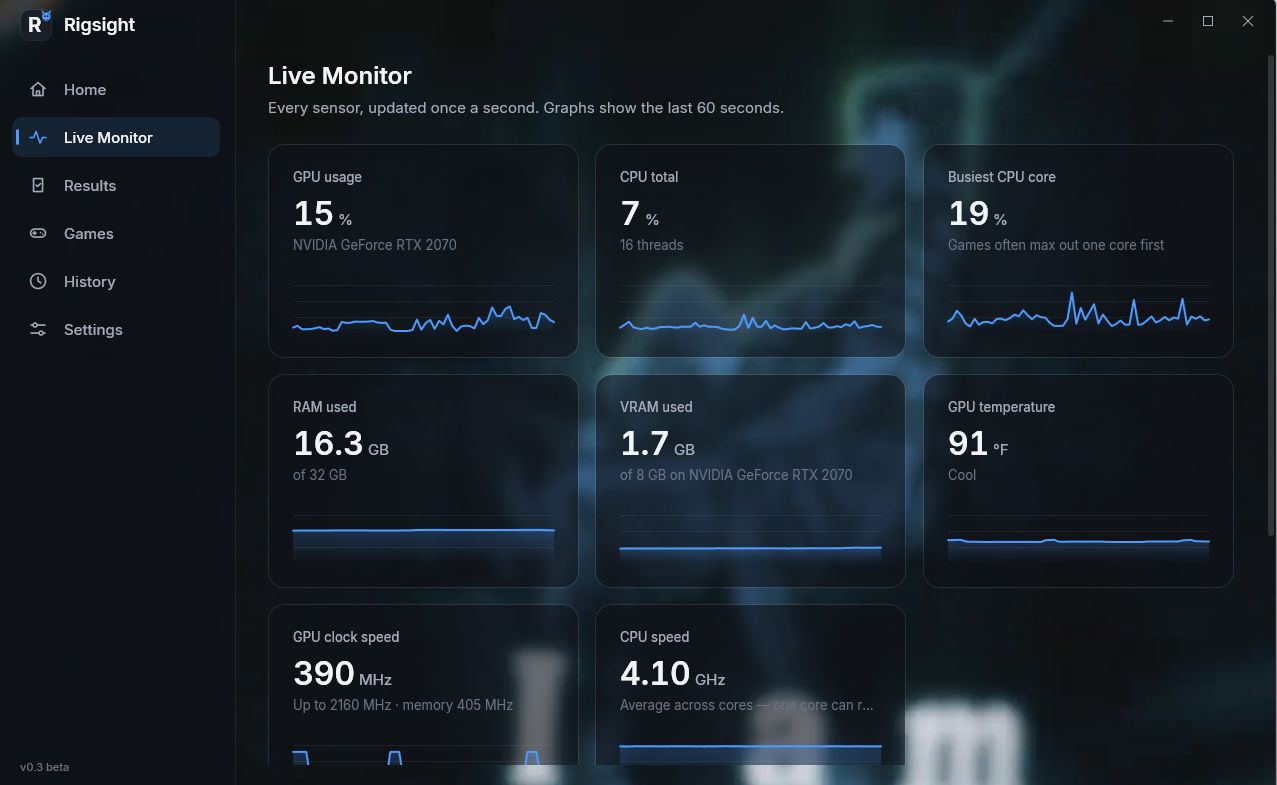
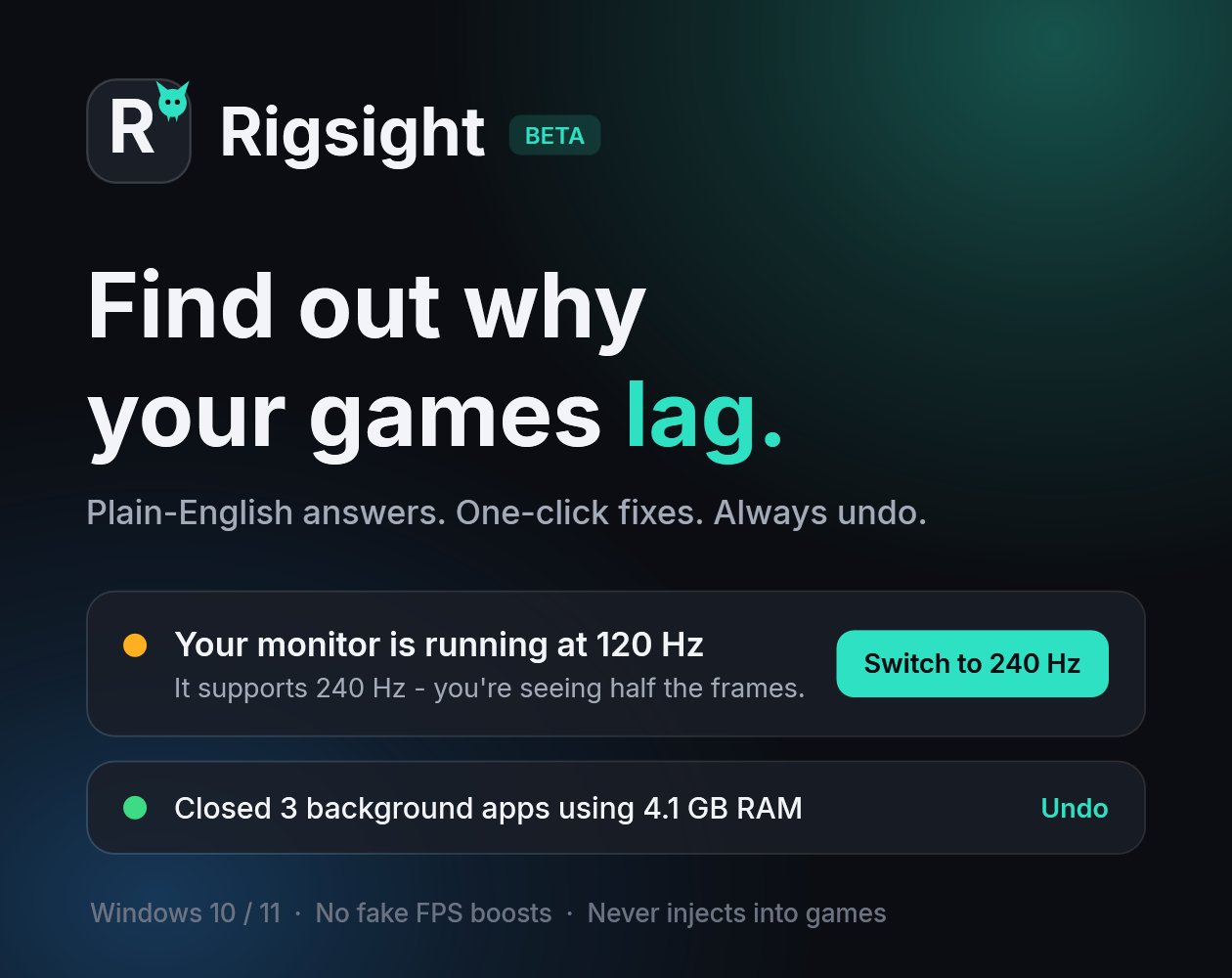
Why does my game lag? You’ve got a decent PC, but your games still stutter, drop frames, or feel sluggish. Task Manager shows a wall of numbers, and “FPS booster” apps just tweak random settings and hope. Rigsight tells you the actual reason, in plain English, and fixes it in one click. What it does Scans while you play. It measures your real FPS, stutters, CPU, GPU, RAM, VRAM, temperatures and clock speeds. Explains the problem. Instead of “GPU 98%” you get something like “Your monitor supports 240 Hz but it’s running at 120 Hz.” Shows how to fix it. Every problem comes with step-by-step instructions. One-click fixes with undo. Rigsight shows you what will change before it changes anything, and you can undo every change. Live overlay. See FPS, temperatures and clock speeds in-game. Press Ctrl+Shift+O to show or hide it. Game settings presets for CS2, Left 4 Dead and Resident Evil 7: More FPS, Balanced or Best looking. Rigsight backs up your settings first. History. Compare scans and see whether things actually got better. Custom look. Accent colours, plus your own GIF or video background. What it checks CPU or GPU bottlenecks: finds which part is holding your game back Background apps: finds apps that are eating resources VRAM: spots when your graphics card runs out of video memory Stutters and overheating: catches frame stutters and parts running too hot Monitor refresh rate: spots a monitor running slower than it can RAM speed: spots memory running below its rated speed, for example when XMP is off Old GPU drivers: flags drivers that are out of date Hard drive: warns when a game is installed on a slow hard drive What it will NEVER do No fake “FPS boost” promises No overclocking, undervolting, registry tweaks or driver changes No injecting into games, so it’s safe with anti-cheat Never closes important Windows processes No account, no tracking, no internet needed. All your data stays on your PC. What you’re downloading A zip with Rigsight.exe (about 140 MB, nothing to install) and a READ ME FIRST file. Unzip it anywhere and double-click Rigsight.exe. It runs without admin rights. Windows may warn “unknown publisher”. That’s because the beta isn’t code-signed yet. Click More info → Run anyway. Optional FPS capture setup: the first time, Rigsight asks for admin approval once so it can read game FPS. Requirements: Windows 10 or 11 (64-bit). A dedicated GPU is recommended. Beta: what to expect This is an early beta (v0.3.0). It works, but there will be rough edges, and your feedback shapes what gets built next. Found a bug or have an idea? In Rigsight, go to Settings → Save diagnostics file. This creates a small zip of logs with your username removed. Post it in the comments below or [YOUR DISCORD / EMAIL HERE], with what you were doing when it happened. Updates: new beta versions will be posted here. Your settings and history carry over when you update. Coming next: more games for presets, anti-cheat compatibility testing, and a Steam release.
Murzait View creator →Screenshots
1 / 2