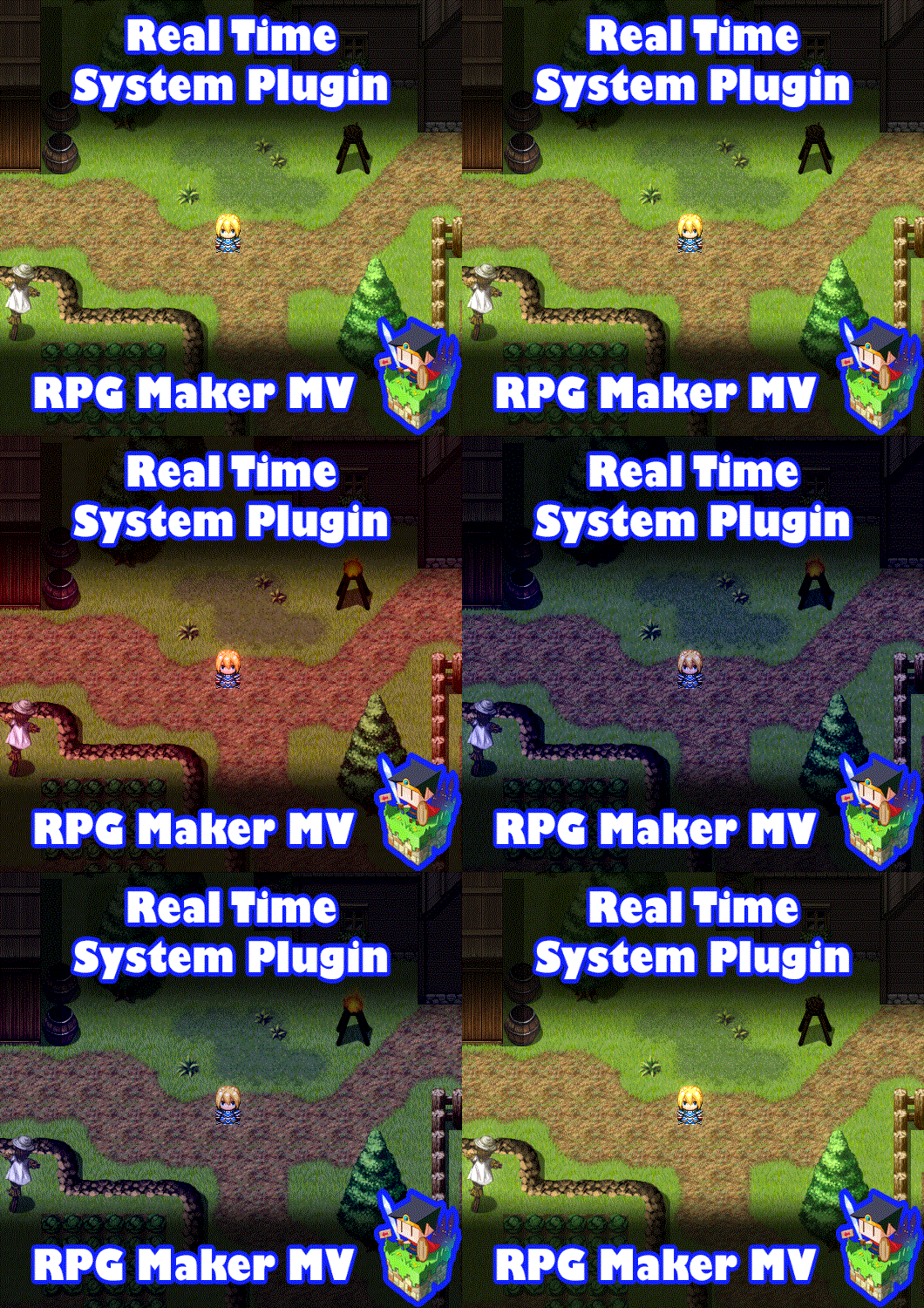
Real Time System plugin for RPG Maker MV
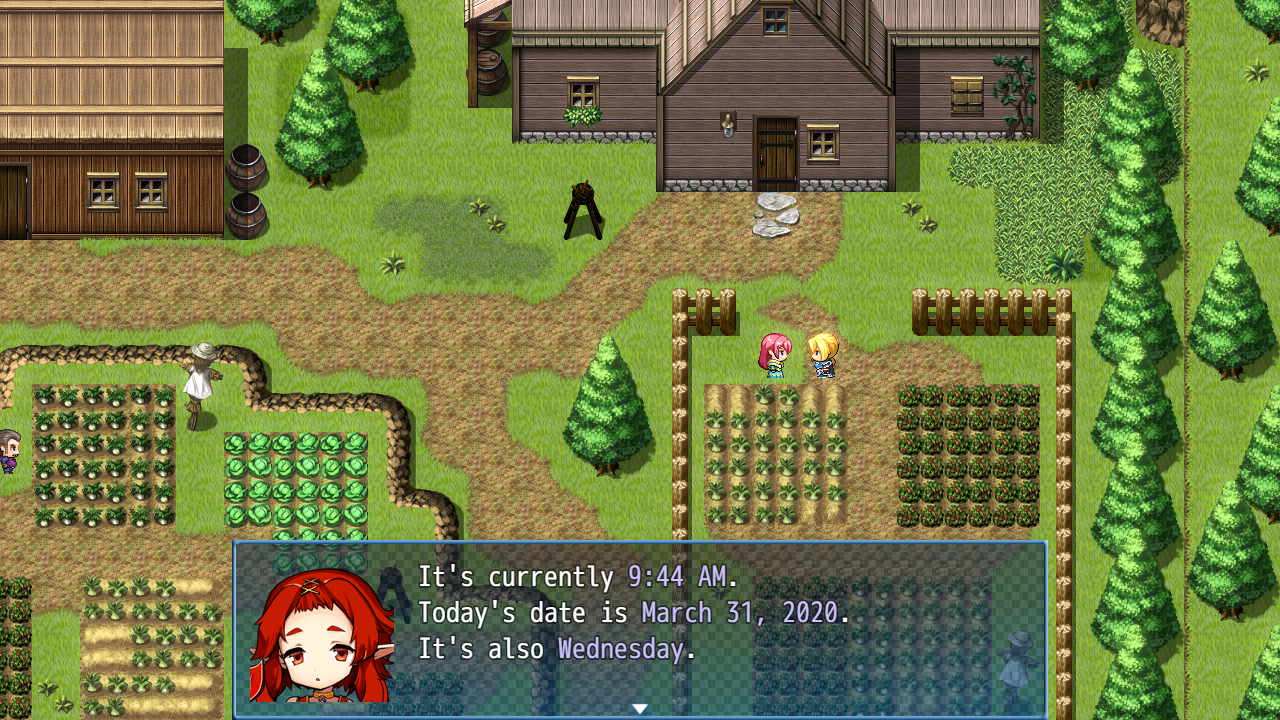
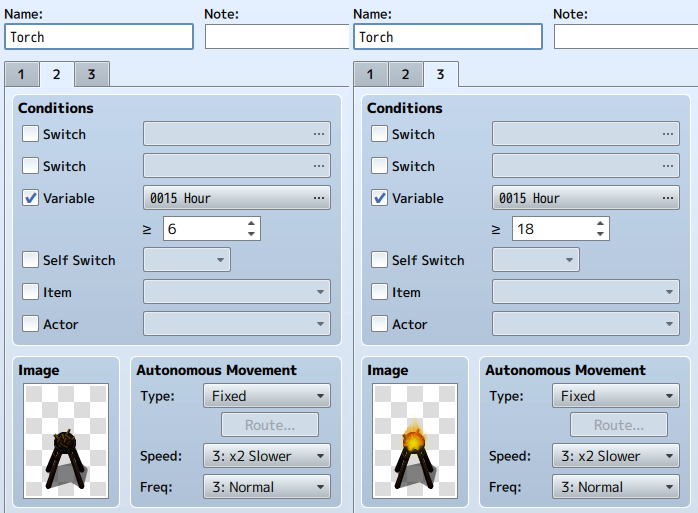
Introduction This plugin adds a real time system to your game. Assigned variableswill automatically update based on values detected from the game client'sNodeJS Date function. This effectively gives you the ability to createevents that trigger off real time changes as long as you set up thevariables and switches to do so. Setup Instructions 1. Open up the Plugin Parameters.2. Assign all the Switch and Variable parameters to switches and variables.3. Set up the tint values for each hour.4. For maps you want there to be tinting on, insert <Real Time Tint> in the map's notebox.5. Setup vocabulary settings to meet your game's standards. Usage Instructions These variables can be used in conditional branches, event conditions, etc. to help make time-dependent effects. These plugin-assigned variables will be automatically updated each secondas long as the "Time Freeze Switch" is not on. Year variable will return the exact year number. Month variable will return the number represented as the current month.- 1: January- 2: February- 3: March- 4: April- 5: May- 6: June- 7: July- 8: August- 9: September- 10: October- 11: November- 12: December Date variable will return the exact date number. Week Day variable will return the day of the week starting with Monday.- 1: Monday- 2: Tuesday- 3: Wednesday- 4: Thursday- 5: Friday- 6: Saturday- 7: Sunday Hours will be based on a 24 hour timer. This means:- 0:00 will be 12 am.- 8:00 will be 8 am.- 12:00 will be 12 pm.- 13:00 will be 1 pm.- 18:00 will be 6 pm.- 23:00 will be 11 pm. Minutes will be based on the 60 minute timer from 0 to 59. Seconds will be based on the 60 second timer from 0 to 59. Text Codes These text codes can be used inside messages: \Year- Returns the current year. \YearA- Returns the current year's last two digits. \Month- Returns the current month's name. \MonthID- Returns the current month's numeric value. \Date- Returns the current date number. \WeekDay- Returns the current week day's name. \Hour\Hour24- Returns the current hour (24 hour). \Hour12- Returns the current hour (12 hour). \Minute- Returns the current minute. This number will be padded if under 10. \Second- Returns the current second. This number will be padded if under 10. \Meridiem- Returns 'AM' or 'PM' depending on the current time. Plugin Parameters Switches: Time Freeze Switch:- If this switch is on, time is frozen and will not automatically update. Anti-Tint Switch:- If this switch is on, ignore any day tints even on maps with<Real Time Tint> notetag. Variables: Year Variable:Month Variable:Date Variable:Week Day Variable:Hour Variable:Minute Variable:Second Variable:- Which variable will be designated to be automatically updated with theserespective values? Leave as 0 to not use it. Tones:12 AM through 11 PM- Tone used during these hours.- Format: [red, green, blue, gray]- Only applies to maps with <Real Time Tint> notetag. Vocabulary: Months:- Set the text used for the month names.- These are used for the text codes. Week Days:- Set the text used for the week day names.- These are used for the text codes. Time:- Set the text used for AM and PM.- These are used for the text codes. Warnings While this plugin is based on "real time", it's actually based onwhatever time the computer is using upon opening the game client. Changingthe computer's time while the game is active will not change the time, untilthe game client has been closed down and restarted. RPG Maker Version This plugin is made for and tested on RPG Maker MV with version 1.6.2.I cannot guarantee if it works on lower versions. Terms of Use 1. These plugins may be used in free or commercial games. 2. 'RPG Maker Irina' must be given credit in your games. 3. You are allowed to edit the code. 4. Do NOT change the filename, parameters, and information of the plugin. 5. You are NOT allowed to redistribute these Plugins. 6. You may NOT take code for your own released Plugins. Changelog Nothing
 Irina 14 games· 1.5k followers· 168 ratings· portfolio 80 View creator →
Ratings over time
Cumulative · 30dScreenshots
1 / 4