Book Menu Plugin
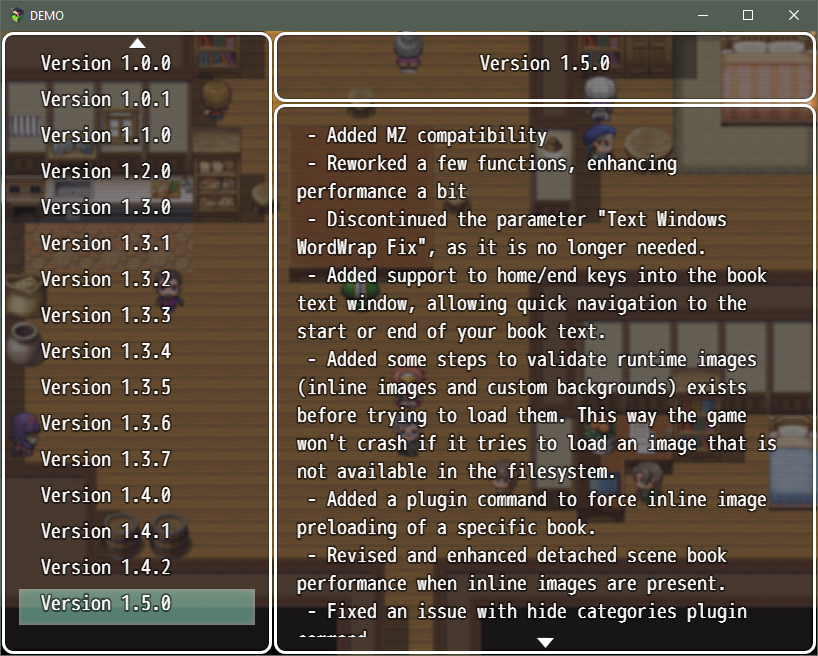
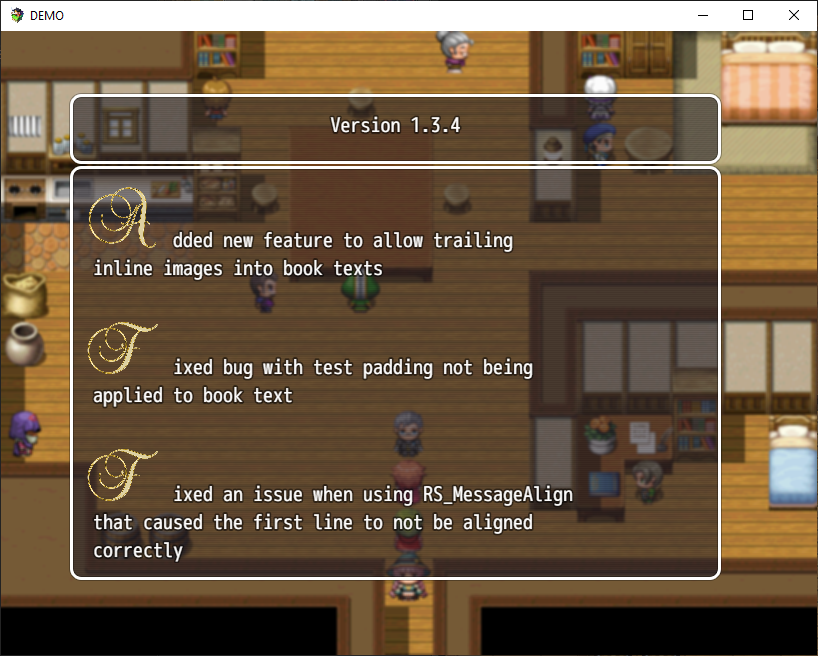
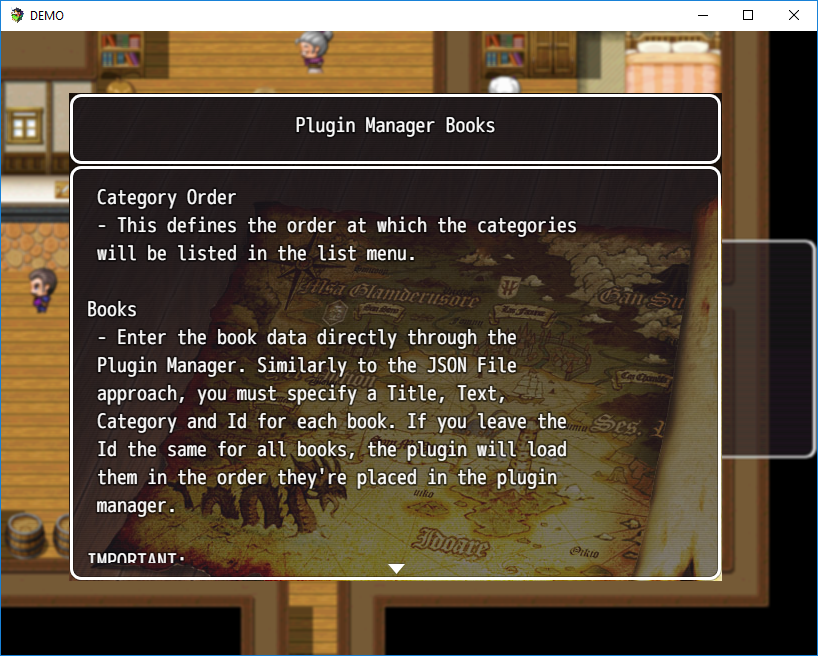
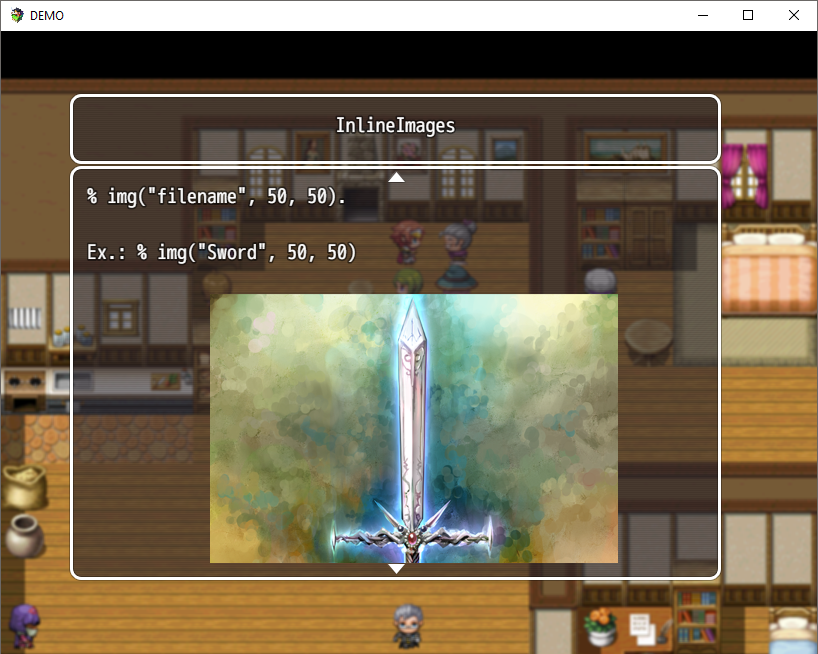
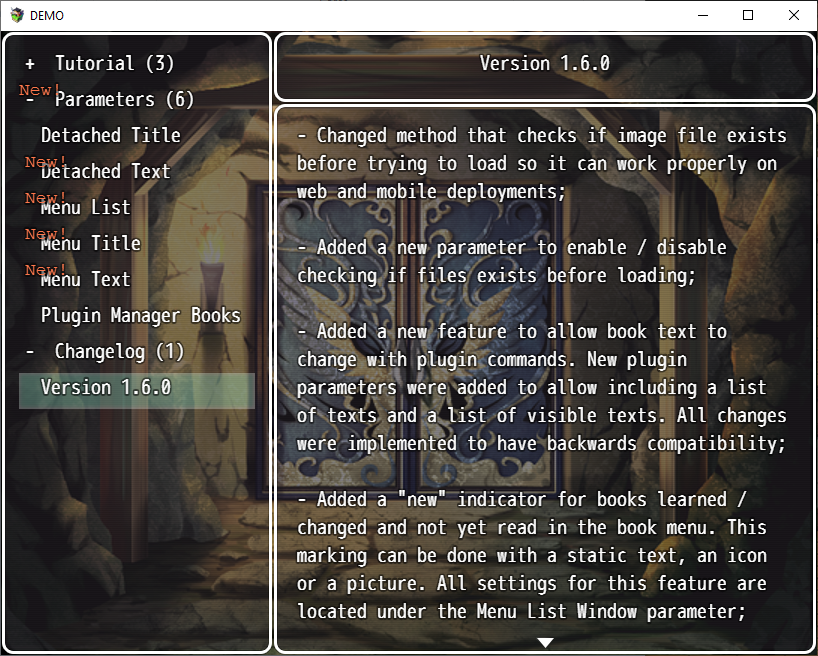
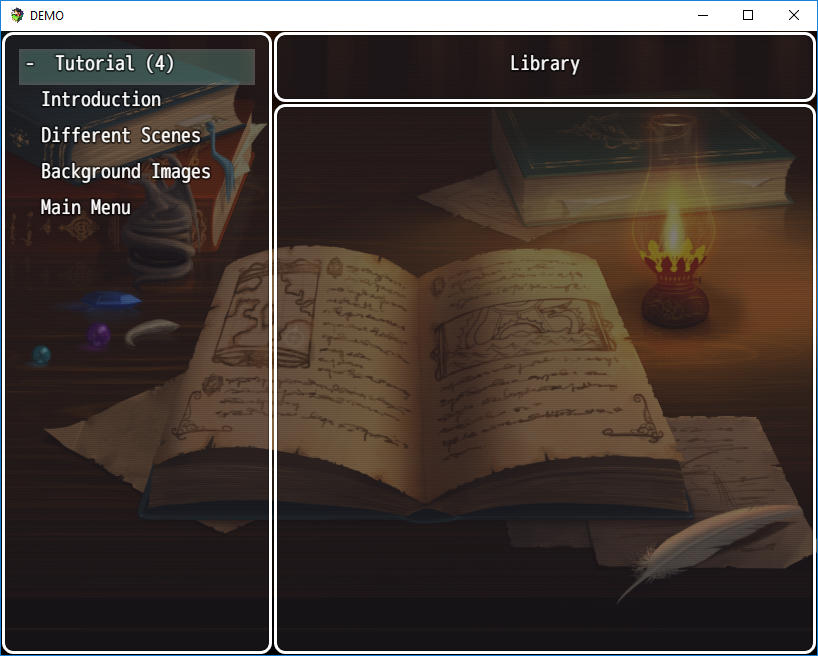
This plugin is supported on both RPG Maker MV and MZ. When we create a game, we usually create a whole new world rich in lore and details, and want to make it all available to the players, so that they can understand every single detail we develop. However, just dumping it all in lengthy dialogues usually bore and scare most of the players, who will simply give up on your world. A common alternative used by many AAA games is to minimize dialogue and exposition, and provide additional details through in-game books. This plugin aims to provide just that for your game: a book menu where the player can read up additional lore when he feels up to it. You can place books throughout your game, providing a bit more of context for hungry players as they progress, and keeping exposition to a minimum. Features Creates a main menu command gathering books the player discovers throughout your world, letting them read whenever they want;Allows the dev to call a detached window and show the contents of a book outside the menu;Input your game books into the engine using either the Plugin Manager or an external JSON file;Compatibility with multilanguage plugins that uses multiple external files for text;Allows the dev to setup background images for both scenes separately, with options to use different images for each window or a single image for everything;Allows you to include inline images along with the book text. The image can be used with its original size, or proportionally resized through a special escape code.Use inline trailing images to give a nice finishing touch to your books!Scroll book text by cliking (PC) or touching (mobile) the arrows or swyping up and down; Plugin Usage There's a bunch of parameters that allows you to customize each of the scenes (the detached book window and the book menu). The plugin's help section describe most which are not self explanatory, try taking a look there if you feel lost. A few important notes: You have to set up your books before you can call them inside your game. There's two ways of doing that: inside the Plugin Manager itself or using external JSON files. The plugin can only work with one of this methods at a time, so you need to chose which one you want at the "DataSource Type" parameter. I'll enclose the instructions for each case in spoiler tags below to make it more readable;This plugin does not implement wordwrap, as it is widely available with a bunch of free plugins out there. I won't be reinventing the wheel, so I highly recommend using one of those. I, for instance, use Yanfly's Message Core;This plugin creates almost everything it uses, so it is unlikely that any compatibility issues arises. Anyway, I've tested it out with most of Yanfly's plugins and found no issues;I don't know how many around here go through the trouble of using multi language plugins like me, but I've built this plugin to make those people lives easier. You can set it up so that it reads the books data directly from one of your JSON language files, and just reference the key tag of each book in the plugin commands. The plugin will take care of using placeholders to make sure the right language is used. I've tested it out with Iavra's Localization Core, but it should work with any plugin of this kind if there are JSON files involved; Known Issues If you're using another plugin to provide wordwrap, it may be disrupted when using inline images. It happens because in order to allow inline images I have to break down book input, and I treat each text and image section separately. So, the wordwrap tag included at the beginning of the text is lost when there's one or more inline images. The workaround for that is to simply manually include a wordwrap tag after an inline image tag if you're going to continue the book's text. For example, using Yanfly's wordwrap tag: '<WordWrap>Initial text.%img("Sword")<WordWrap>Text after image.' If using the Plugin Manager as source and a book text is left empty the game can break if you try to access the book. As I see no use on loading a book without any text, I'm not planning on failsafe that for now.
 taaspider 4 games· 348 followers· 25 ratings· portfolio 61 View creator →
Ratings over time
Cumulative · 30dScreenshots
1 / 6