The Pillar of Gods
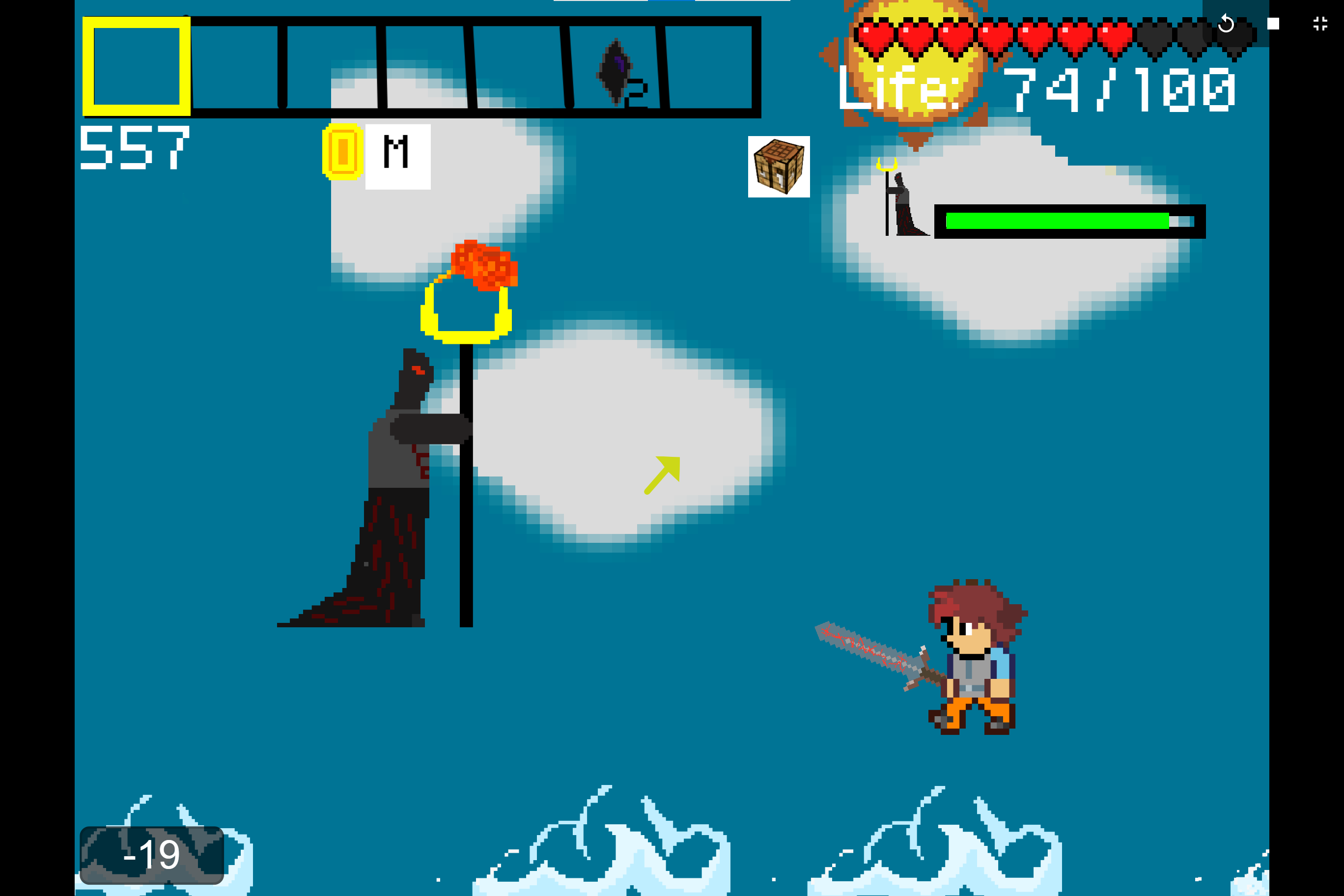
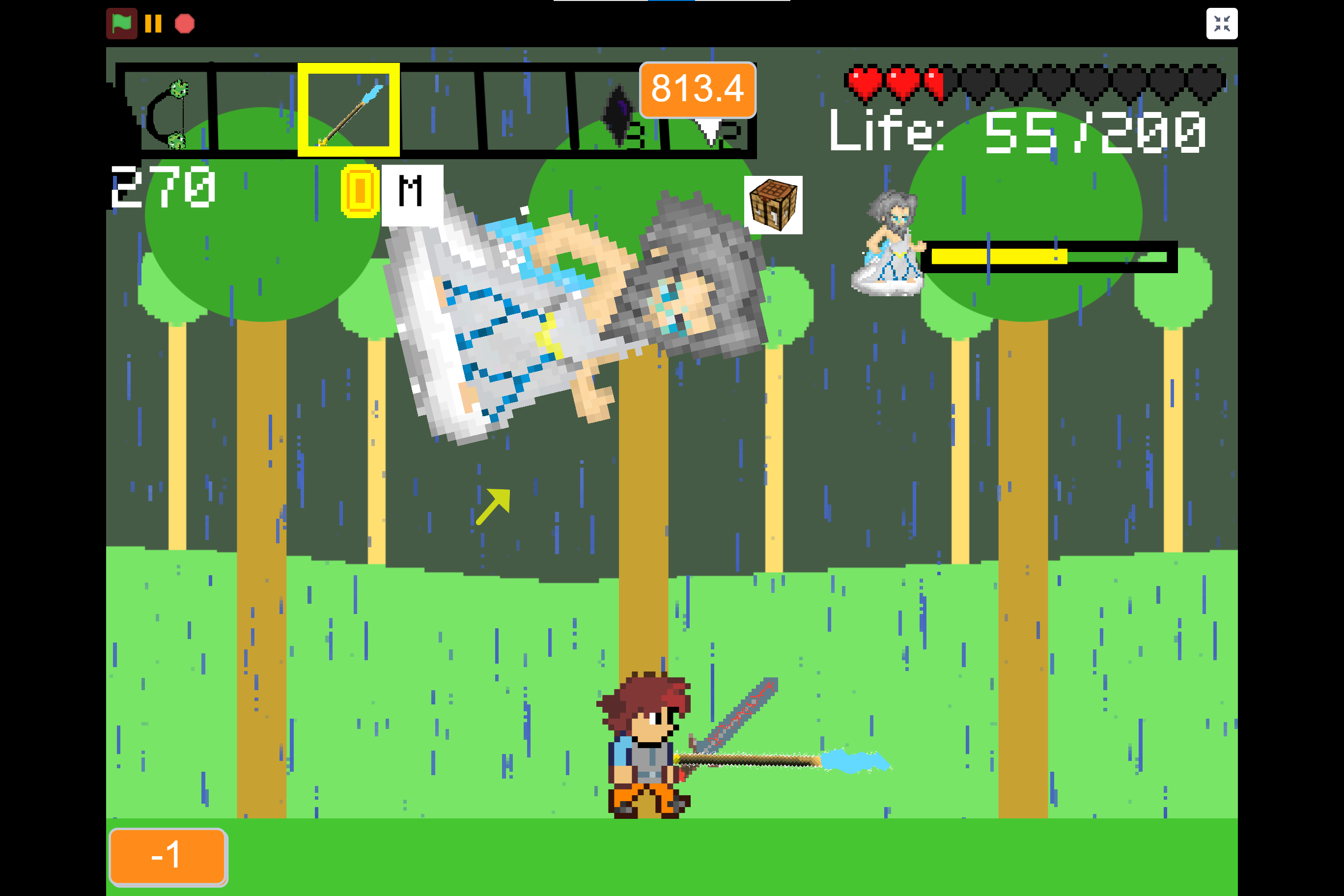
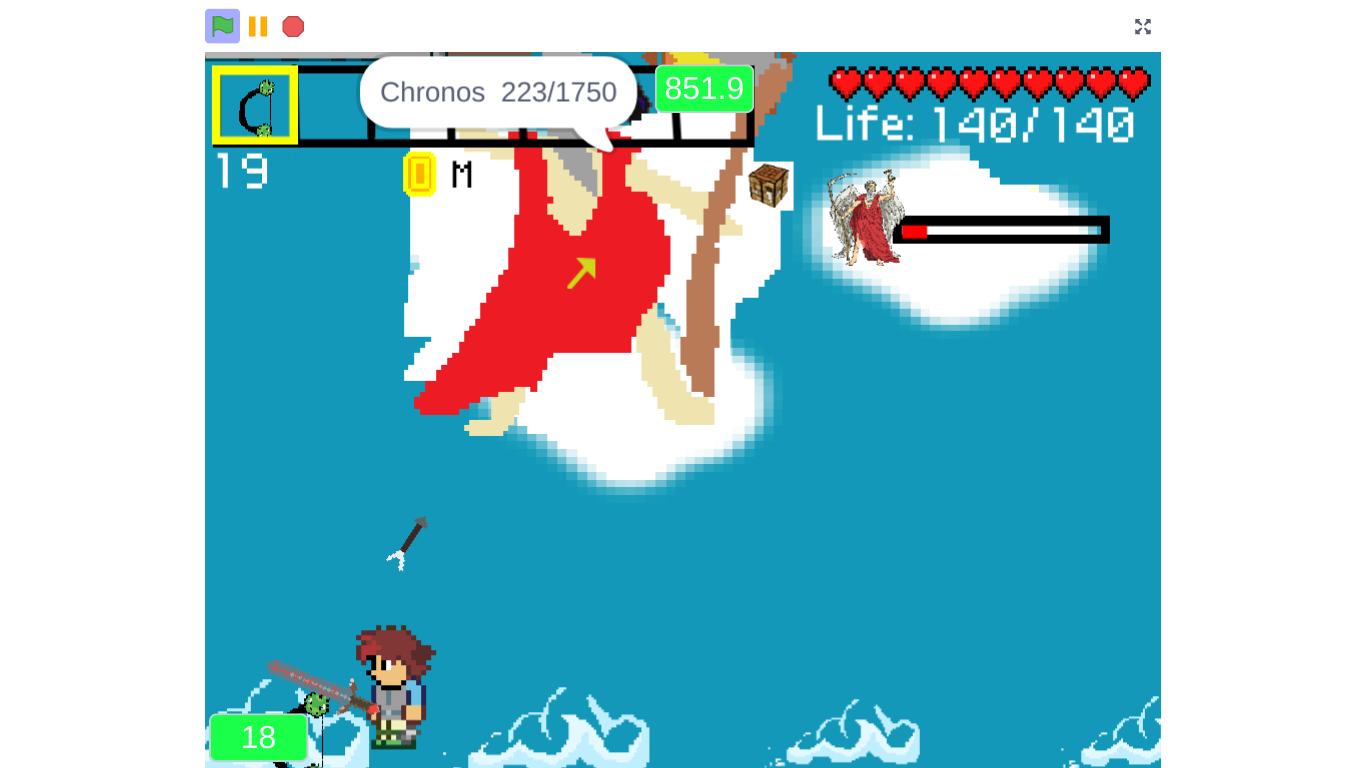
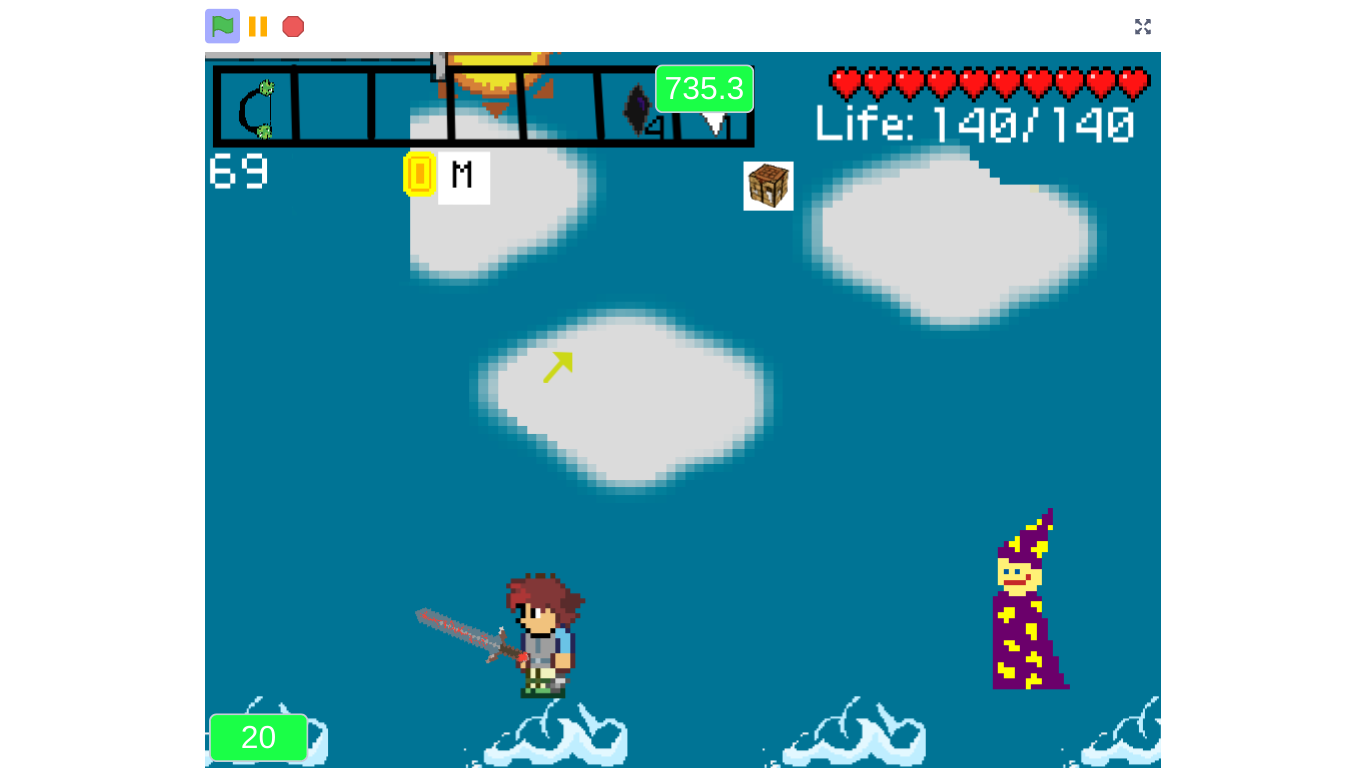
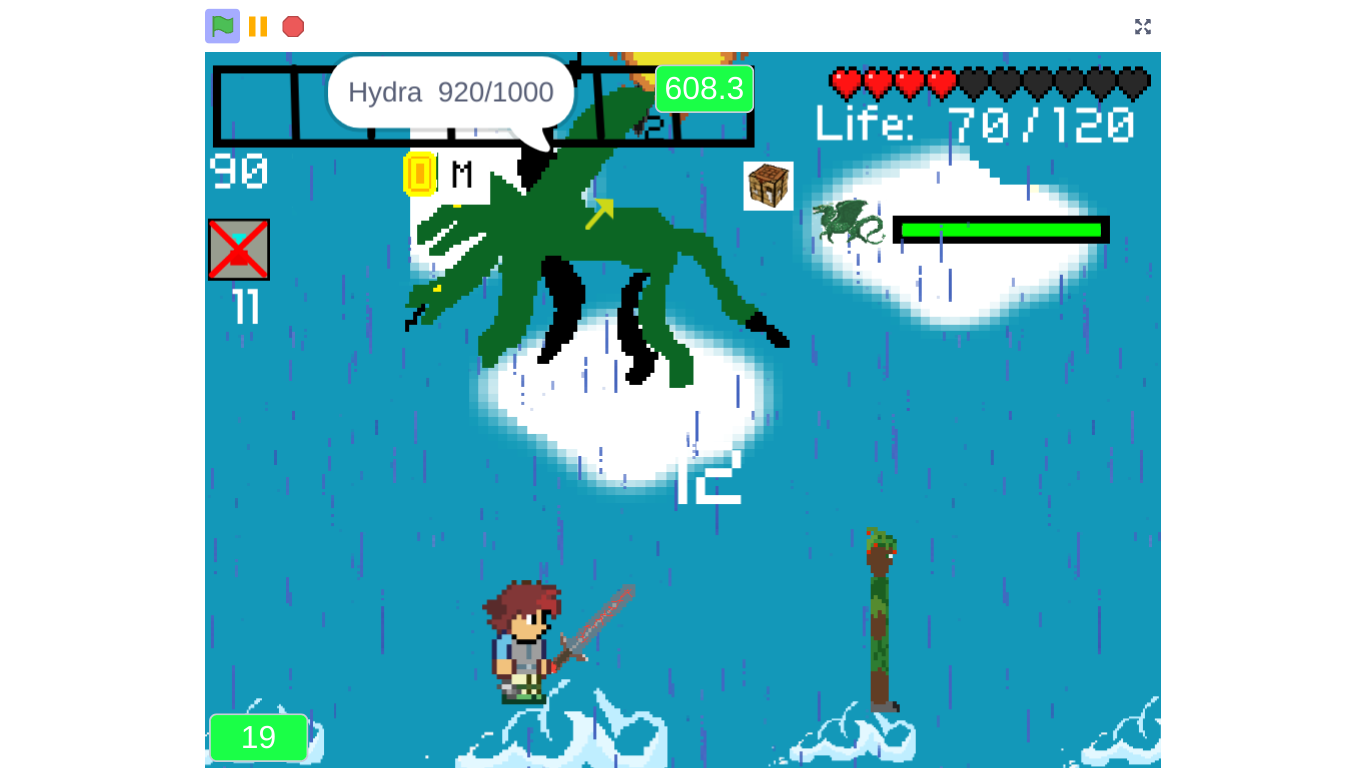
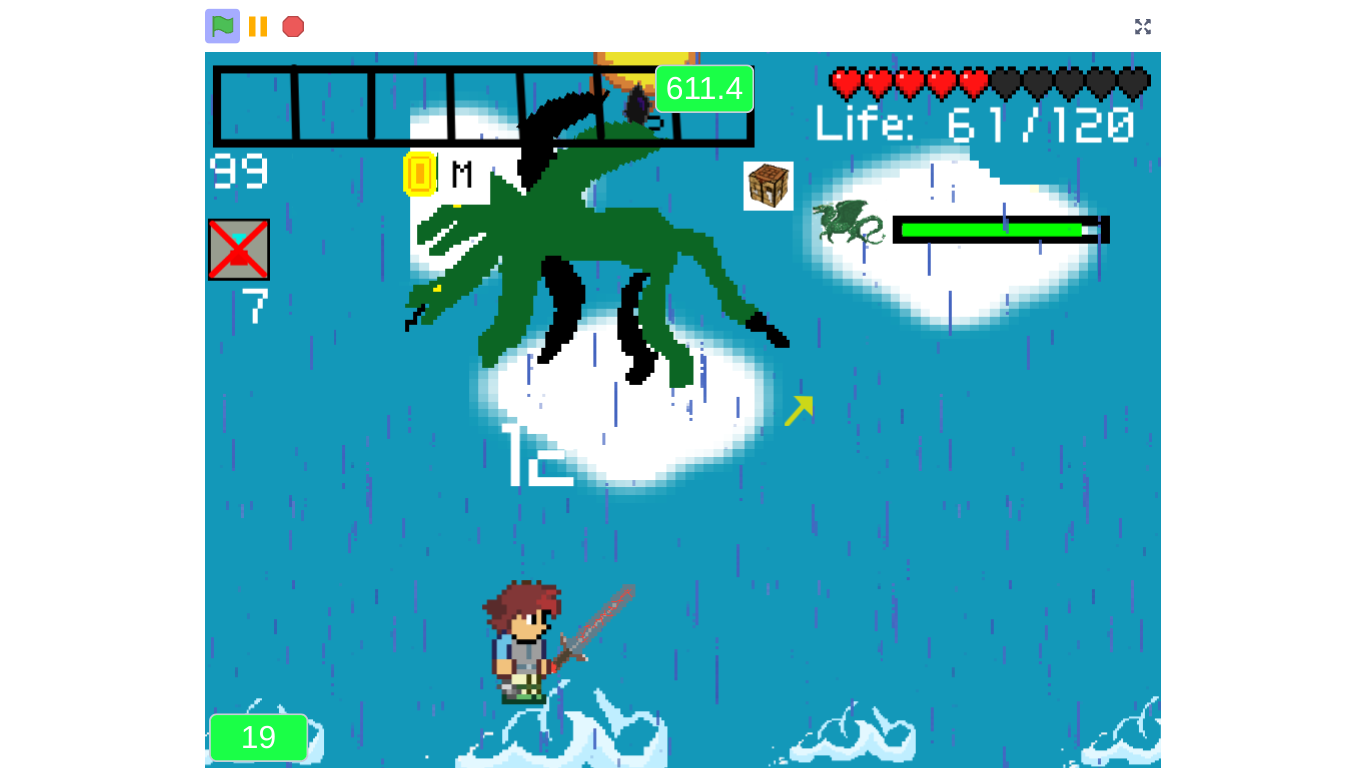
The Pillar of Gods is an exploration and adventure game where you explore around different dimensions and fight bosses, get new weapons, obtain different kinds of items. This game was coded on Scratch. To save your game, press [O] and you can save your game. For more about save codes, just scroll down. Have fun! Also playable at: https://scratch.mit.edu/projects/682689104/ Official Fandom: https://the-pillar-of-gods.fandom.com/wiki/Home Want to play on older versions? Check them out at this Scratch Studio: https://scratch.mit.edu/studios/33479291/ Soundtrack (to Download, see that in the Downloads area.): https://soundcloud.com/waddle-games Controls: [A+D] Move Left & Right (Or you can use arrow keys) [Mouse Click] Interact, Use Weapon [I] Open/Close Inventory [C] Craft [T] Chat [Q] Open Settings, [X] Close Settings [U] Use Healing Potion [O] Save Game [Y] Use Rise Potion [0] Open/Close Achievement Window [8] Open/Close current in-progress Quests [9] Add Server (For multiplayer) [1,2,3,4,5,6,7] Hotkeys {Hotkey weapons: (in order) [1 - Dragon's Bow] [ 2 - Snow Staff] [ 3 - Bubble Spear] [ 4 - Fishing Pole] [ 5 - Dimensions Rod] [ 6 - Lightning Sword] [ 7 - Executor Blade] PLEASE NOTE: You cannot play Multiplayer on here with people playing on Scratch, since the cloud does not overlap. If you would like to play with Scratchers, please use the Scratch version. Also, only two people on Multiplayer will work at a time. ALSO NOTE: The game does not save if you close the tab. :( However, in the future, it may be possible. (So, every time you have to quit, just press O and copy your save code and put it in a Google doc or email it or save it in some way so you can access it again.) Thanks for playing! This game was actually created on May 03, 2022, but was converted to HTML and added to itch.io on December 01, 2022. How to use save codes: If you want to save your game, you'll have to copy a string of letters and numbers generated by the game that, when you come back to the game you can just paste back into the game and you will have everything you left off with. To generate your save code, press [O]. The game will ask you for a password to generate your save code, so just put in something like 1234 or something. It doesn't really matter what it is, as long as it's all numbers and it's something you can remember. Then, once you've typed in the password and pressed enter, it should automatically generate a save code for you. To copy all of the save code, just triple-click it. Then put it somewhere you can access it again. When you want to load the save code in, just start the game as usual. Click [Singleplayer] then click once clicked, it'll ask you for clarification: Type in y. Then, it'll ask you: Type in the password you used to save the game before, then it'll ask you: Here is where you paste in your save code. Then press enter, and press the green play button! Now you've loaded your save successfully. Good job, and have fun playing!
 Waddle Games 3 followers· portfolio 5 View creator →
Ratings over time
Cumulative · 30dScreenshots
1 / 9