Videogame 182
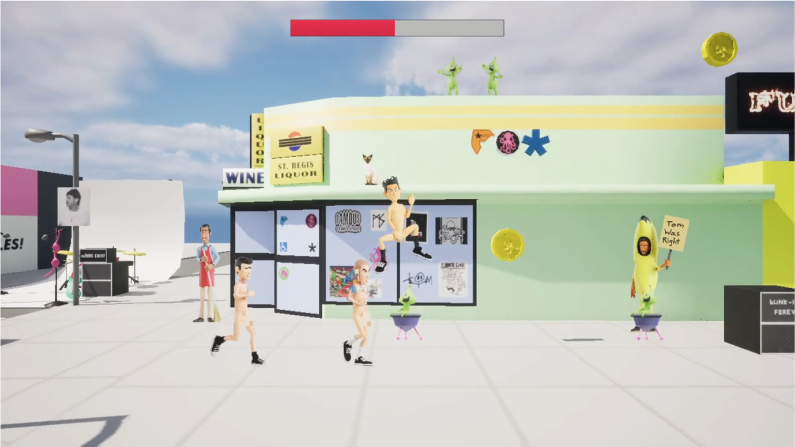
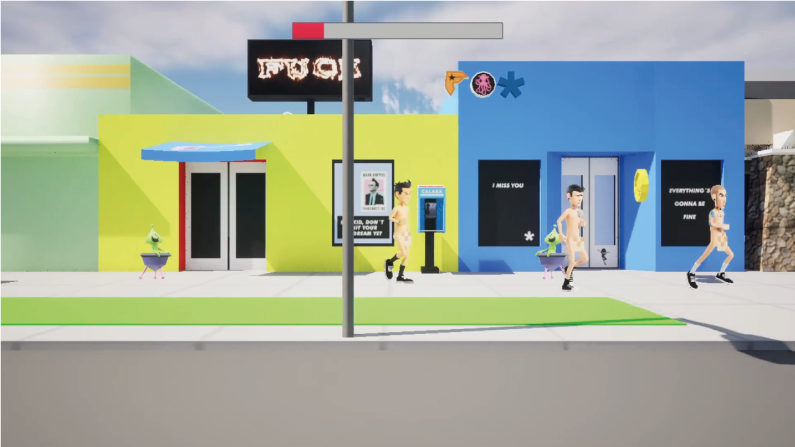
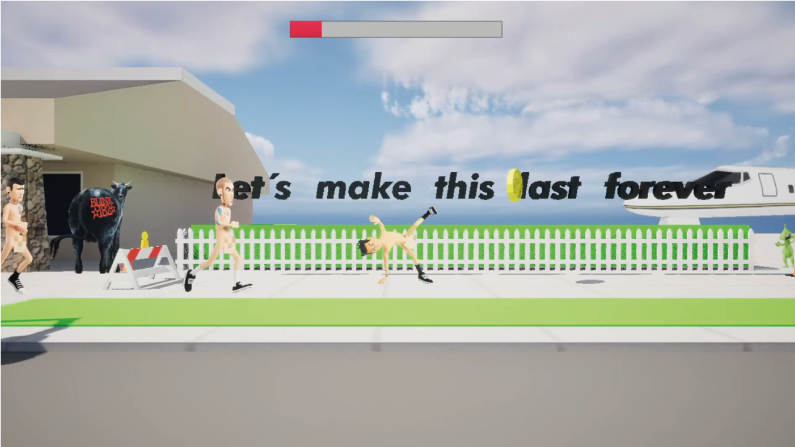
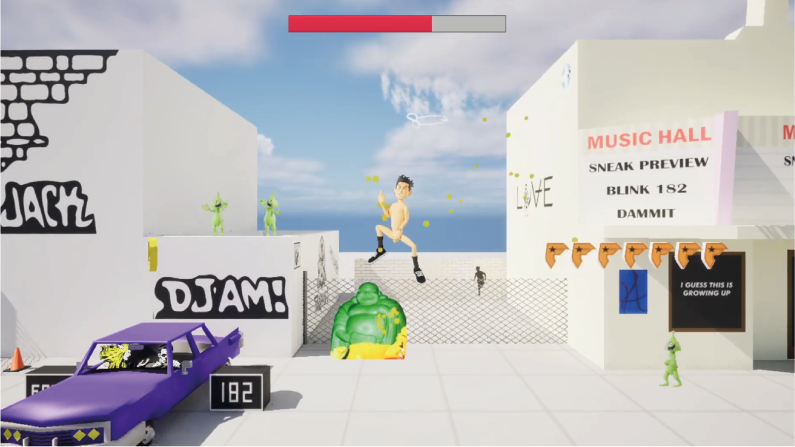
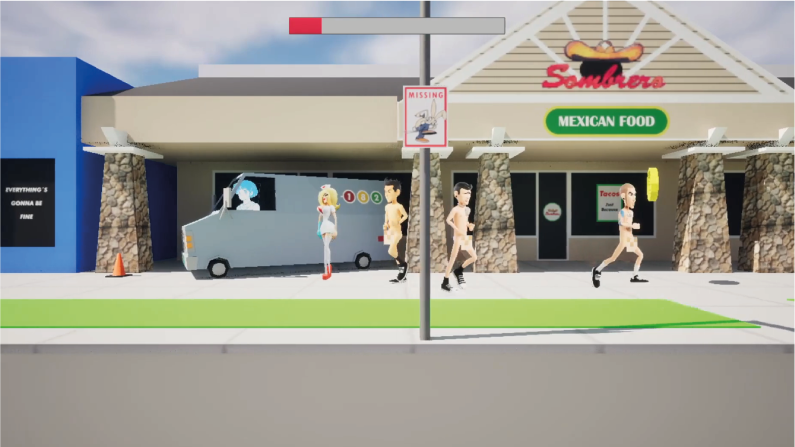
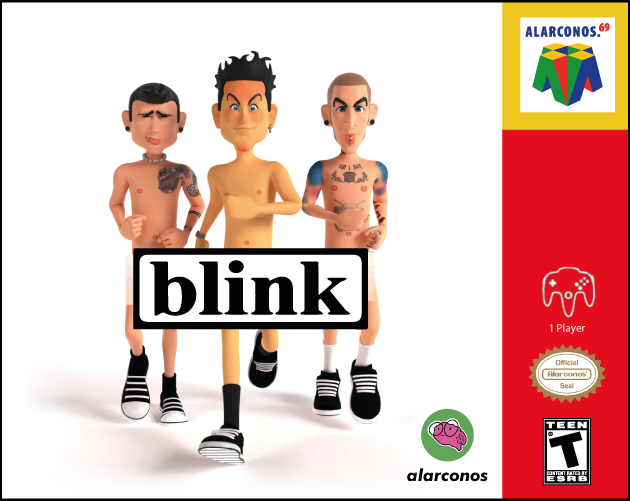
A LOVE LETTER TO BLINK ( It was never a phase mom!) This a Fanart / personal project created as a tribute to my all time favorite band: blink 182. Huge THANK YOU for inspired me in so many ways over the years and for being the soundtrack of my life! I made this videogame demo from the heart and I hope you enjoy it! I´m forever grateful to my family and friends for their support and especially to you, the player, for being part of this personal journey! Please feel free to share it with your mom, dad and friends! That would mean the world to me. And by the way life is an open world game so... let´s make this last forever! Oscar. CREATED BY (responsible for all aspects): @alarconos (Oscar Alarcón) - Instagram- TikTok - Youtube - Web MUSIC ARRANGEMENTS / SFX : @luchosileno (Lucho Brunicardi) - Instagram - Youtube ORIGINAL SONG: What´s my age again? by blink 182. bLINK 182 -WHAT´S MY AGE AGAIN? - OFFICIAL MUSIC VIDEO: HOW TO PLAY "VIDEOGAME 182"? Wake up! Follow the white rabbit, you got to find him! That's you mission. *The trick if you don't want to get hit by the aliens is to never stop running while jumping over them! CONTROLS : Move: A - D or Arrow keys (left - right) Jump: Spacebar Special Move: K --- INSTALL INSTRUCTIONS: -WINDOWS USERS: 1. Unzip the file 2. Open "Project182.exe" (windows) double click to run the game. 3. Take off your pants and jacket and enjoy the game! Just keep in mind: *This message might appears "The Following component(s) are required to run this program: Microsoft Visual C++ Runtime, DirectX Runtime -Solution: Install the Prerequisites. --- -MAC USERS: Keep in mind this application requires macOS 13.0 or later. 1. Download Project182-Mac-Shipping.zip 2. Unzip the file (double click) to extract the game app. 3. Try to open game app by clicking on icon: 4. It will show you an alert message like this: "Project182-Mac-Shipping.zip" can´t be opened because it was not downloaded from the App Store"...Just click "OK". 5. Go to System Preferences or System Settings > Security & Privacy (alternative: press cmd+space and type System Settings). 6. In Security & Privacy - General, click the button "Open Anyway". 7. It will appear this alert message "Project182-Mac-Shipping.zip" is not from the App Store. Are you sure you want to open it? " just click on "Open" to run game: 8. The game menu will start and that is it! Take off your pants and enjoy the game!
 alarconos 21 followers· portfolio 11 View creator →
Ratings over time
Cumulative · 30dScreenshots
1 / 6