Pitaco
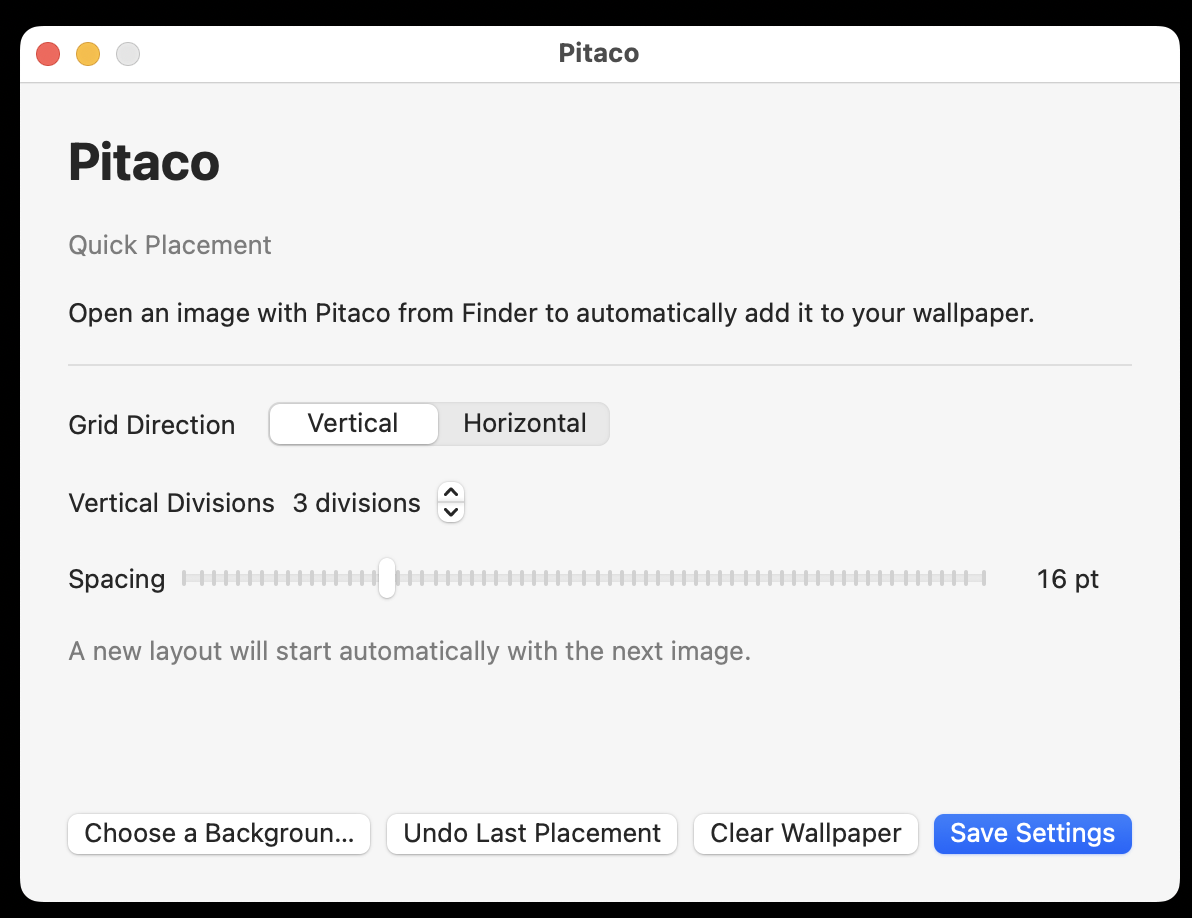
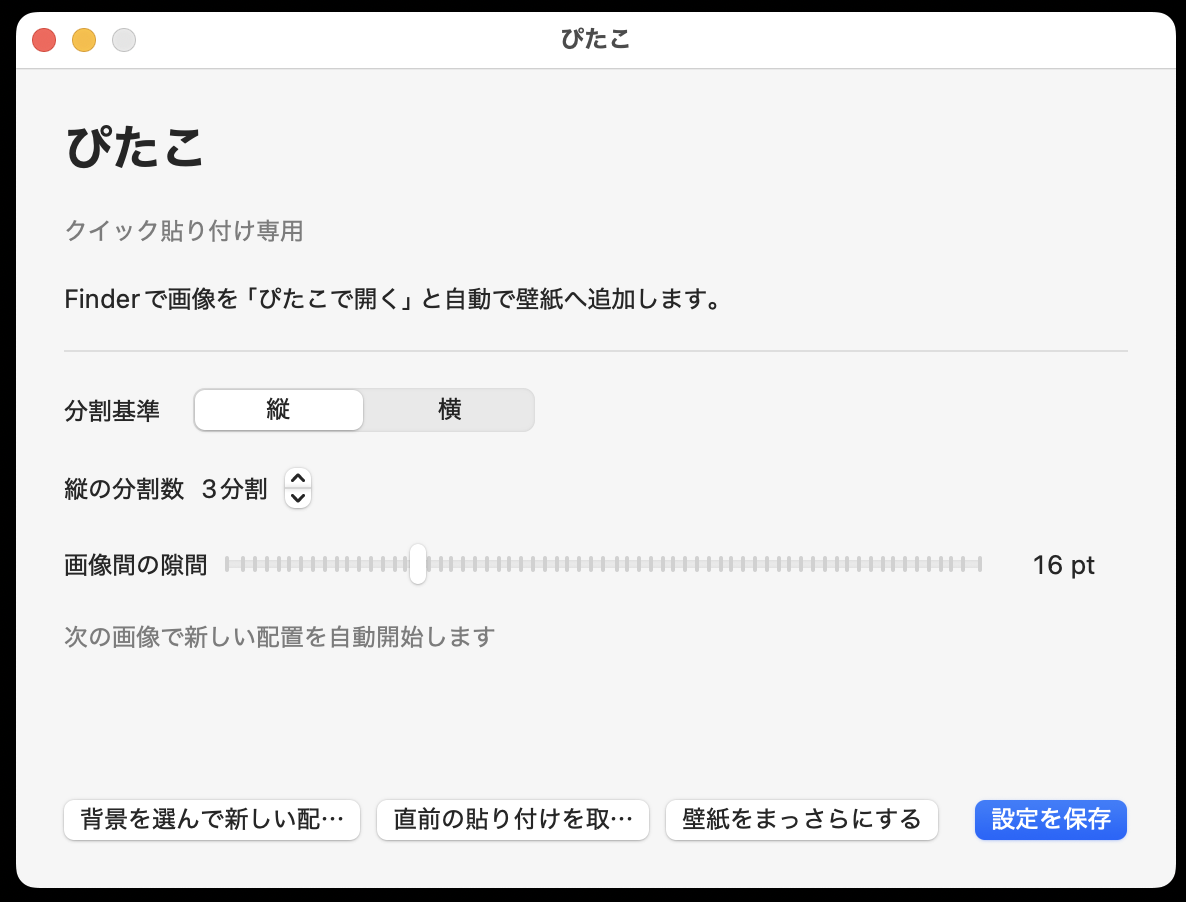
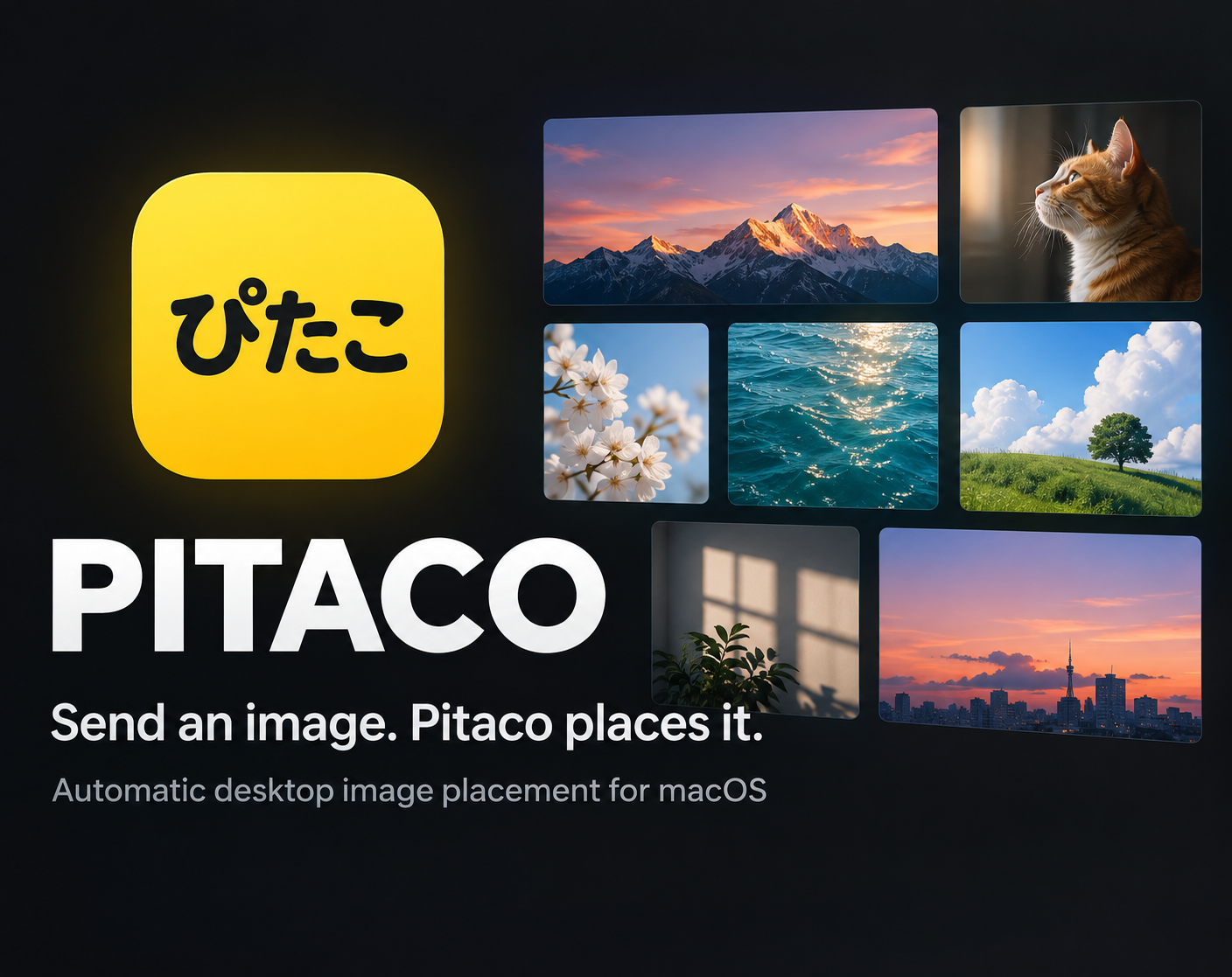
Pitaco — Automatic Desktop Image Placement for macOS Send an image. Pitaco places it. Pitaco is a lightweight macOS utility that turns a repetitive wallpaper-editing task into a single action. Open an image with Pitaco from Finder, and Pitaco automatically places it into the next available position on your desktop wallpaper. No manual dragging. No image editor. No rebuilding your wallpaper every time. What Pitaco Does Open an image from Finder with Open With → Pitaco Automatically place it in the next available slot Choose a vertical or horizontal grid Adjust the number of divisions and spacing Preserve the original aspect ratio of each image Resume from the previous placement position after restarting the app Reset the wallpaper whenever you want to start a new layout Process all images locally on your Mac The Idea You find an image you want to keep visible on your desktop. Normally, you would have to: Open an image editor Open your wallpaper Resize the image Position it Export the result Set the wallpaper again With Pitaco: Open With Pitaco → Done. Great For Reference images Design inspiration Photos Notes saved as images Screenshots Visual collections Anything you want to keep visible on your desktop Designed to Stay Simple Pitaco is intentionally focused. It is not a full-featured image editor, and it is not trying to become one. Its purpose is simple: make adding images to your desktop wallpaper fast, automatic, and repeatable. Privacy Pitaco processes images locally on your Mac. Your images are never uploaded by Pitaco. System Requirements macOS 13 or later Available for:Intel Macs Apple Silicon Macs Price US$0.0 FREE itch.io allows buyers to pay more than the minimum price if they would like to support the project. Updates Customers who purchase Pitaco through this itch.io page can download future versions uploaded to the same project page, subject to itch.io's standard purchase rules. Support For bug reports, feature requests, or feedback, please use the Pitaco itch.io page. Optional — Add After Final Verification Multiple Desktop Support Pitaco remembers the placement state for each macOS desktop and resumes from the correct next position when you switch between desktops. Undo — Command-Z Press Command-Z to undo the most recent Pitaco placement on the current desktop.
deptquiet View creator →Screenshots
1 / 3