onRails Demo
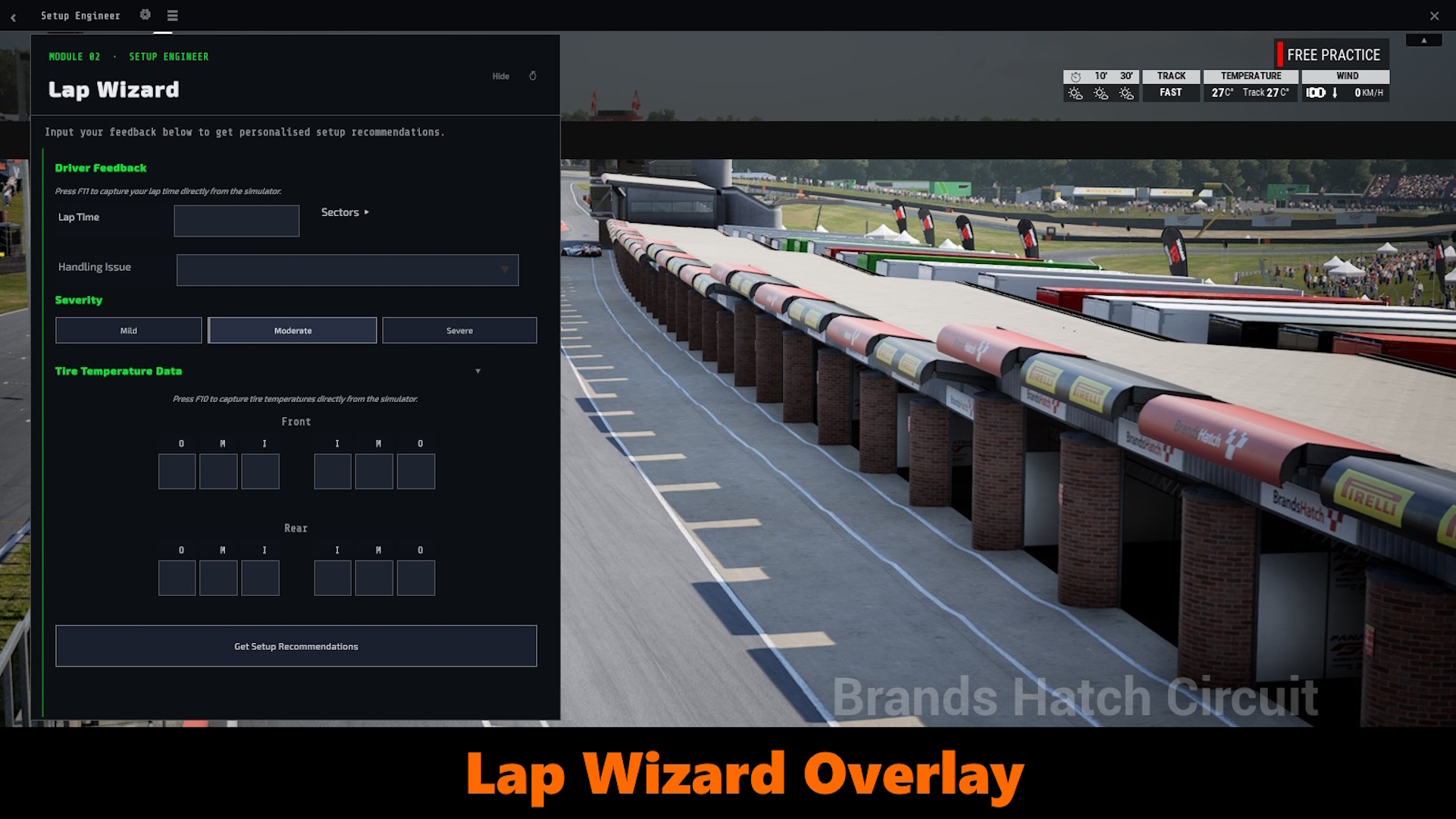
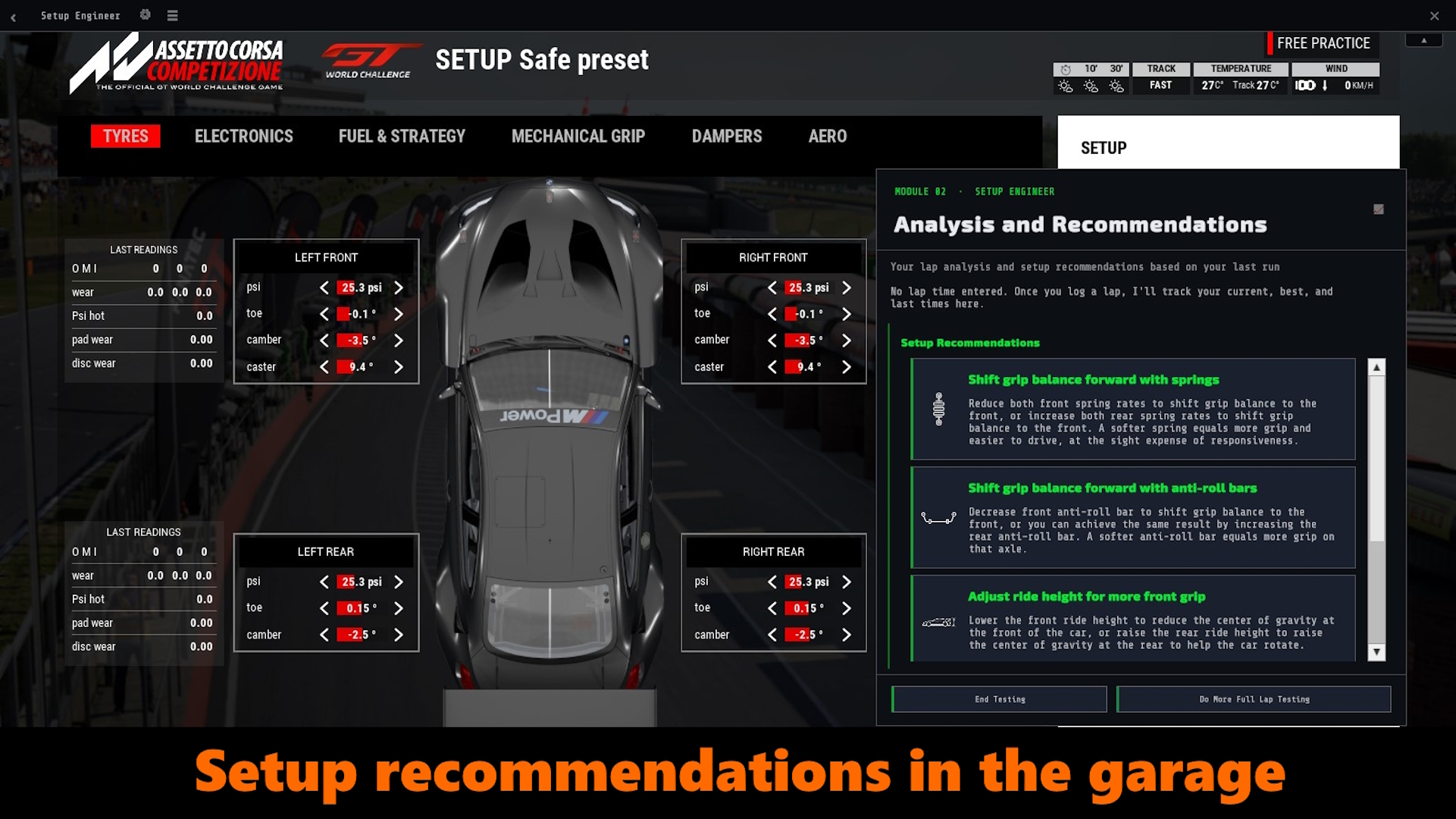
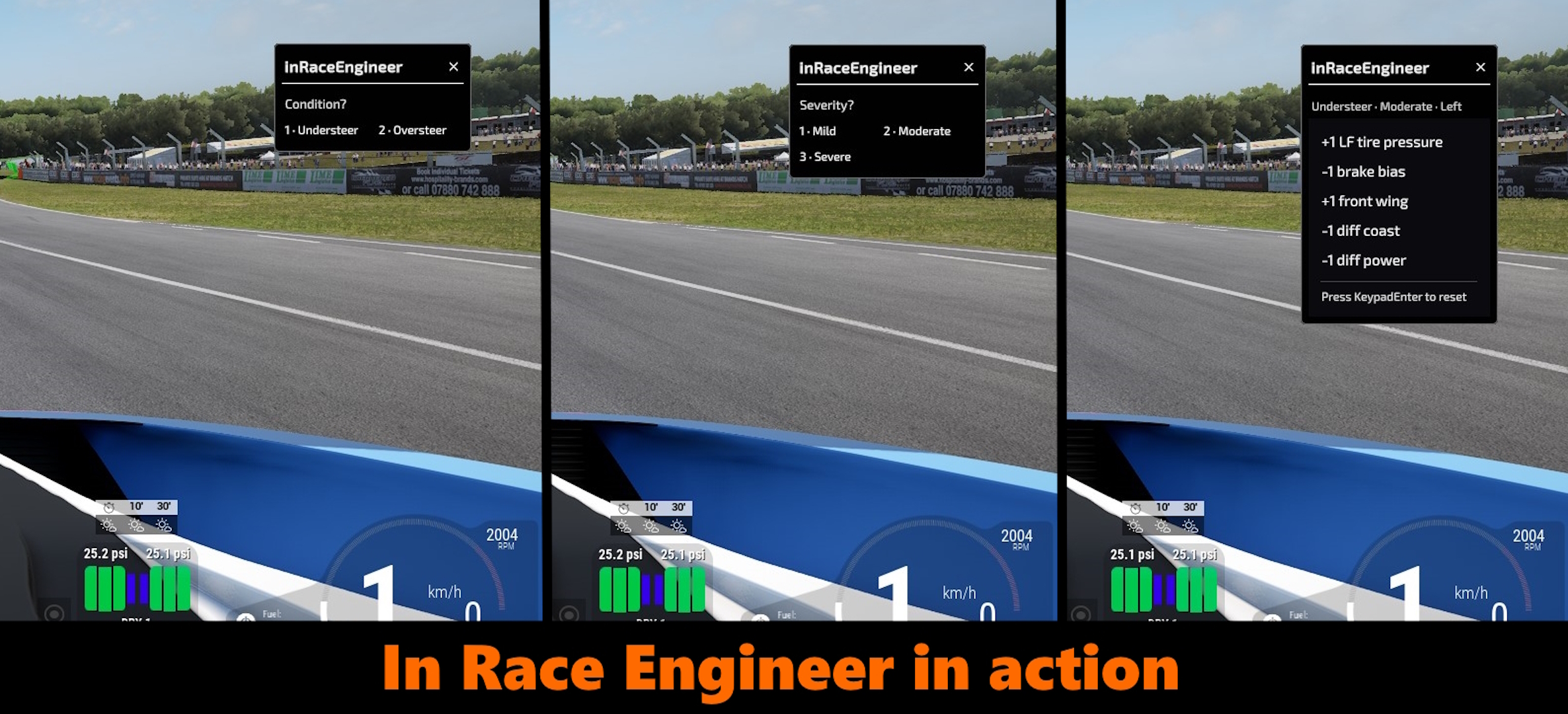
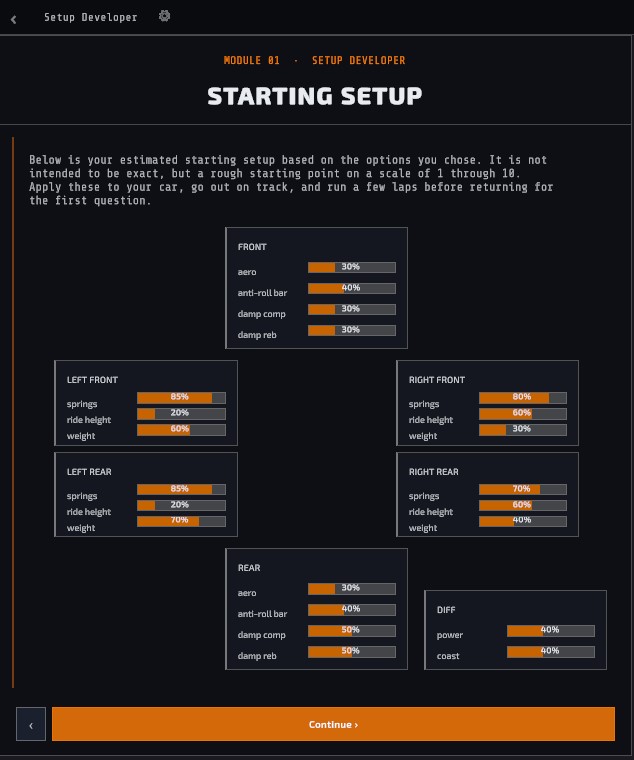
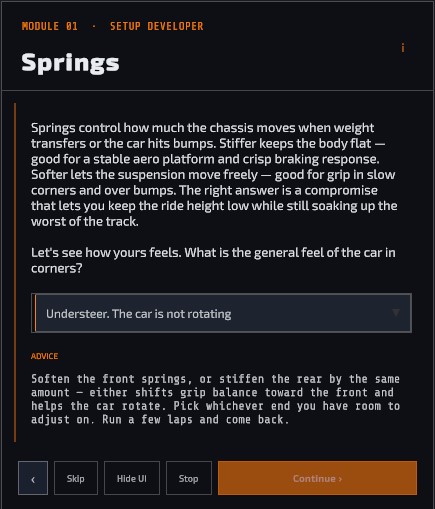
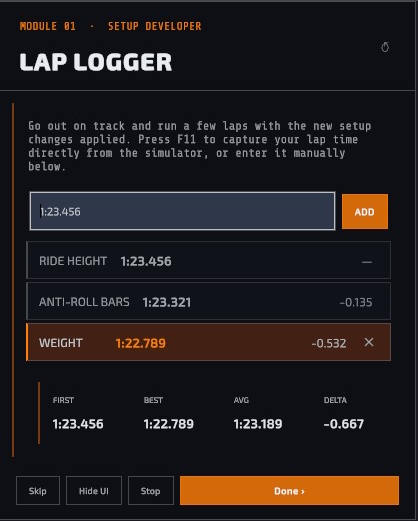
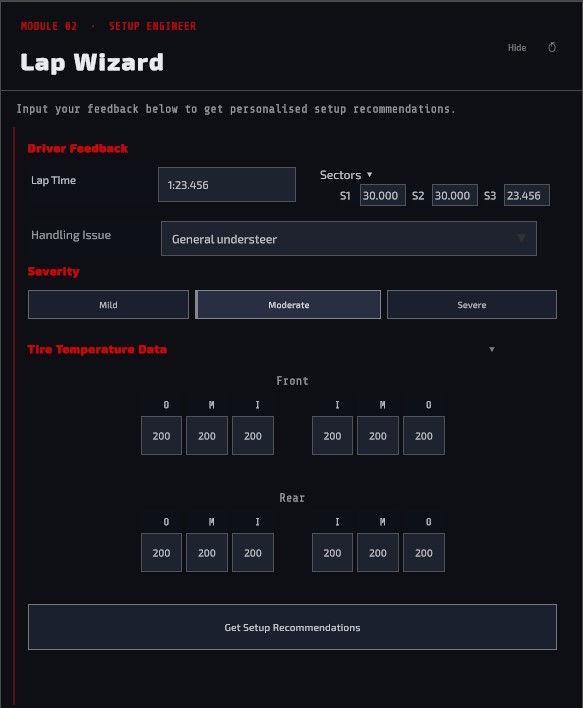
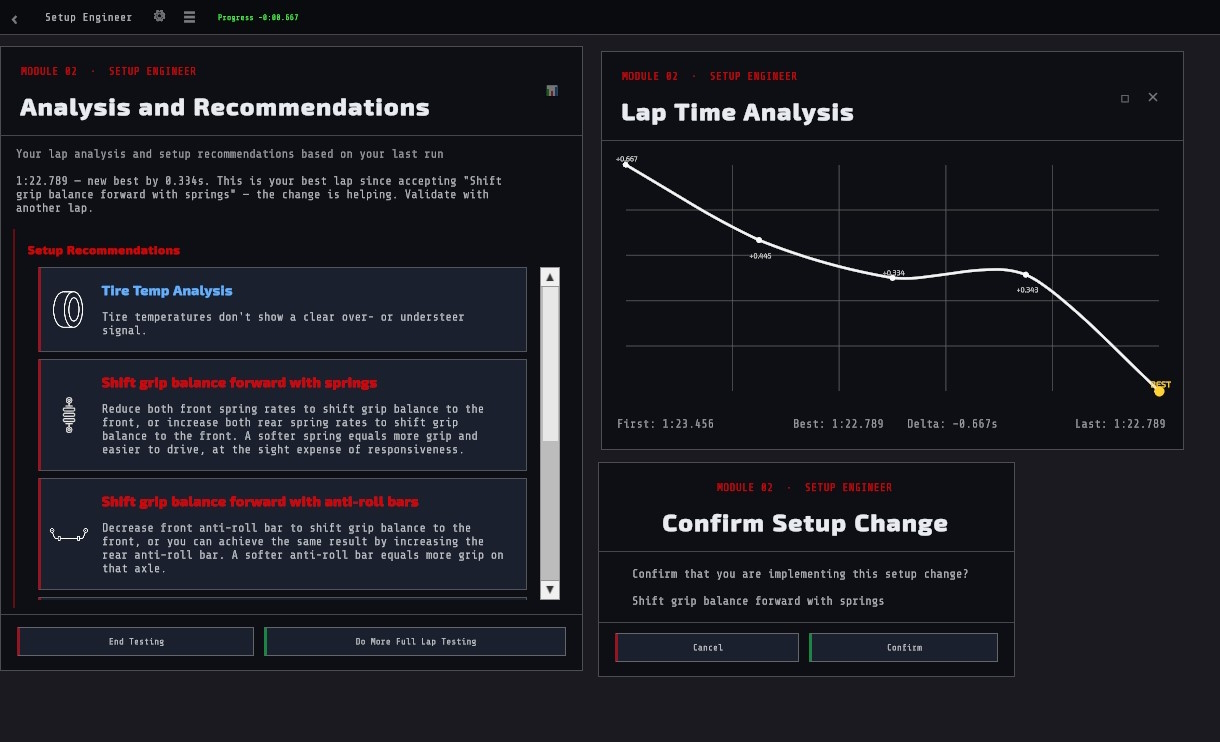
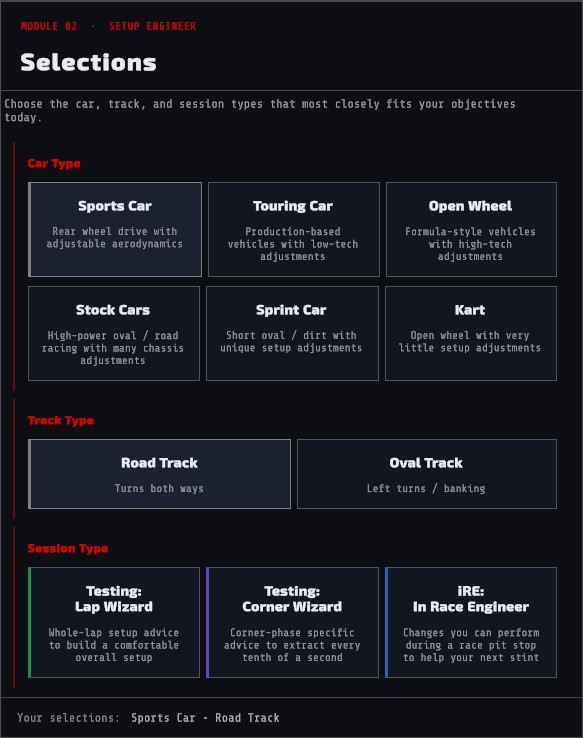
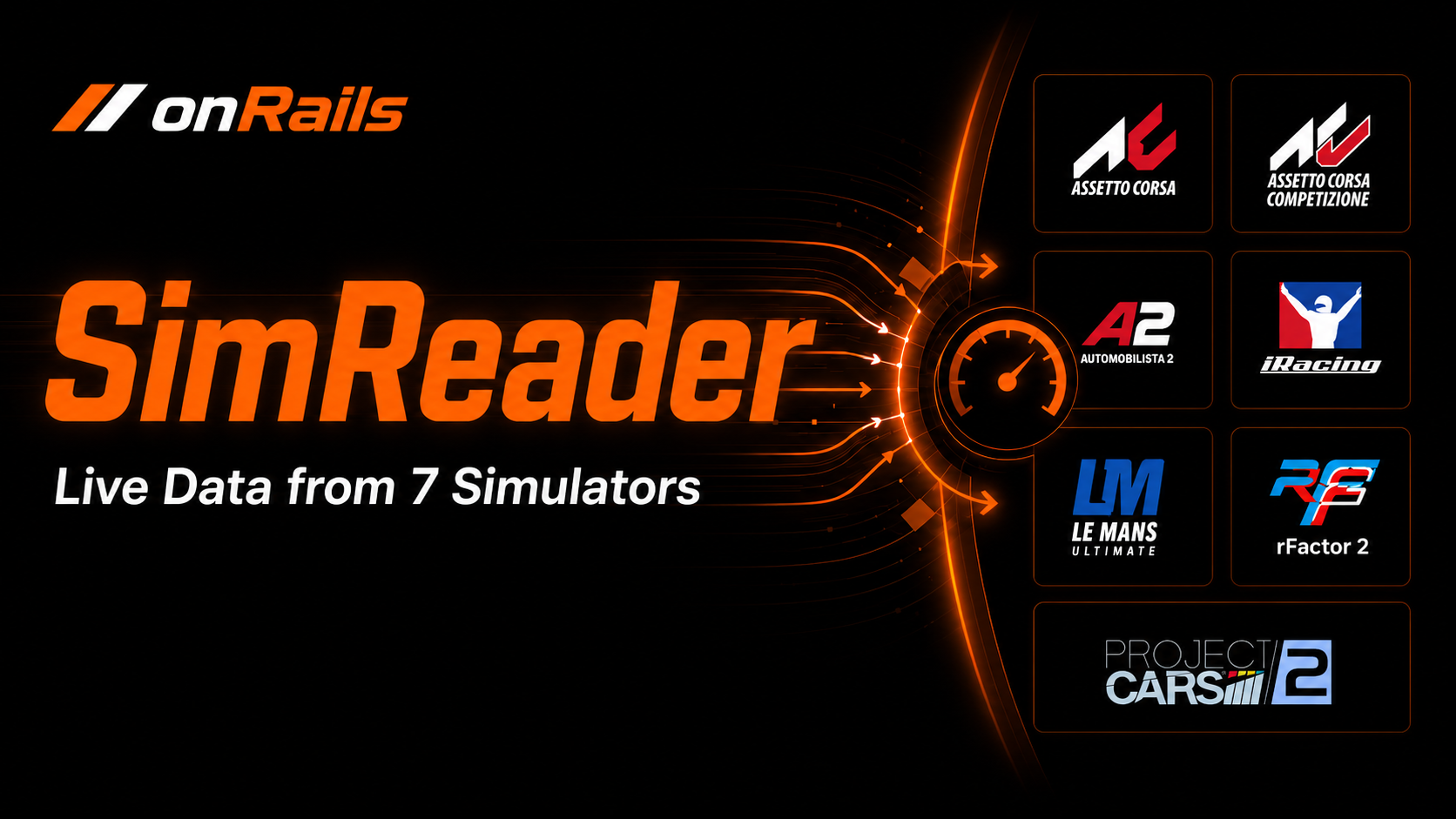
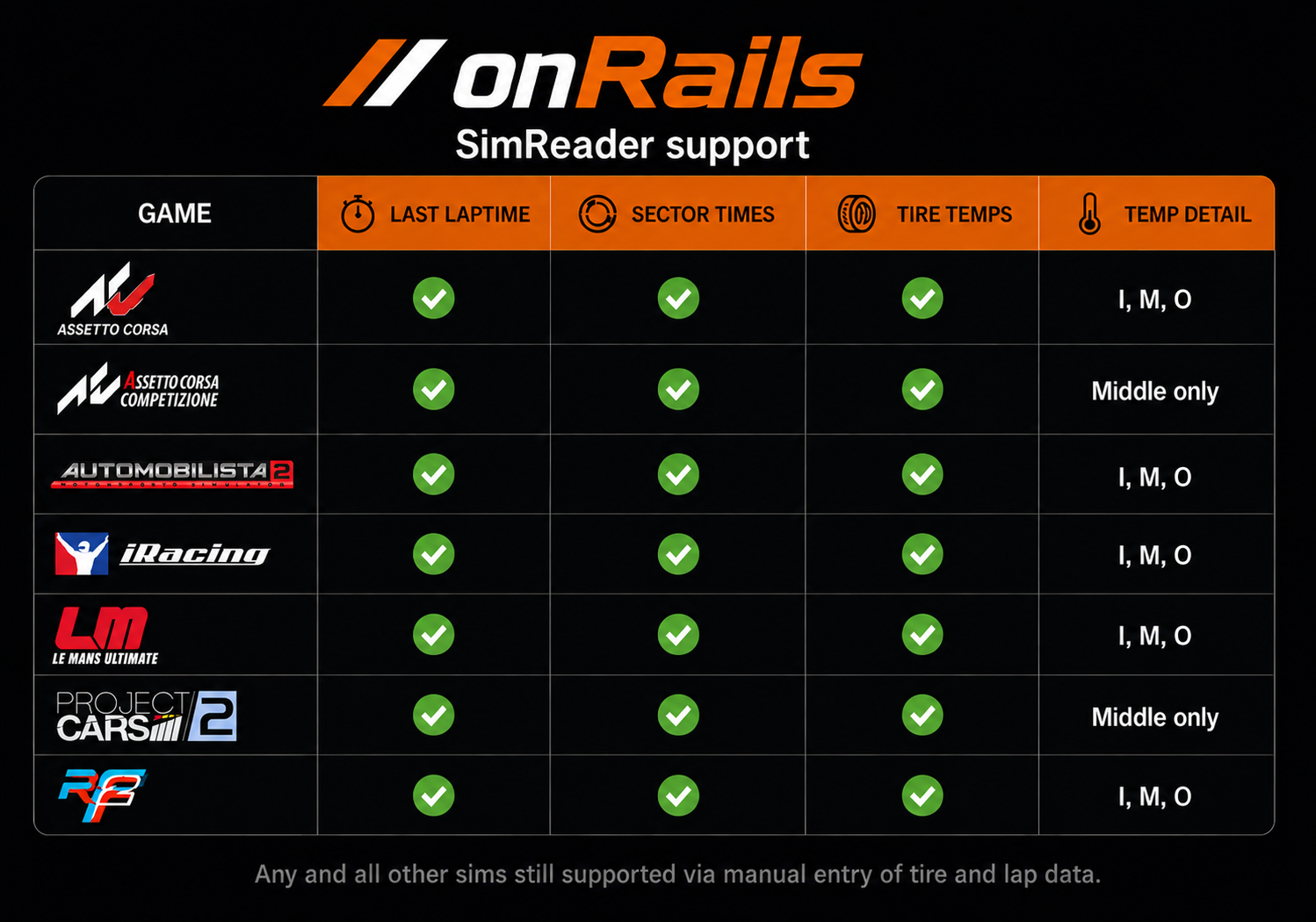
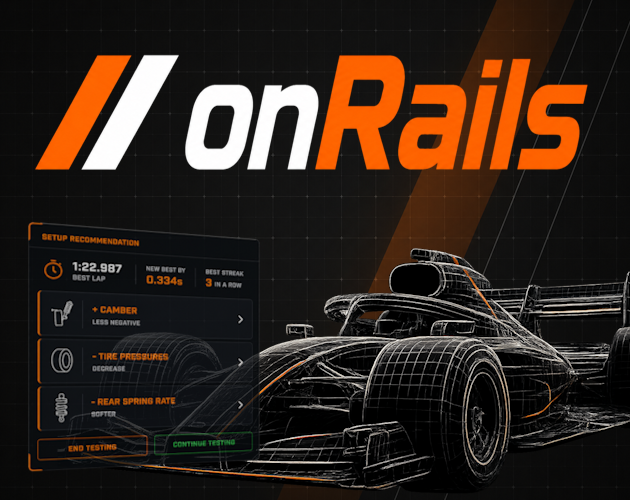
Try onRails. Run it on-track. SimReader connects to your sim automatically, the overlay runs on top without alt-tabbing, and both work in full. Limited access to both setup modules included. The best way to see how onRails fits your workflow is to run it during an actual session. This demo is built around that. SimReader connects to your simulator automatically and reads live lap times and tire temperatures. The overlay runs transparently on top of your sim, so you never leave the cockpit. Hotkeys, panel layout, and overlay mode all work in full. The demo also includes limited access to both setup modules so you have something to work with. Setup Developer: Covers the first four setup subjects: Ride Height, Springs, Anti-Roll Bars, and Weight. Pick your car type, answer questions about how the car feels, and get concrete setup changes with explanations. Setup Engineer (Lap Wizard): Log five full lap sessions. Tell it what the car is doing and get specific recommendations you can act on before the next session. Try it on-track. That's what it's built for. Check out the full onRails app
 Monkey Face Software LLC 20 followers· portfolio 11 View creator →
Ratings over time
Cumulative · 30dScreenshots
1 / 13