Cotton Circuit
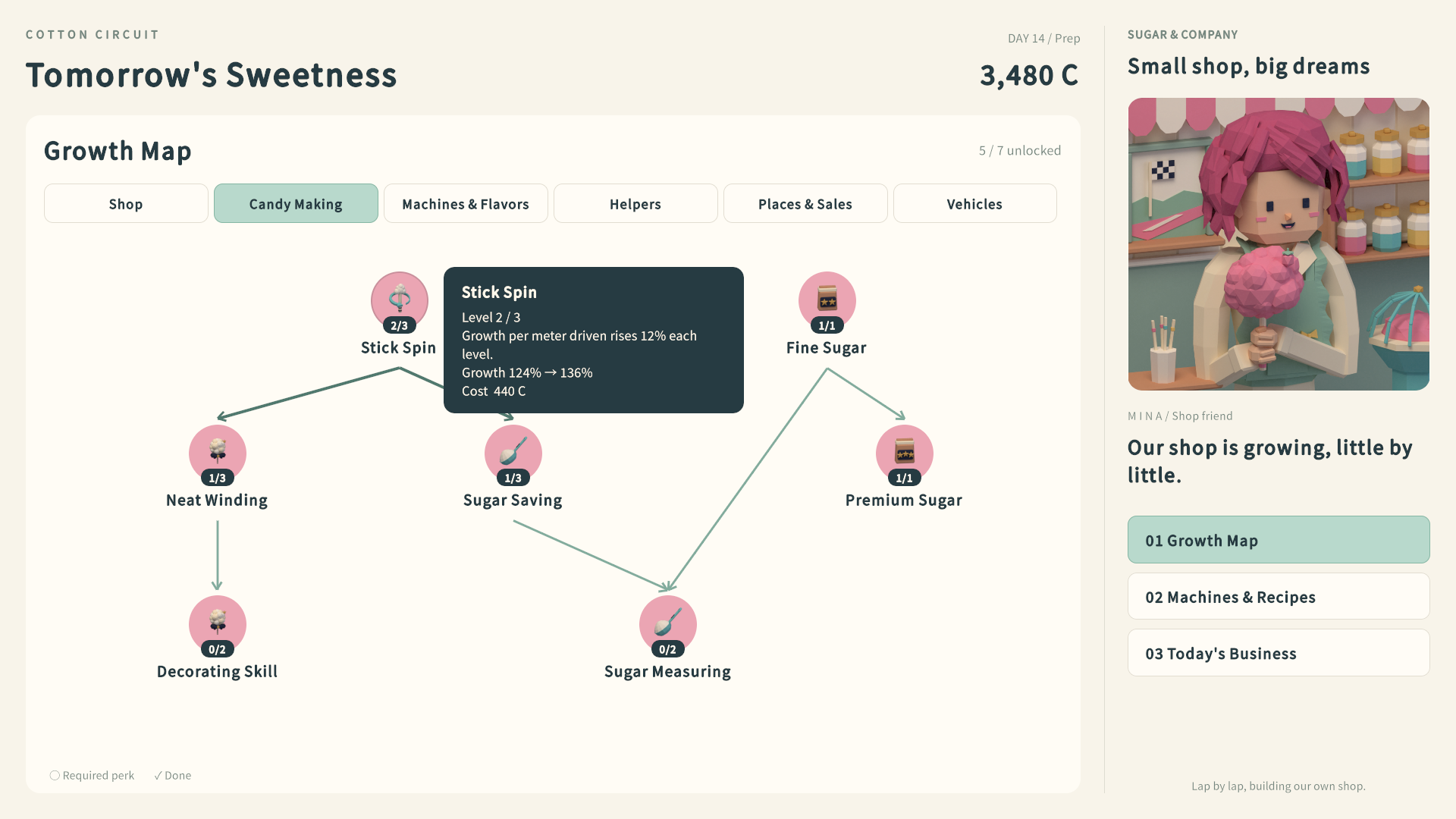
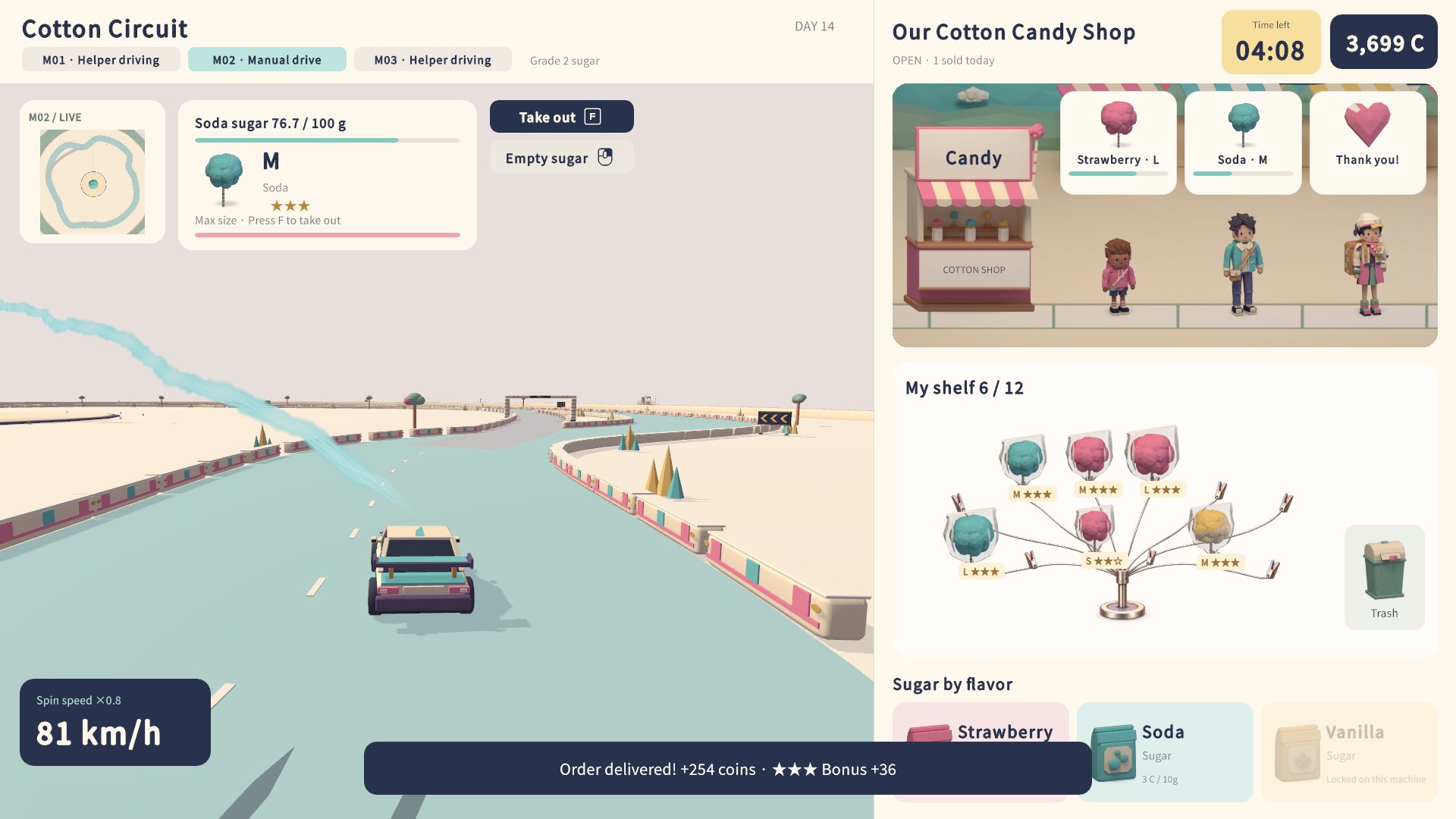
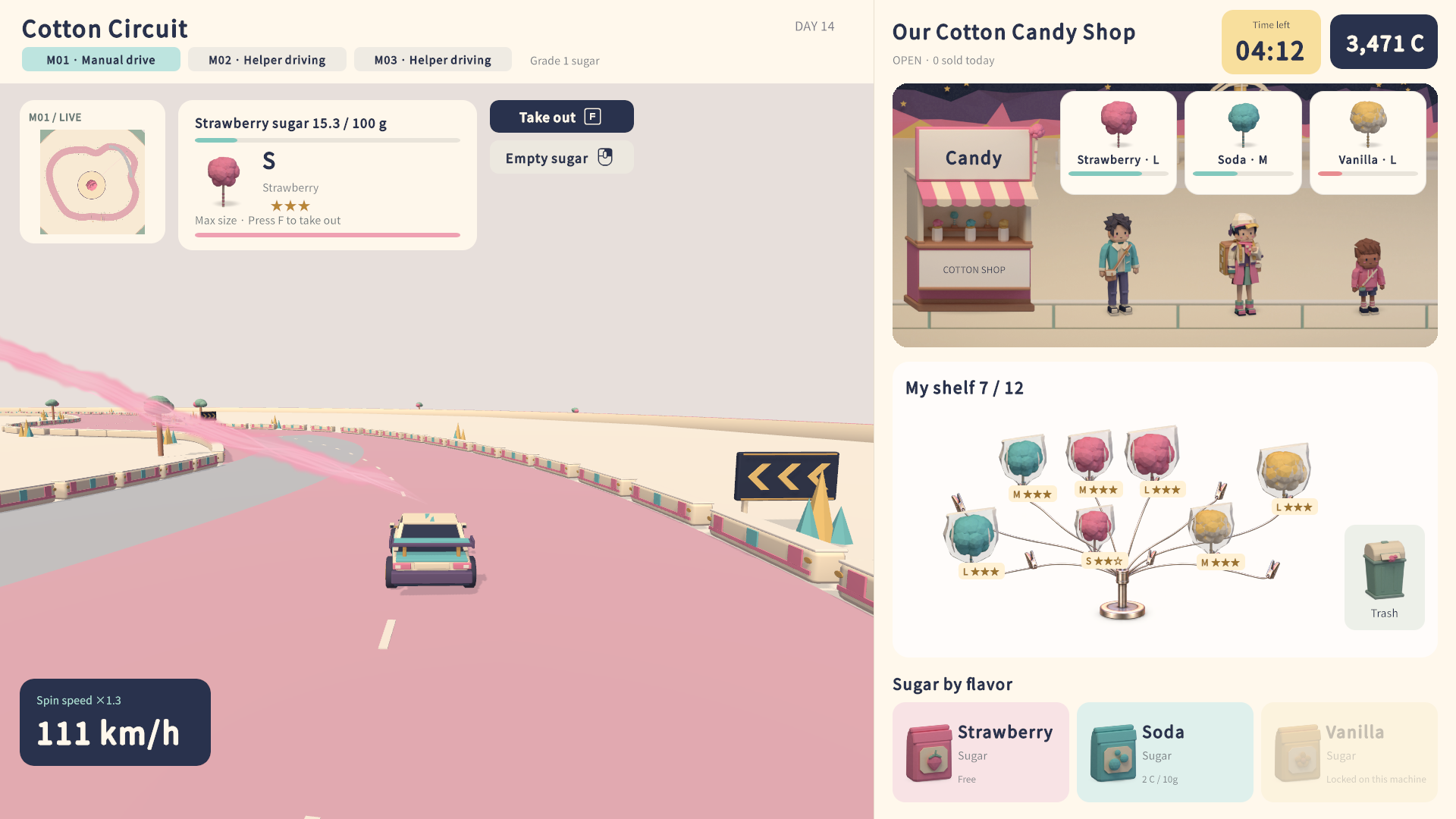
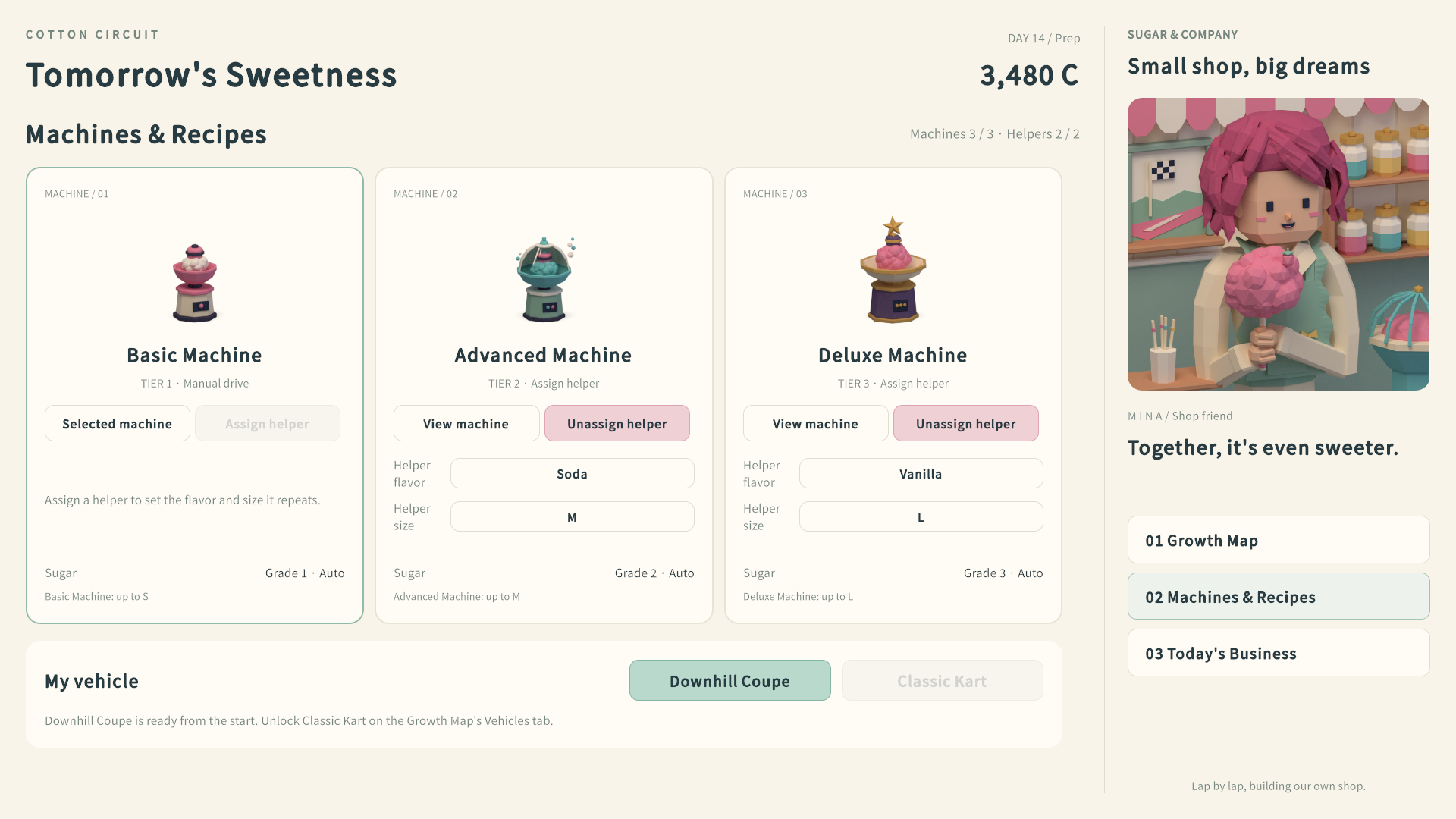
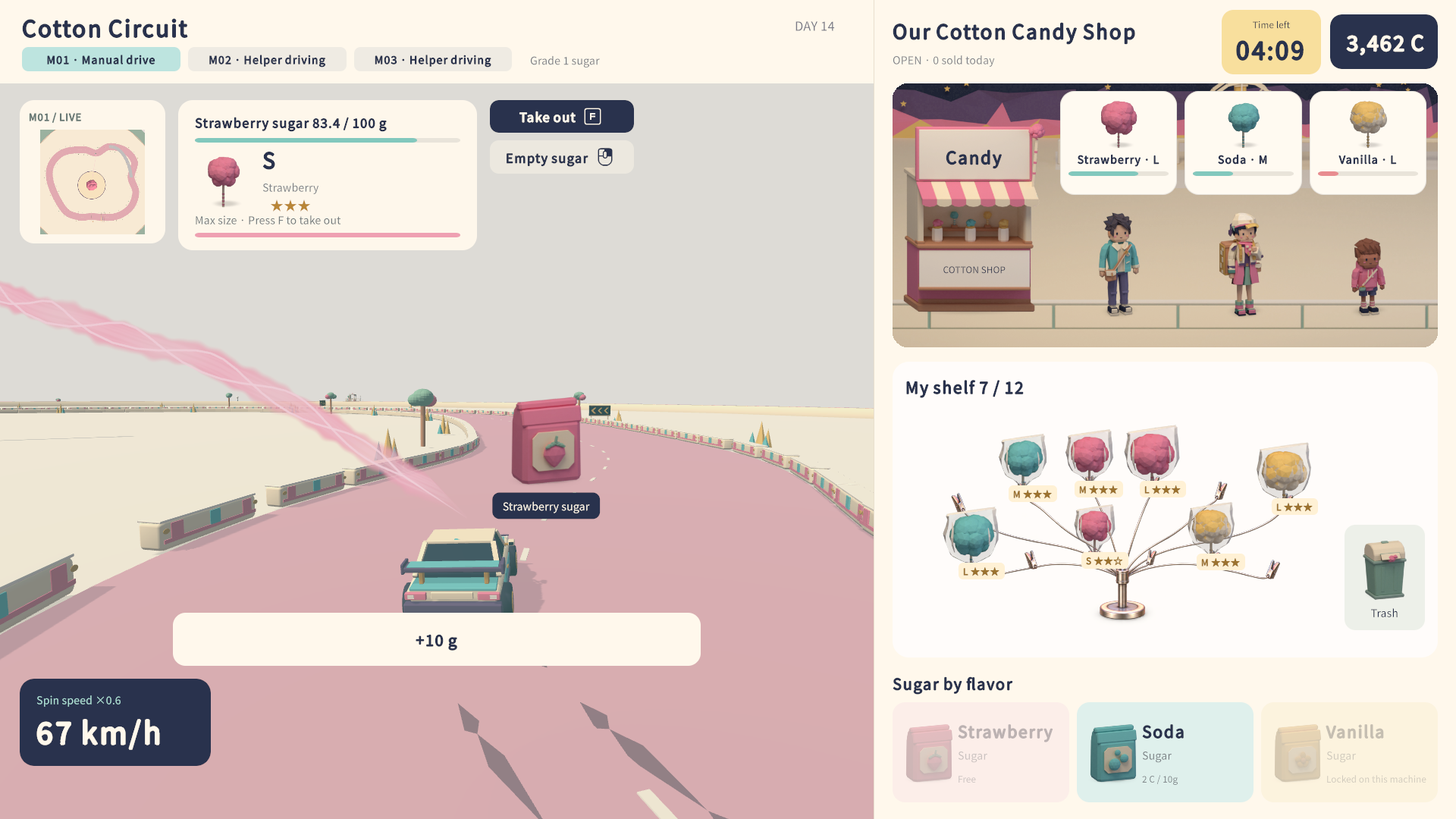
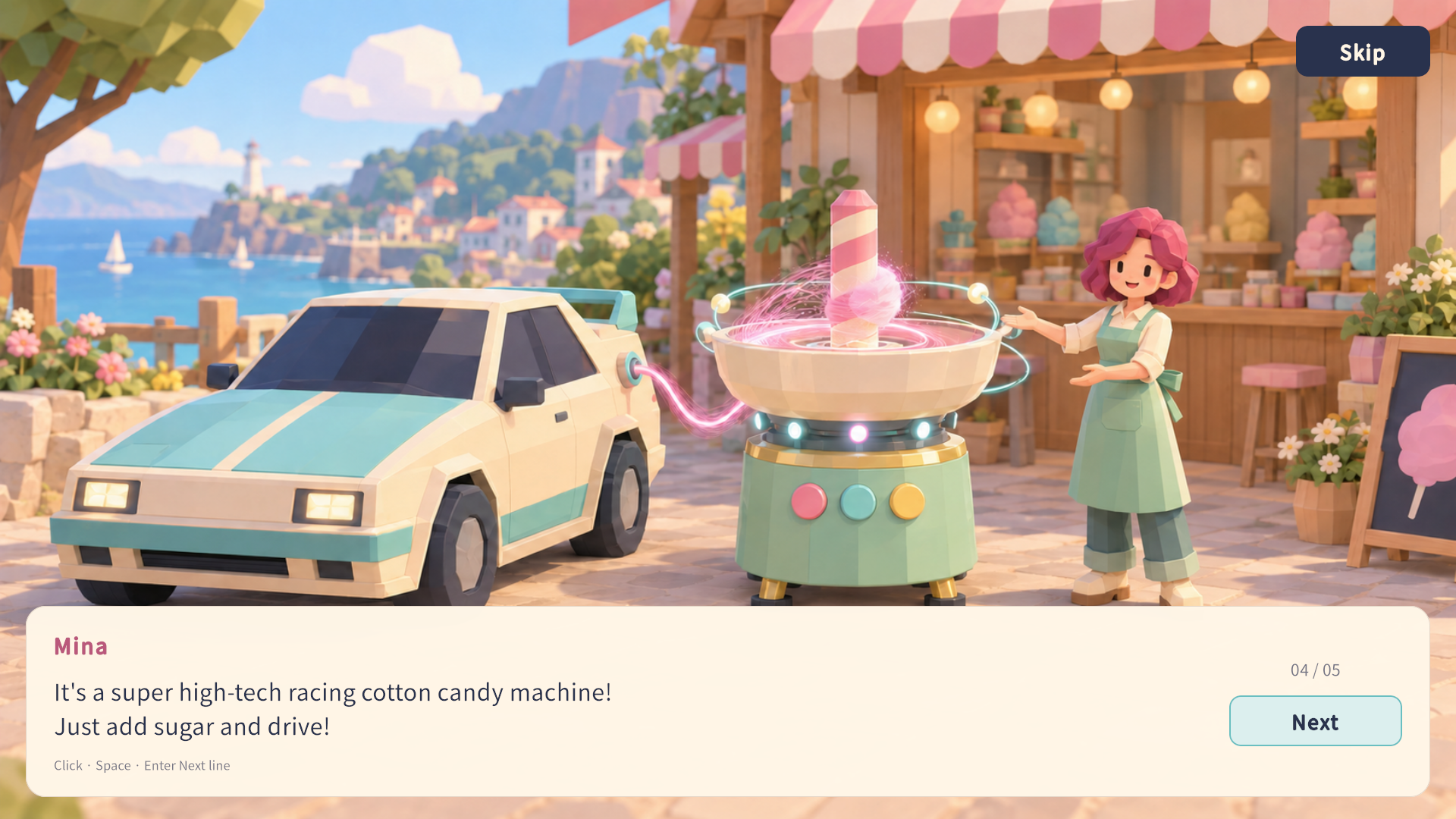
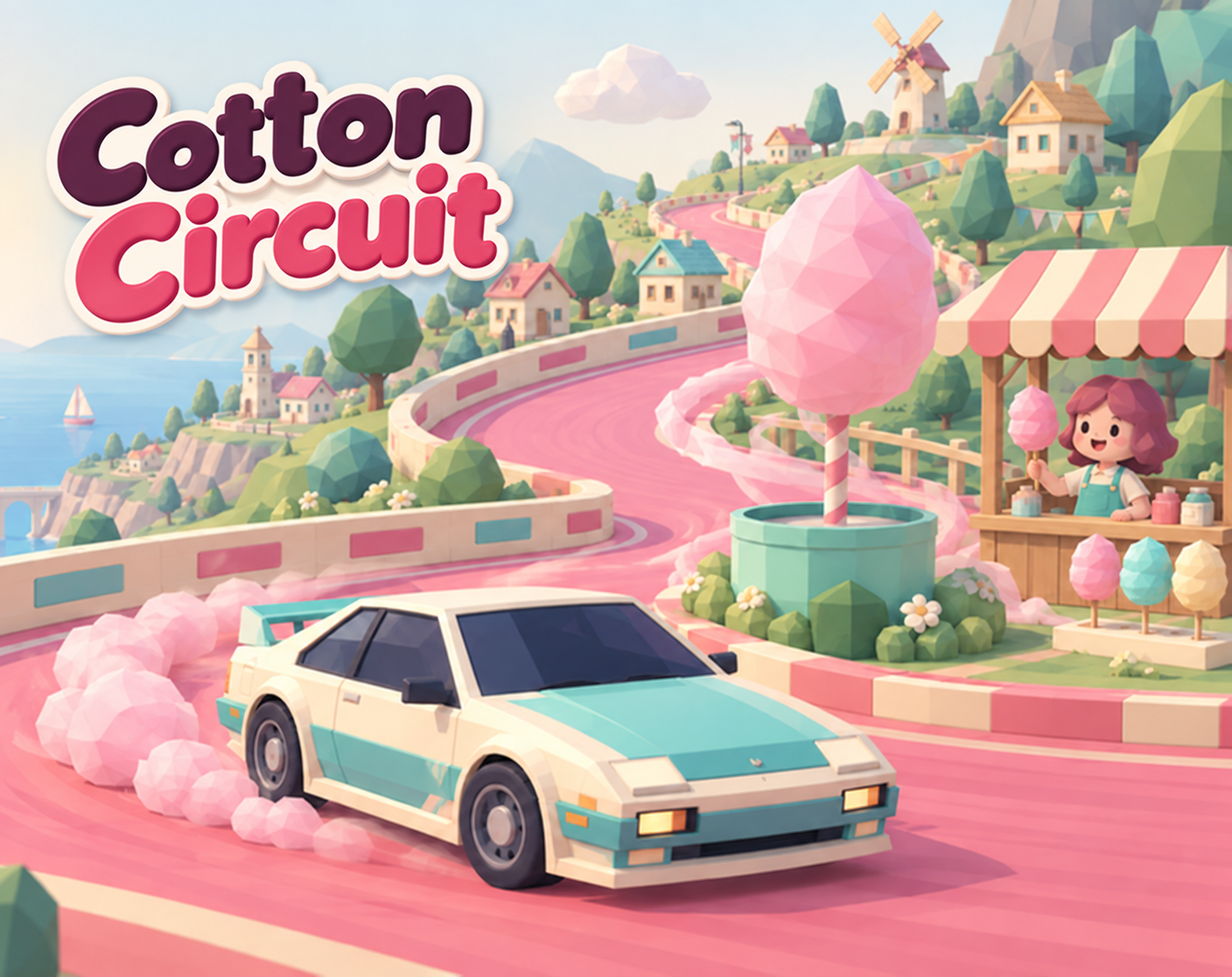
Your racing career ended in a crash. Your cotton candy career starts on the track. The cotton candy machine you ordered to start over has one catch: it only spins while you drive. Pour in sugar, race laps to wind the candy up, and hand it to your customers before they give up and walk away. A business day lasts only a few minutes, so every lap and every wall counts. How a day works Pour — Drag a sugar bag onto the track and shake it up and down. Drive — Every lap winds more floss. Drive fast and it grows faster. Hit a wall and the candy loses a star. Take out — Press F when it reaches the size you want: S, M or L. Sell — Drag the candy from your shelf to the customer who ordered it. The wrong flavor or size wastes the candy, and customers who wait too long leave. When the shop closes, check the day's profit and spend it on your shop. Grow your shop Growth map — 30 traits and 60 ranks across six tabs: Shop, Candy Making, Machines & Flavors, Helpers, Places & Sales and Vehicles 3 machines, 3 courses — every machine has its own track, and better machines make bigger candy 2 helpers — they drive and spin a machine for you while you race another 3 flavors, 3 sugar grades — Strawberry, Soda and Vanilla 4 places — Back Alley, Market Square, Riverside Festival and Starlight Plaza, each with its own crowd and prices 2 cars — the Downhill Coupe, or the Classic Kart that stores boosts by drifting Controls W / ↑ Accelerate · S / ↓ Brake · A D / ← → Steer Space Drift · Shift Boost (Classic Kart) · R Back to track F Take out the candy · Right click Empty sugar Mouse drag Pour sugar, sell or trash candy Esc Pause Details Windows (64-bit), keyboard and mouse English and Korean A short story intro and a guided first day Autosave About 2–3 hours to complete the growth map Credits Music: Muzstation Game Music · Zakiro · flowerhead · Joe Chrisman ("Secret Stage!" and "Time Trial" from Lizard Scooter!, CC BY-ND 4.0) Sound: Kenney (CC0) · soundreality on Pixabay UI art and input icons: Kenney (CC0) Font: Noto Sans KR (SIL Open Font License 1.1) 레이서의 꿈은 사고로 멈췄지만, 솜사탕 장사는 트랙 위에서 시작됩니다. 다시 시작하려고 주문한 솜사탕 기계에는 한 가지 조건이 있습니다. 달리는 동안에만 솜사탕을 감는다는 것입니다. 설탕을 넣고 트랙을 돌아 솜사탕을 키운 다음, 손님이 기다리다 지쳐 떠나기 전에 건네 주세요. 하루 영업은 몇 분 만에 끝나기 때문에 한 바퀴, 한 번의 충돌이 모두 매출을 좌우합니다. 하루 영업 설탕 넣기 — 설탕 봉지를 주행 화면으로 끌어 와 위아래로 흔듭니다. 달리기 — 달린 만큼 솜사탕이 감깁니다. 빠르게 달리면 더 빨리 커지고, 벽에 부딪히면 별이 하나 줄어듭니다. 꺼내기 — 원하는 크기(소·중·대)가 되면 F를 눌러 꺼냅니다. 판매 — 진열대의 솜사탕을 주문한 손님에게 끌어다 줍니다. 맛이나 크기가 다르면 솜사탕을 잃고, 너무 오래 기다린 손님은 떠납니다. 영업이 끝나면 하루 순이익을 확인하고, 번 돈으로 가게를 키웁니다. 가게 키우기 성장 지도 — 가게 운영, 솜사탕 제작, 기계와 맛, 알바, 장소와 판매, 차량의 6개 탭에 특성 30개, 총 60단계 기계 3대, 코스 3개 — 기계마다 전용 코스가 있고, 상위 기계일수록 큰 솜사탕을 만듭니다 알바 2명 — 내가 다른 기계를 운전하는 동안 기계 하나를 맡아 직접 달리며 솜사탕을 만듭니다 맛 3종, 설탕 3등급 — 딸기, 소다, 바닐라 지역 4곳 — 동네 골목, 시장 앞, 강변 축제, 별빛 광장. 지역마다 손님 구성과 판매가가 다릅니다 차량 2종 — 다운힐 쿠페, 드리프트로 부스터를 모으는 클래식 카트 조작 W / ↑ 가속 · S / ↓ 제동 · A D / ← → 조향 Space 드리프트 · Shift 부스터(클래식 카트) · R 코스 복귀 F 솜사탕 꺼내기 · 우클릭 설탕 비우기 마우스 드래그 설탕 넣기, 솜사탕 판매·버리기 Esc 일시정지 정보 Windows 64비트, 키보드와 마우스 한국어, 영어 지원 짧은 오프닝 스토리와 첫날 튜토리얼 자동 저장 성장 지도를 모두 채우는 데 약 2~3시간 Credits 음악: Muzstation Game Music · Zakiro · flowerhead · Joe Chrisman(Lizard Scooter! 앨범의 "Secret Stage!", "Time Trial", CC BY-ND 4.0) 효과음: Kenney(CC0) · soundreality(Pixabay) UI 그림과 입력 아이콘: Kenney(CC0) 글꼴: Noto Sans KR(SIL Open Font License 1.1)
NaJaeHeum 1 followers· portfolio 3 View creator →Comments over time
Cumulative · 30dScreenshots
1 / 7