BMW M3 Challenge
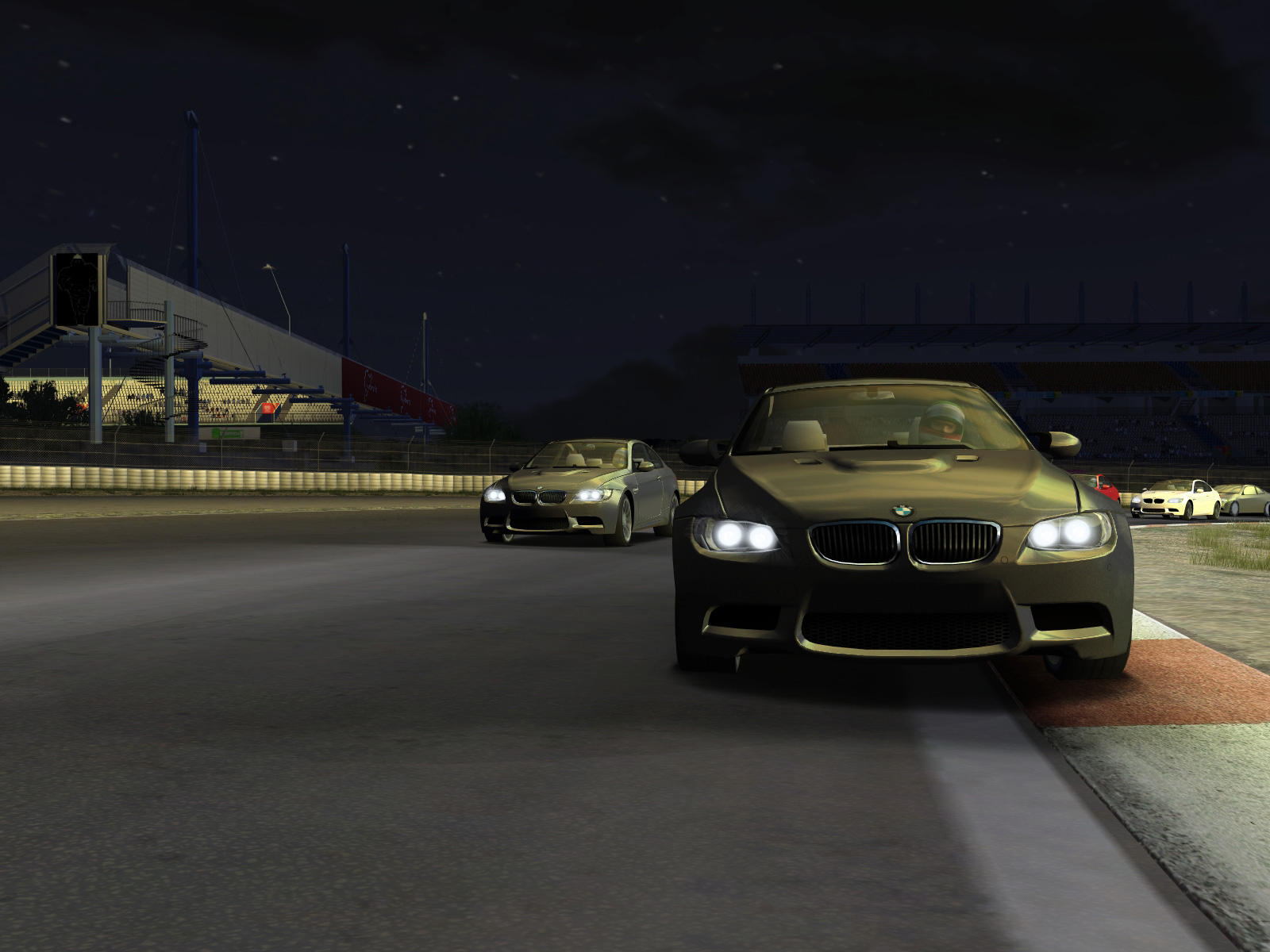
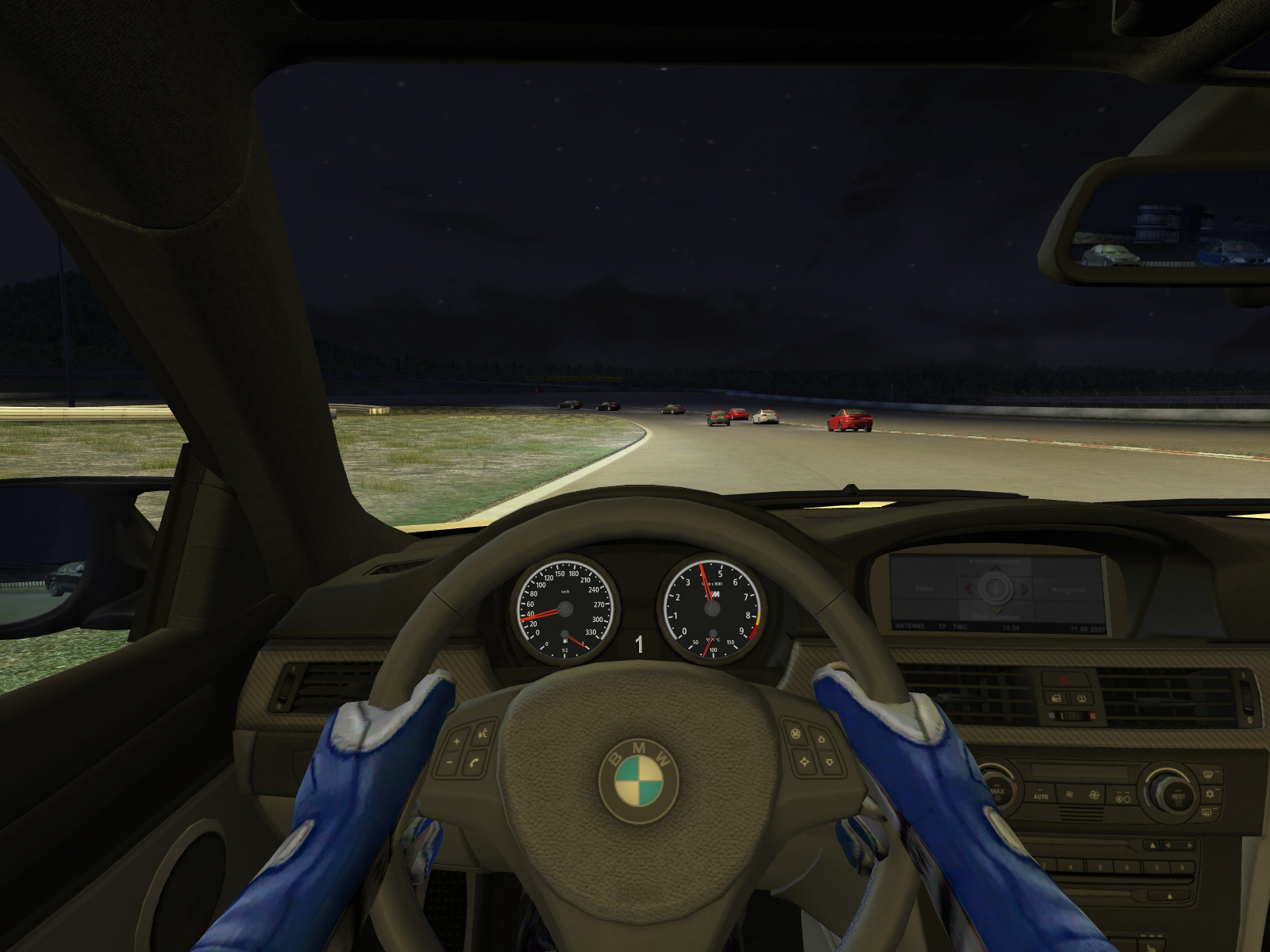
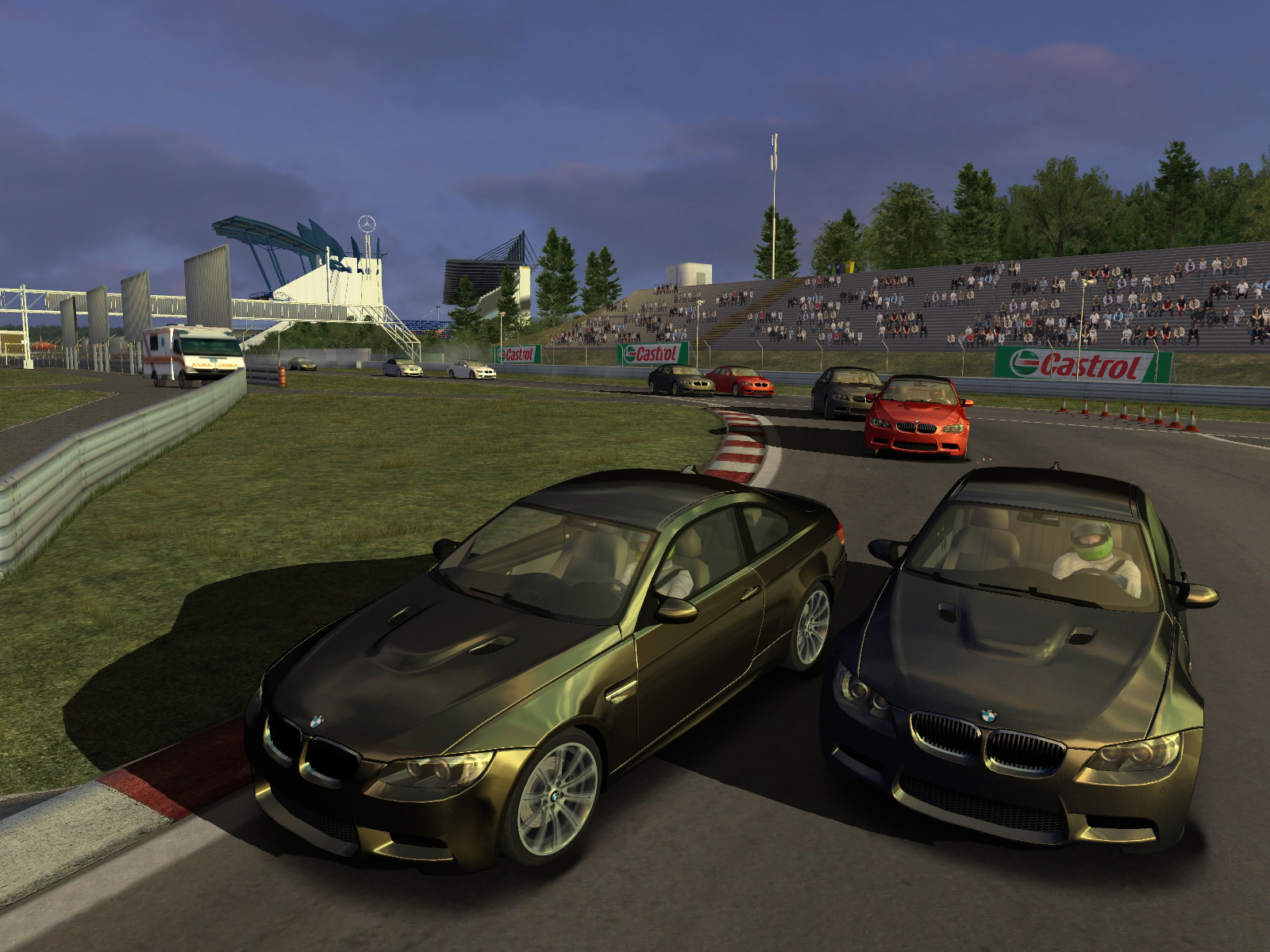
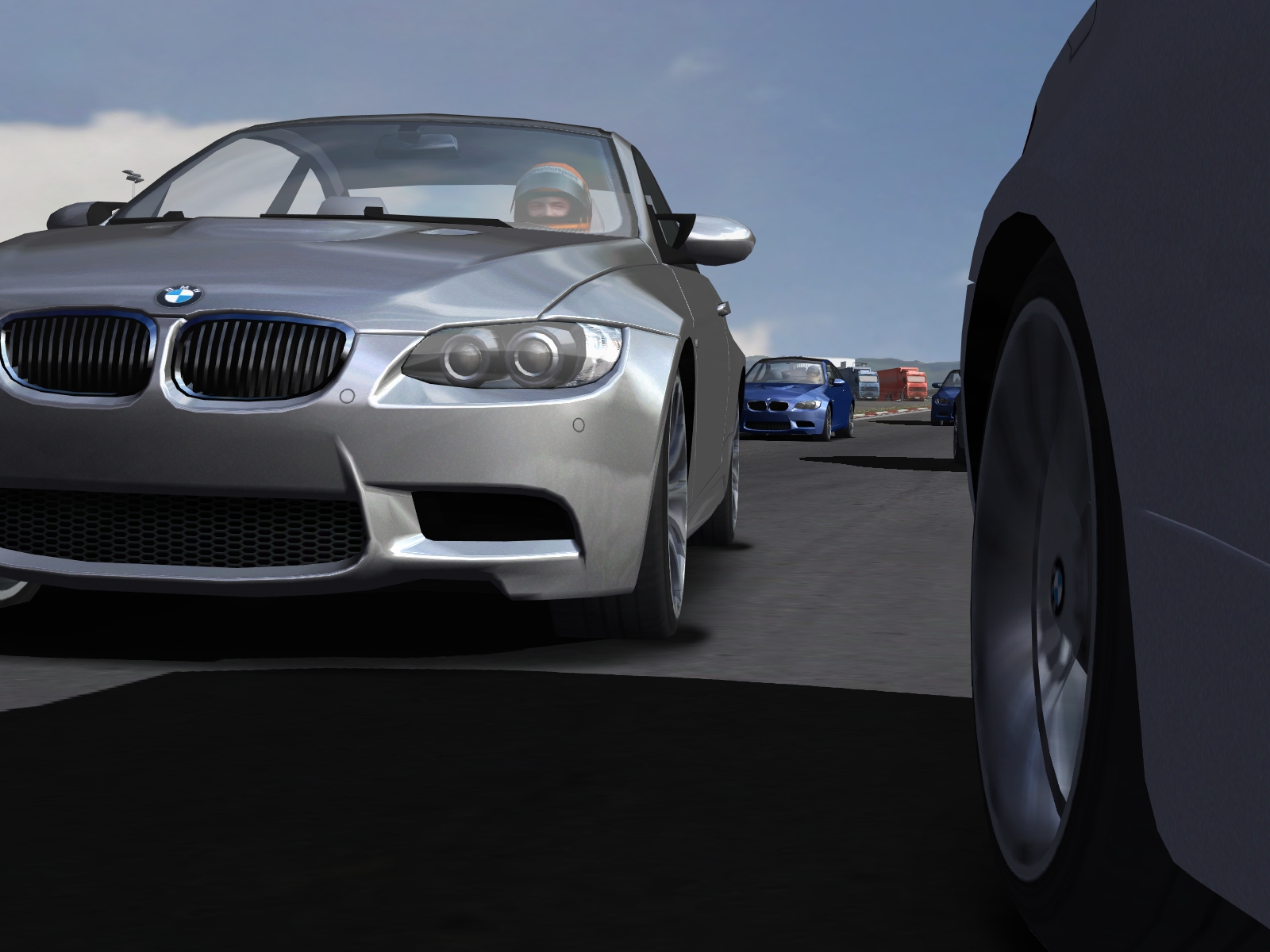
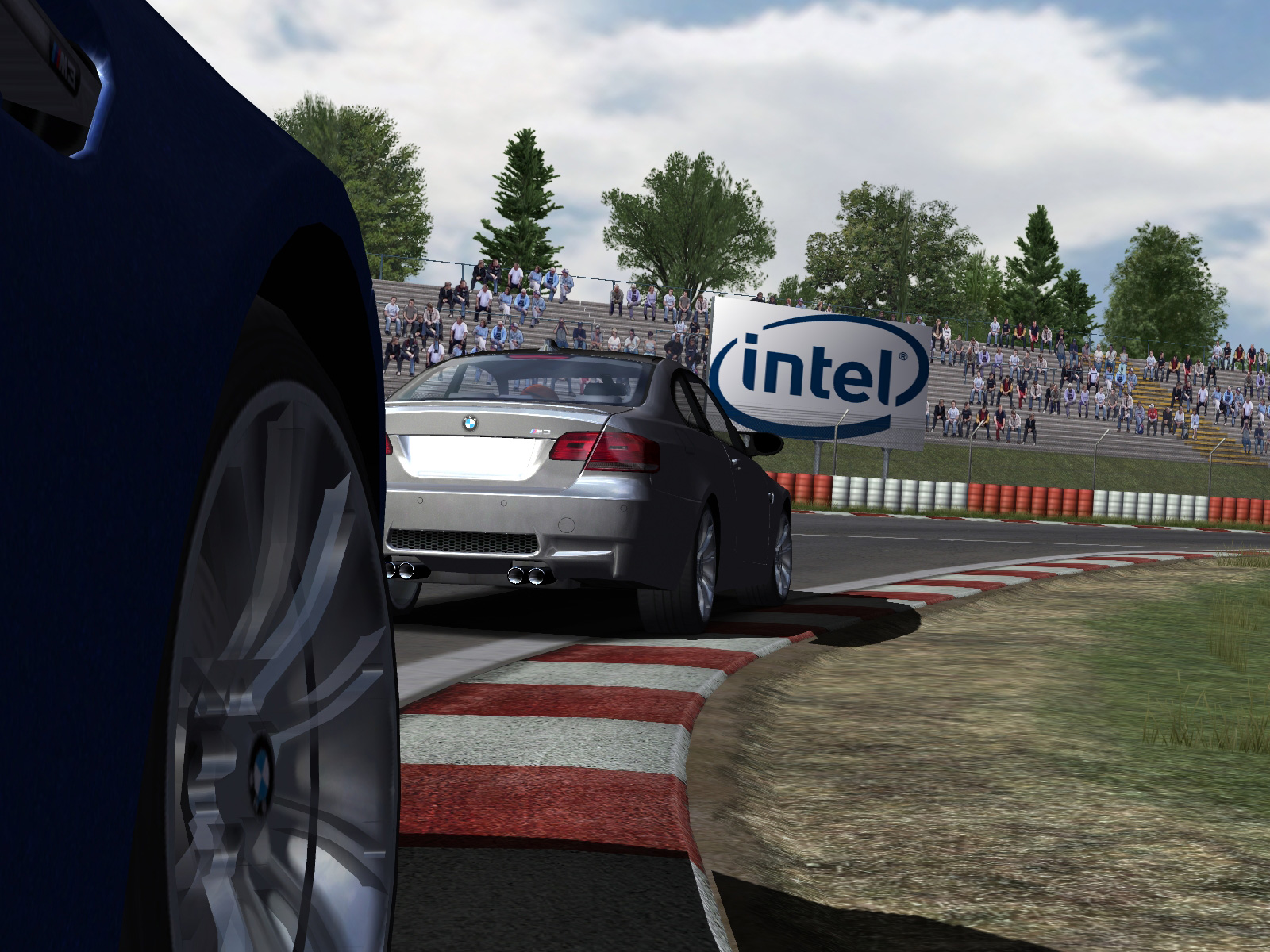
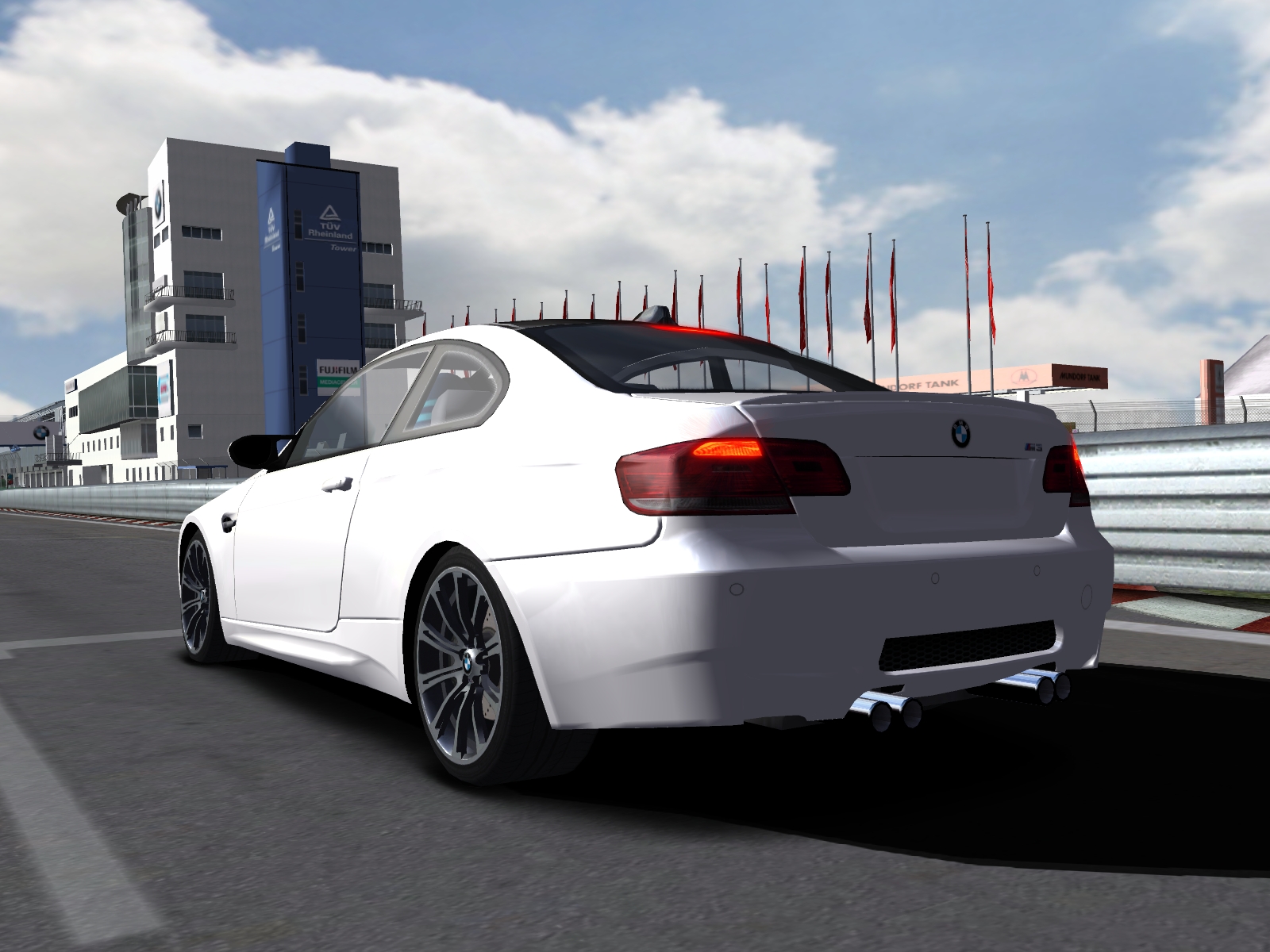
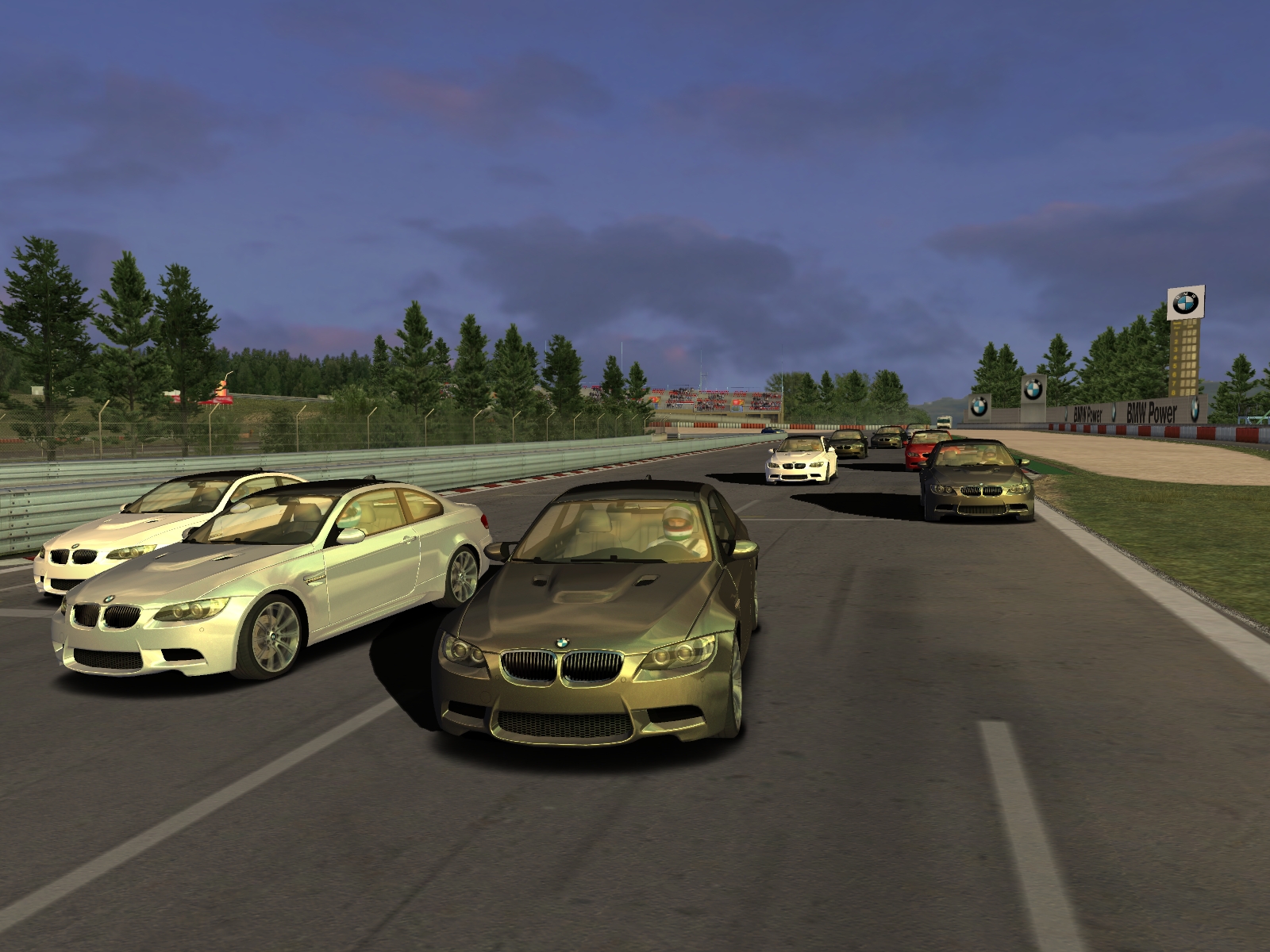
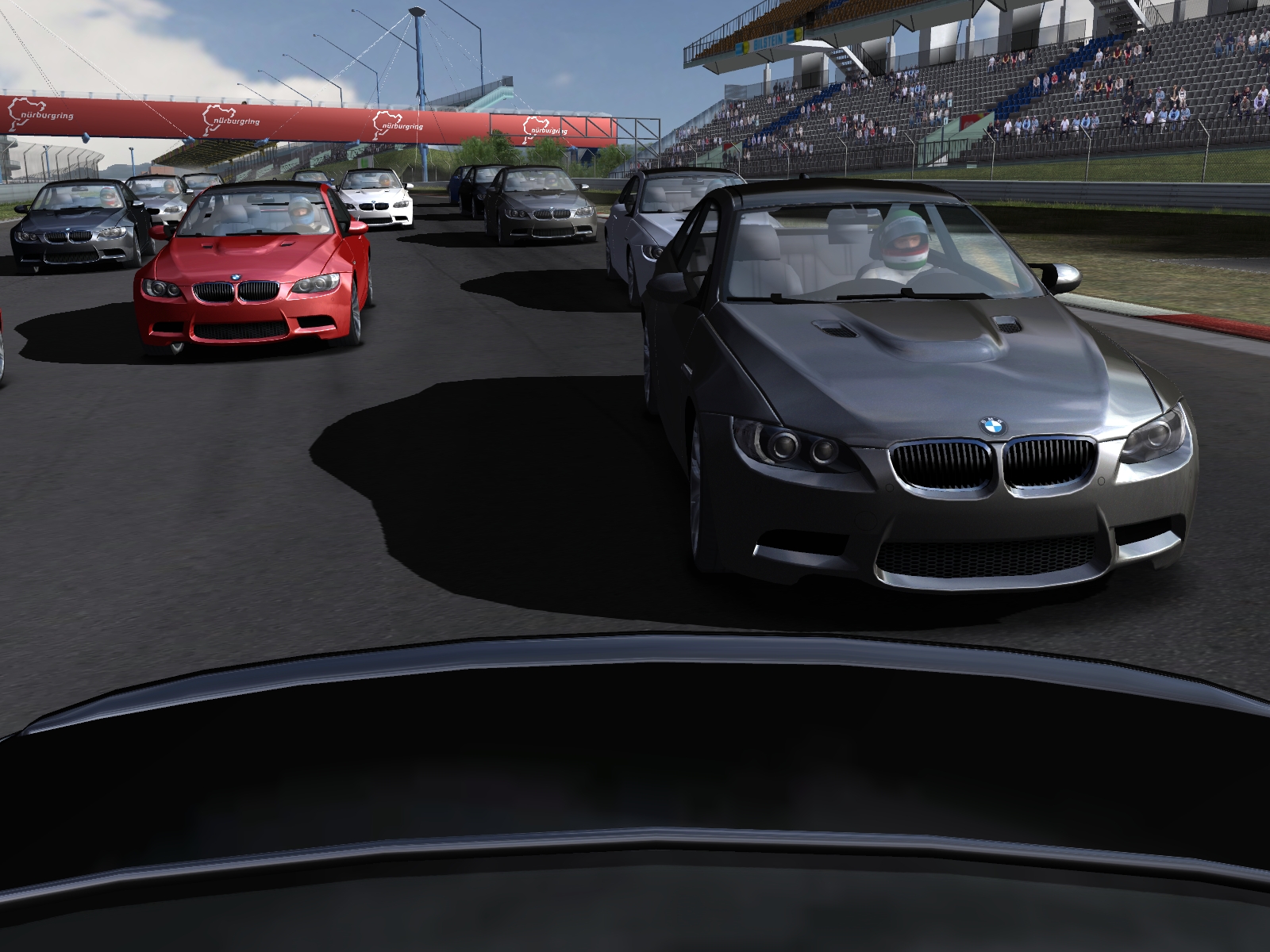
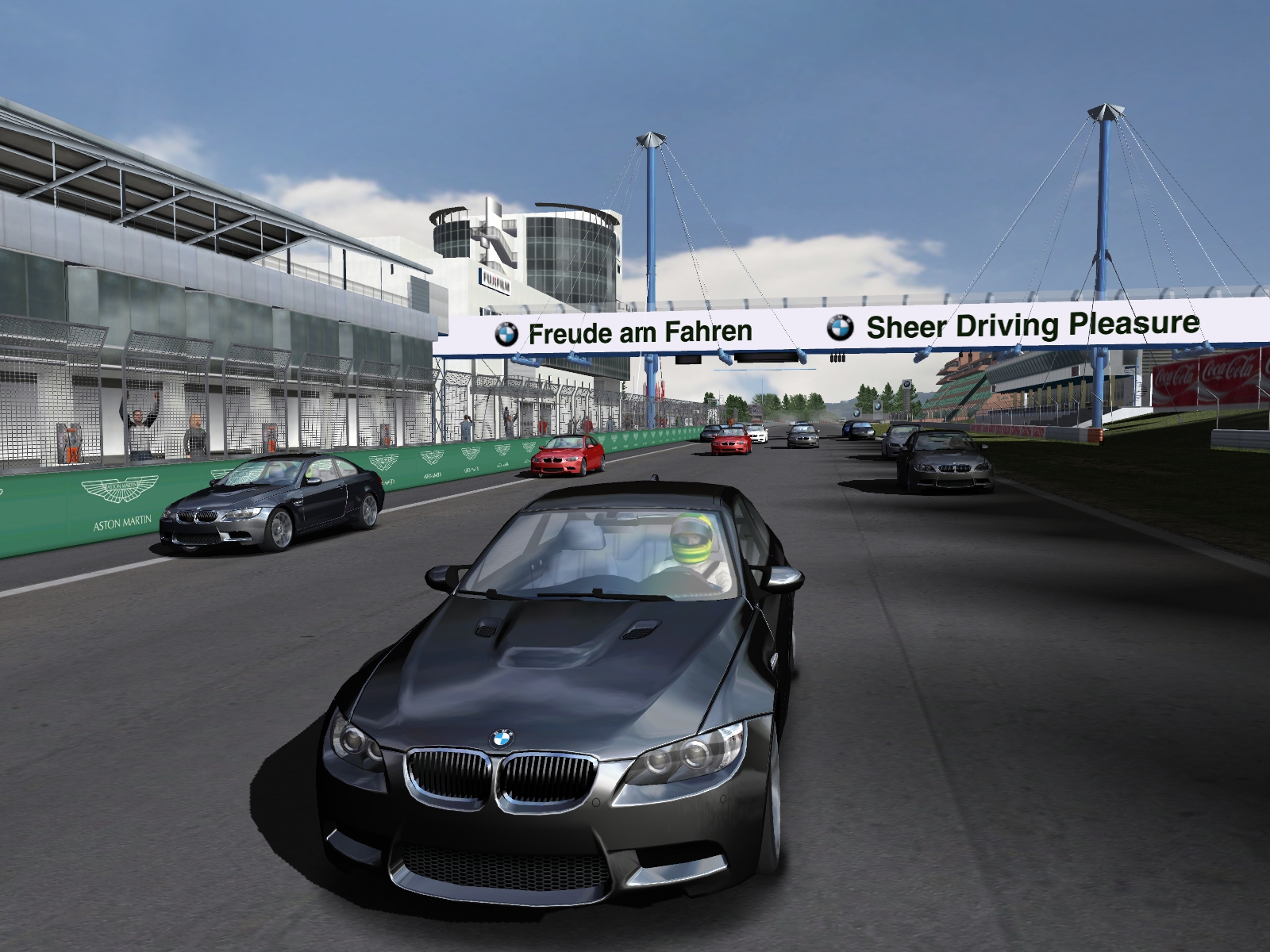
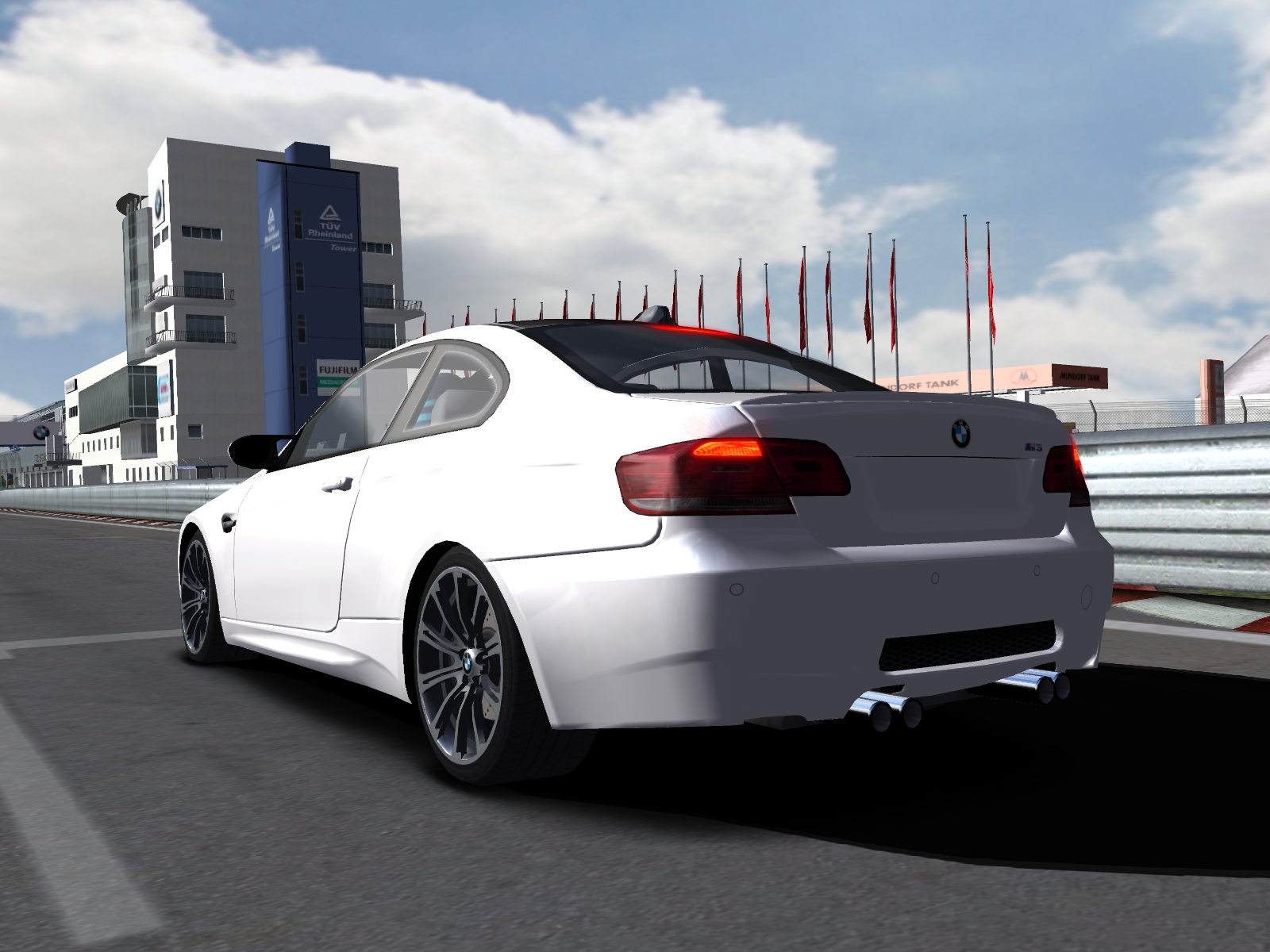
BMW M3 Challenge The BMW M3 Challenge is a worldwide online-contest with up to 1.000 drivers, who have to pass multiple exciting shootout-races to finish as the "BMW M3 Challenge World Champion". While the fastest drivers will move on, the competition grows in every race. To keep the races clean and fair an administrator and the stewards will attend every event. The online competition will be driven with the brand new Game BMW M3 Challenge - 10TACLE STUDIOS AG. Registered users will receive all essential information. The registration will be opened soon. Game-Info Enjoy your test drive! BMW M3 Challenge takes the thrill of driving to new heights. BMW M3 Challenge, which is the official game to BMW´s all-new M3 Coupé, features the original high detailed BMW M3 in all its available exterior colours and the original Nurburgring GP-track in a hyper realistic racing world. BMW M3 Challenge will allow you to experience the new BMW M3 Coupé right there where it was born and developed - on the race track. Features Stunning simulation of the all new BMW M3 Coupé Choose from 4 different driving perspectives: Cockpit, Bonnet, Bumper and Chase-Cam Configure your own M3 Coupé by selecting the colour and the rims. 4 game modes, including: Test Drive Time Trial including ghost car Race Weekend with up to 15 AI-drivers and three difficulty levels Multiplayer Race with up to 15 human opponents via internet and LAN Original Nurburgring Grand-Prix track and “Sprint” short-bound. Replay-function Game-Modes Singleplayer Open Practice Practice driving at both track variations with the BMW M3. Open Practice allows you to learn the track outside of a race competition. Race weekend Compete in a stand-alone race against the game's AI. Race Weekend takes a car through a practice session, a qualifying session and a race. Deselect the practice and qualifying on the Summary screen to go directly to the race. Time Trials Race against yourself in Time Trials. Improve your lap times by competing against your own best lap. In this mode, the car that you race against appears in semi-translucent form and is non-collidable. Have the ideal race line for your selected track visible. Use this to learn the best approach for the apex of each corner, and analyze the exact braking and acceleration spots used during the recorded lap. Multiplayer BMW M3 Challenge features the ability to race against your friends and other live opponents over a Local Network (LAN), over the Internet via direct TCP/IP, or over the Internet using the BMW M3 Challenge Internet system. Controls The following are the default controls in the game. The default keys can be changed using the in-game Controller tab. Driving Accelerate A Brake Z Steer Left , Steer Right . Shift Up L Alt Shift Down R Alt Clutch In Q LCD Mode Spacebar Accessories Menu Select Enter Menu Up Up Arrow Menu Down Down Arrow Menu Value Increase R Menu Value Decrease L Headlights H Game Vehicle Labels TAB Reset Car E Instant Replay R Pause P Time Accelerator K Driving View L Shift Look Left V Look Right N Look Behind B Extra Toggle Mirror 1 Toggle HUD 2 Toggle Gauges 3 Real Time Chat C Select your own keyboard commands for other extras by clicking on them in the menu. F Keys – Driving Assists F1 Traction Control Settings (Level 1, Level 2, Off)F2 Anti-Lock Brake System (On / Off)F3 Dynamic Stability Control (On / Off)F4 Automatic Gearbox (On / Off)F5 Damage (On / Off)F6 Visible Raceline (On / Off) Wheel Controls Wheel control defaults vary by wheel manufacturer. Refer to the Controller tab for individual wheel settings. Mouse Control Options Toggle the following mouse settings off/on on the controller tab:Mouse SteeringLeft Button AccelerateRight Button BrakeShift with Wheel up/down Advanced Control Settings Use the Advanced screen to verify that your controls are set to your preferences. Simply use the device button you have mapped to Steering, Accelerator, Brake or Clutch and you should see the corresponding bar increase. It can also be used as a guide for sensitivity and deadzone settings. Once you are satisfied with these settings, you can either return to the main screen by clicking on Main Menu, or you can view or change your Force Feedback settings by clicking on the Force tab. BMW M3 Challenge includes optimized Force Feedback effects for a number of devices. Select specific settings from the basic and specialized effects lists. Basic effects are recommended if your controller isn’t listed in the specialized list. Force Feedback Effects Determines how much information the car will try to convey to you through your controller’s Force Feedback mechanism. Full is recommended
 BMW M3 15 followers· portfolio 10 View creator →
Ratings over time
Cumulative · 30dScreenshots
1 / 12