Orchestroller
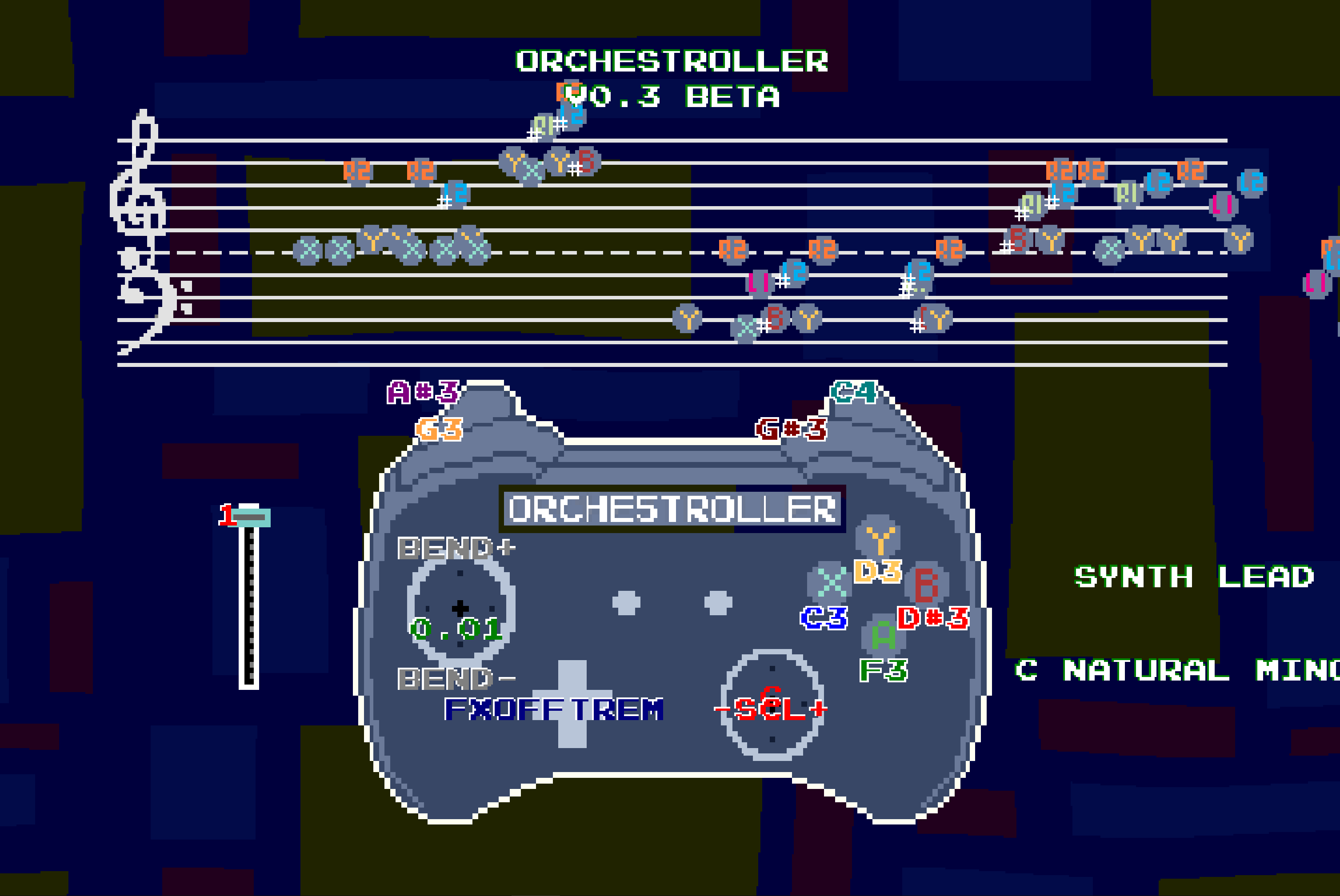
12/21/2024 - Beta 3 is out! Added special temporary holiday background Middle row will be the keys that are mapped, bottom row will probably be all the shift functions, effects, etc. Fixed the out of bounds errors by limiting the octaves of the 4 culprit 5-tone scales that go out of bounds Disabled a custom note assignment mode that I forgot was there. (You used to be able to point both sticks, and access a range of notes to custom assign to buttons, but the feature triggers by accident too much. Fixed some sprite scaling. More to come. Fixed the pitch bend upwards, and adjusted deadzone. Pitch bend goes about 3 semitones right now. Computer Keyboard Support implemented. Pitch bend isn't a thing on keyboard though. Notes 1-8 are keys S though L The bottom row of letters are the settings. z = Change Instrument x = Change Background c = Key up v = Key down b = Root up n = Root down Up/Down = Octave Left = Enable/Disable Effects Right = Change Effect 12/14/24 - Beta 2 is out! - A grand staff with a merger in the center to prevent doubling of notes - Buttons no longer cover the controller buttons - As requested by some users, I bumped the resolution up. Orchestroller v0.1 Beta Beta release! Lots of new Features! Change Effects with Dpad Right: tremolo, distortion, reverb, delay, lpf, hpf Disable/enable effects with Dpad left White background on text for easier reading for notes Moved key/scale options to right analog stick Started Pitch change features on left analog verical axis Five calming, chill backgrounds (more visual effects coming soon) Volume Slider. Click to change. ## Roadmap: - MIDI in/out support - More libraries. Add a chiptune library, a soundfont library, and a drum library - Control schemes - A pause menu to change the settings in a different view - Drum banks with pattern presets - Rhythm / Looper mode - Local and remote Multiplayer for jamming. Each person chooses a "Role". - Composer mode, where a MIDI file will be created based on what you wrote ORCHESTROLLER: A fun and free way to explore music with your controller ## Controls Play Notes: Assignable to 8 buttons. Change Octave: D-pad Up/Down. Toggle Effects: D-pad Left (on/off). Cycle Effects: D-pad Right (Tremolo, Distortion, Reverb, Delay, LPF, HPF). Change Key: R3 Up/Down. Change Scale: R3 Left/Right. Pitch Control: Left Stick Vertical. Select Instrument: Select Button. Change Background: Start Button. Adjust Volume: Use the slider. Features Keys: C, C#, D, D#, E, F, F#, G, G#, A, A#, B. Scales: Major, Natural Minor, Harmonic Minor, Melodic Minor, Dorian, Phrygian, Lydian, Mixolydian, Locrian, Ahava Raba, Minor Pentatonic, Major Pentatonic, Blues, Chromatic. Visual Themes: 6 calming backgrounds. Effects: Easily switch and combine effects for creative soundscapes. Wide Note Range: 73 notes per instrument. Outstanding bugs: * Scaling issues with browser version makes some sprites blurry
 Critacle 28 followers· portfolio 12 View creator →
Ratings over time
Cumulative · 30dComments over time
Cumulative · 30dScreenshots
1 / 2