No image available
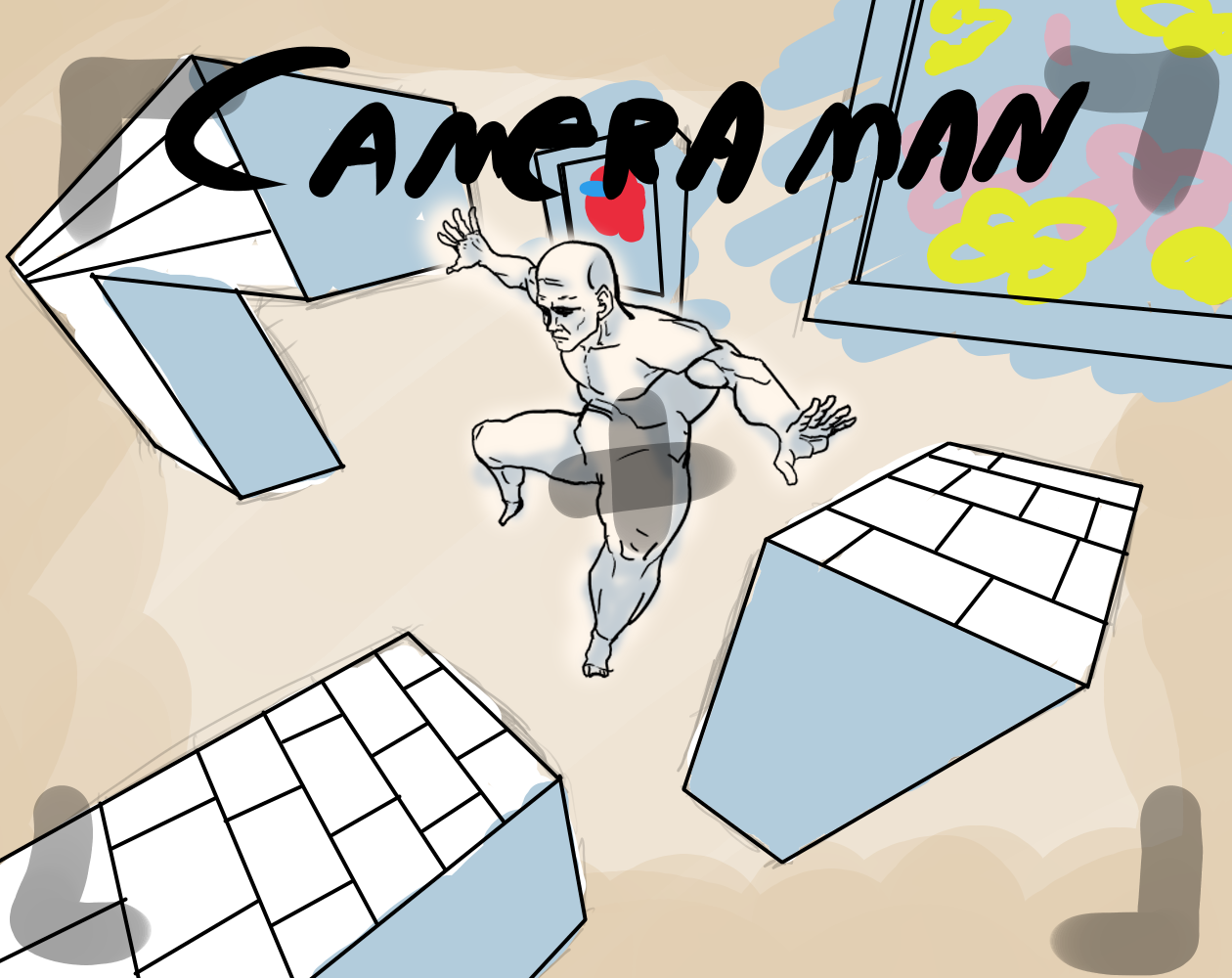
Cameraman
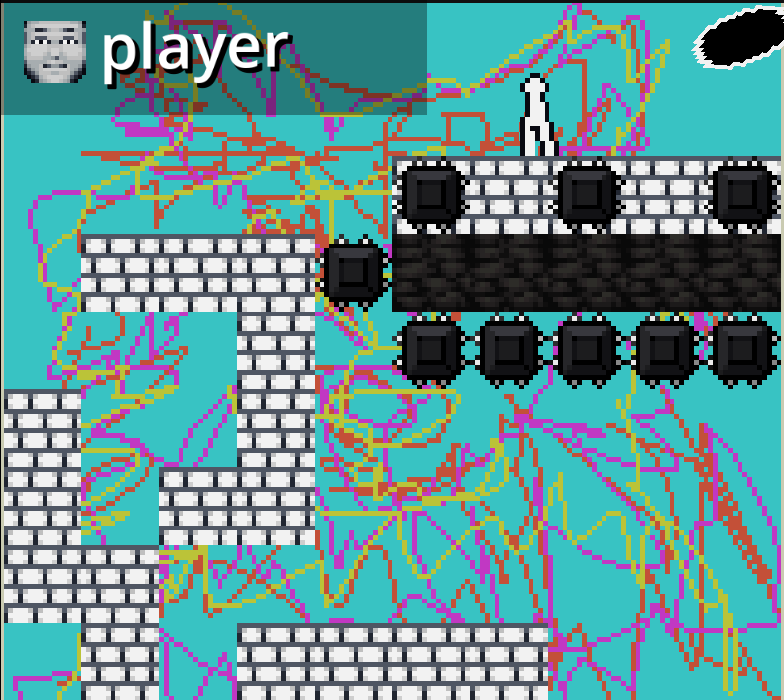
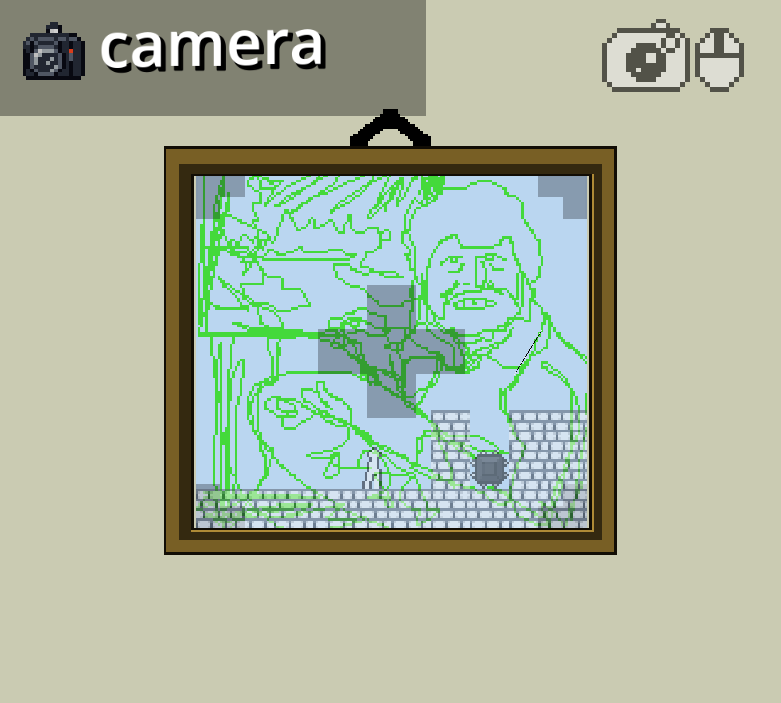
*IMPORTANT* The game works by switching perspectives between the player and the camera, you can do that by pressing SHIFT, when you're in camera mode you can take pictures of your surroundings by pressing LEFT MOUSE BUTTON, once you've taken a picture it becomes part of the main frame. Make your way through the levels by taking pictures of the surroundings and using them as platforms Controls WASD - Movement Shift - Switch perspectives Left mouse button - Picture Right mouse button - Rotate camera Press R to reset level Press TAB to access the menu
Ratings over time
Cumulative · 30dCumulative ratings
Screenshots
1 / 3