Aseprite Color Shading Script (Like PyxelEdit)
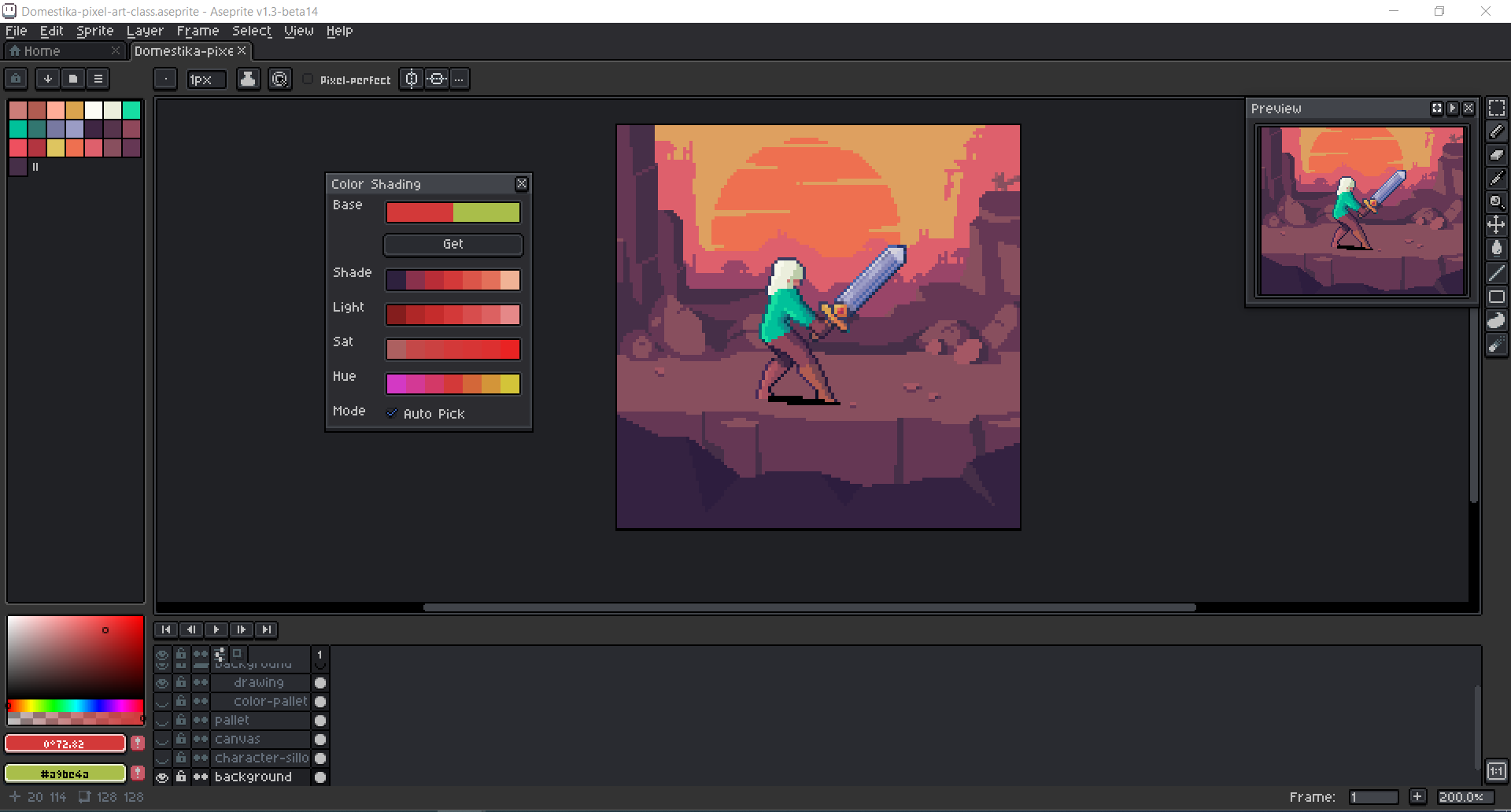
Aseprite Color Shading Script Hello, I'm CanadianBoy. One day, I found myself in need of a tool similar to the shading tool in pyxeledit. I stumbled upon a Lua script in the Aseprite community created by Dominick John. It was really impressive, but it had a few bugs and lacked some features, such as the ability to choose colors with the eyedropper tool. In addition to being an artist, I'm also a professional programmer. I made the decision to rewrite the script from scratch to address its issues and incorporate new features. Now, you can download the result for free, but your donation can make a significant difference in supporting my journey. Thank you for your consideration. Instructions: Place this file in your Aseprite scripts folder (go to File -> Scripts -> Open Scripts Folder). Run the script by going to File -> Scripts -> Color Shading. Commands: Base Colors: Clicking on either base color will switch the shading palette to the selected saved color base."Get" Button: Updates base colors using the current foreground and background colors and regenerates shading.Left click: Sets the clicked color as the foreground color.Right click: Sets the clicked color as the background color.Middle click: Sets the clicked color as the foreground color and regenerates all shades based on this new color. Note: in RMB reverse version i change the functionality of RMB and MMB mouse buttons. My other assets and scripts <a href="<a href="https://canadianboy.itch.io/aseprite-color-blend">Aseprite" class="redactor-linkify-object">https://canadianboy.itch.io/aseprite-color-blend">Aseprite</a> Color Ramp Script (Color Hue v1.0) by CanadianBoy</a>
 CanadianBoy 3 games· 134 followers· 20 ratings· portfolio 53 View creator →
Ratings over time
Cumulative · 30dComments over time
Cumulative · 30dScreenshots
1 / 2