
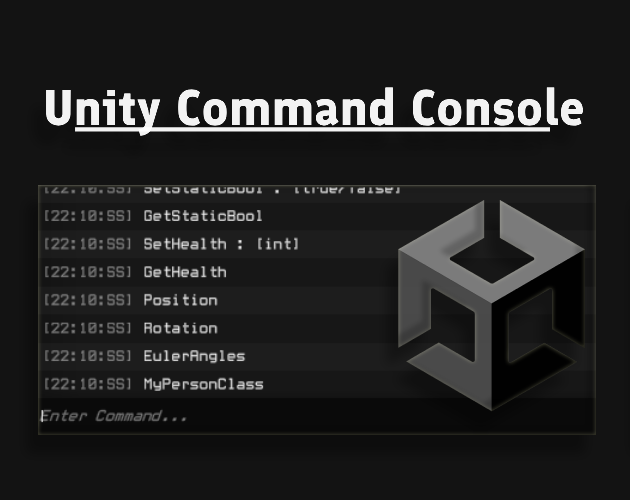
Unity Command Console
This Unity tool allows you to easily create a console and execute commands for your game in Unity. fast, easy and powerful Features - Methods, Fields and Properties- Static and non-Static Objects- Public and Private- Method Return Types- Method Arguments (float ,int, string, Vector2-3, Color, Enums) and more- Auto Complete Suggestions- Custom Command Options Callback- Customizable UI Requirement - Unity 2020 or later How To Use 1. Download Unitypackage and import it to your project or clone Repo 2. add CommandConsoleGUI prefab to the scene or CommandConsoleUI to the canvas whichever you prefer 3. tweak the settings in the inspector to your liking4. add ConsoleCommandAttribute to any field property or method5. open the console and type the command than press enter to execute the command [ConsoleCommand] public void KillAllEnemies() { //Code here } See Github Repo for more code example and documentations
 Huntrox 37 followers· portfolio 13 View creator →
Ratings over time
Cumulative · 30dComments over time
Cumulative · 30dScreenshots
1 / 7


