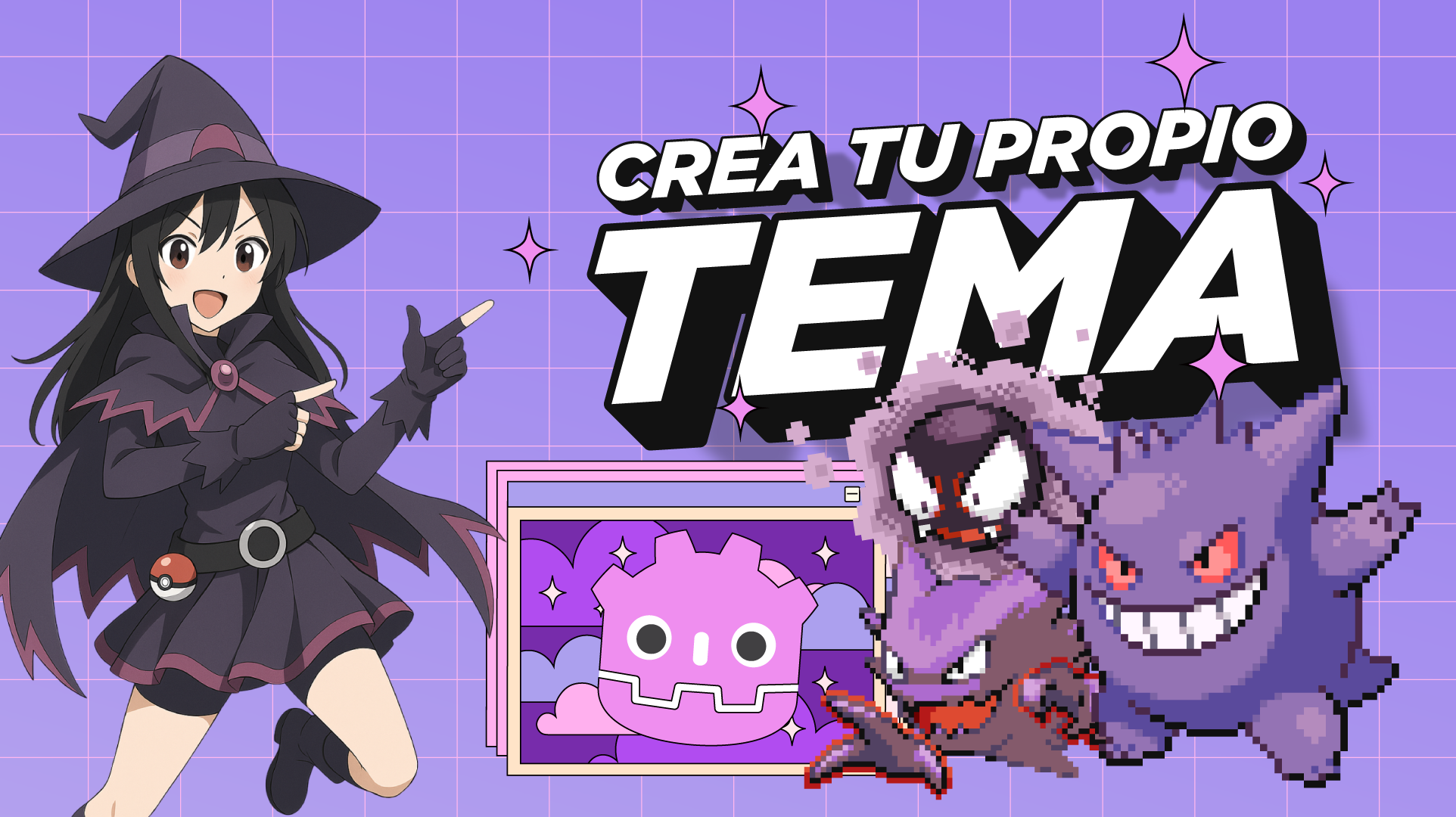
GGengar - Godot theme
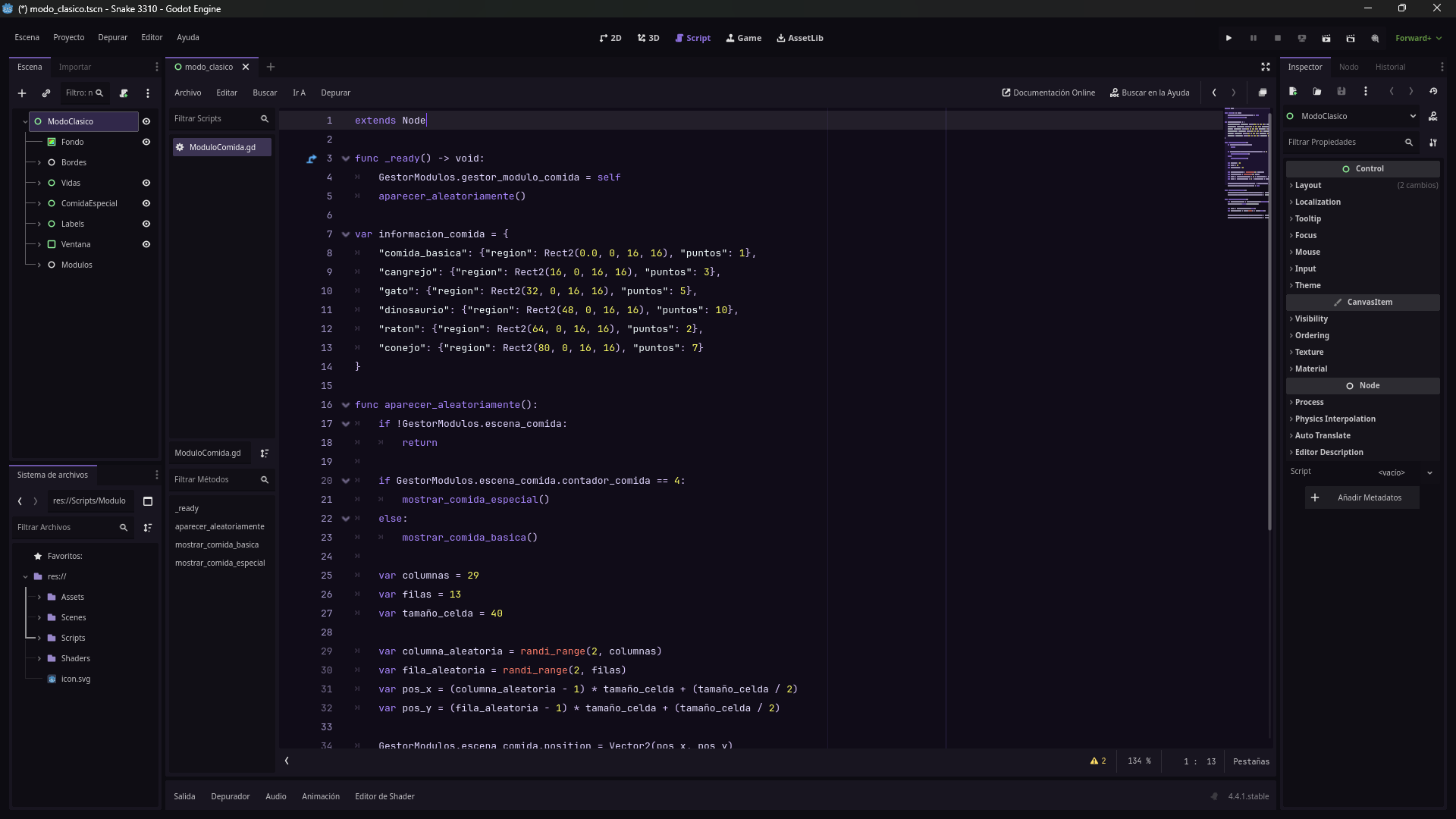
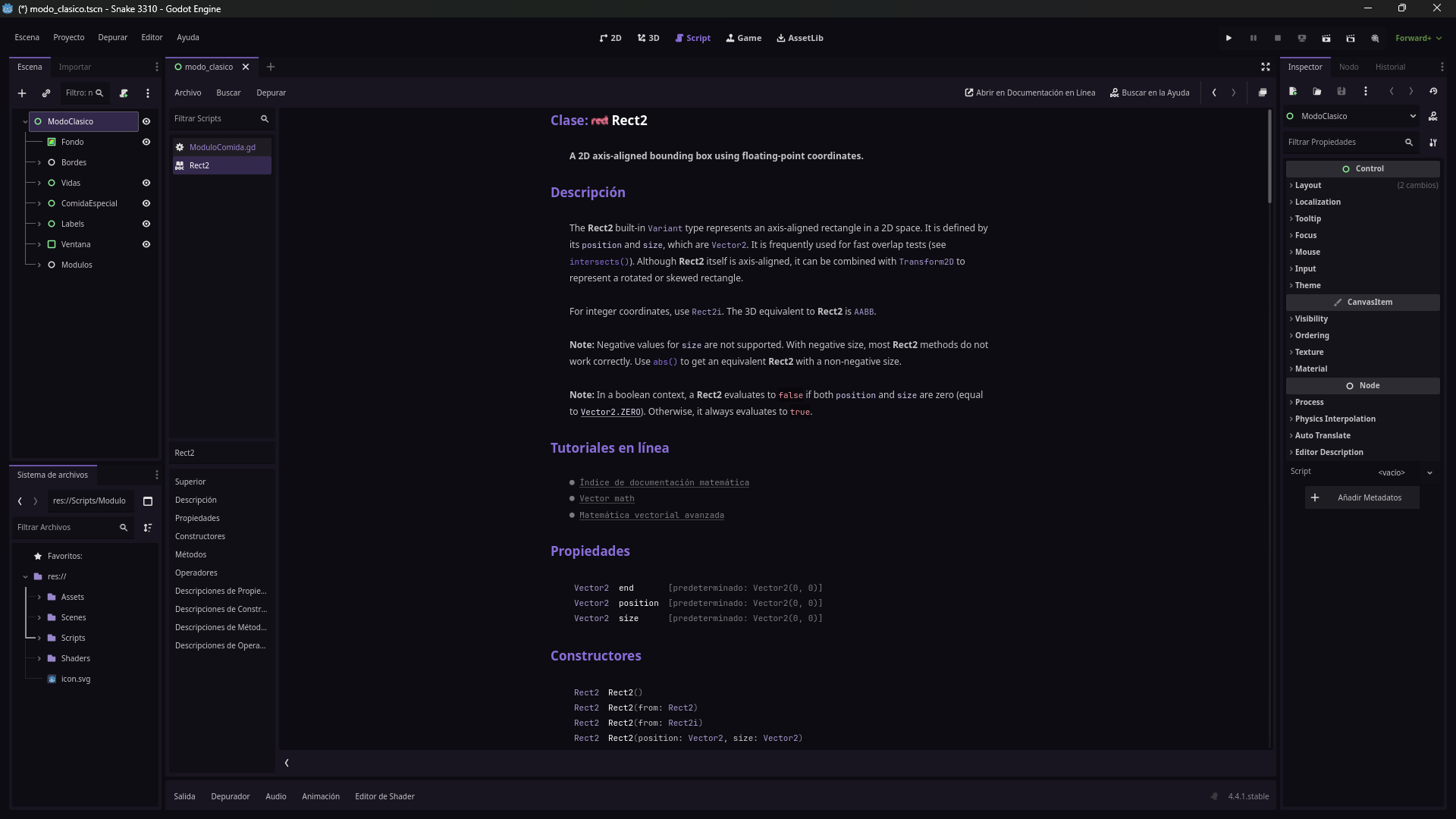
🇺🇸 GGengar – A dark spooky-cute theme for Godot inspired by Gengar 👻💜 A spooky-cute theme for developers who love a mysterious but visually charming vibe. Includes a text editor theme and instructions to customize Godot’s interface look. 📝 Text Editor Theme GGengar is available as a .tet file for Godot’s text editor. 📦 Manual Installation Download the included .tet file and place it in your system's Godot text editor themes folder: Linux: ~/.config/godot/text_editor_themes/ macOS: ~/Library/Application Support/Godot/text_editor_themes/ Windows: %APPDATA%\Godot\text_editor_themes/ Steam: steamapps/common/Godot Engine/editor_data/text_editor_themes/ Then, in Godot: 🛠️ Go to Editor → Editor Settings → Text Editor → Theme 🟣 Select "GGengar" from the Color Theme dropdown 🎨 Interface Theme To match the dark spooky vibe, customize the interface theme with the following colors: Base Color: #181520 Accent Color: #8a6ed9 Apply from: 🛠️ Editor → Editor Settings → Interface → Theme ------------------------------------------------------------------------------------------ 🇪🇸 GGengar – Tema oscuro para Godot inspirado en Gengar 👻💜 Un tema spooky cute para desarrolladores que aman lo misterioso pero visualmente encantador. Incluye un tema para el editor de texto y una guía para personalizar la interfaz de Godot. 📝 Tema del Editor de Texto GGengar está disponible como archivo .tet para usar en el editor de texto de Godot. 📦 Instalación Manual Descarga el archivo .tet incluido y colócalo en el directorio correspondiente según tu sistema operativo: Linux: ~/.config/godot/text_editor_themes/ macOS: ~/Library/Application Support/Godot/text_editor_themes/ Windows: %APPDATA%\Godot\text_editor_themes/ Steam: steamapps/common/Godot Engine/editor_data/text_editor_themes/ Luego, en Godot: 🛠️ Ve a Editor → Editor Settings → Text Editor → Theme 🟣 Selecciona “GGengar” en el menú desplegable Color Theme 🎨 Tema de Interfaz Para completar la atmósfera misteriosa, personaliza la interfaz del editor con estos valores: Base Color: #181520 Accent Color: #8a6ed9 Configúralo desde: 🛠️ Editor → Editor Settings → Interface → Theme
 Annie 30 followers· portfolio 13 View creator →
Ratings over time
Cumulative · 30dScreenshots
1 / 3