Perceptual hue shift for Aseprite
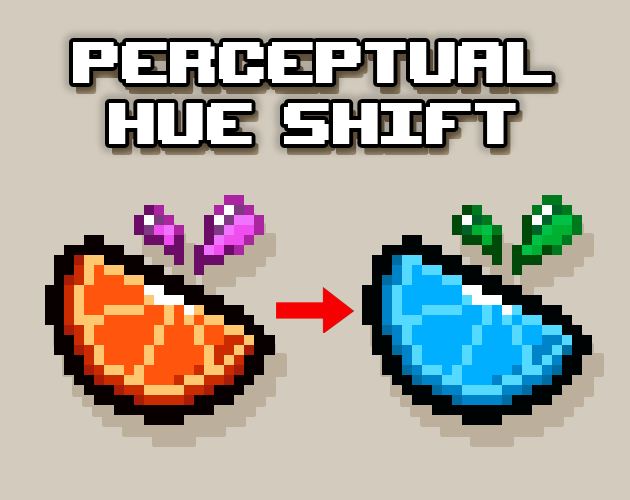
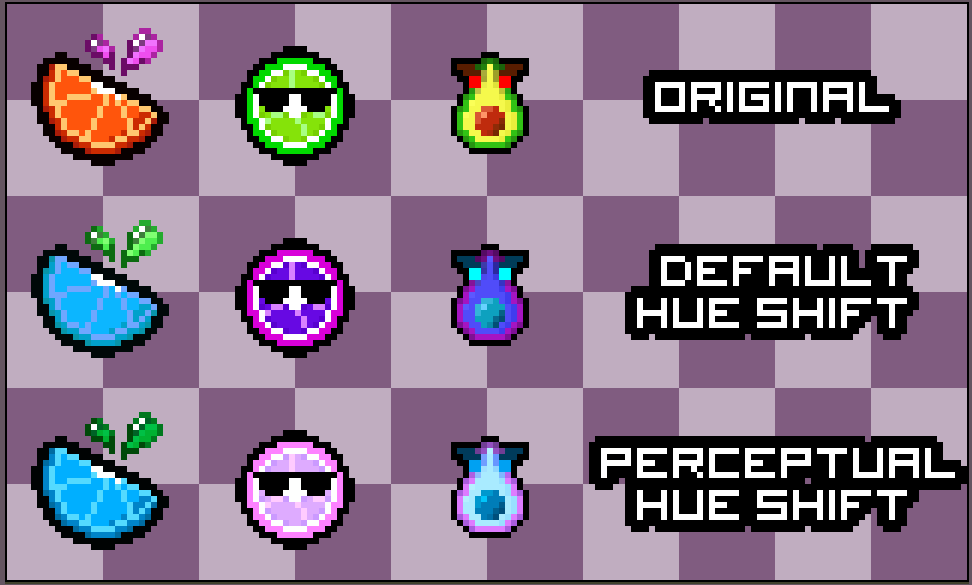
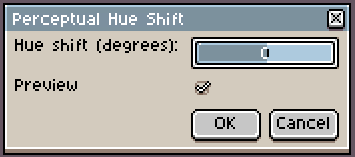
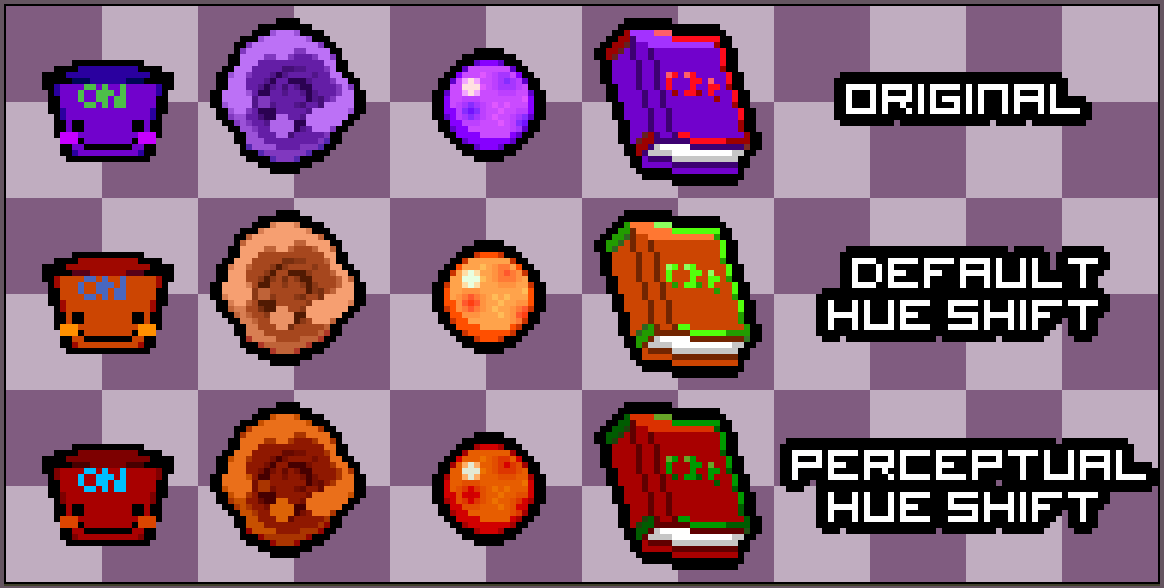
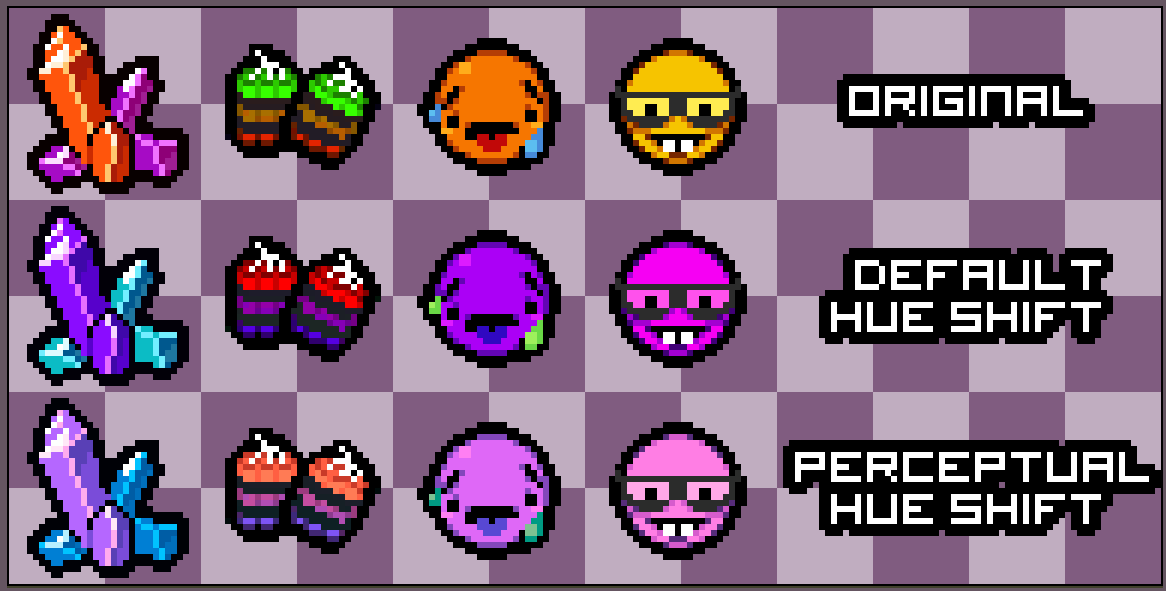
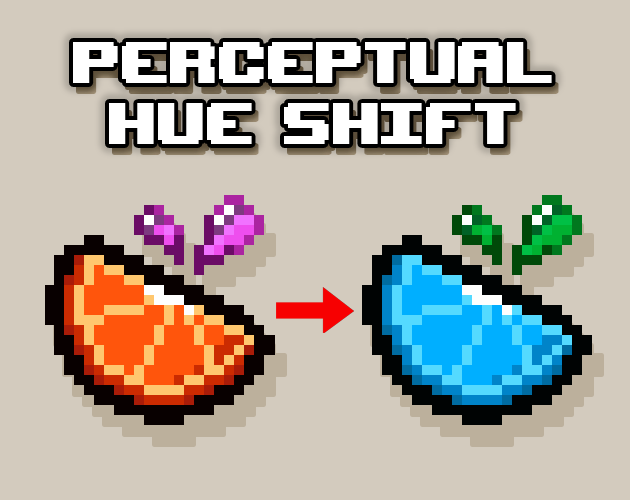
Have you ever tried shifting your sprite's hue to see if it looks better in another color and then it looks horrible 😨 ?!! Well i had the same issue over and over again while working on my game, so i looked into it and coded an aseprite script that hue shifts in a way that actually looks good 👍 To install the script, move the 'PerceptualHueShift.lua' file in your scripts folder. (You can find the folder by going into File -> Scripts -> Open Scripts Folder) I recommend setting a keyboard shortcut for the scripts, you can do that by going into Edit -> Keyboard Shortcuts, then type "Scripts" on the top left box and set your desired shortcut in the blank space next to the script. If you want to support me, you can play my game Fruity Rogue on steam, there's a free demo ! (the image is a link)
 Adam 20 followers· portfolio 11 View creator →
Ratings over time
Cumulative · 30dComments over time
Cumulative · 30dScreenshots
1 / 6