FreeBox: Create Living Worlds
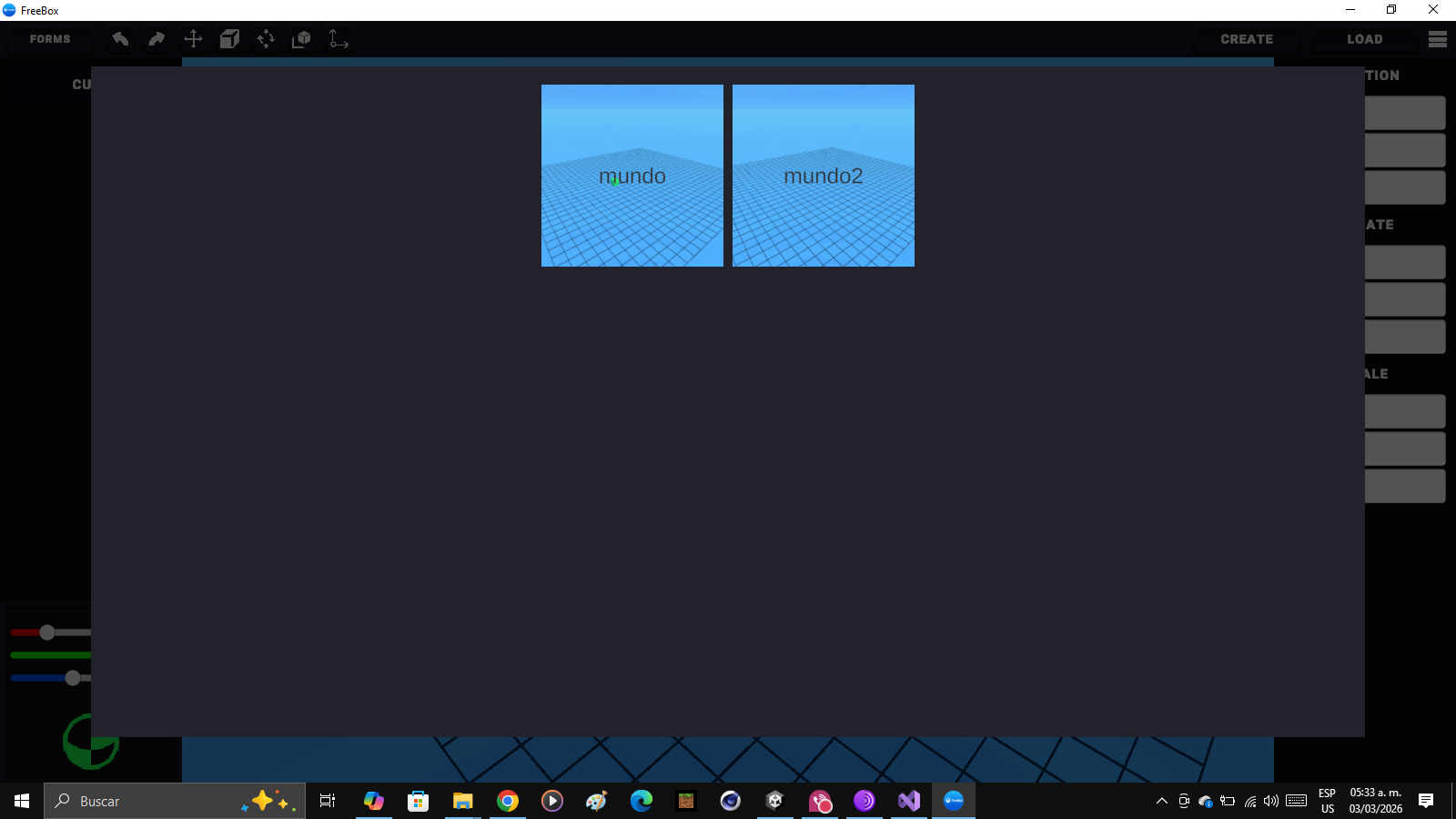
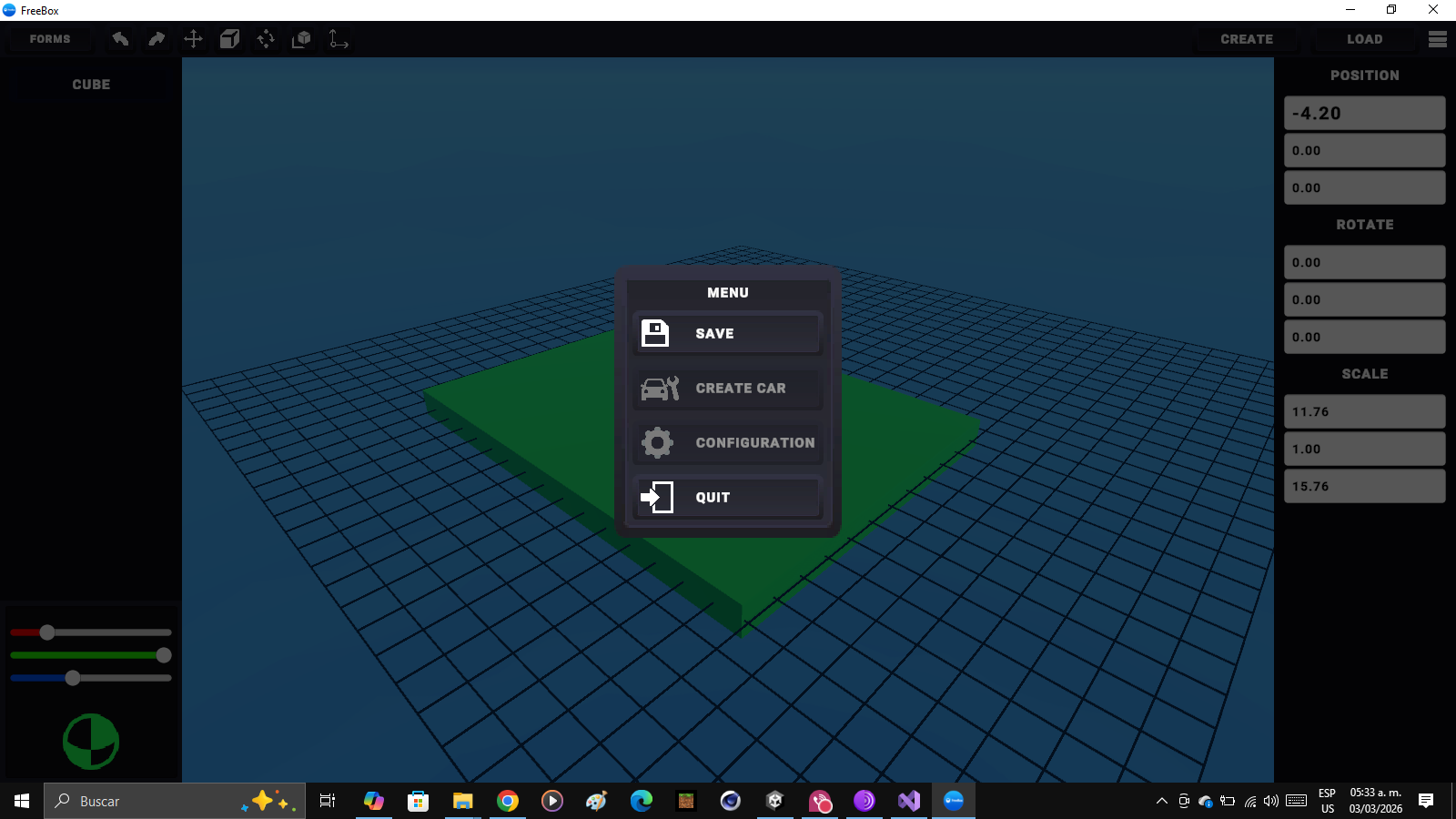
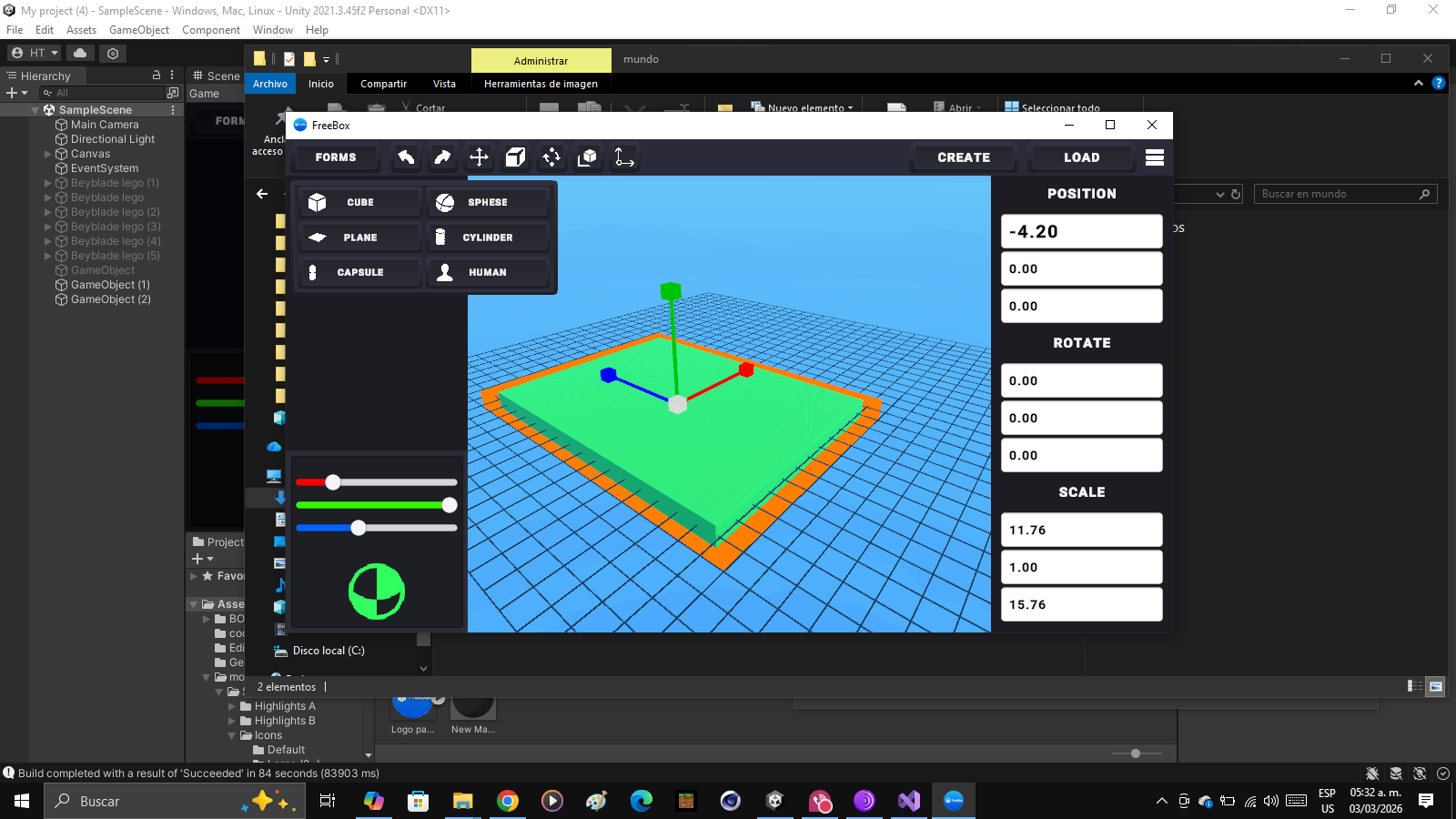
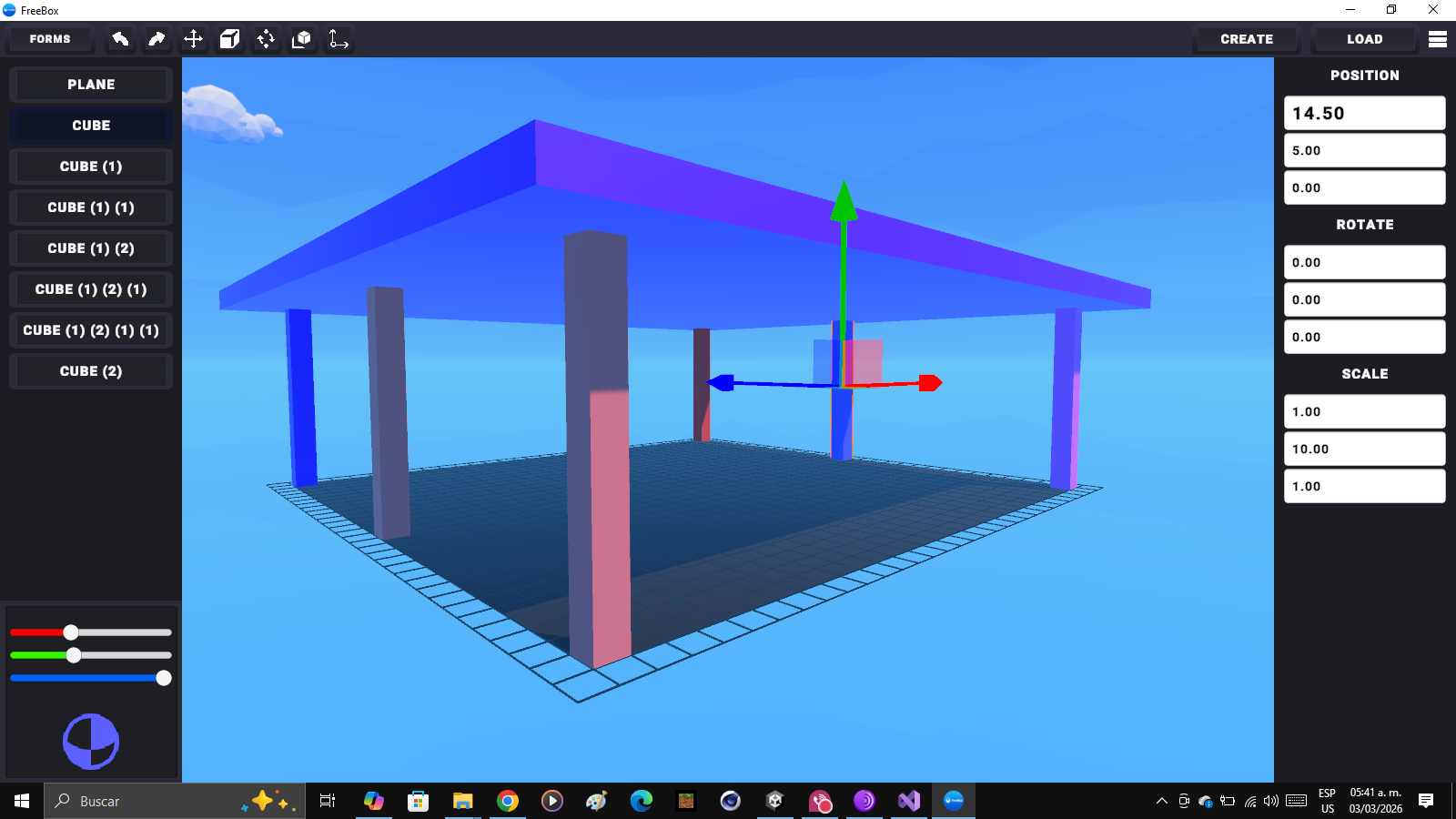
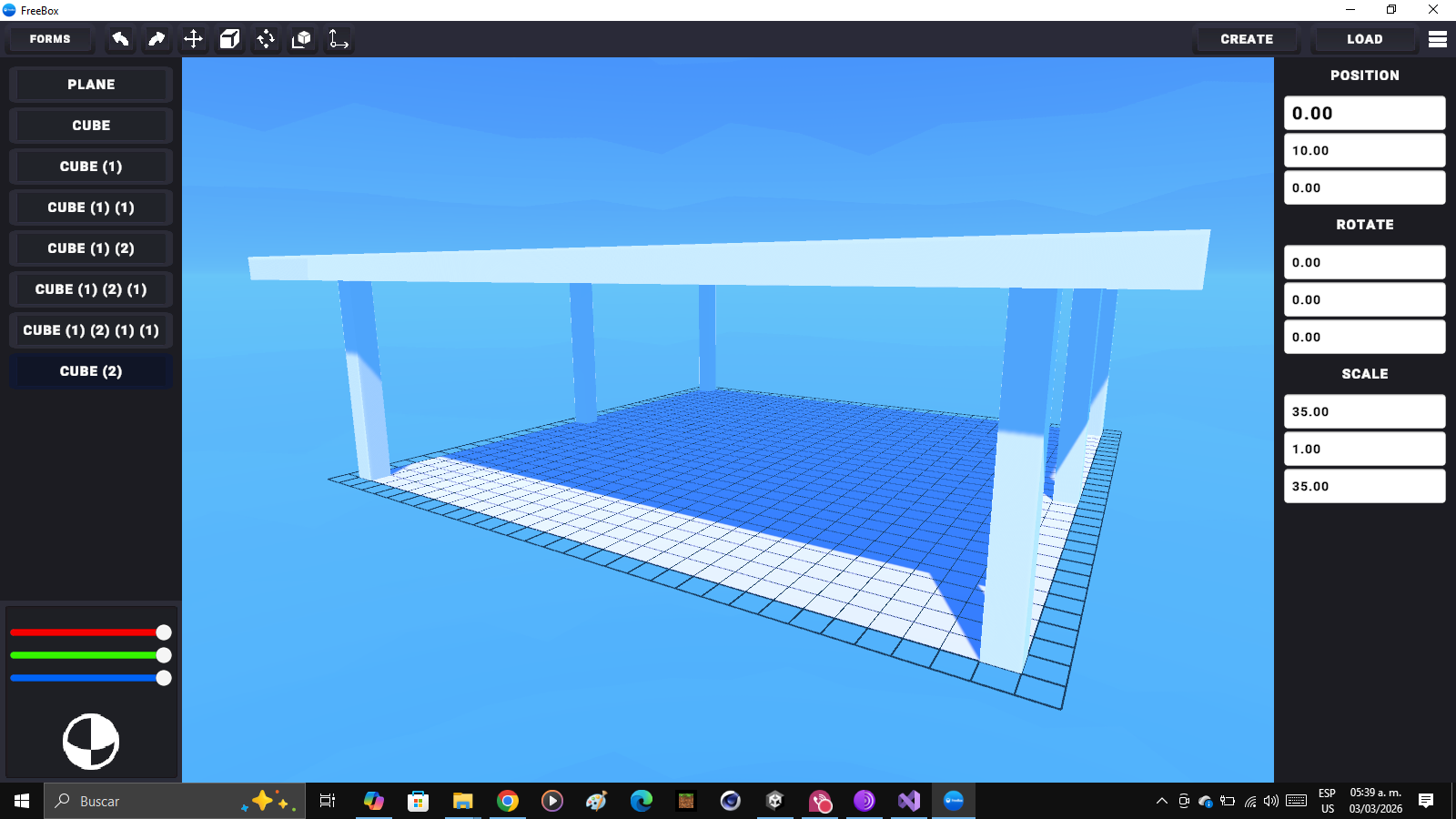
🎮 Freebox Freebox is a real-time 3D sandbox where you can build, modify, and experiment with objects directly within the game, without switching scenes and without relying on the Unity editor. Everything works at runtime: you select, transform, and manage your creations as if you had a mini-editor integrated into the game itself. 🧱 What can you do? Create independent projects. Build 3D environments using basic objects. Move, rotate, and scale objects with runtime gizmos. Select and modify elements in real time. Automatically save and load your projects. Each project is saved as a JSON file on your PC, including: Position Rotation Scale Color Active state of each object An automatic project thumbnail is also generated for easy identification. 🗂 Project System Freebox includes a complete project manager: Creation from the UI interface. Dedicated folder for each project. Persistent saving. Loads without changing scenes. Automatic world cleanup when switching projects. Everything happens within the same scene, maintaining fluidity and performance. 🖱 Controls Click to select objects. Gizmos to move, rotate, and scale. Integrated UI interface. Visual hierarchy management. 🎯 Focus Freebox is designed as: A creative sandbox environment. A functional mini 3D editor. A foundation for experimenting with modular design. A lightweight, real-time construction tool. There are no goals, limits, or restrictions: it's a free space to create. 💾 Local Saving Projects are automatically stored in the executable directory in a folder called: Projects/ Each project includes its project.json file and thumbnail.png image. 🚀 Project Status Currently under active development. More tools and features will be added in future versions.
 EL PRO DE MINECRAFT V3.1 20 followers· portfolio 11 View creator →
Ratings over time
Cumulative · 30dScreenshots
1 / 6