Just Add Fire
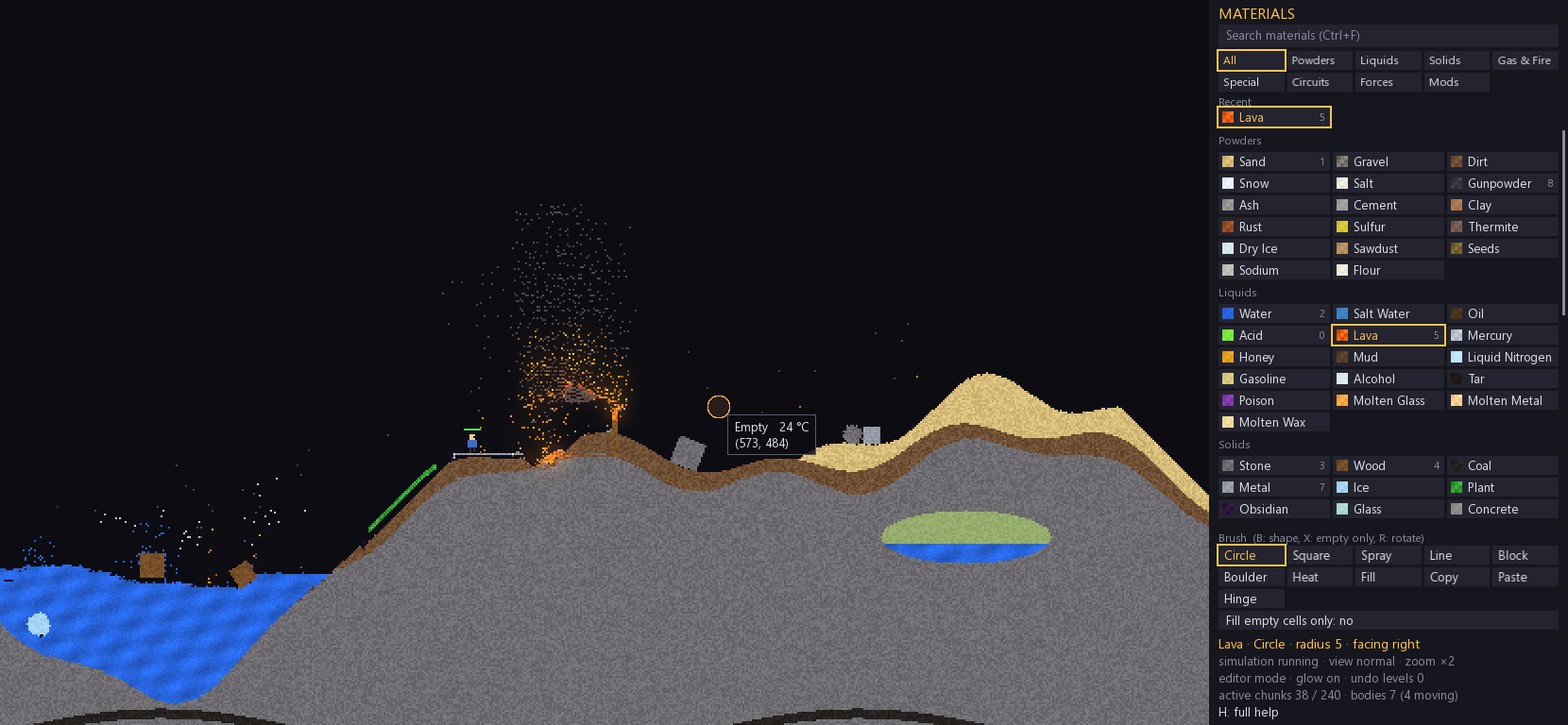
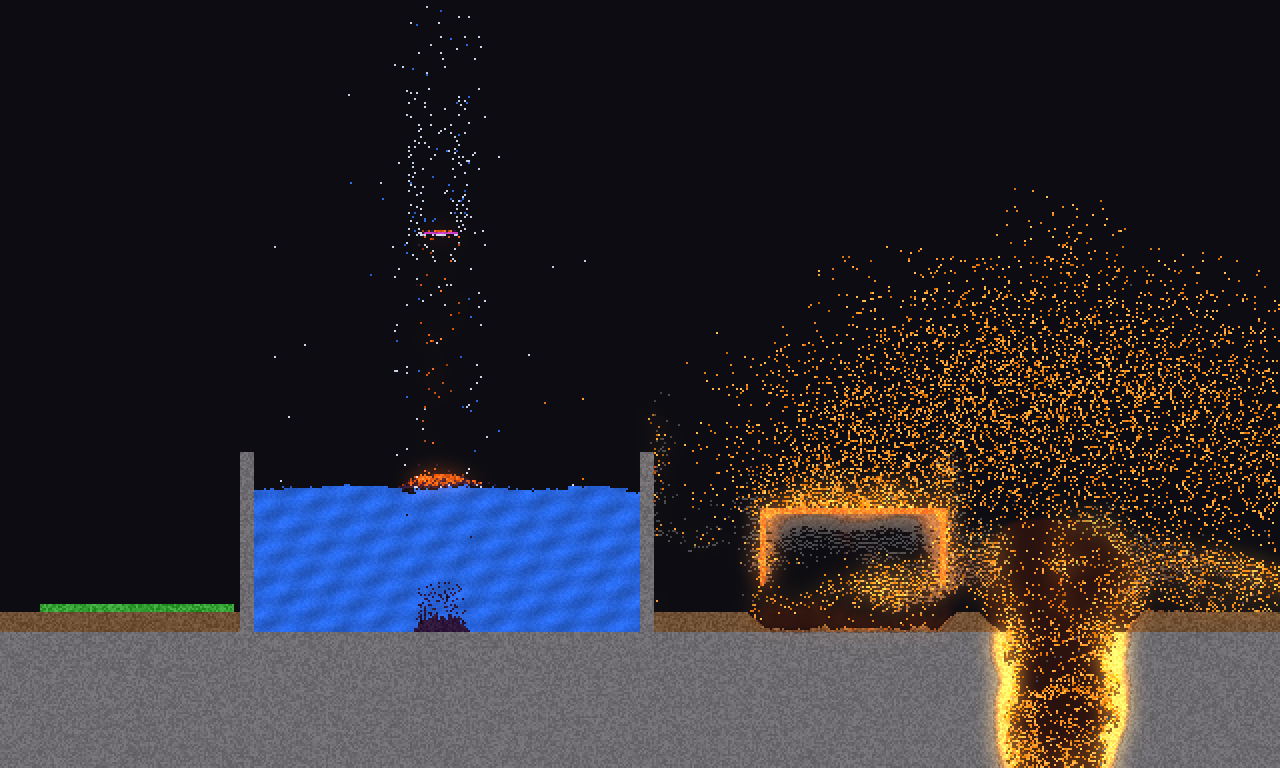
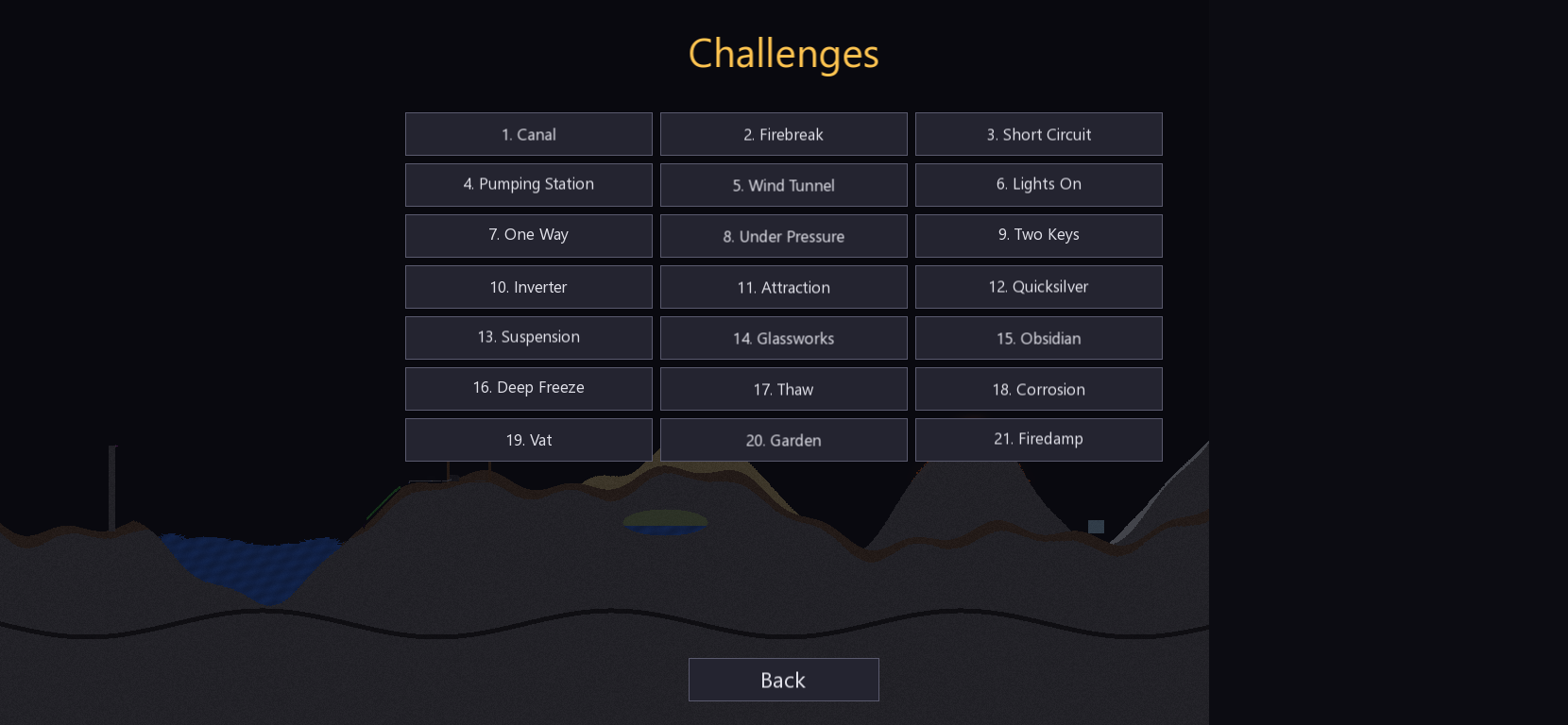
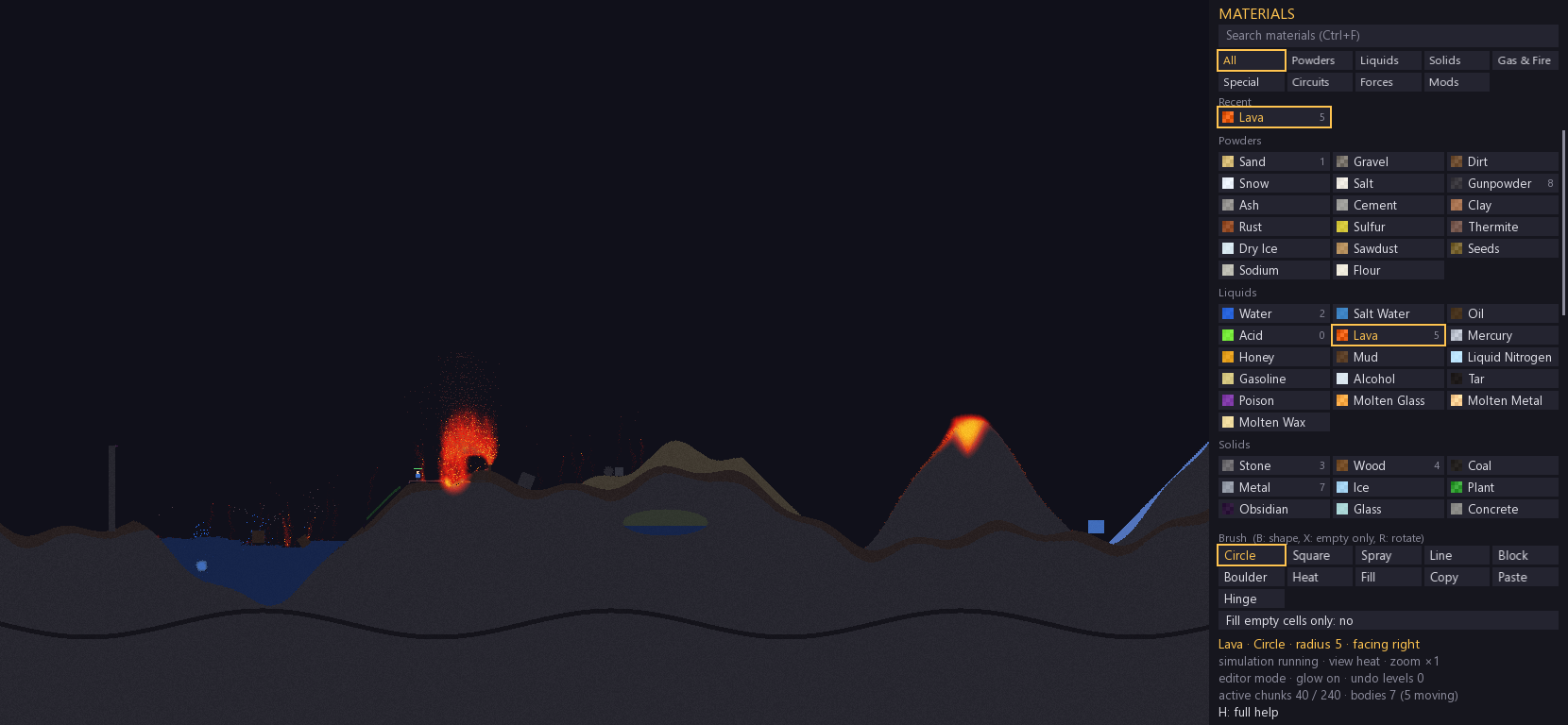
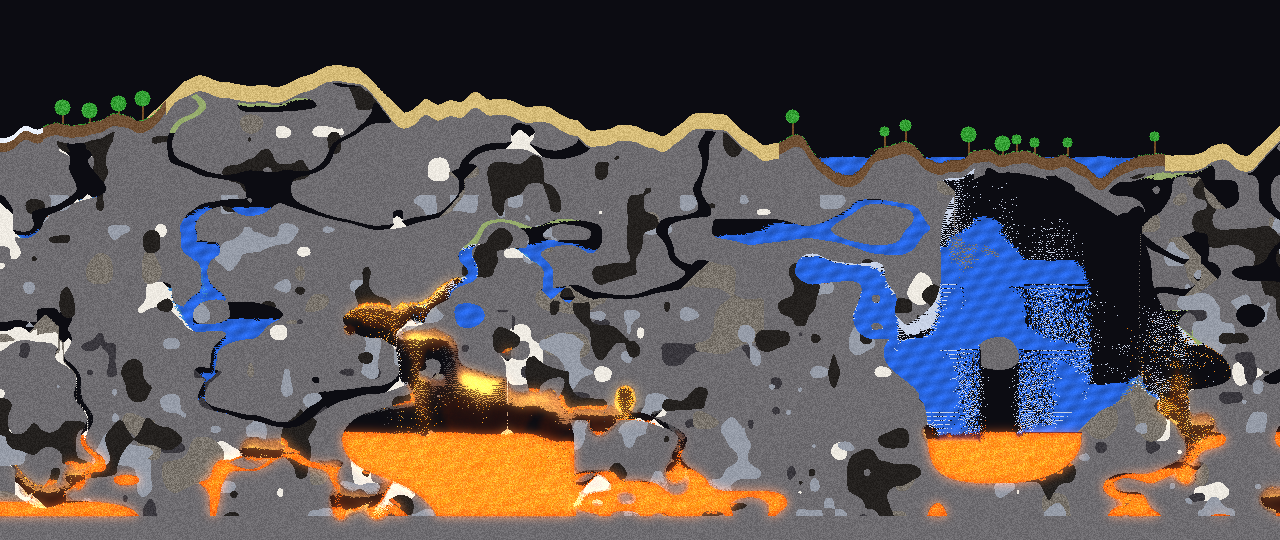
Pour it, heat it, electrify it, then watch it all come down. Just Add Fire is a particle sandbox for Windows. Every pixel in the world is a grain of matter with its own density, temperature and reactions. Sand piles up, water flows, lava hardens when it hits water, and the bridge whose support you just cut falls in one piece. The game opens on a landscape ready to be destroyed: a lake fed by a waterfall, dunes, a volcano, a snowy peak, a buried pocket of methane and a wooden cabin packed with gunpowder. An electric wire runs to the cabin with one gap in it. Close the gap and see what happens. 78 materials: powders, liquids, solids, gases, electronic components and machines 52 chemical reactions, plus a simulated temperature in every cell, from -40 °C to 2000 °C 21 challenges to solve with a limited supply of material Generated worlds with caves, ores, lakes and biomes Logic circuits: diodes, switches, sensors, AND and NOT gates Solid objects that fall, float, rotate and break away Mods: add your own materials with a plain text file Three ways to play Sandbox No goals and no limits. Paint, erase, experiment, undo and try again. You can reload the demo scene at any time, or clear it and start from nothing. Generated World Each run builds a world from a random seed: desert, forest or snow on the surface, lakes, cave networks, veins of coal, metal, salt and gunpowder, pockets of methane, and lava at the very bottom. One key generates another. Challenges 21 short levels, one goal each, and just enough material to get there. There is no undo: if it goes wrong, you start over. Water, fire and air: Canal, Firebreak, Short Circuit, Pumping Station, Wind Tunnel Circuits: Lights On, One Way, Under Pressure, Two Keys, Inverter Forces: Attraction, Quicksilver, Suspension Heat and chemistry: Glassworks, Obsidian, Deep Freeze, Thaw, Corrosion, Vat, Garden, Firedamp Matter that reacts Try things. Something usually happens: Water freezes at 0 °C, boils at 100 °C and turns lava into obsidian Sand becomes glass at 850 °C, clay becomes brick at 800 °C Wet cement hardens into concrete Salt dissolves in water and melts ice Sodium dropped in water produces fire and hydrogen Chlorine turns water into acid Acid eats through stone, wood and metal, but not glass, obsidian, gold or diamond Seeds sprout in water, moss spreads, mold devours wood Thermite burns into streams of molten metal Gunpowder, methane, propane, hydrogen, flour and C4 all explode, each in its own way Electricity Metal, steel, copper, gold, mercury and even water conduct current. A battery sends out pulses, and a spark triggers one by hand. With diodes, switches, lamps, pressure sensors and AND and NOT gates, you can wire up real mechanisms, or just a trap to blow up the cabin. Forces and machines Fans blow gases around, magnets pull metal and mercury, pumps push liquids through pipes, and hinges pin objects to the scenery. Solid objects Drop blocks and boulders: they have mass, they spin and collide, and wood floats where stone sinks. Your buildings work the same way. Dig under a bridge or burn a wall, and whatever loses its support breaks away and falls. Player mode Press P to control a small character who can walk, jump and swim through the world you just built. Fire, heat, acid and electricity all hurt. A real editor 11 tools: circle, square, spray, line, block, boulder, heat, fill, copy, paste, hinge 10 levels of undo, plus copy and paste for whole areas Pause and tick-by-tick stepping to study a reaction Material search from the keyboard and 10 favorites on keys 1 to 0 Heat view, and a tooltip showing the temperature of any cell Quick save for your world Image import: F8 loads levels/level.png, and each color becomes the closest material Controls Press H in the game to see every control. Left / right click: paint / erase Mouse wheel: brush size Ctrl + wheel: zoom Middle click or arrow keys: move the camera B: brush shape X: fill empty cells only Ctrl + F: search materials Ctrl + Z / Y: undo / redo Ctrl + C / V: copy an area / paste R: rotate a component E: toggle the switch under the mouse Space: pause N: advance one tick P: player mode (A / D to move, W or Space to jump) F4: normal, chunks or heat view F5 / F9: save / load F6: in a challenge, retry or go to the next level F11: new generated world Esc: main menu Making mods Each .mat file in the mods folder adds materials at startup, with no recompiling. They appear in their own tab. The game ships with this example: [Jelly] state = liquid density = 1.3 color = 120 240 90 variance = 14 dispersion = 2 viscosity = 150 hardness = 5 reaction = Water -> Jelly + Empty 0.02 Keys cover density, viscosity, flammability, melting and freezing points, explosions, conductivity, magnetism and reactions with other materials. The full list is at the top of mods/jelly.mat. Installation Download the archive and extract it to a folder. Run just_add_fire.exe. Requirements Windows 10 or 11, 64-bit OpenGL-capable graphics card Multi-core processor recommended: the simulation uses every available core Keyboard and mouse with a wheel Troubleshooting Windows shows "Windows protected your PC": the game is not signed. Click More info, then Run anyway. Windows reports a missing DLL: keep all the files from the archive in the same folder as just_add_fire.exe. The game runs slowly: turn off the glow with F2 or limit the frame rate with F12. F3 opens the profiler. Under the hood Just Add Fire is written in C++20 with SFML 3. The world has 1280 × 768 cells, nearly a million, and runs at 60 ticks per second. It is split into 64 × 64 chunks updated in parallel, and the simulation gives the same result regardless of the number of threads. The built-in profiler (F3) shows the cost of each step. Tell me what you think Found a bug? Have an idea for a challenge, a mod, or an explosion you are proud of? Leave a comment on this page.
Oronte 2 followers· portfolio 4 View creator →Ratings over time
Cumulative · 30dComments over time
Cumulative · 30dScreenshots
1 / 6