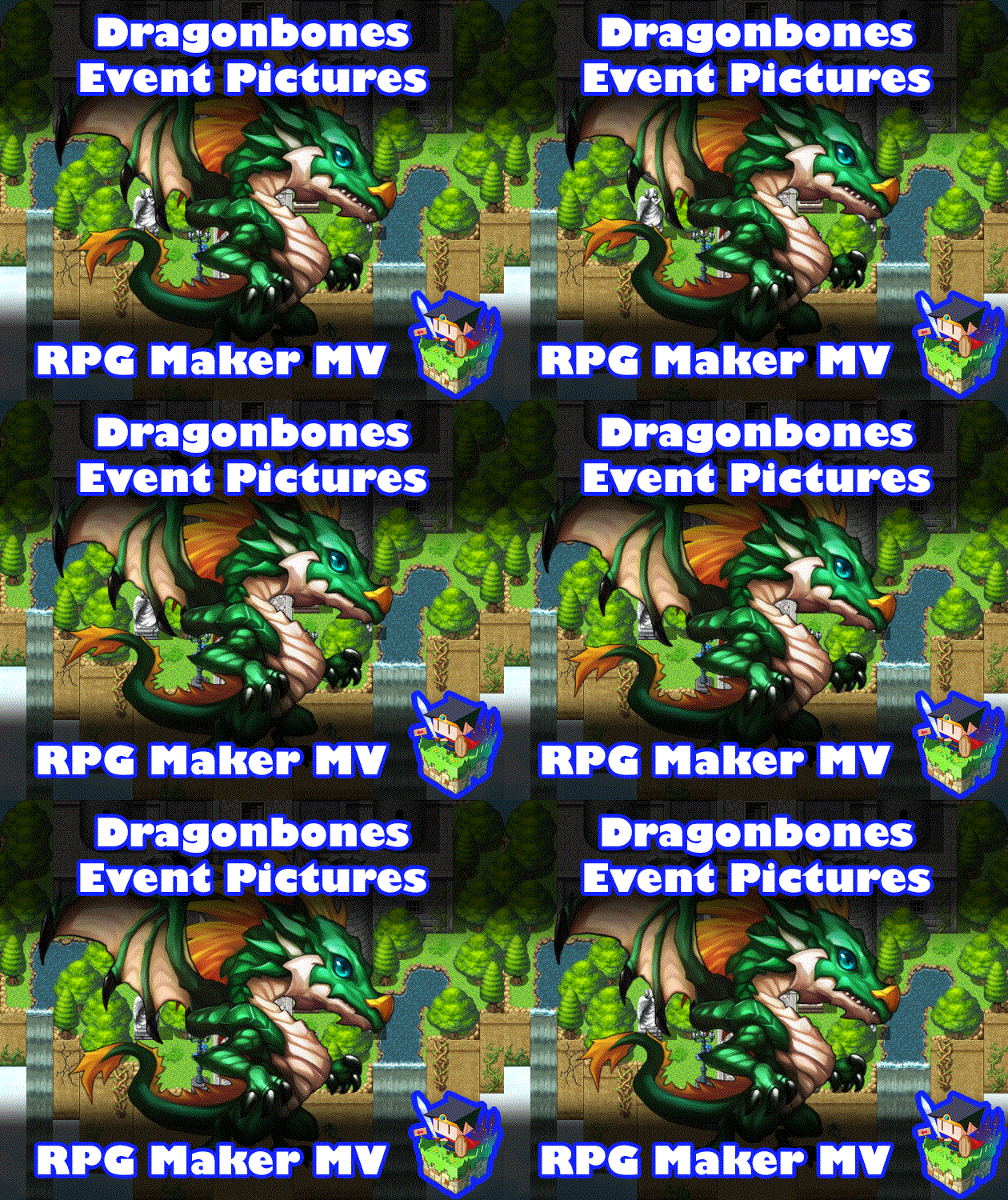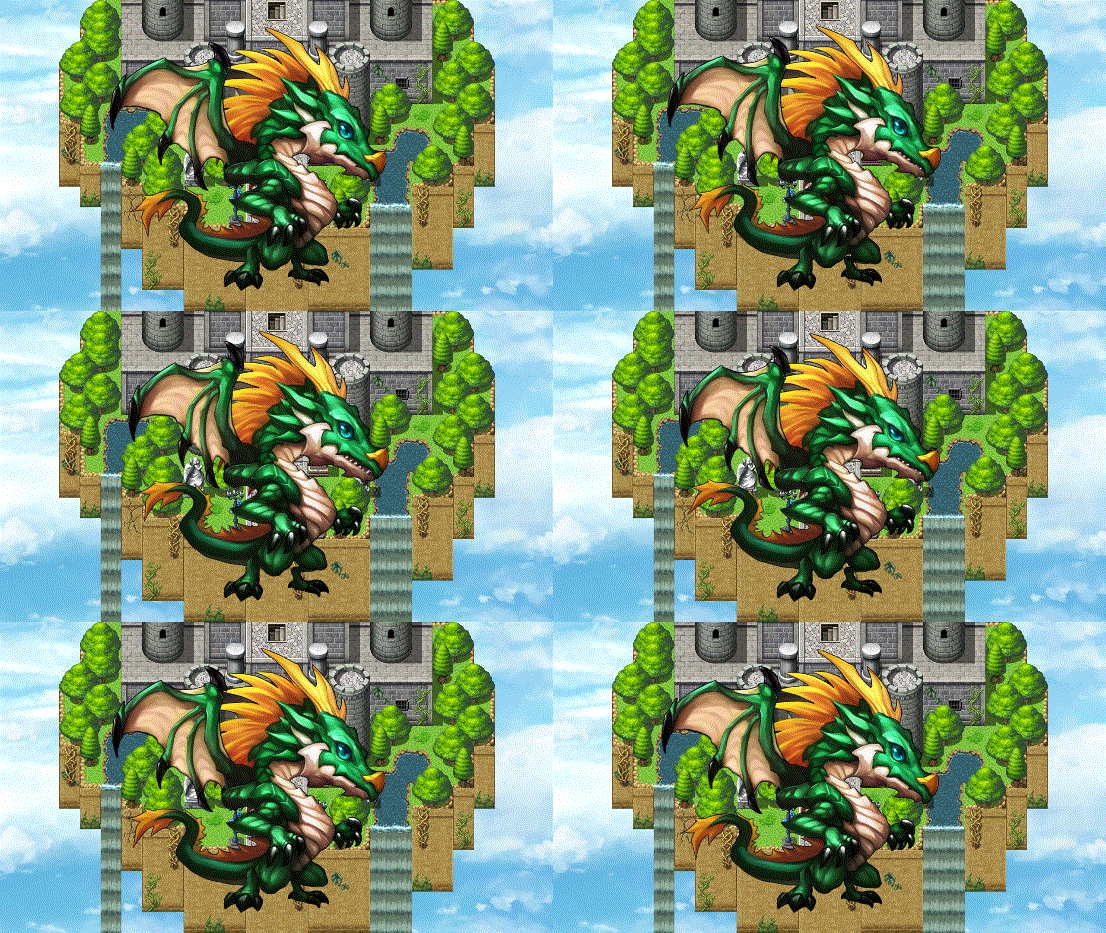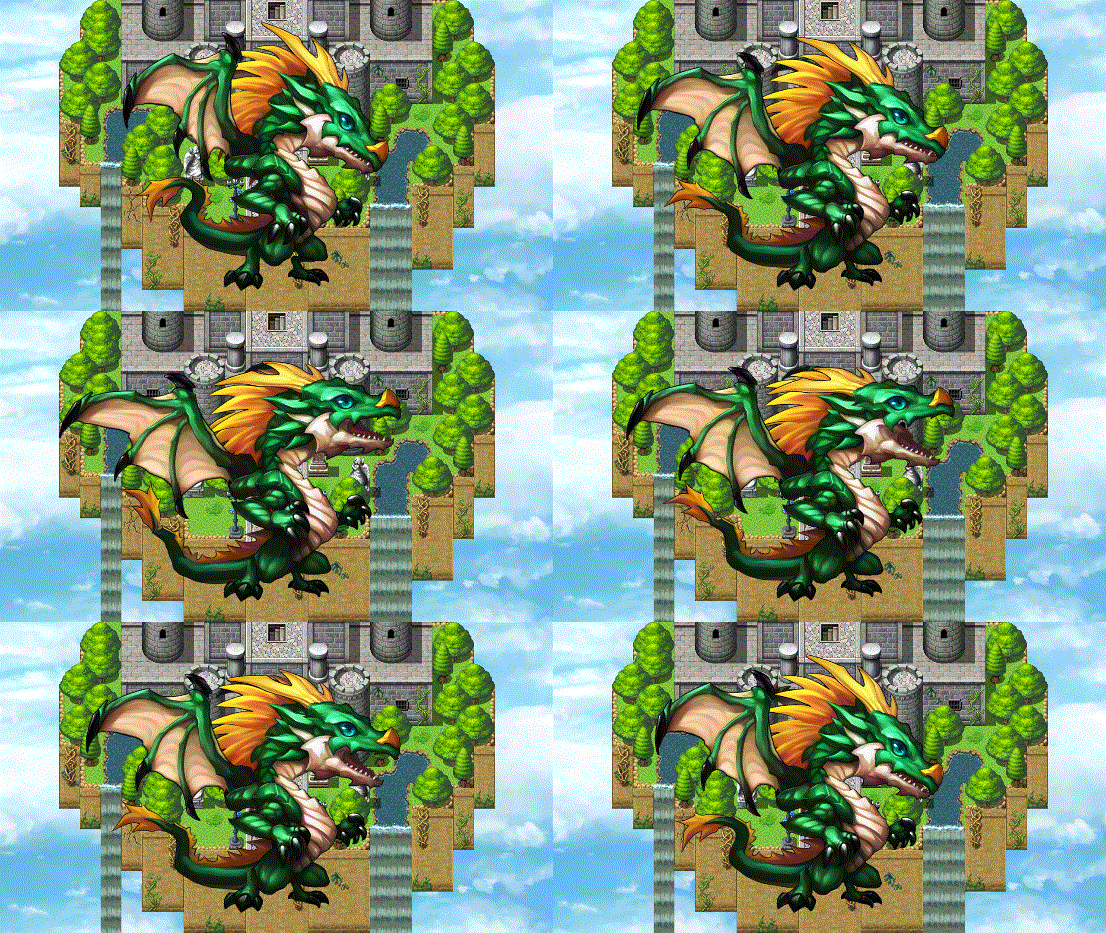
Dragonbones Event Pictures plugin for RPG Maker MV
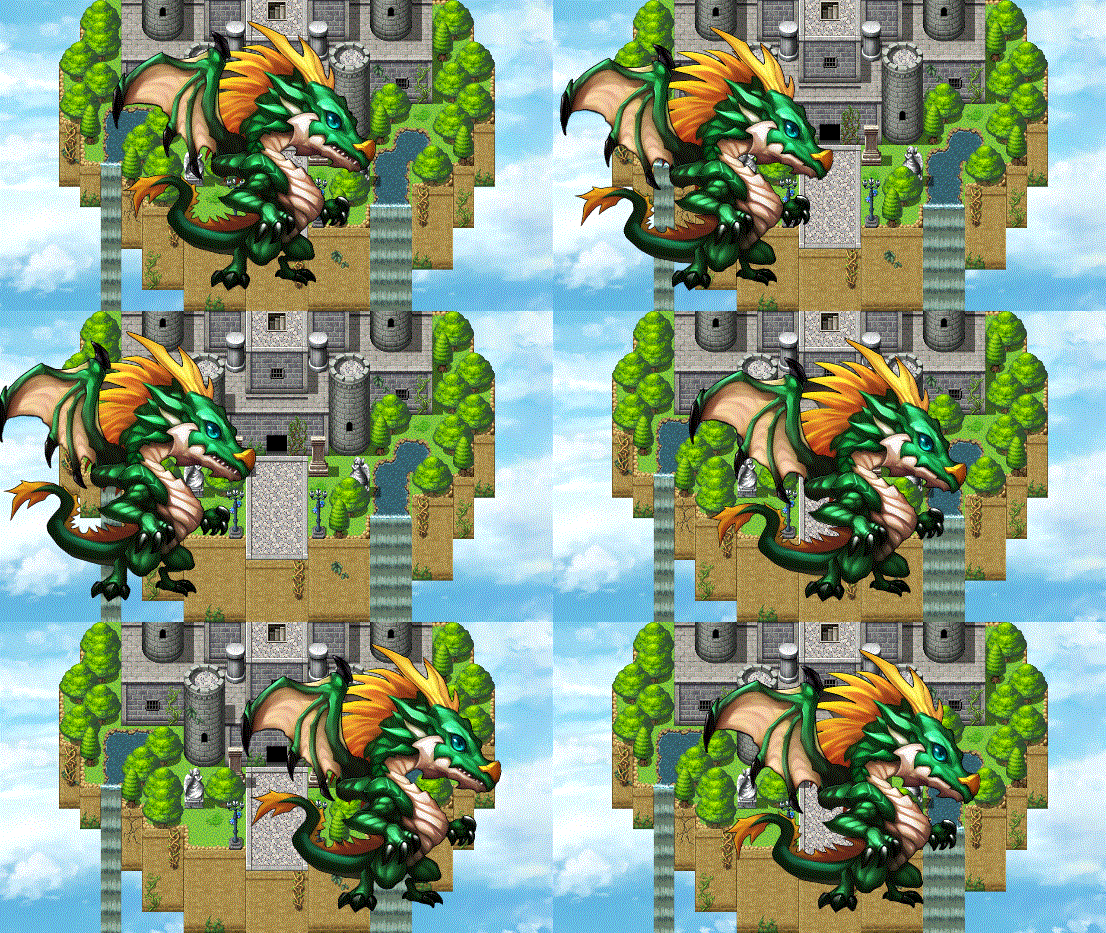
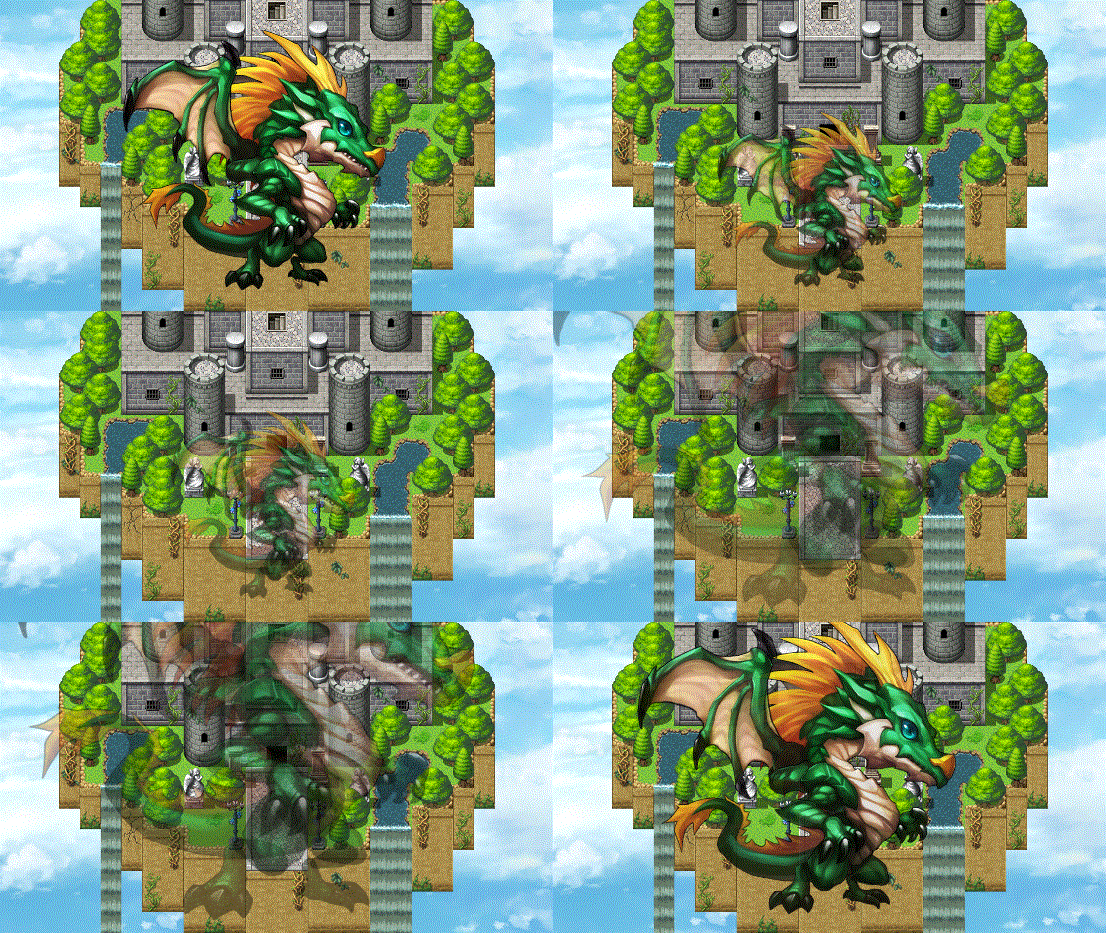
Introduction This plugin enables the ability to attach Dragonbones armatures to eventedpicture commands and play animations with them. The Dragonbones armaturescan then be moved, scaled, have their properties changed through theMove Picture, Rotate Picture, Tint Picture, Erase Picture event commands. This is an extension plugin for KELYEP_DragonBones.Place this plugin under KELYEP_DragonBones in your Plugin Manager list.Credit to TheGreenKel, Yanfly, and Irina must be given upon using this. The required Dragonbones Integration plugin can be downloaded from here: <a href="<a href="https://yanflyengineplugins.itch.io/dragonbones-integration">Dragonbones" class="redactor-linkify-object">https://yanflyengineplugins.itch.io/dragonbones-integration">Dragonbones</a> Integration plugin for RPG Maker MV by Yanfly Engine Plugins</a> Behaviors The following are behaviors that you will need to come to expect out ofDragonbones armatures when used with pictures. 1. When a Dragonbones armature is loaded, it will play the "Idle" animation upon loading. Make your Dragonbones armatures with this in mind. 2. The Dragonbones armature will always be anchored at the X, Y coordinates of the picture. This X, Y coordinate point will be where the root/pivot point of the Dragonbones armature will be located. 3. The properties used by a picture (ie the opacity, scale, rotation, and tint) will also be shared and/or amplified with the Dragonbones armature. The exception to this will be Blend Modes aren't supported. Plugin Commands Insert these for your Plugin Commands to control the Dragonbones armatureattached to pictures. --- Picture ID Dragonbones: filename -Replace 'ID' with the picture ID you want to attach a Dragonbones armature to. -Replace 'filename' with the base filename of the Dragonbones armature. -If no picture is already shown, one will be created and centered at the middle of the screen. -When a Dragonbones armature comes out, it will play the "Idle" animation by default if there is one (so please make your Dragonbones armatures with this in mind). --- Picture ID Dragonbones Animation: animationName -Replace 'ID' with the picture ID you want to play an animation on. -Replace 'animationName' with the animation name used for the armature. --- Picture ID Dragonbones Scale X: value -Replace 'ID' with the picture ID you want to change the base Dragonbones armature scale of. -Replace 'value' with a float value depicting the rate. This is amplified by the picture's scale value. --- Picture ID Dragonbones Scale Y: value -Replace 'ID' with the picture ID you want to change the base Dragonbones armature scale of. -Replace 'value' with a float value depicting the rate. This is amplified by the picture's scale value. --- RPG Maker Version This plugin is made for and tested on RPG Maker MV with version 1.6.2. I cannot guarantee if it works on lower versions. Terms of Use 1. These plugins may be used in free or commercial games.2. 'RPG Maker Irina' must be given credit in your games.3. You are allowed to edit the code.4. Do NOT change the filename, parameters, and information of the plugin.5. You are NOT allowed to redistribute these Plugins.6. You may NOT take code for your own released Plugins.
 Irina 14 games· 1.5k followers· 171 ratings· portfolio 80 View creator →
Ratings over time
Cumulative · 30dScreenshots
1 / 6