TAT:365
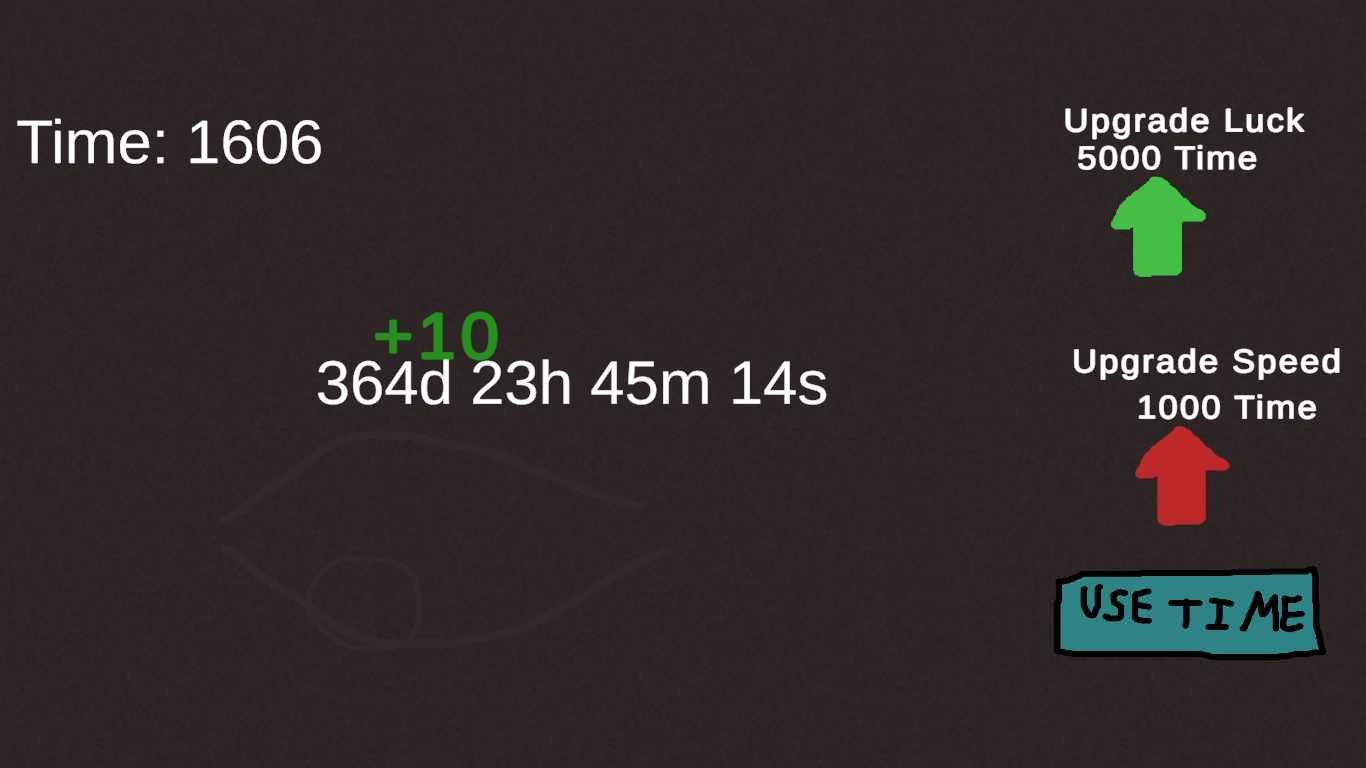
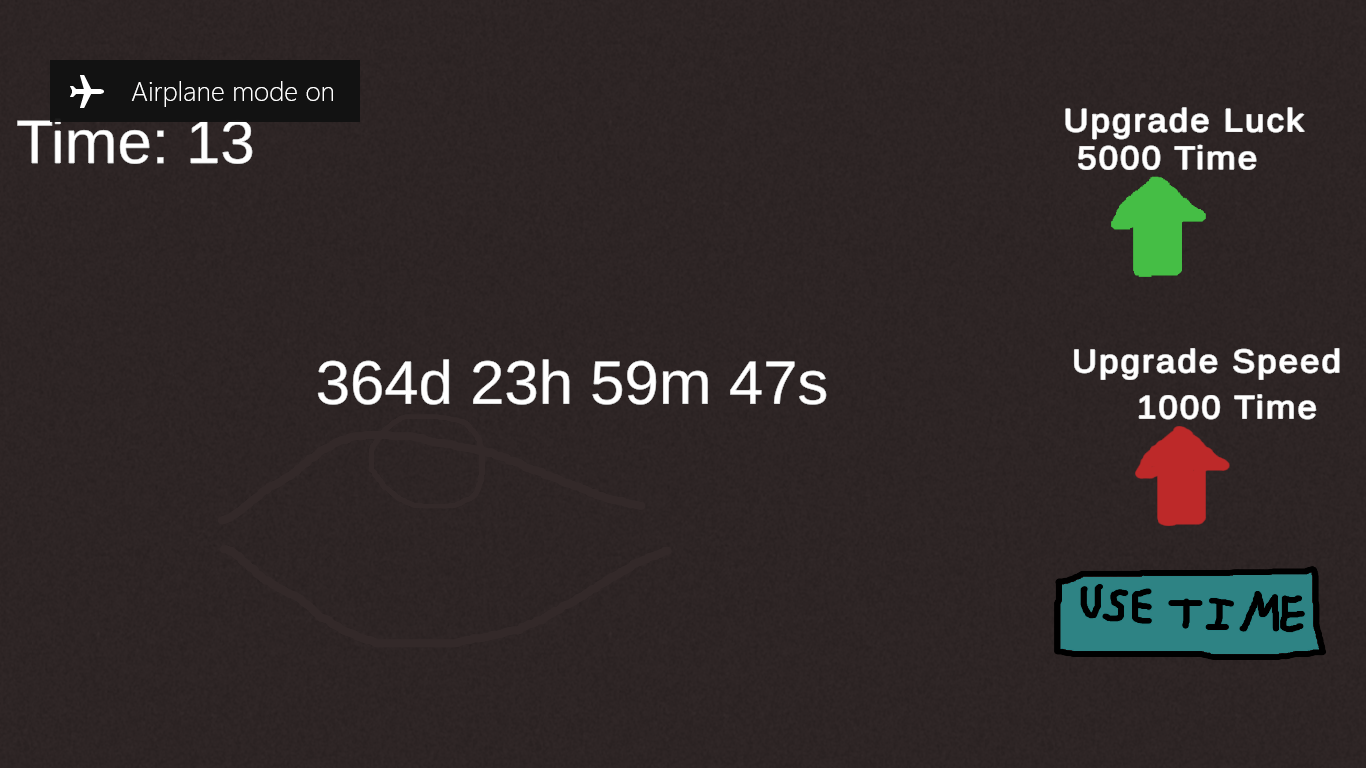
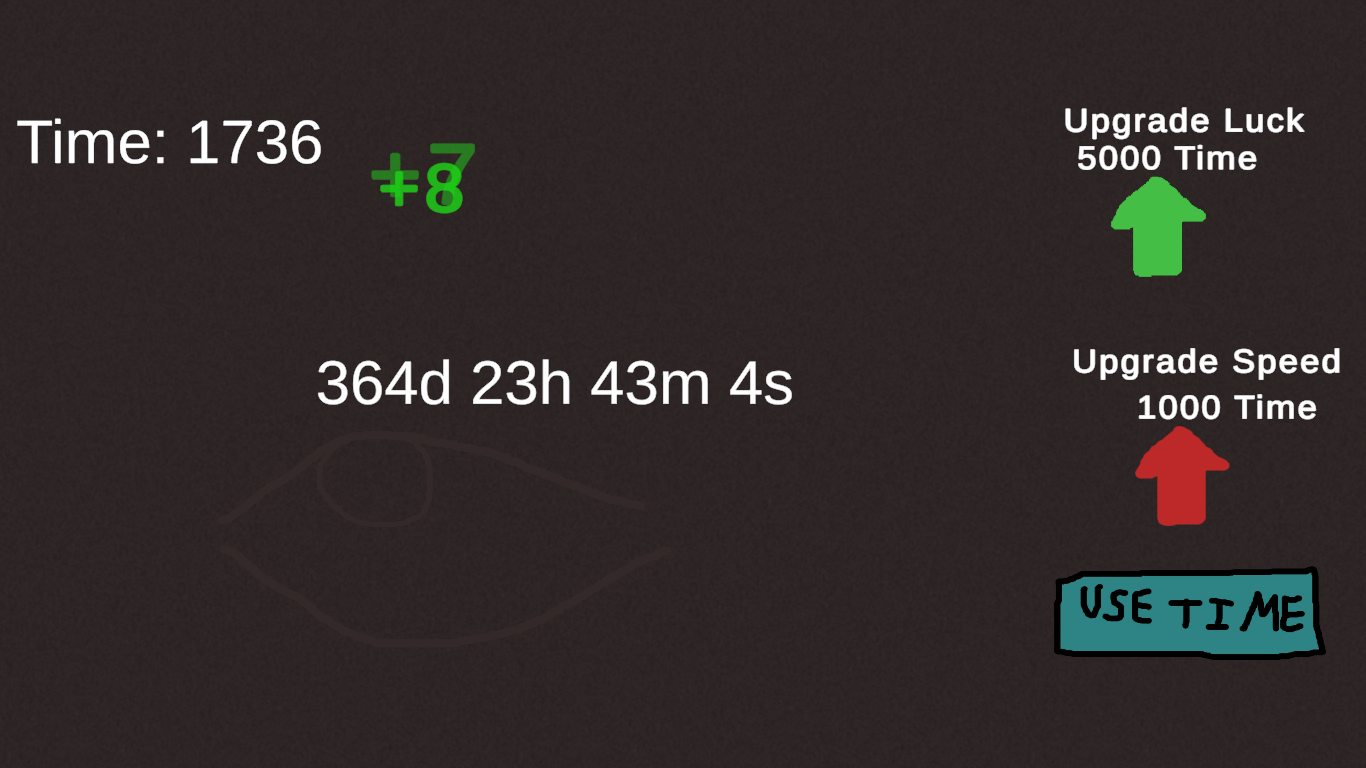
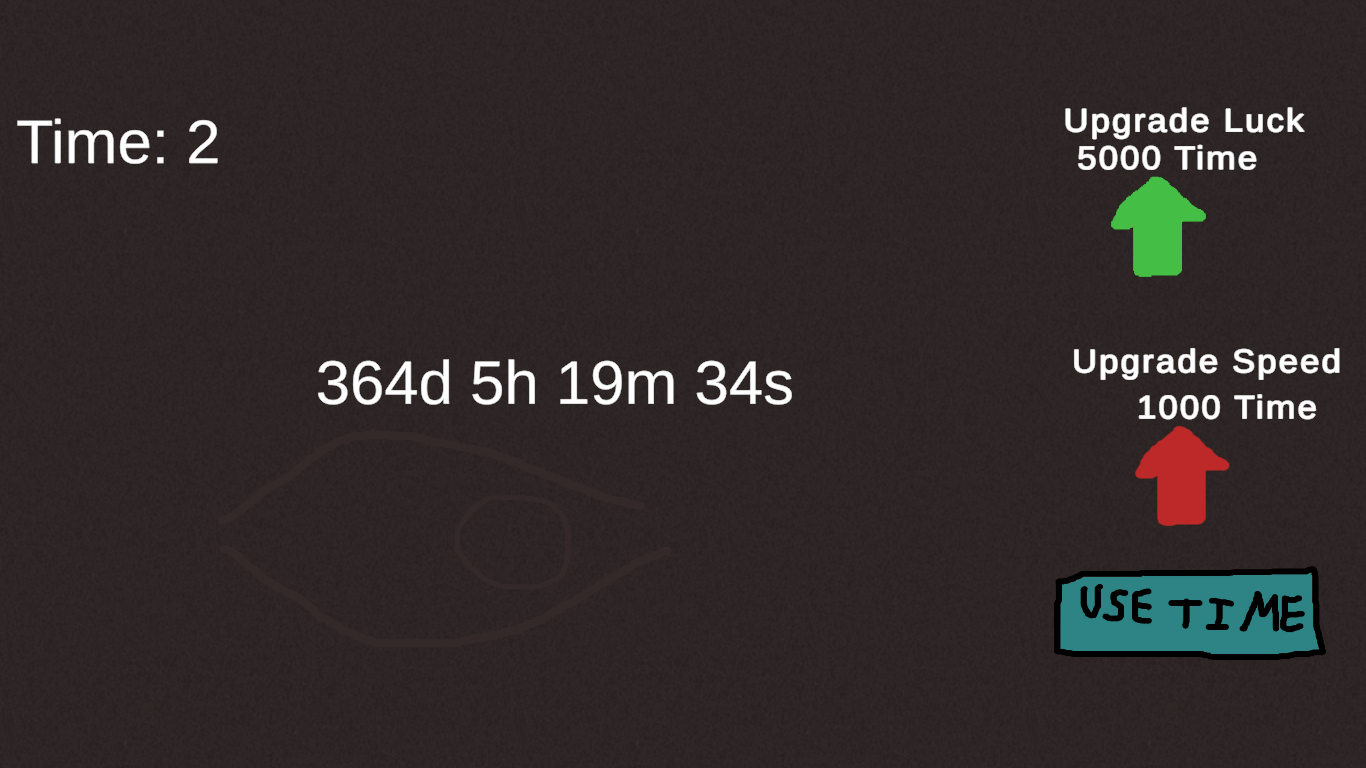
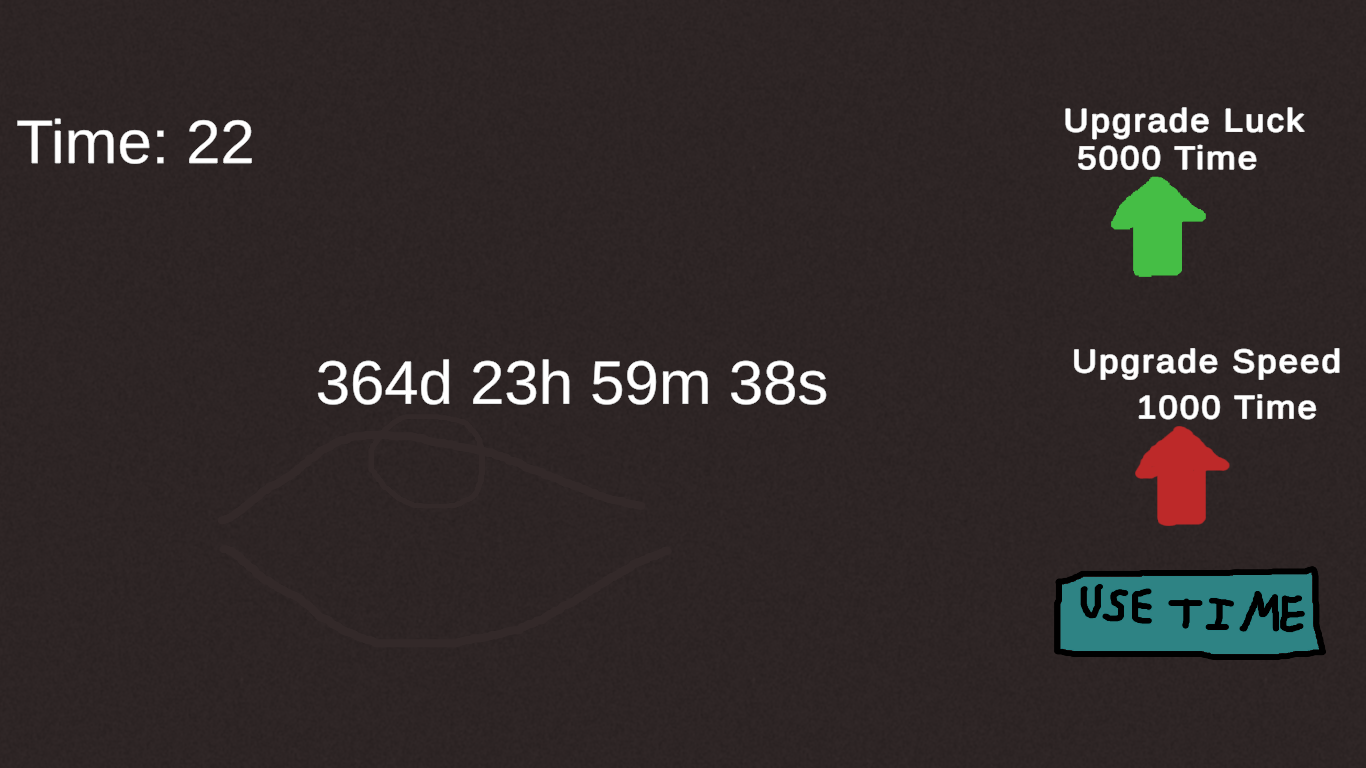
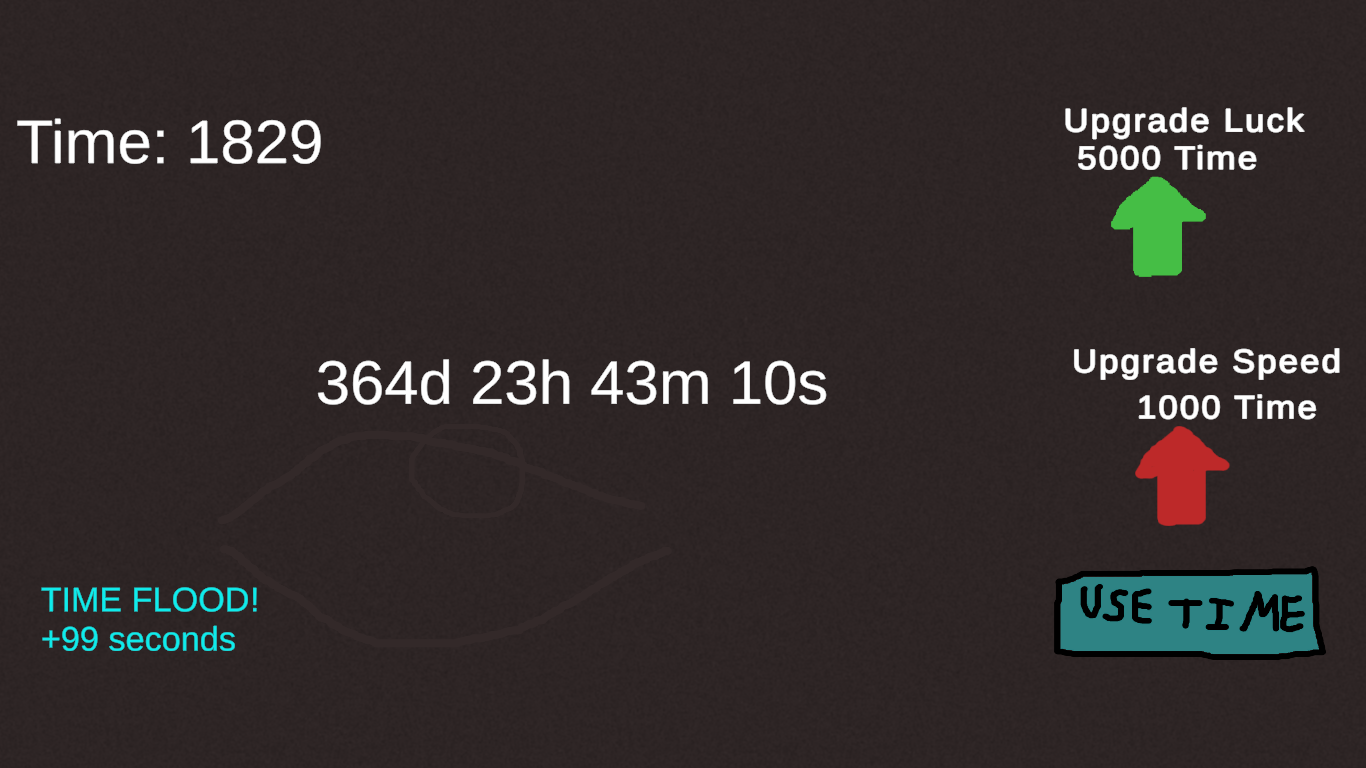
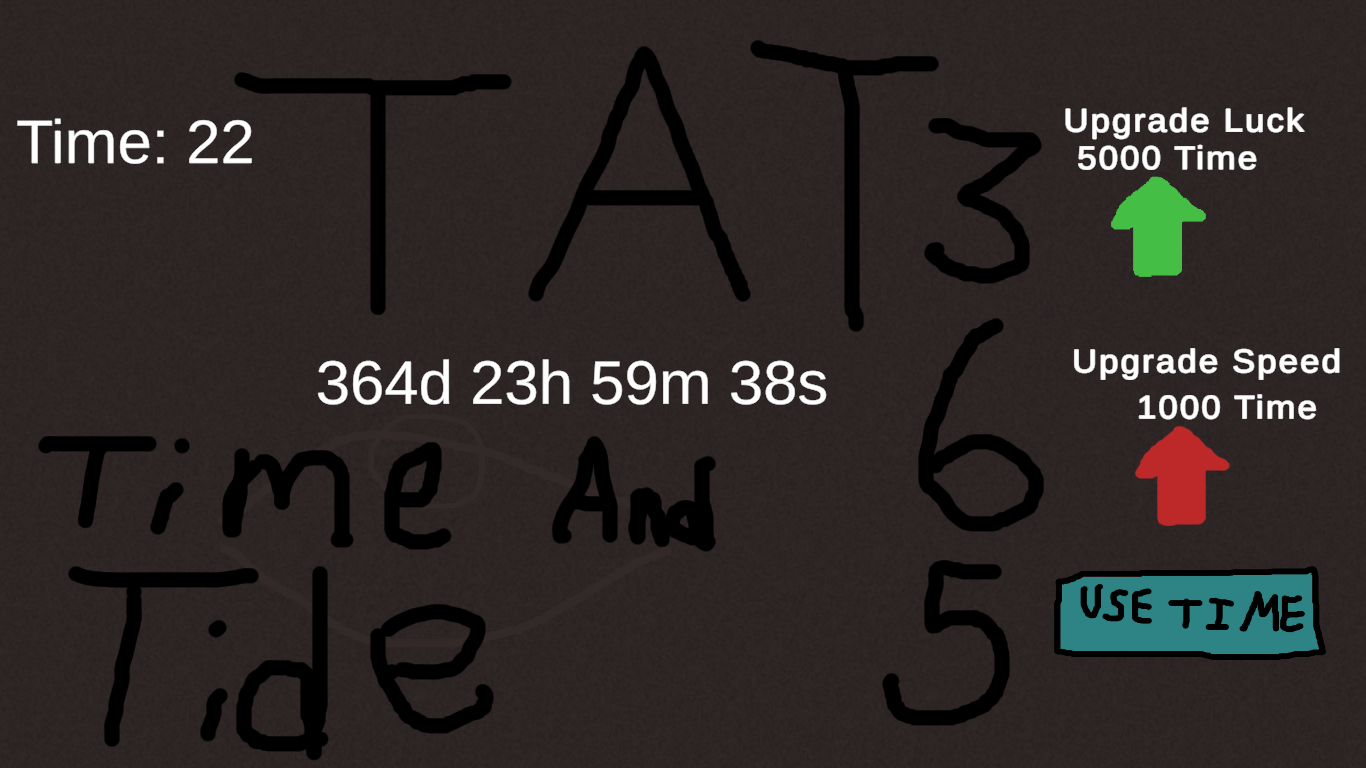
Time never stops. You shouldn’t either. You have 365 days to work with. Every second that ticks by adds to your Time, but just waiting won’t help. Click your way through the countdown, create big combos, improve your skills, and hope that luck is on your side during surprise Time Events. Every choice takes you one step closer to reaching Day 0 or moves you further away. # How to Play # Earn Time Every real second gives you +1 Time. Click anywhere to earn even more Time while also reducing the countdown. # Build Combos Keep clicking without slowing down to increase your combo. +1 → +2 → +3... all the way to +10! If you're lucky, your combo can suddenly become +100. Buying Luck upgrades makes this rare bonus happen more often. # Buy Upgrades Spend your Time on permanent upgrades. # Luck Better odds of positive Time Events. Higher chance of landing the +100 combo bonus. # Speed Makes the countdown tick down faster. # Use Time Hit the Use Time button to spend all of your stored Time at once. Every 1 Time spent removes 1 minute from the countdown. # Time Events Every 30 seconds, a random Time Event occurs. It might: #Remove extra time from the countdown. # Add time back to the countdown. # Give you bonus Time. # Take away some of your Time. No two runs will feel exactly the same About the Game TAT:365 (Time And Tide) is a clicker type game created for GMTK Game Jam 2026, inspired by the theme "Countdown." At first, the timer is slow like the real world. But as you stack upgrades, chain bigger combos, and get lucky with Time Events, the countdown starts going faster. Do you spend your Time immediately for quick progress, or invest it into upgrades that pay off later? Every decision changes how quickly you'll reach the end. Time is always moving like the real world. The only question is... Can you make it run out before your determination does? And will get into the top 100? (Also first jam) (i cant decide on TAT:365 or Time And Tide so you call it what you wanna call it)
 Fantasy Studios 1 followers· portfolio 3 View creator →
Ratings over time
Cumulative · 30dComments over time
Cumulative · 30dScreenshots
1 / 7