TCS Asset Vault
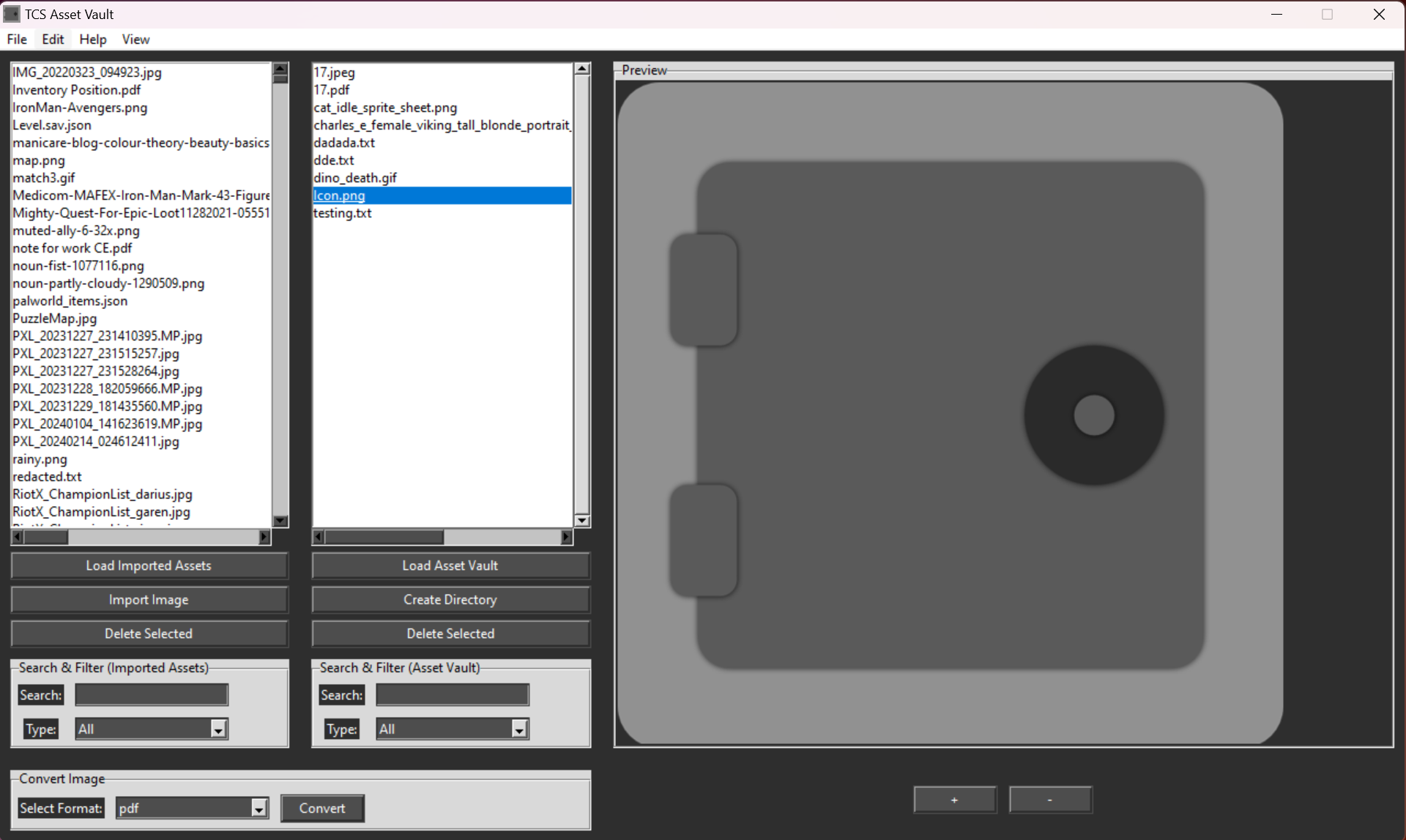
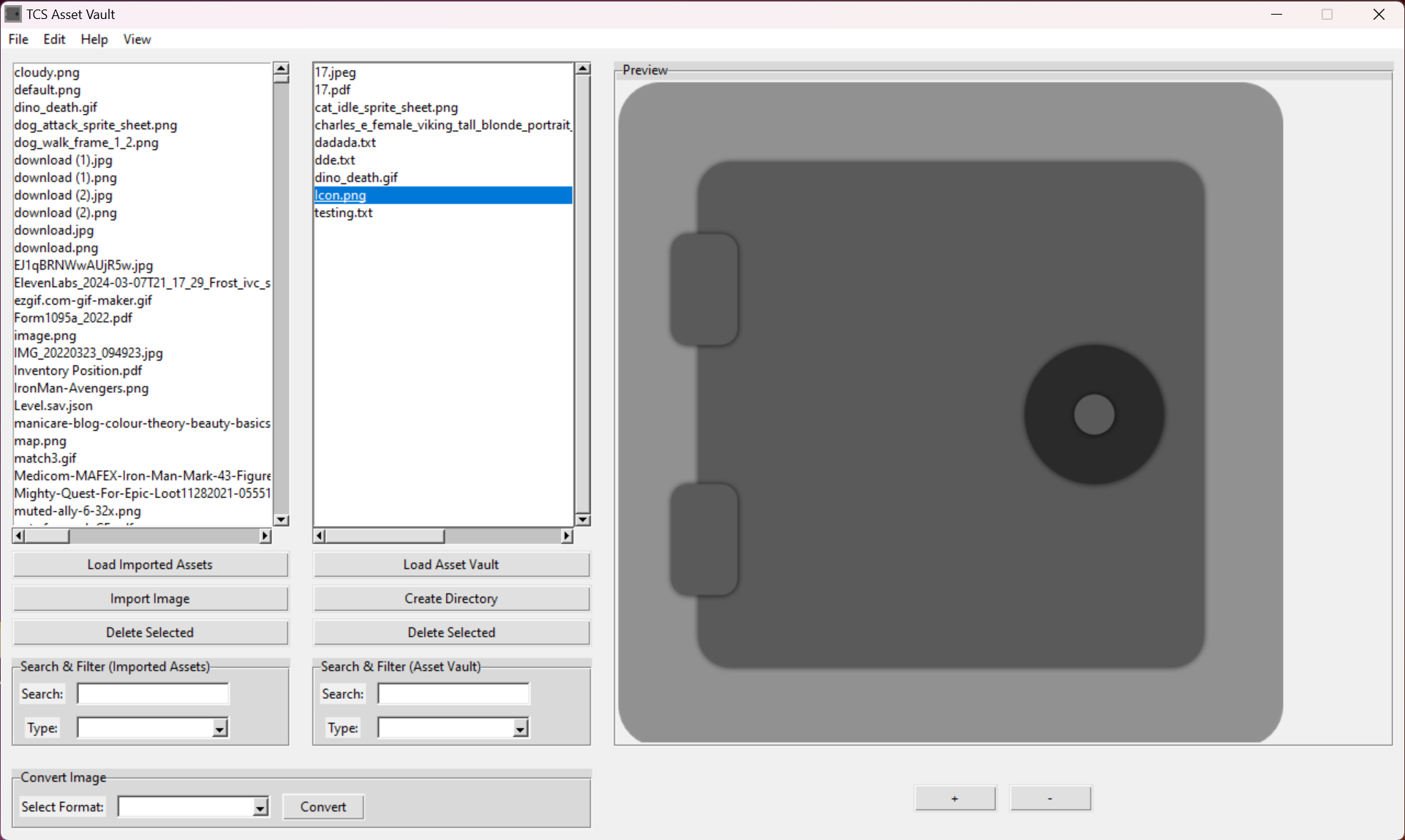
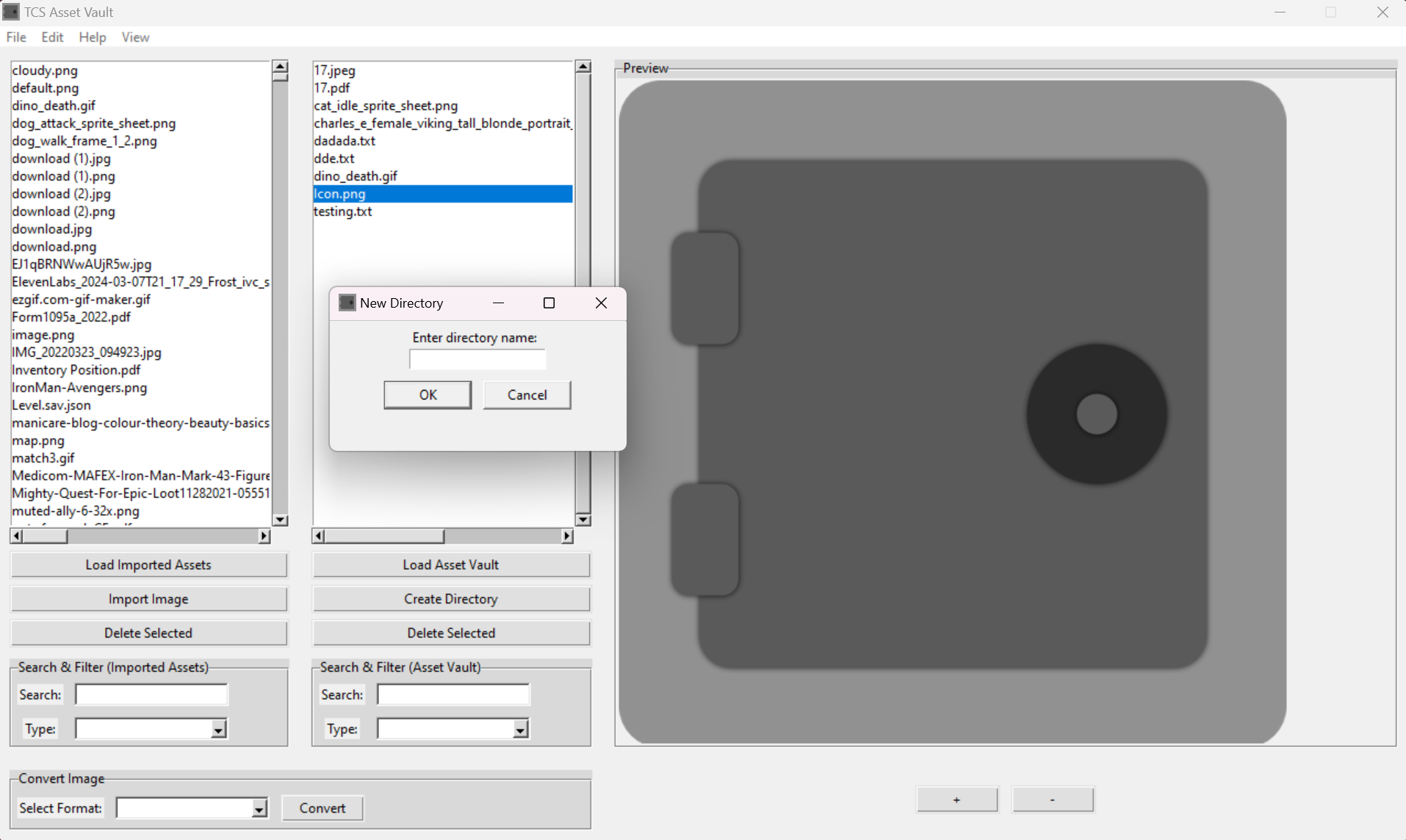
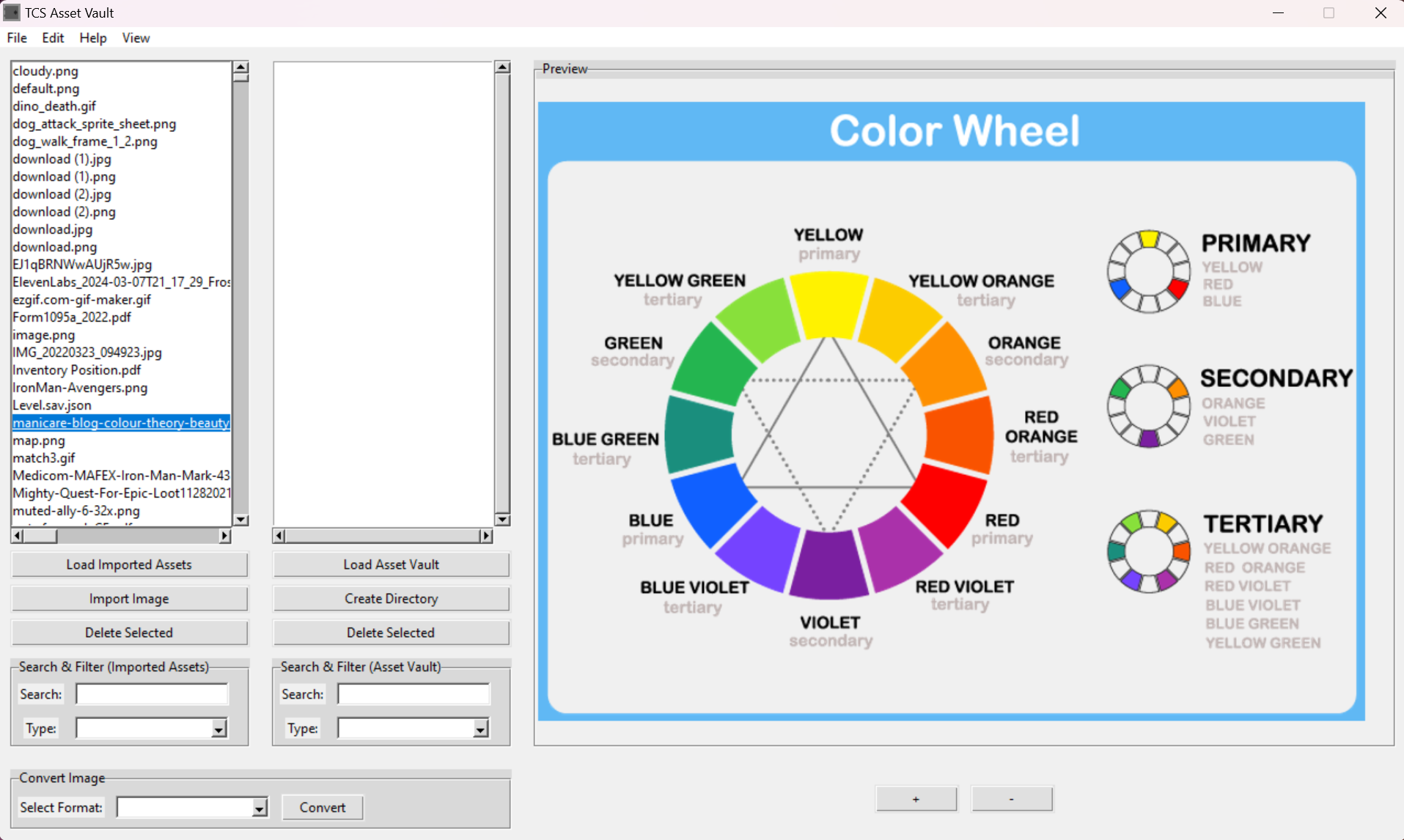
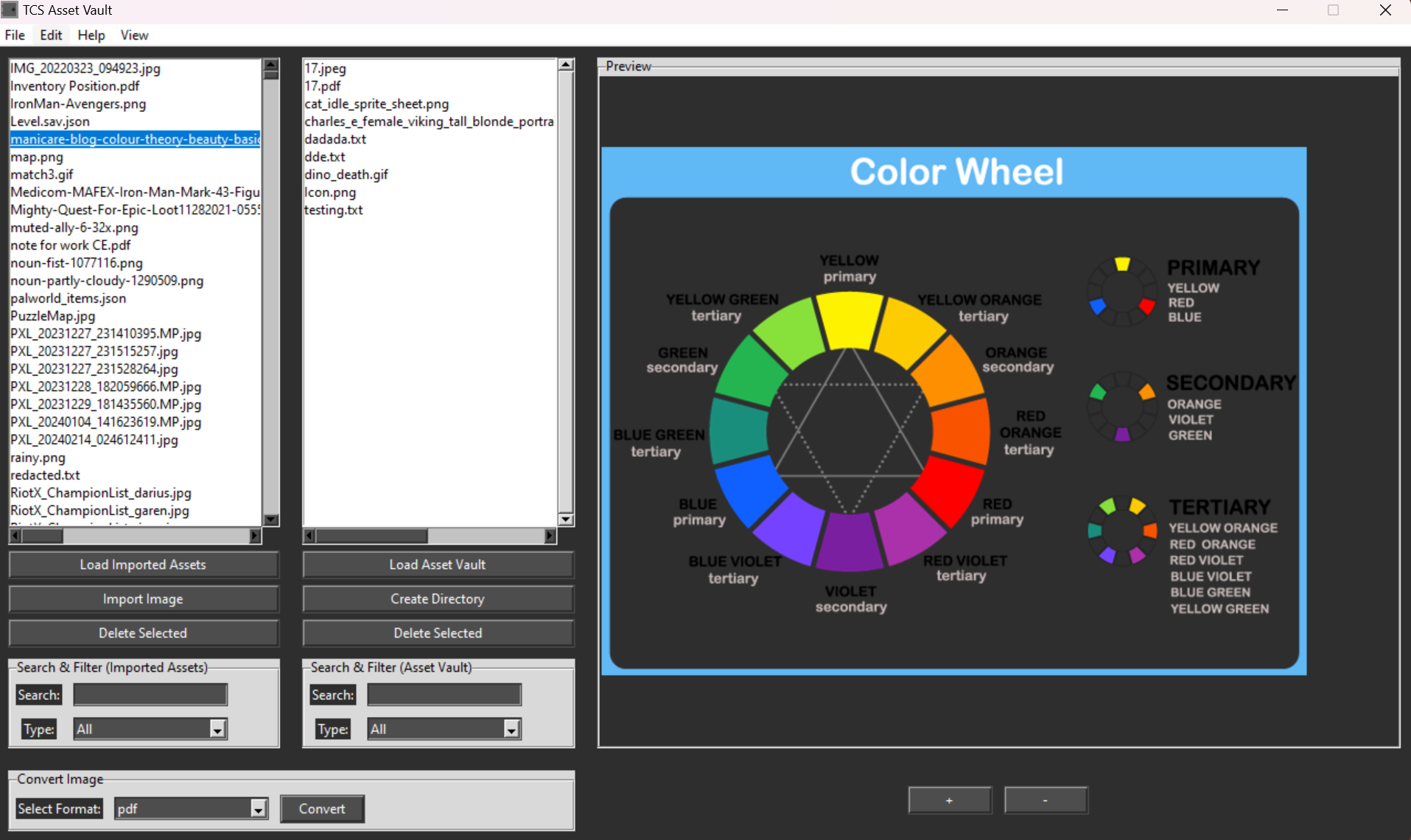
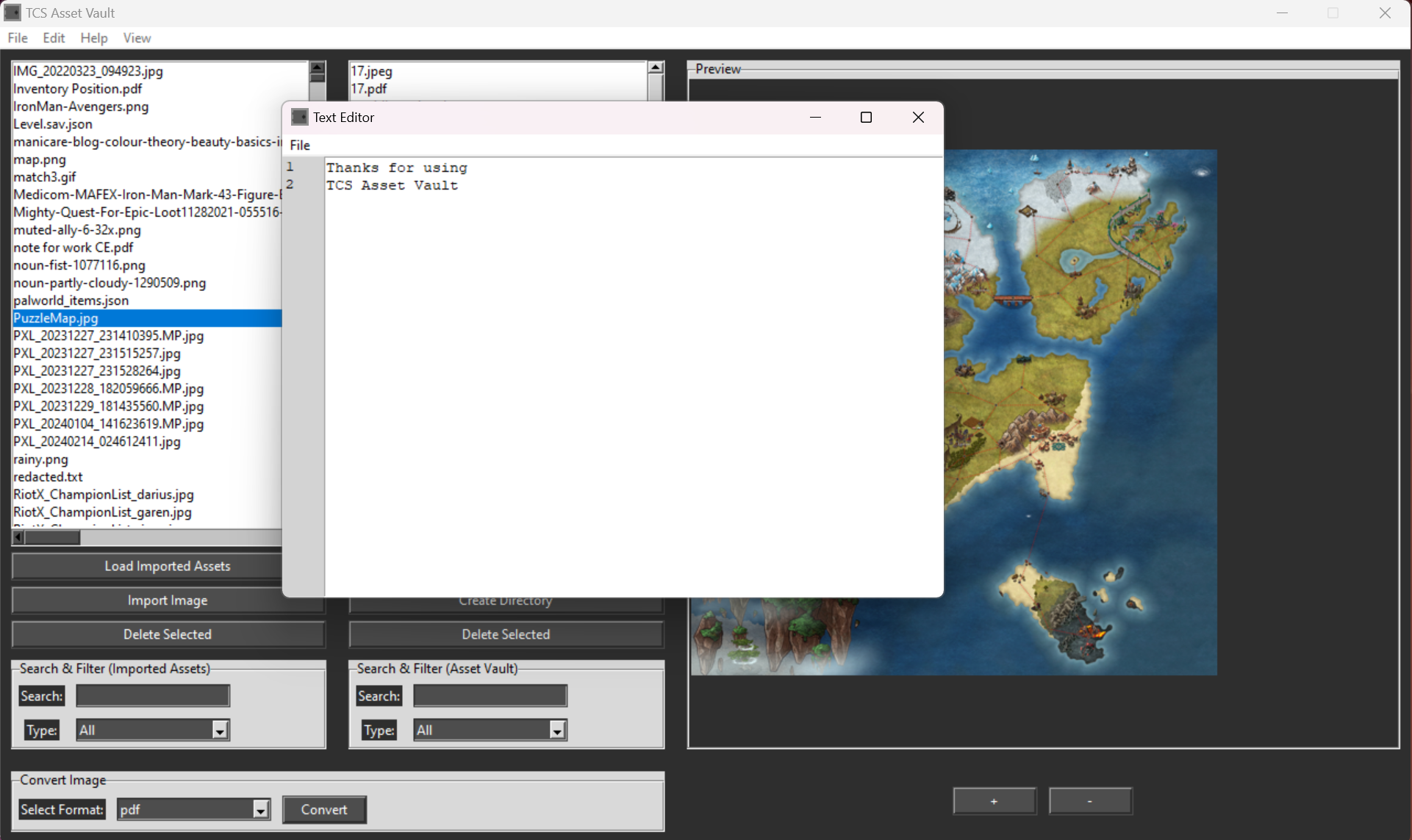
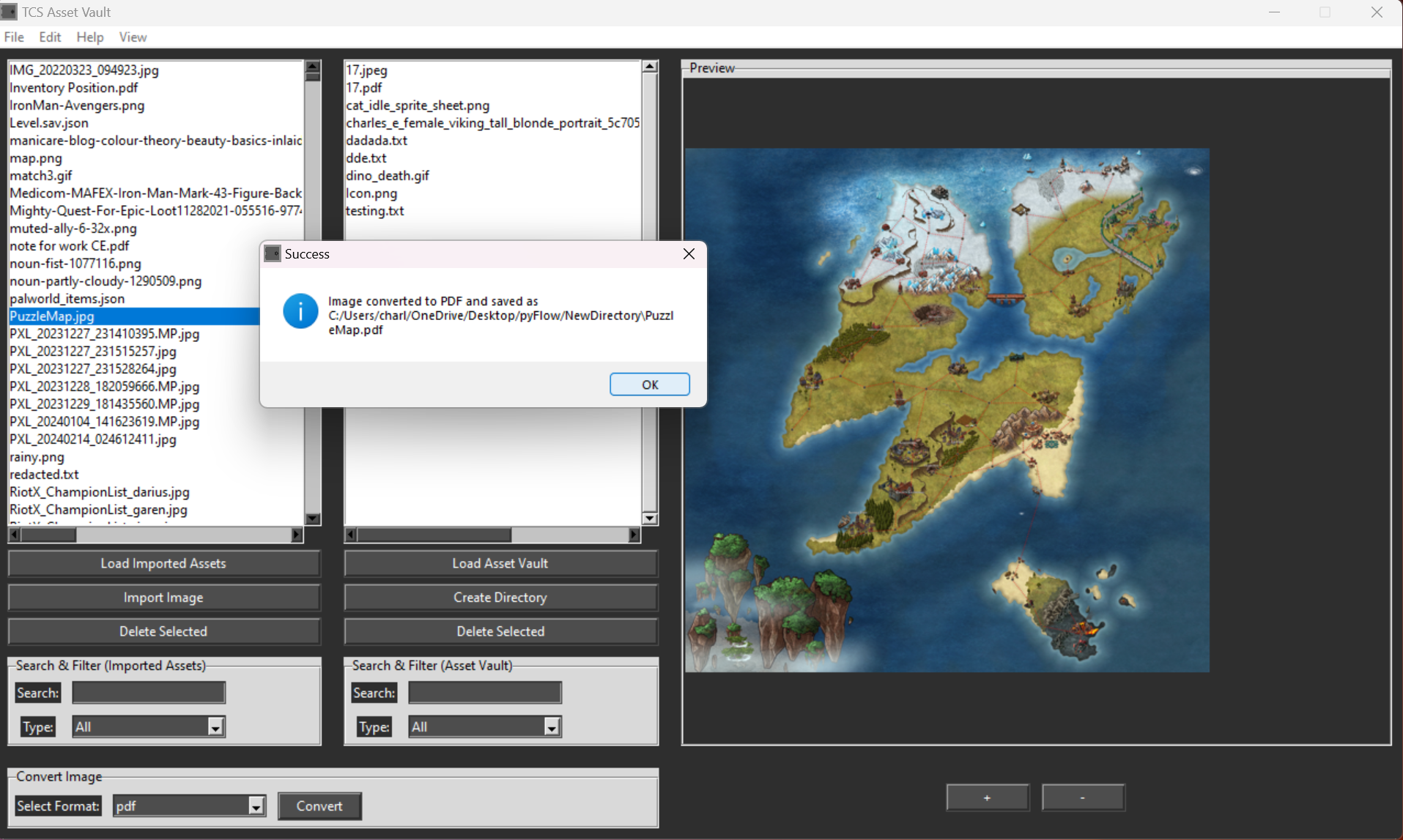
TCS Asset Vault is a comprehensive tool designed for efficient asset management, previewing, and conversion. Ideal for digital creators, developers, and anyone managing a variety of file types, this application offers a range of features to streamline your workflow. Key Features: File and Directory Management: Load and manage assets from chosen directories in two main sections: "Imported Assets" and "Asset Vault". Create new directories within the asset vault. Import and delete files easily between directories. Asset Display and Preview: Preview various file types including images (JPG, JPEG, PNG, GIF), PDFs, and basic text files. Animate GIFs and render PDF pages for a detailed view. Zoom in and out of images directly in the preview section. File Conversion: Convert images to different formats: JPG, ICO, JPEG, and PDF. Search and Filter: Search assets by name and filter by file type for quick access and organization. Text Editor: Create and edit text files with line numbers for easy navigation. Save files in multiple formats (TXT, JSON, JS, PY, XML) directly to the asset vault. Progress and Feedback: Visual progress bar for loading assets ensures users stay informed about the process. Theming: Toggle between light and dark modes to suit your working environment. Automation: Automatically updates the asset vault list when new files are added, ensuring you always have the latest files at your fingertips. User-Friendly Menu Options: Easily accessible file, edit, view, and help menus to streamline your workflow. TCS Asset Vault is your all-in-one solution for managing and converting digital assets, offering a robust set of tools to enhance productivity and organization. Coming Soon:Linux, Mac OS Builds Preview and interact with 3D Models. (FBX, GLTF, OBJ)Audio:Audio Playback for common audio formats. (OGG, WAV, MP3)Audio Conversion! Video:Video Playback for common video formats. (MP4, MOV) Video Conversion!Metadata Saving:Save common metadata about each Asset found in your Asset Vault.Config File:Save common settings such as:Last THEME used before closing the app.Last Asset Vault Directory used before closing the app.Documents:Preview documents with common file extensions.Edit documents with common file extensions.Updated Text Editor:Dark ModeDifferent types of Animations that can be toggled on and off:Typewriter Animation for typing characters.Crunch Animation for deleting characters.GUI Styles:Allow the user to change GUI Style for Light and Dark Modes.Robust Directory View
 ToastyCatStudios 1 games· 84 followers· 3 ratings· portfolio 33 View creator →
Ratings over time
Cumulative · 30dComments over time
Cumulative · 30dScreenshots
1 / 9