Little Critters
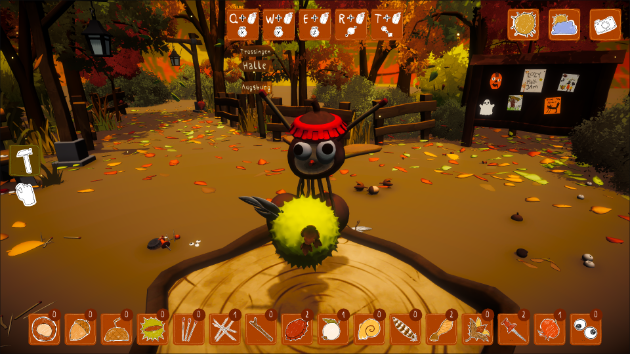
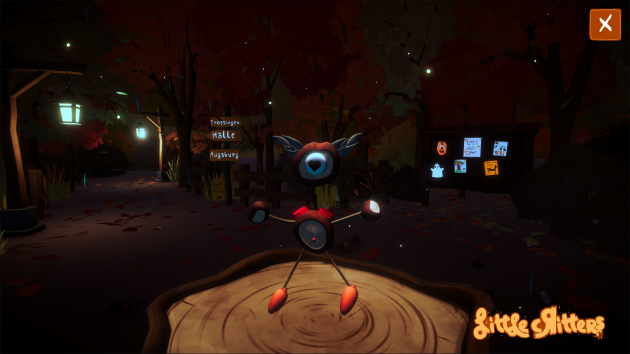
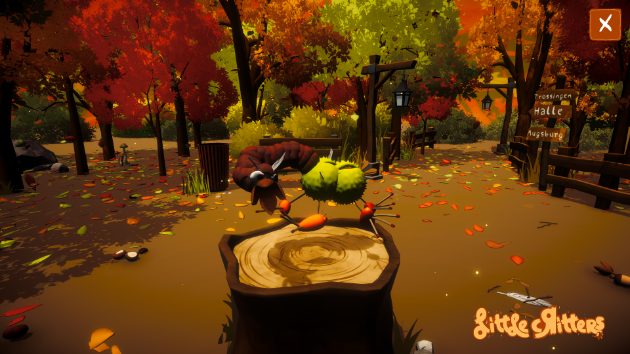
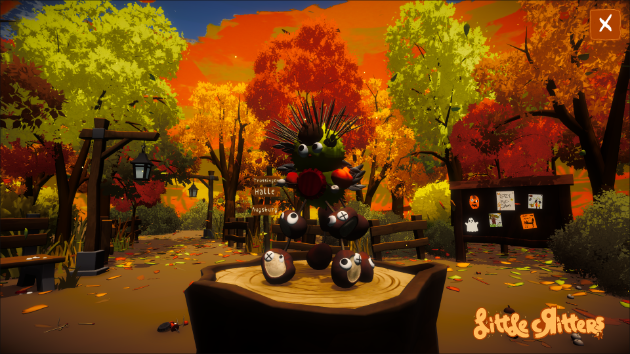
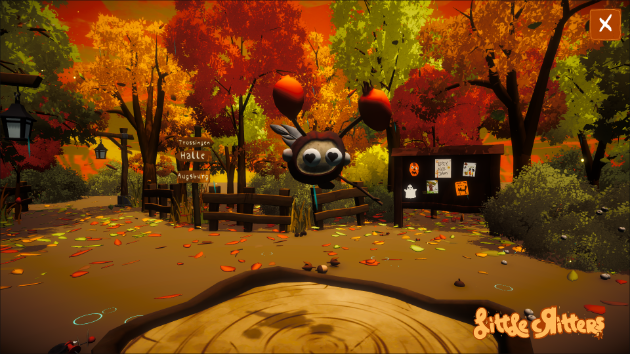
About the game Assemble what you can find and build your very own little chestnut creatures! Disclaimer The game needs a lot resources. If you get major lags you can download the game for Windows or Linux to increase performance. Disclaimer2 Since we can't update the game during the voting phase you can download the updated version here. Patchnotes for the updated version: - Items will be removed from the inventory if placed - Snailshells can be collected - Added images to the main menu How to play First, you can choose between three different playmodes: In Classic Mode, you need to collect items before you can place them. As well, items can not overlap directly, so you most likely need to use more matchsticks and toothpicks. In Unlimited Mode you have unlimited items available. Creative Mode you have unlimited items and no building restrictions to fully spark your creativity! On the left there are the two editing modes of "Building" and "Collect/ Disassemble". In the top right corner, you can switch between Day and Night and turn on Rain - to change the mood of your creative setting. You can activate the "Photo Mode" in the top right corner to hide all UI-Elements, if you want to take a screenshot of your creation. Feel free to share that picture on social media with #littleCritters and #cozyFallJam24! Game Controls - Summary General:Left-Click - Place/ Collect (depending on mode)Right drag - Rotate cameraMousewheel - ZoomMousewheel + Shift - Rotate creationMiddle Mouse Button + Move Mouse Up/Down - Move Camera Up/DownESC / P - Exit game Build-Mode only:Right-Click - Change Variant of itemMousewheel + Q - Rotate X-AxisMousewheel + W - Rotate Y-AxisMousewheel + E - Rotate Z-AxisMousewheel + R - Change Distance of objectMousewheel + T - Resize object Credits Dennis Hawran - Programming BearlyBente - 2D / UIMax Fallmann - 2DLaura Käppner - 3D Steff Rausch - 3D Dana Borchert - 3DJoshua Hank - Audio Design
Ratings over time
Cumulative · 30dComments over time
Cumulative · 30dScreenshots
1 / 6