Jakarta Days
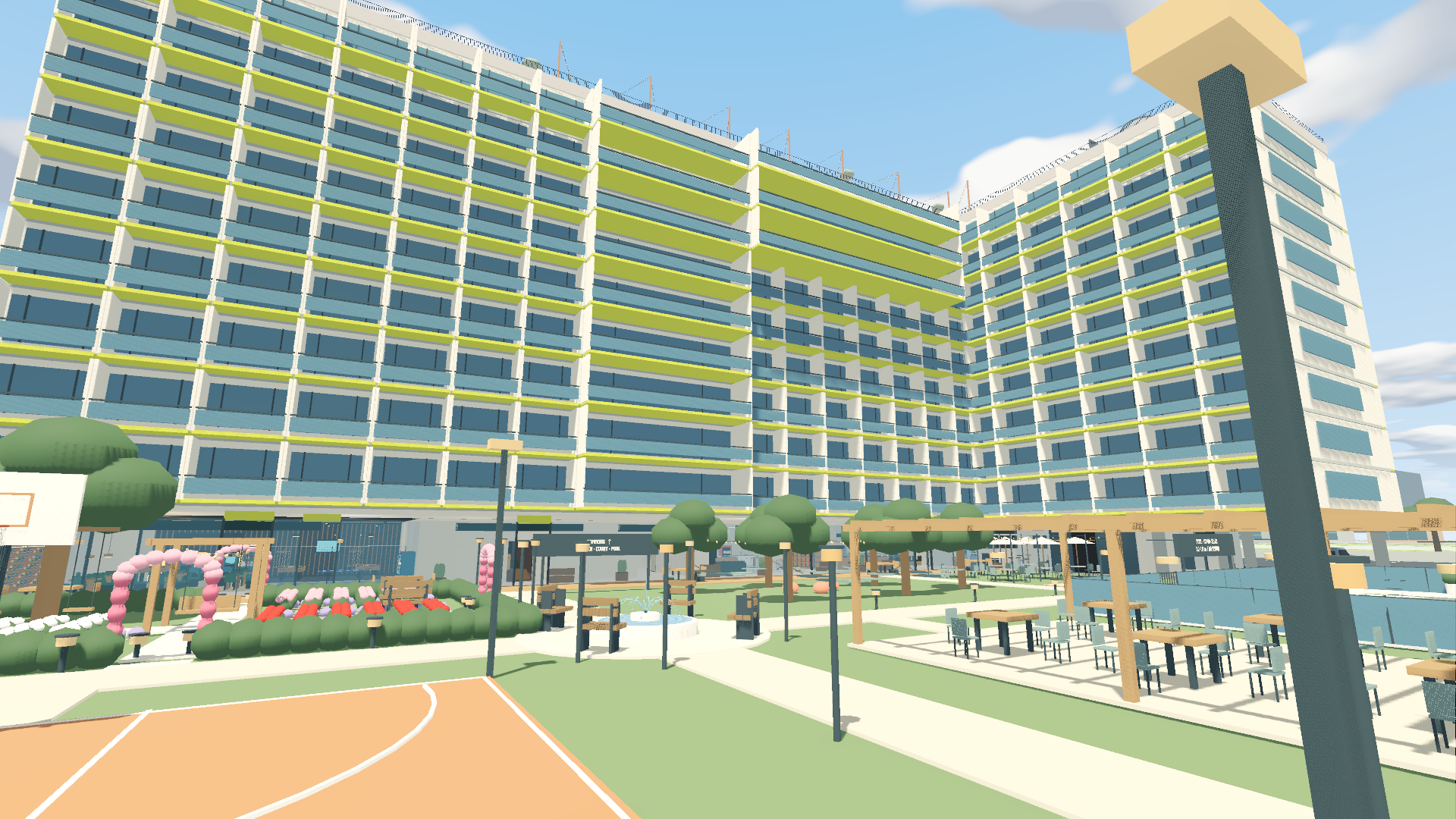
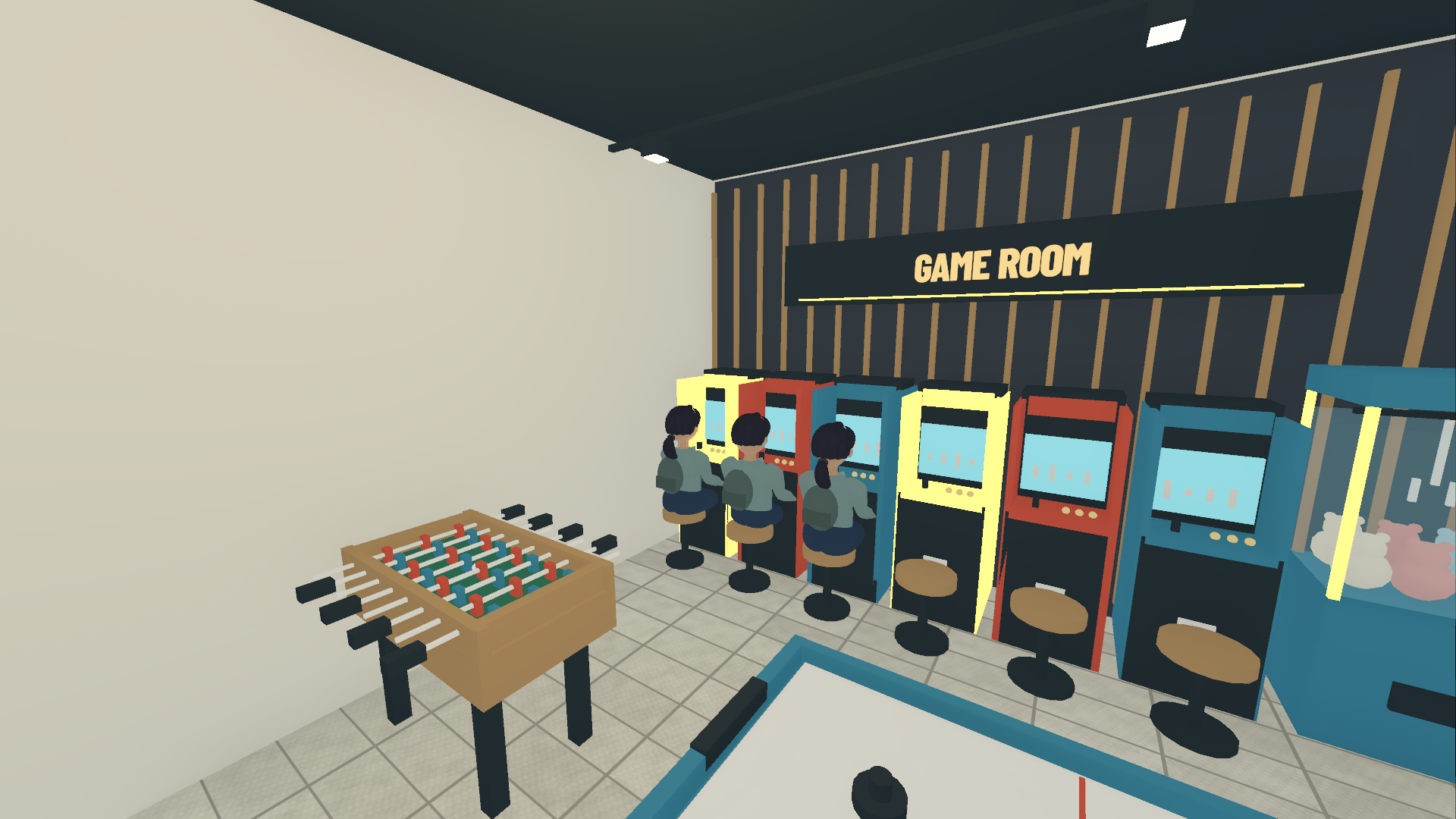
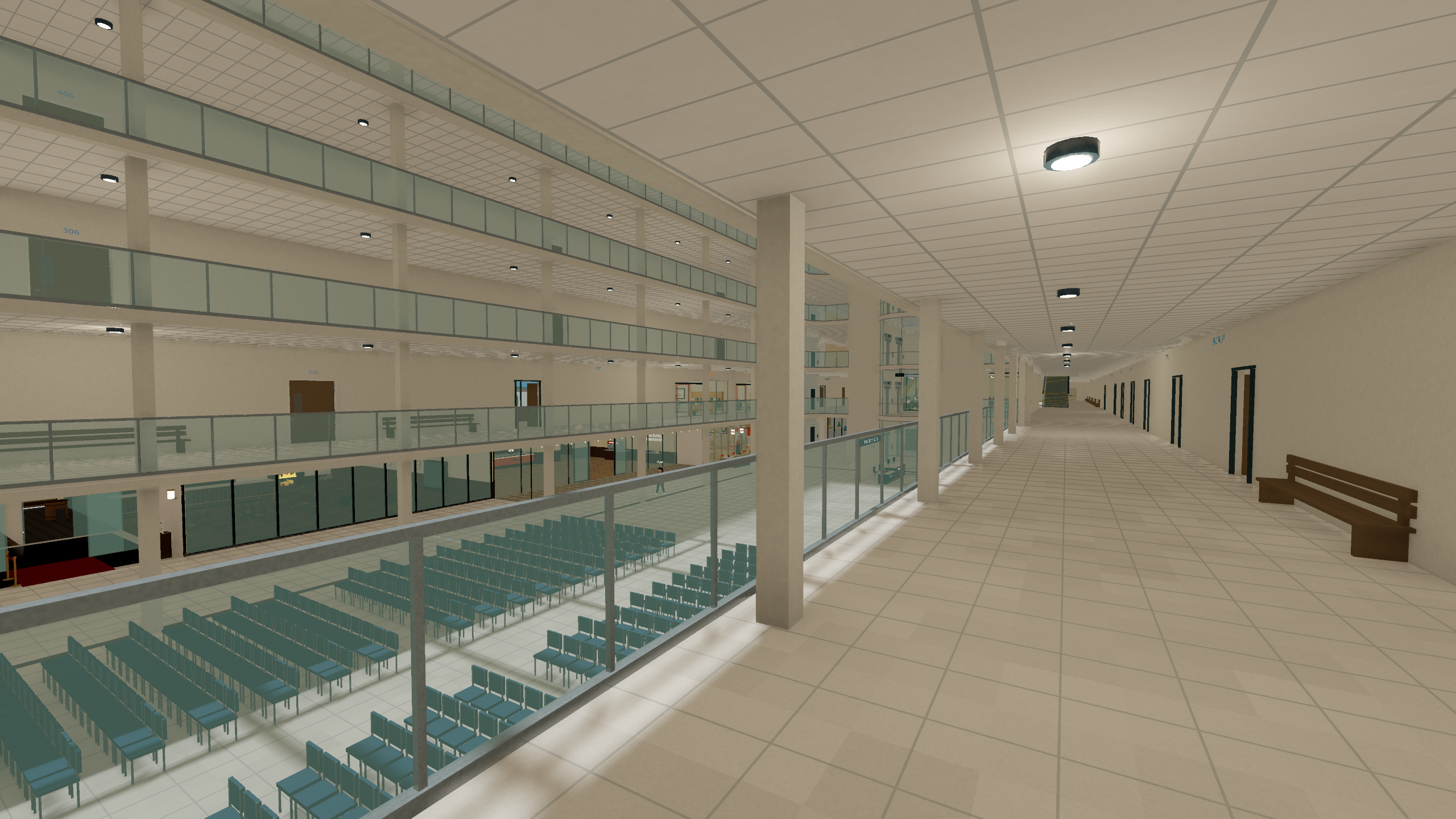
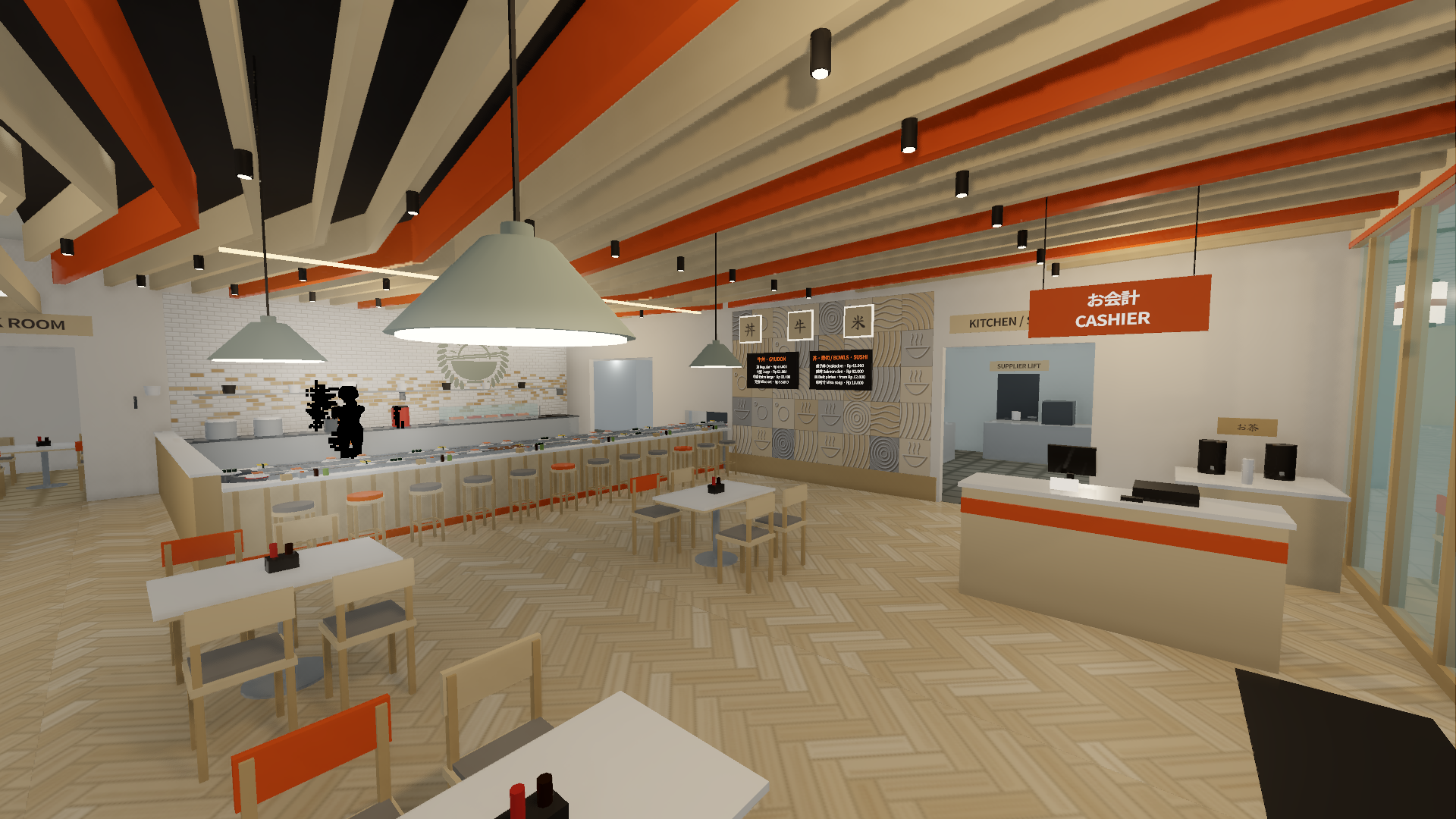
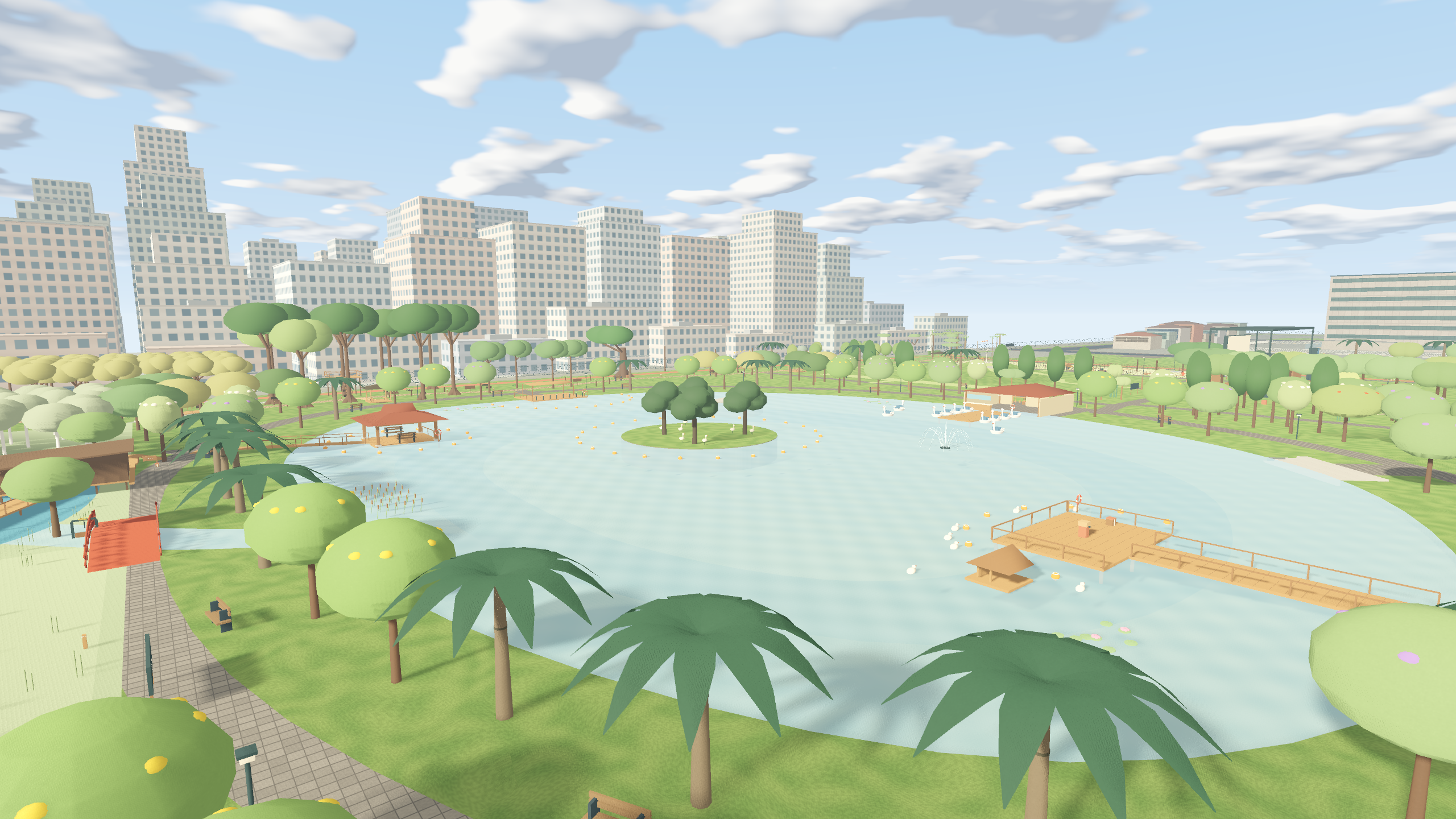
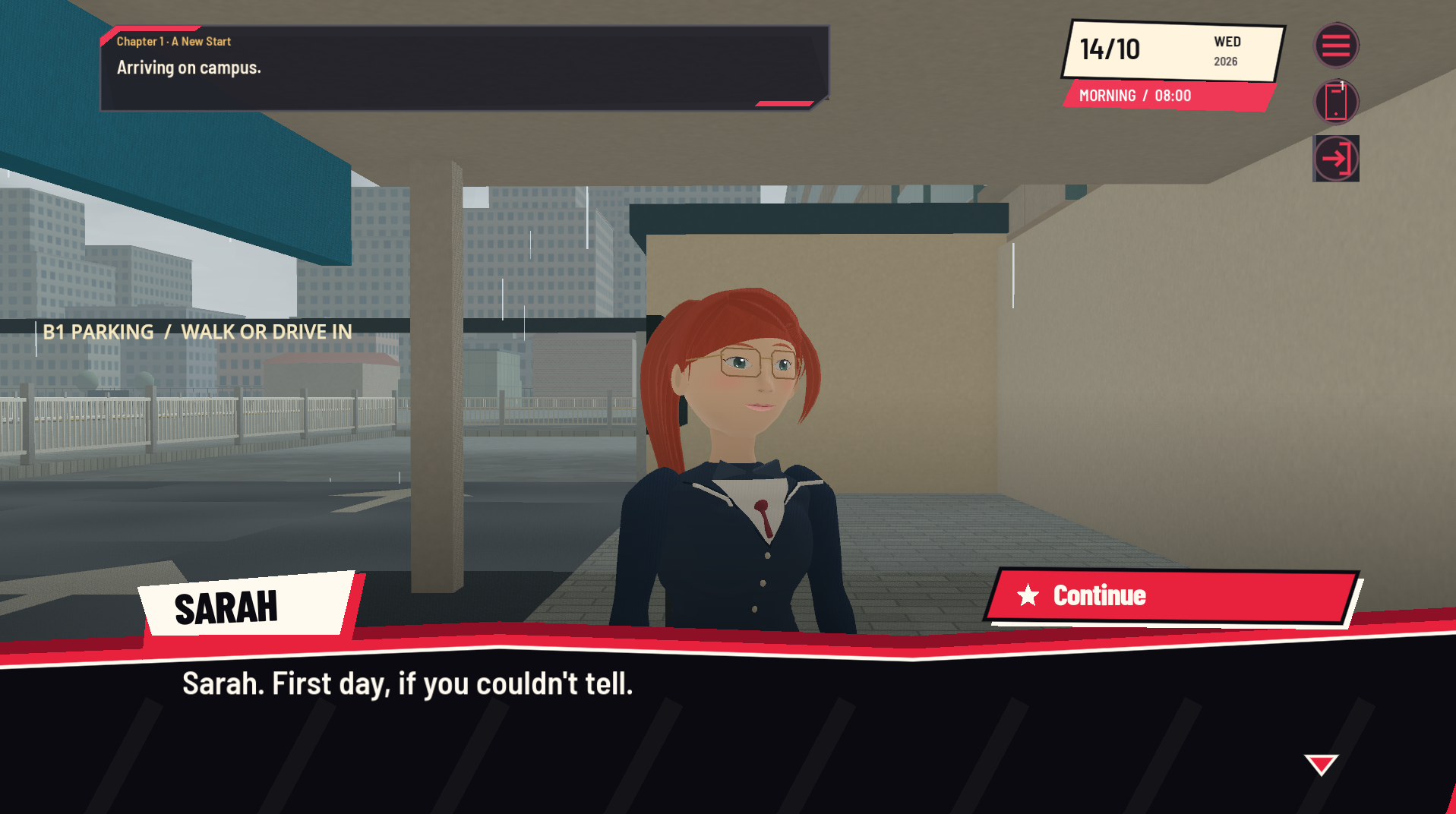
A new city. A first day. A campus full of people to meet. Jakarta Days is a solo-developed 3D campus-life adventure set in Indonesia. Step into Sarah’s university days: find your way around campus, attend classes, build friendships, and decide how to spend the time between activities. What you can do Explore campus buildings, the library, restaurants, and student residence spaces.Follow Sarah’s story through character conversations and choices.Meet friends, get to know their stories, and spend time together.Attend scheduled classes and try classroom lab activities.Discover side quests and things to do after class.Join festivals in the Main Atrium and collect limited-edition items.Visit the Bank and ATMs to manage your money.Keep track of your timetable, energy, and spending as the days move forward.Save your progress with autosaves and manual checkpoints across separate save slots. Free to play, with optional support This development build is free to download. If you enjoy Jakarta Days and would like to support my work, you can leave an optional donation when downloading. Everyone gets the same playable build, whether they donate or download for free. Playing, sharing the game, and leaving useful feedback also help. Thank you for trying something I’m building in my spare time. Early development build Jakarta Days is still in development. Content, balancing, and performance are being improved, and you may encounter unfinished features or bugs. Your feedback helps shape the game as development continues. How to play Download the Windows ZIP, extract the whole archive, and run JakartaDaysCampus.exe. You do not need to install Godot. Default controls W/A/S/D: MoveShift: RunE: Press once to interact with the object under the camera target dotUp arrow: PhoneM: MapI: BagQ: JournalP: Today / storyEsc: Pause / menu Activities show their own controls on screen. Keyboard shortcuts can be changed in the game’s settings. Platform Windows 64-bit. A Vulkan-capable graphics card and driver are required for this build. Minimum hardware requirements are still being established across different computers. Saves Saves are stored on your own computer, separately from the download. Re-downloading the game does not automatically reset existing progress. Extract each update into a new folder and back up your saves before trying a later development build, since compatibility may change during development. Help shape Jakarta Days Leave a comment with your favorite moment and anything that felt confusing. For a bug report, please include what happened, where you were, your game version, and your Windows/GPU details if relevant. Screenshots are welcome!
 Gerald 1 games· 4 followers· 5 ratings· portfolio 32 View creator →
Ratings over time
Cumulative · 30dComments over time
Cumulative · 30dScreenshots
1 / 7